
EQD: Download Custom Report or Format
This guide provides the steps for downloading a custom report or format in the EQD software.
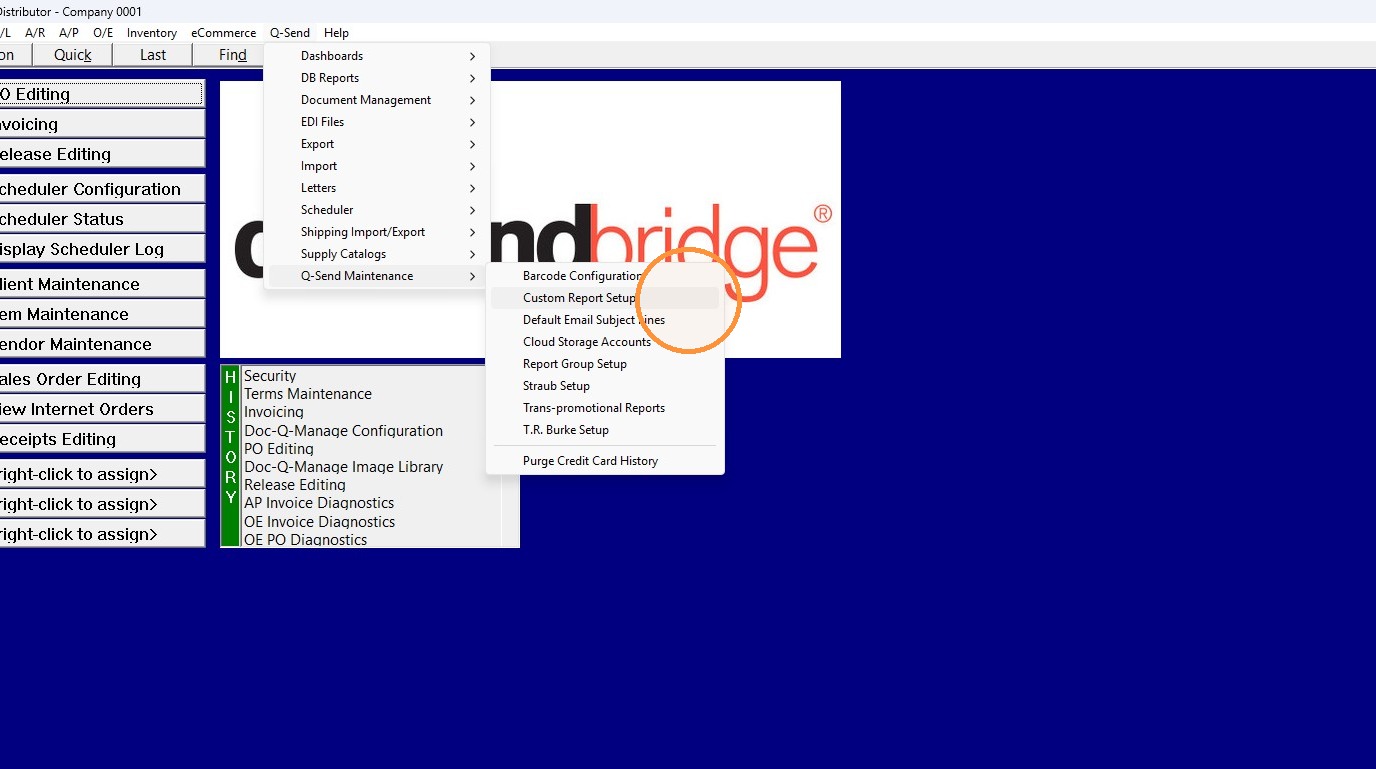
1. Go to Q-Send> Q-Send Maintenance> Custom Report Setup.
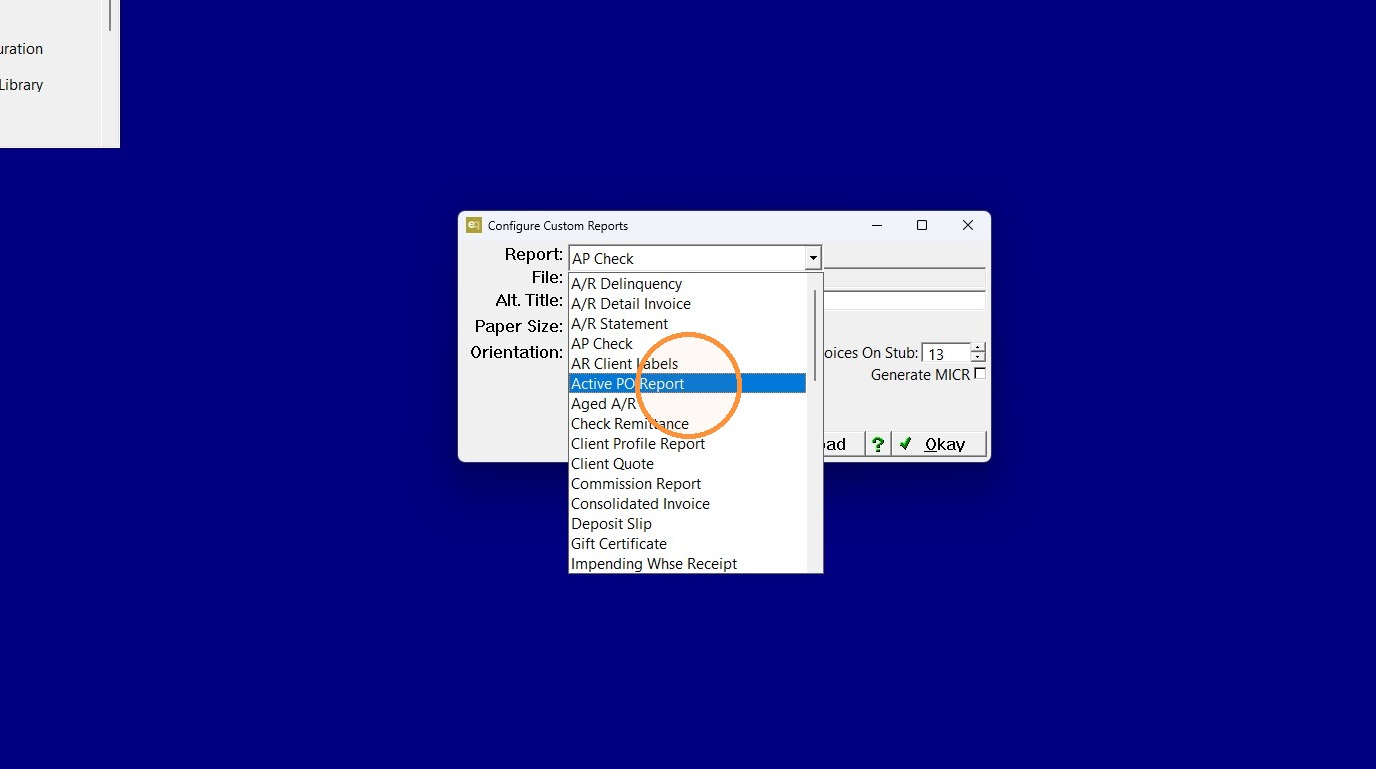
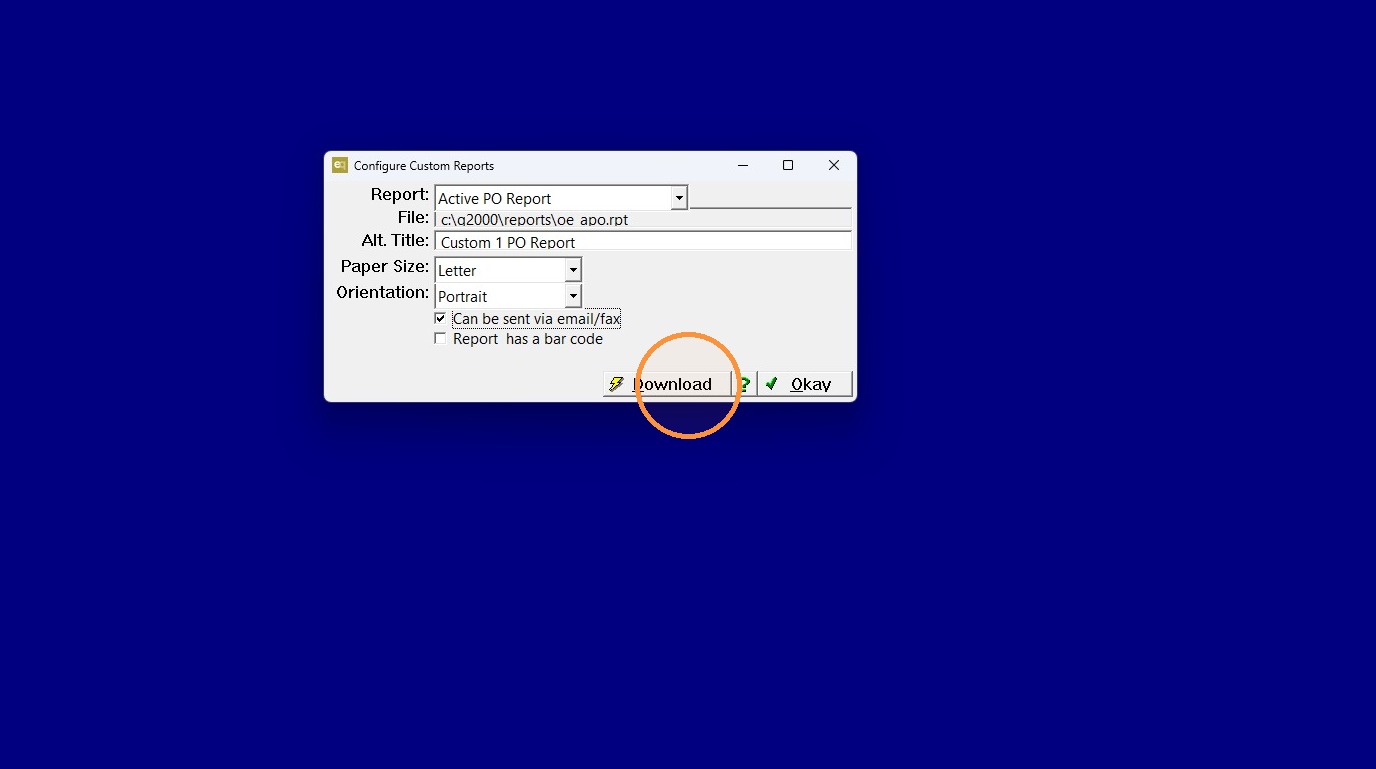
2. Select the report that needs to be download in the "Report" field.
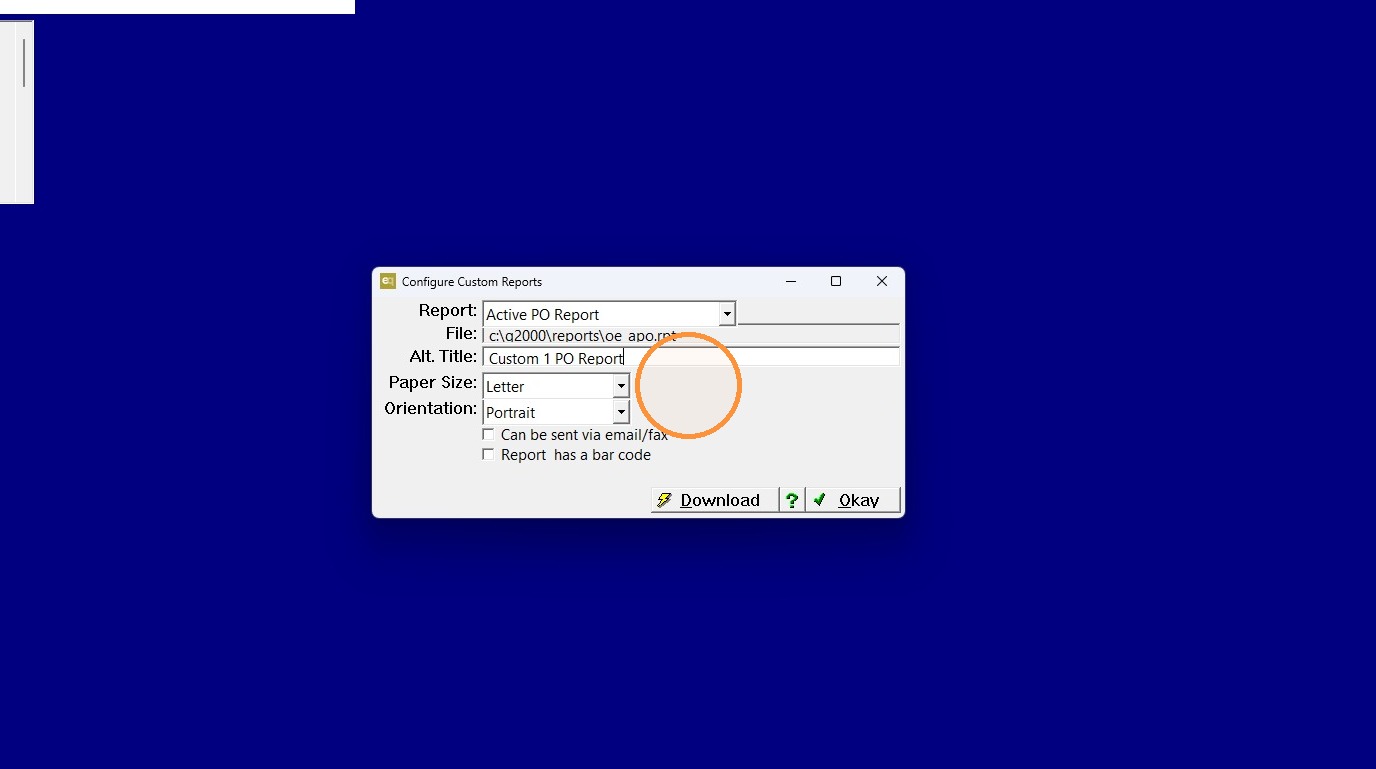
3. Give it an alternate title (optional).
4. If it is a format you would like available for emailing check the "Can be sent via email/fax" box.
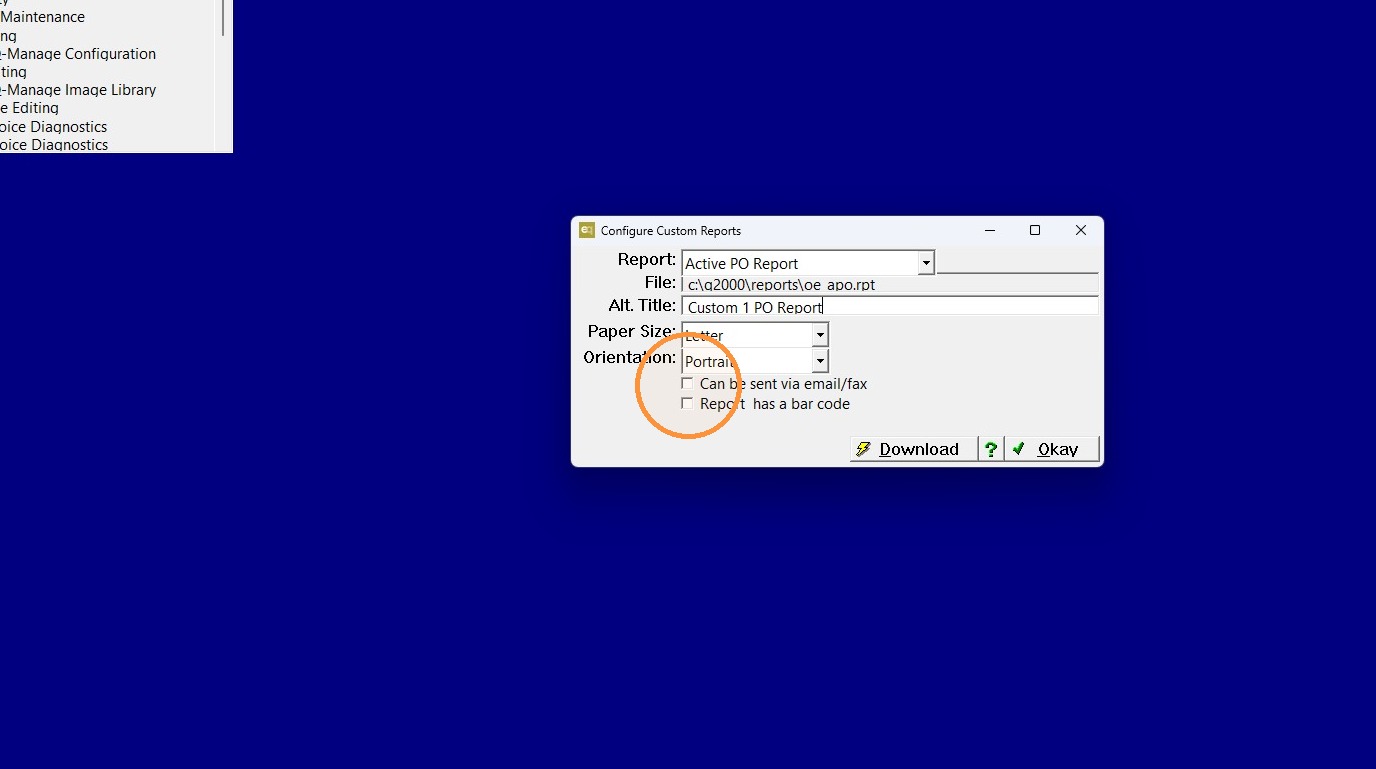
5. Click "Download"
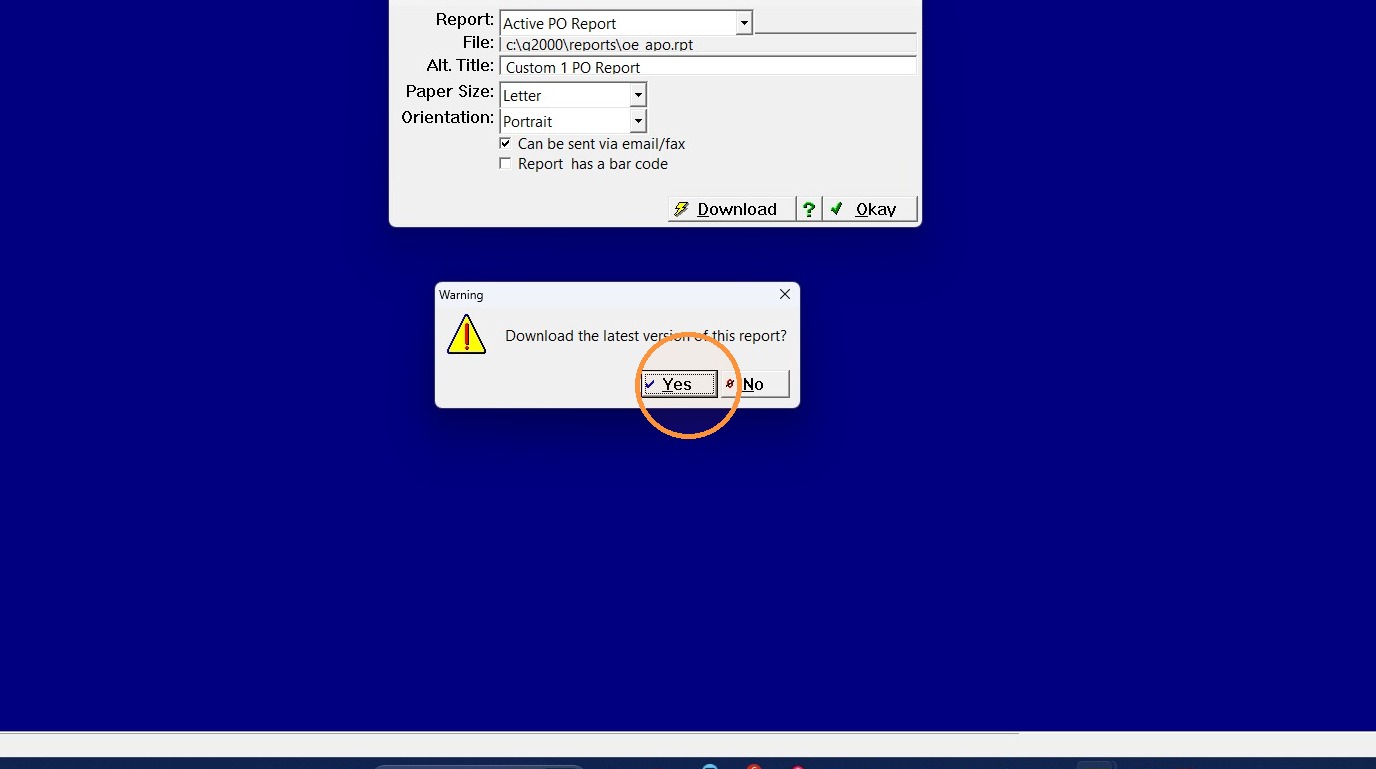
6. Click "Yes"
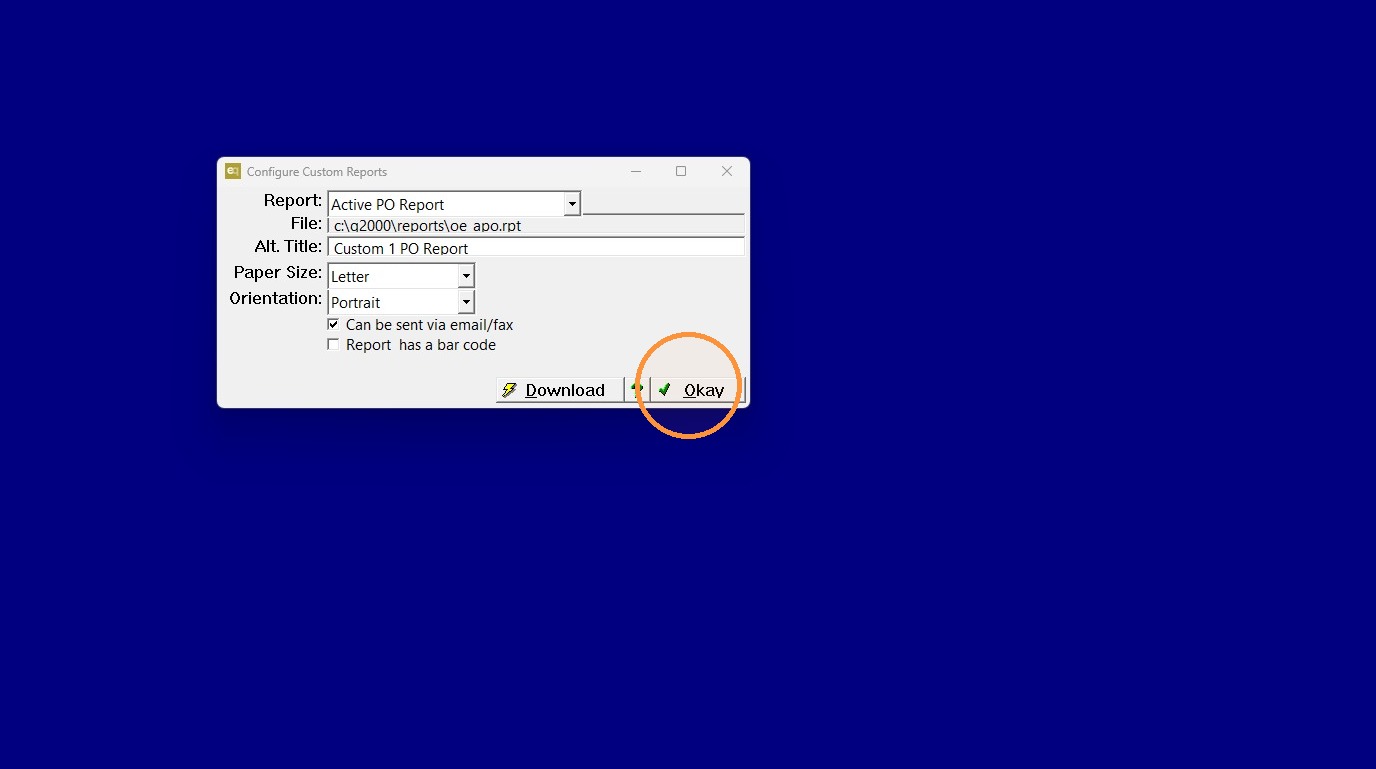
7. Click "Okay"
Tip: If you have any questions contact DemandBridge support.