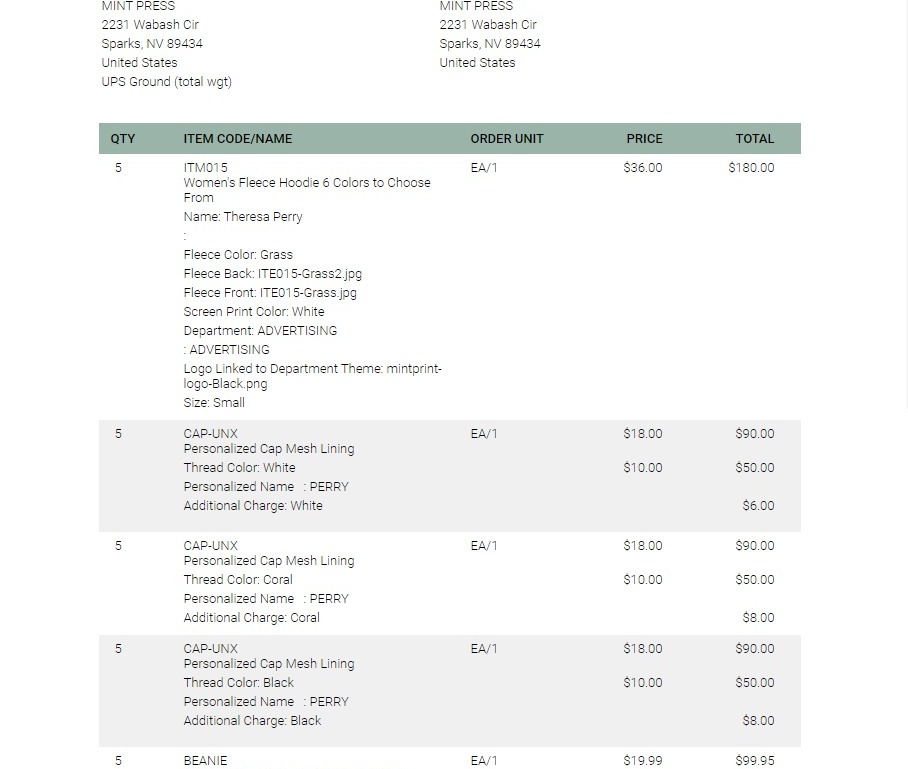
EQC: Responsive Ordering
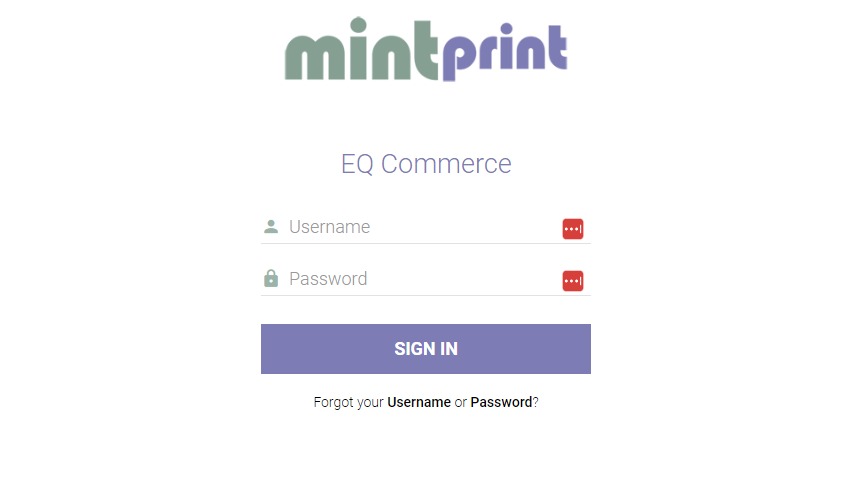
1. Log into the site with user credentials
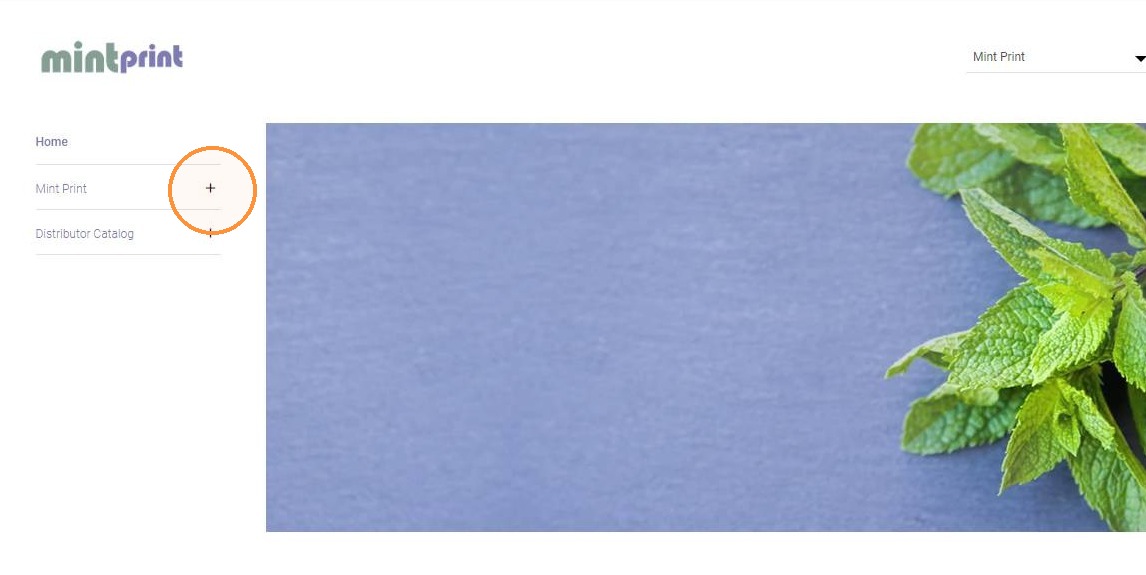
2. Select a catalog
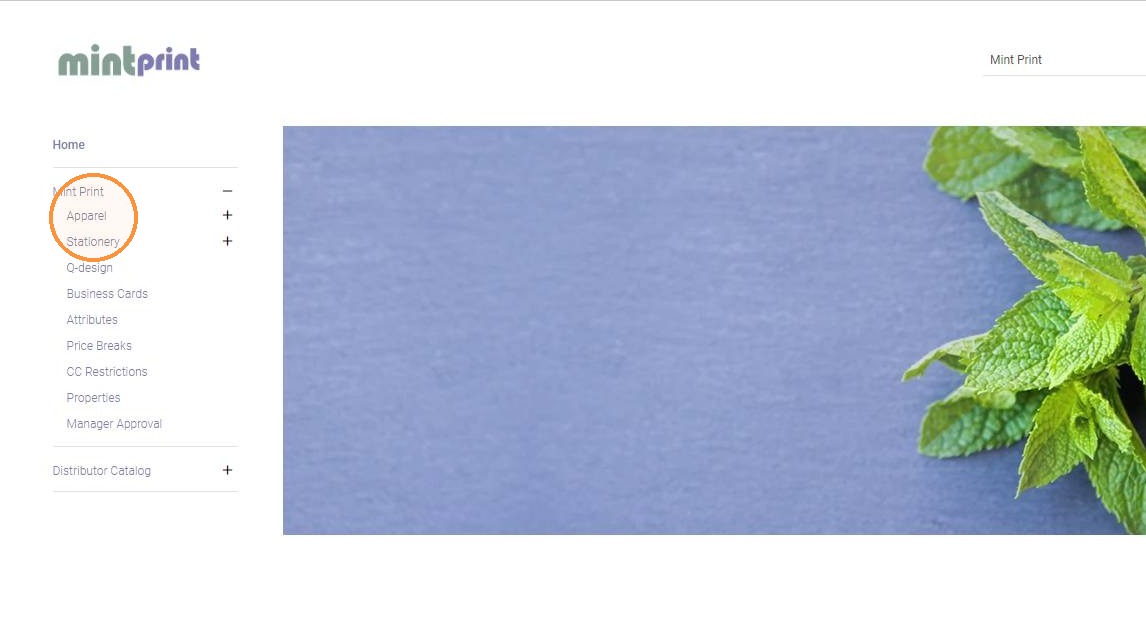
3. Select a category
4. Click on the item you wish to order
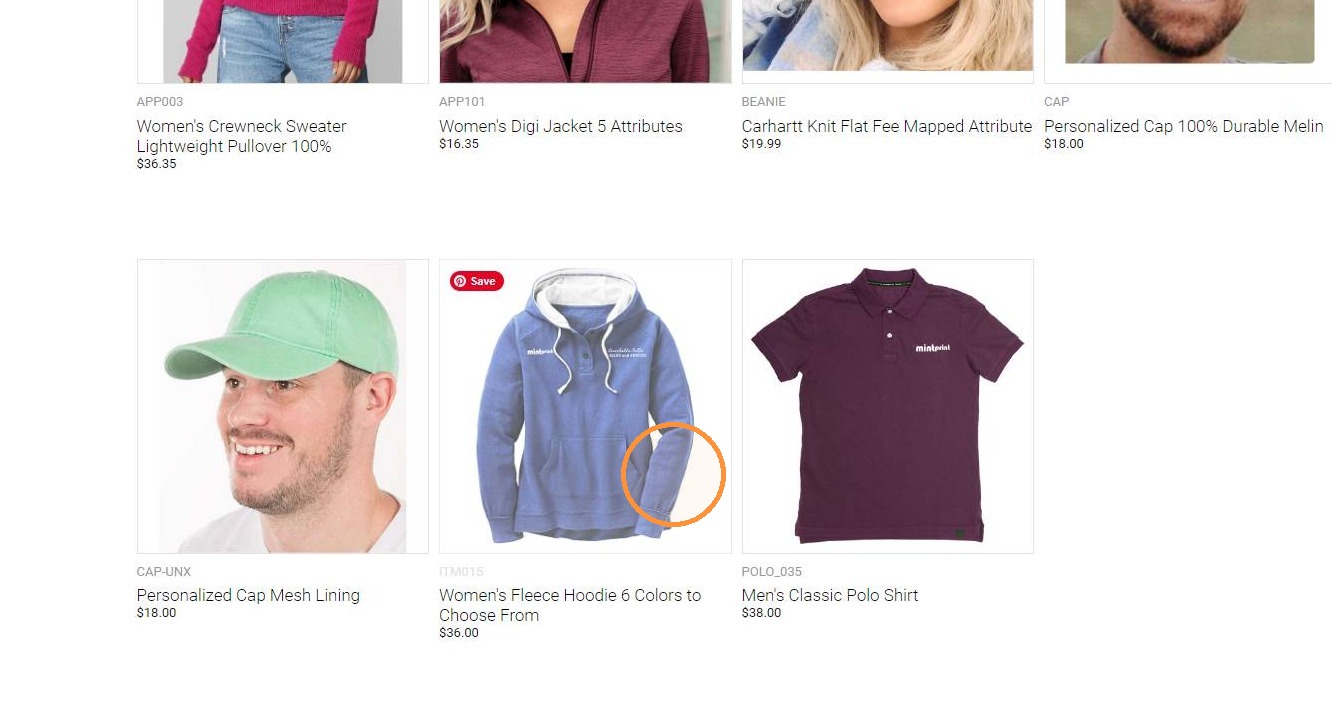
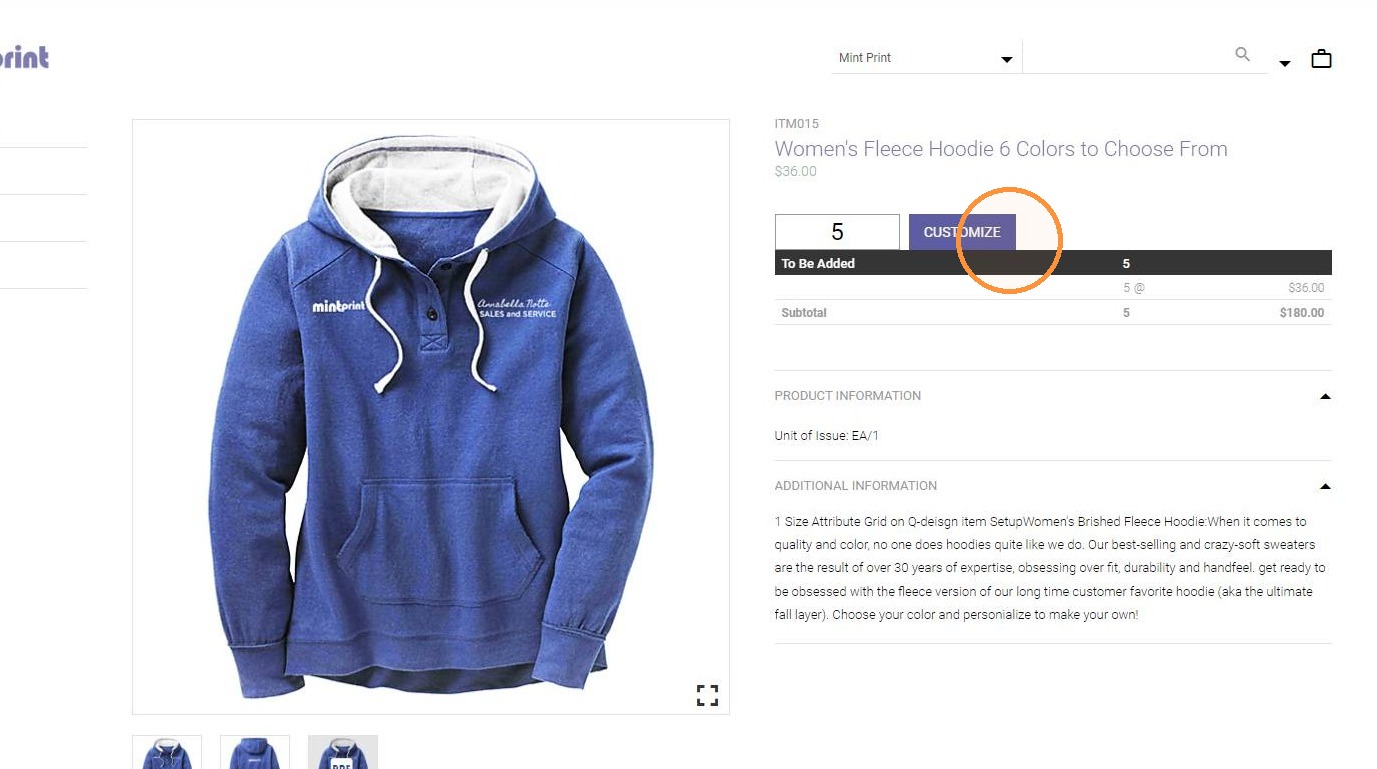
5. For a custom imprint item, enter the quantity and click Customize
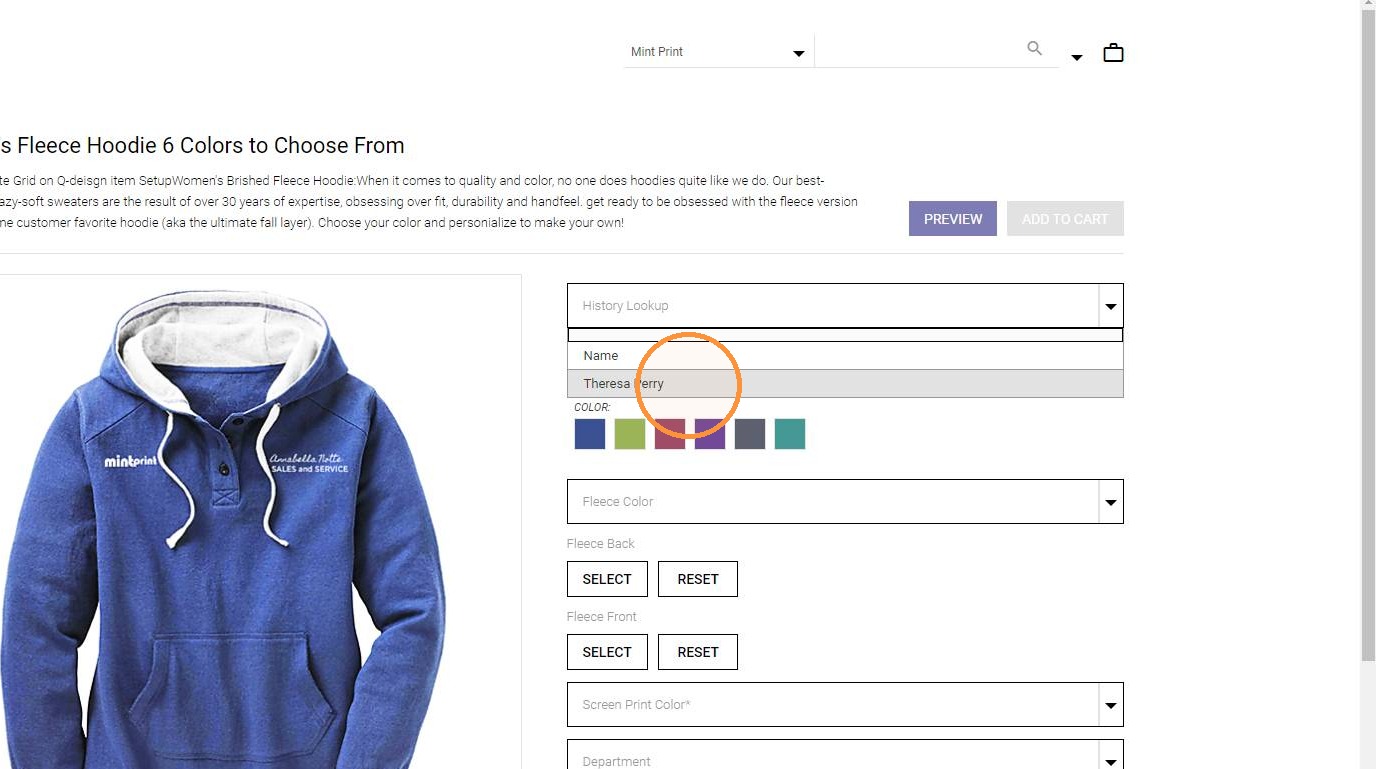
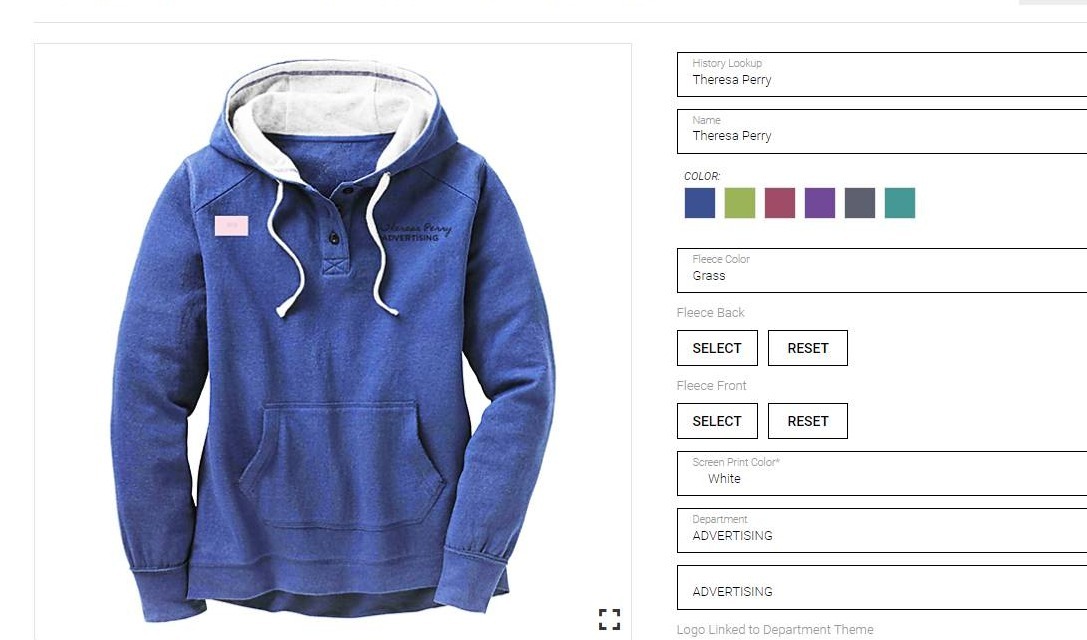
6. Enter field input or select an existing record from History Lookup
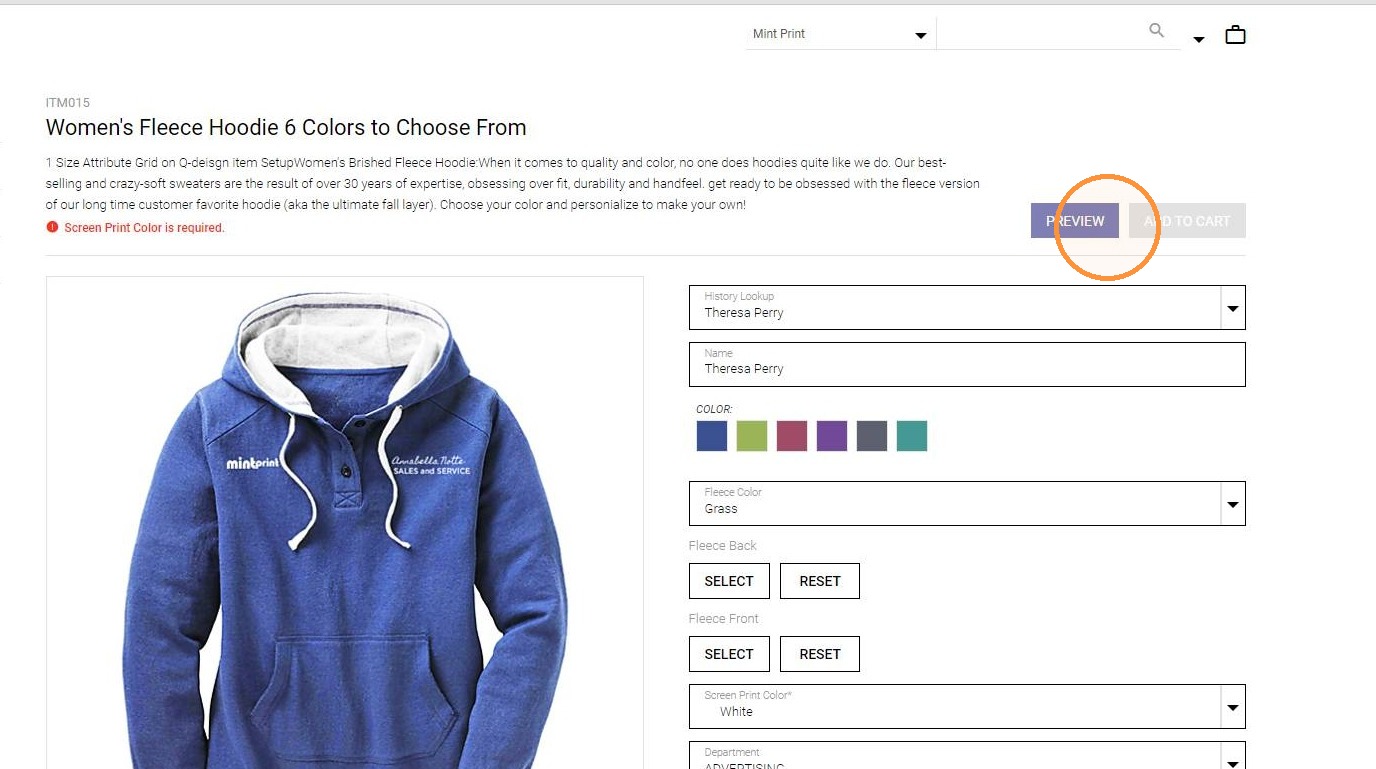
7. Click PREVIEW to review the item thumbnail as customized
8.
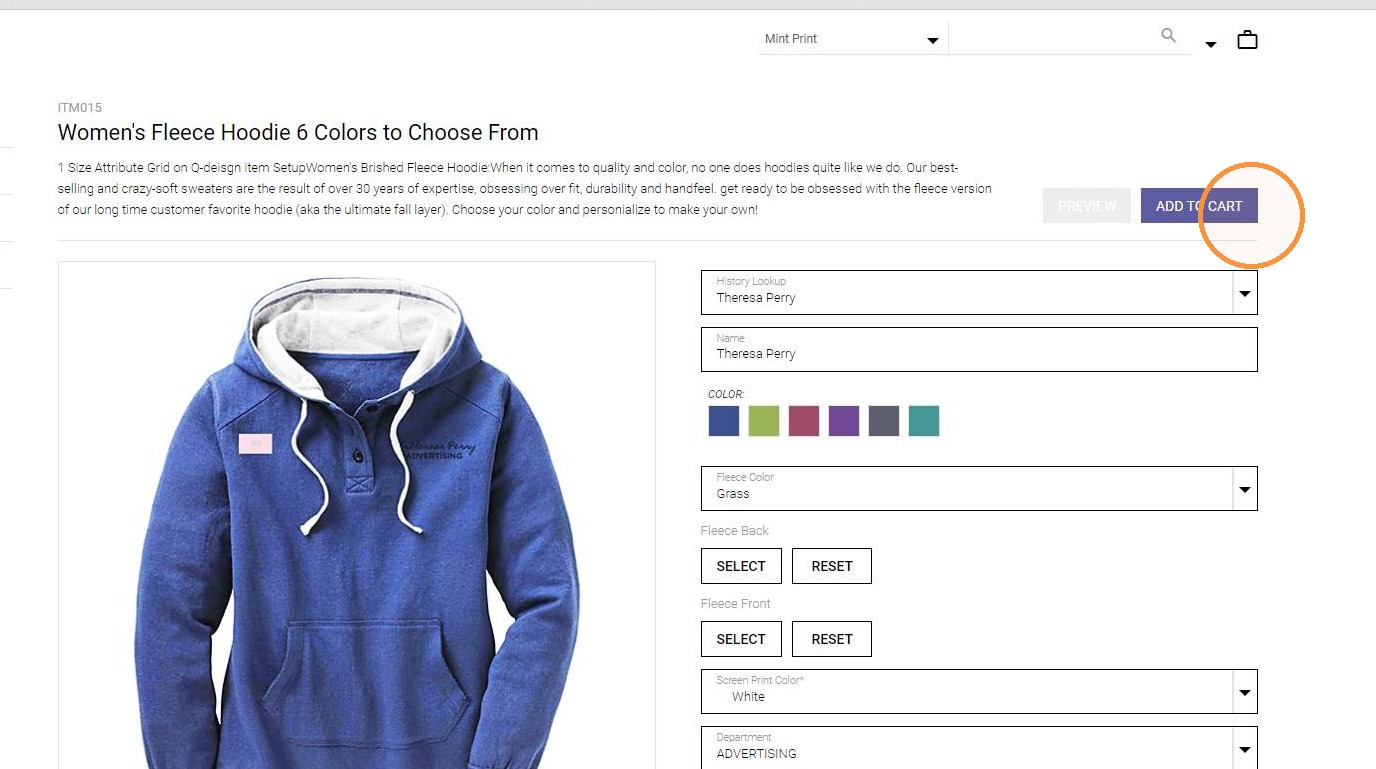
9. Click ADD TO CART when done customizing
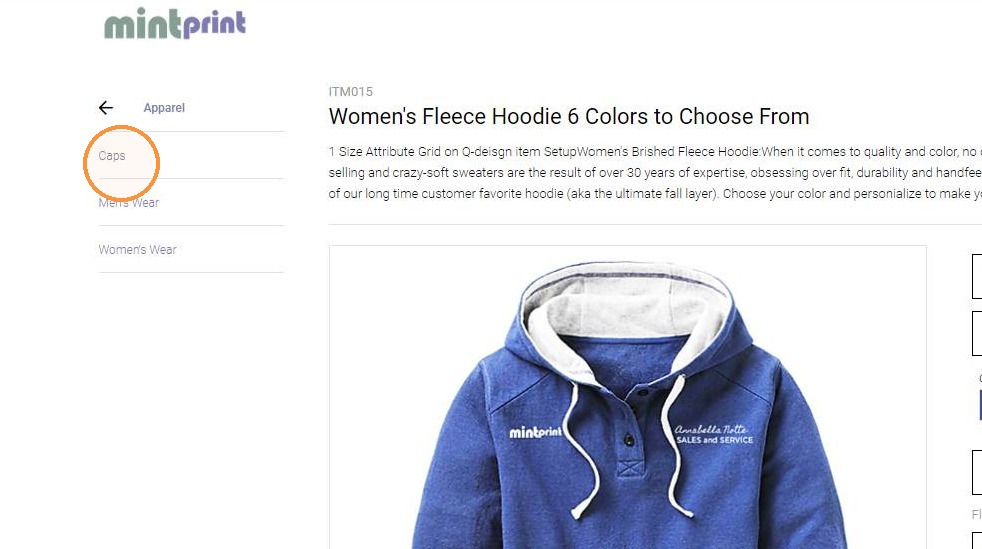
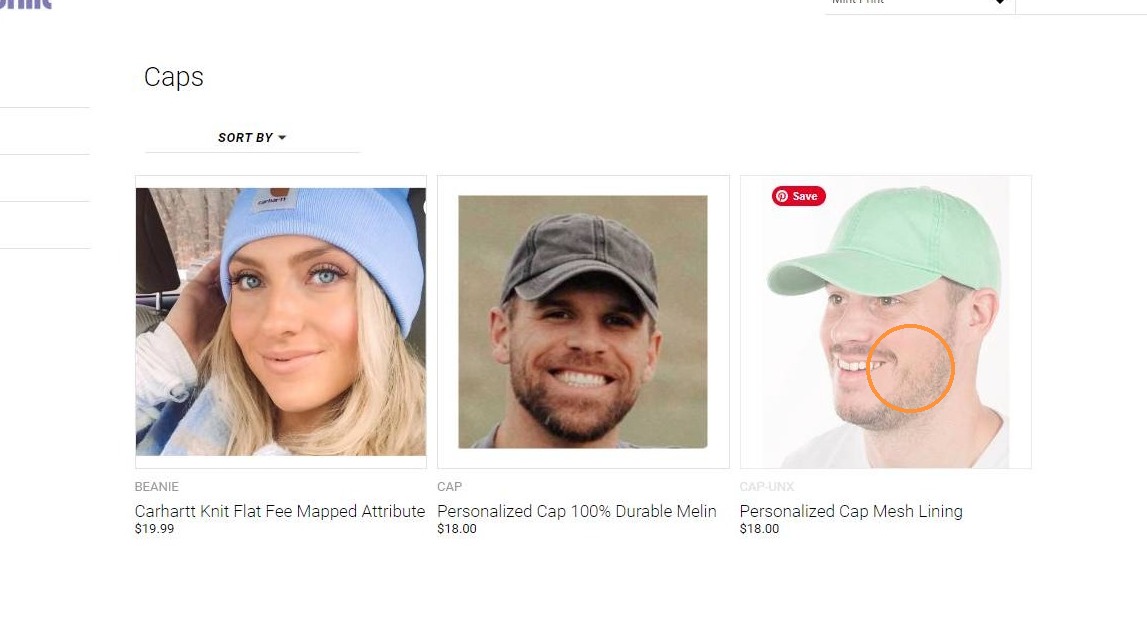
10. Select another catalog, category, or item to add additional items to cart
11.
12.
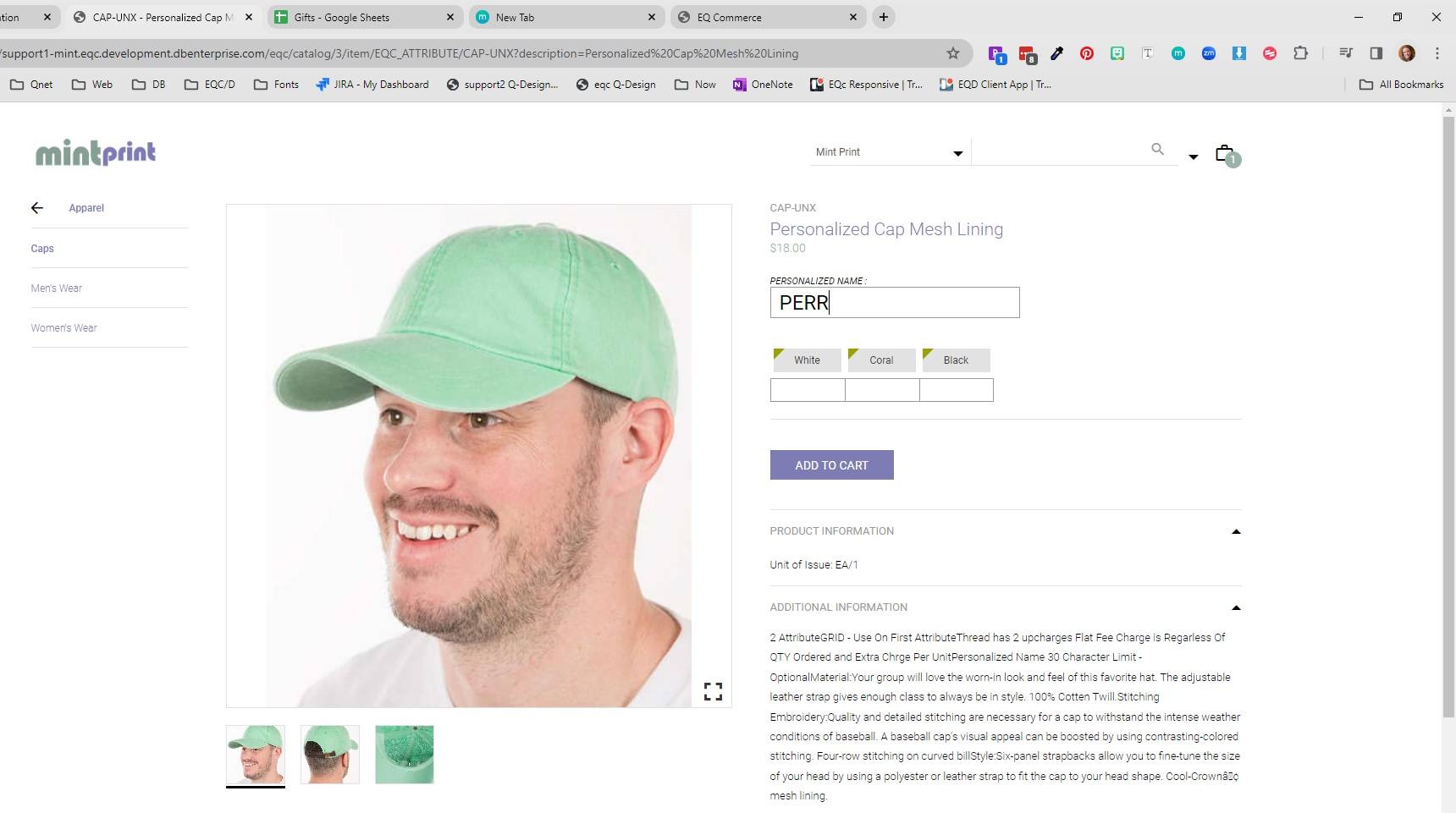
13.
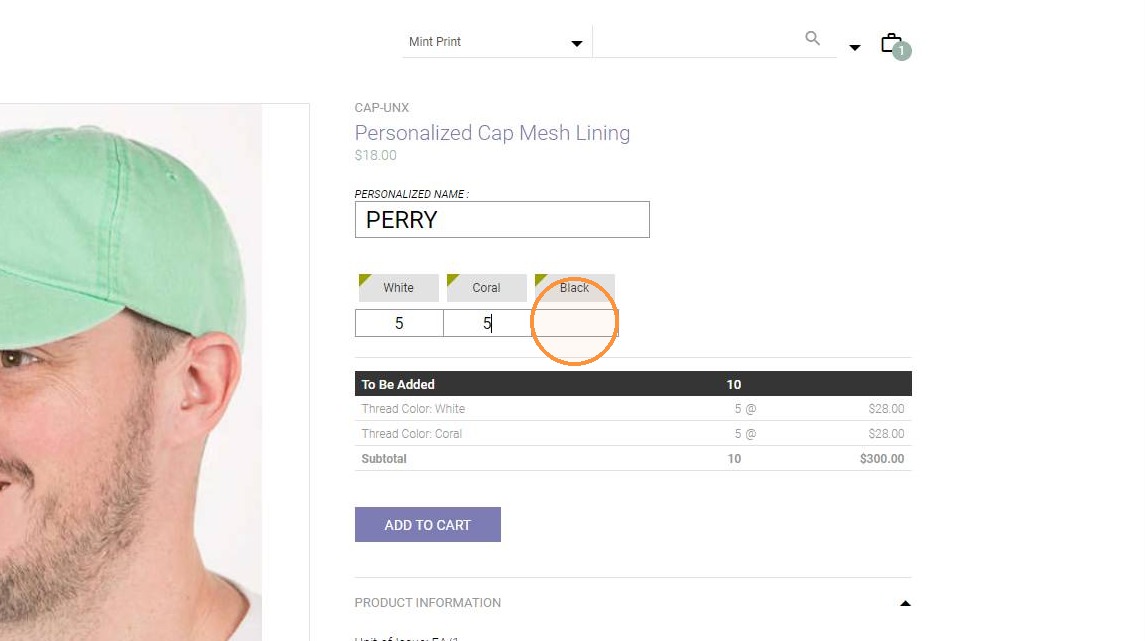
14.
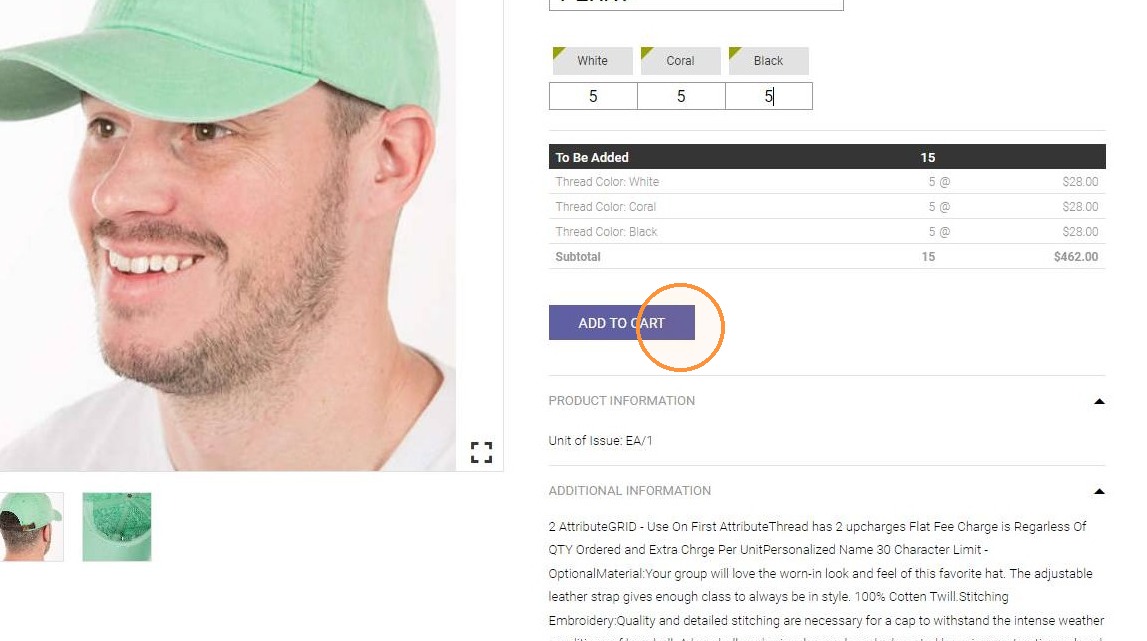
15.
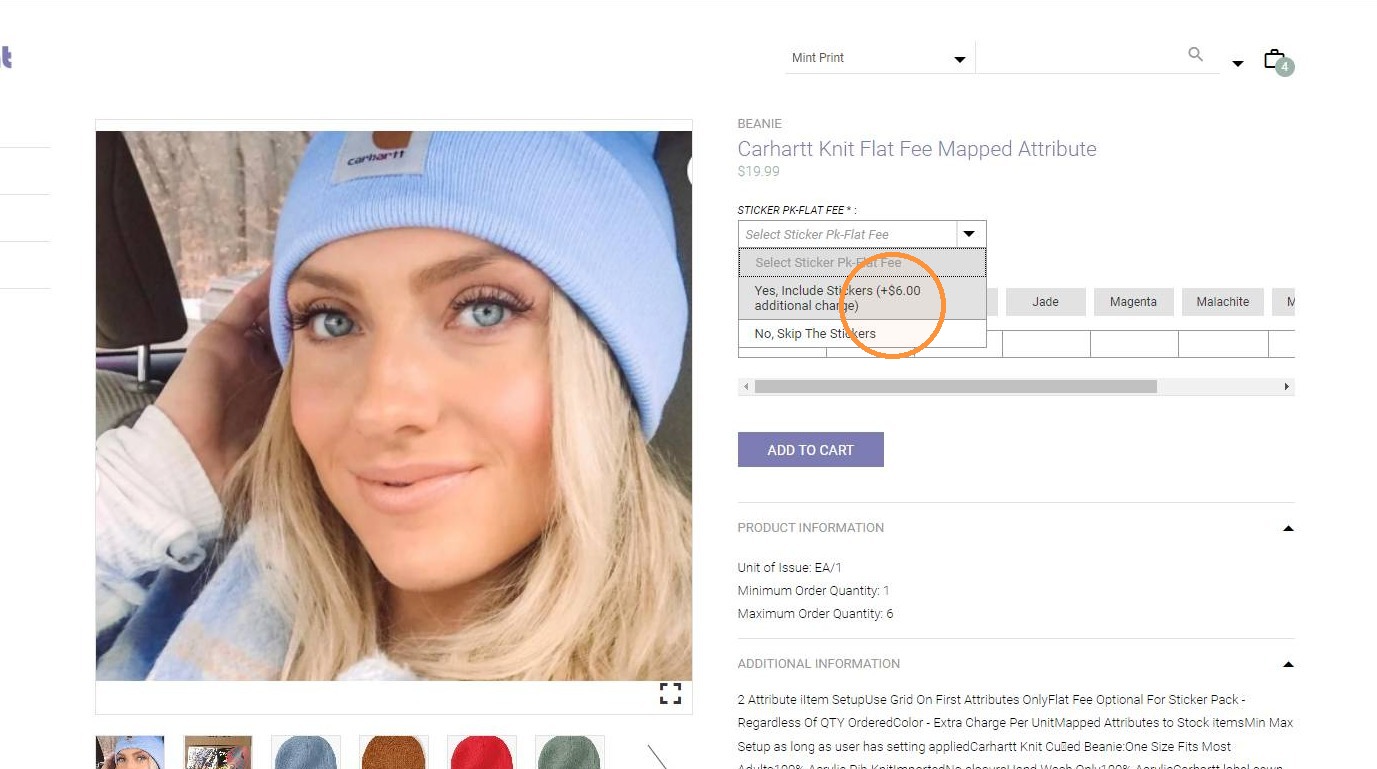
16.
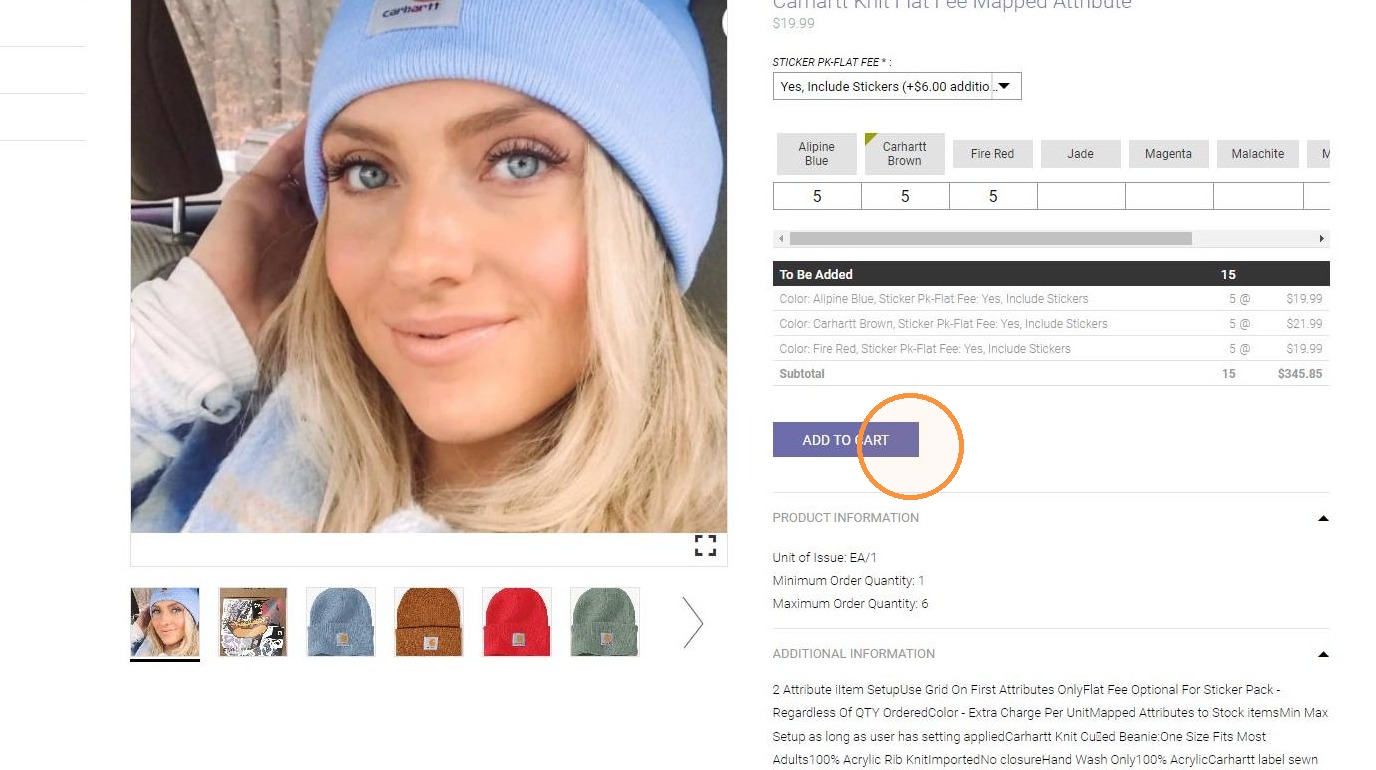
17. Click "Chrome Legacy Window"
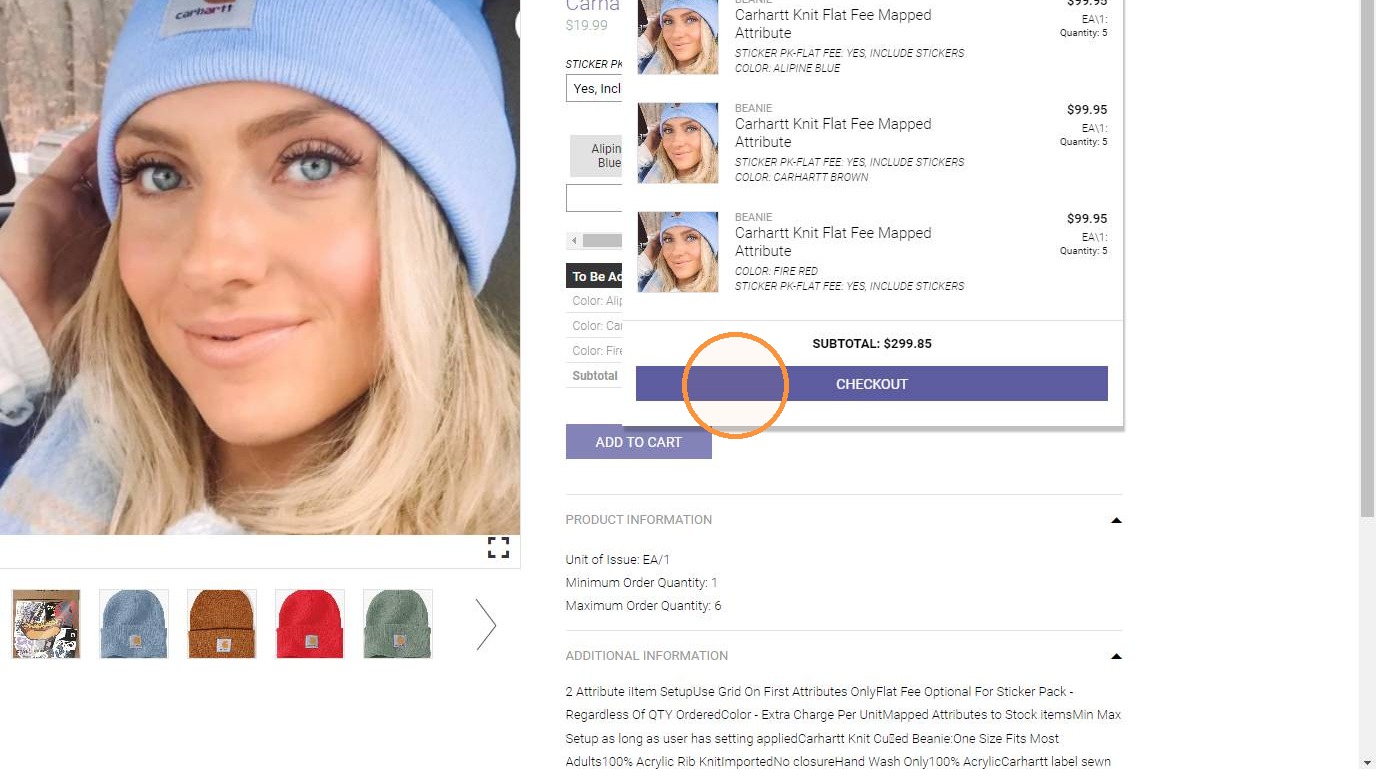
18.
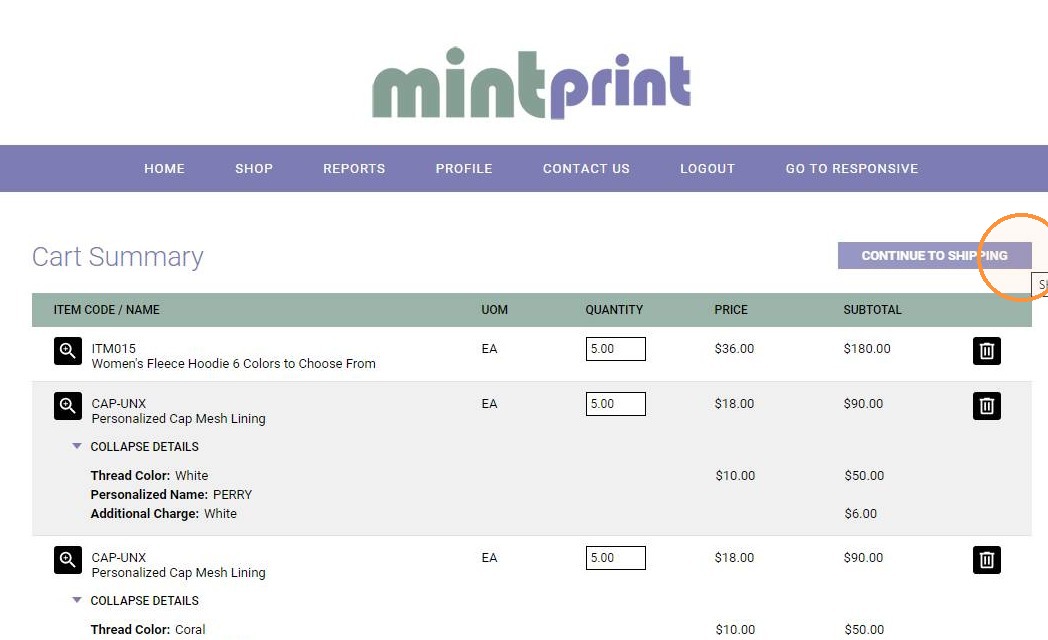
19.
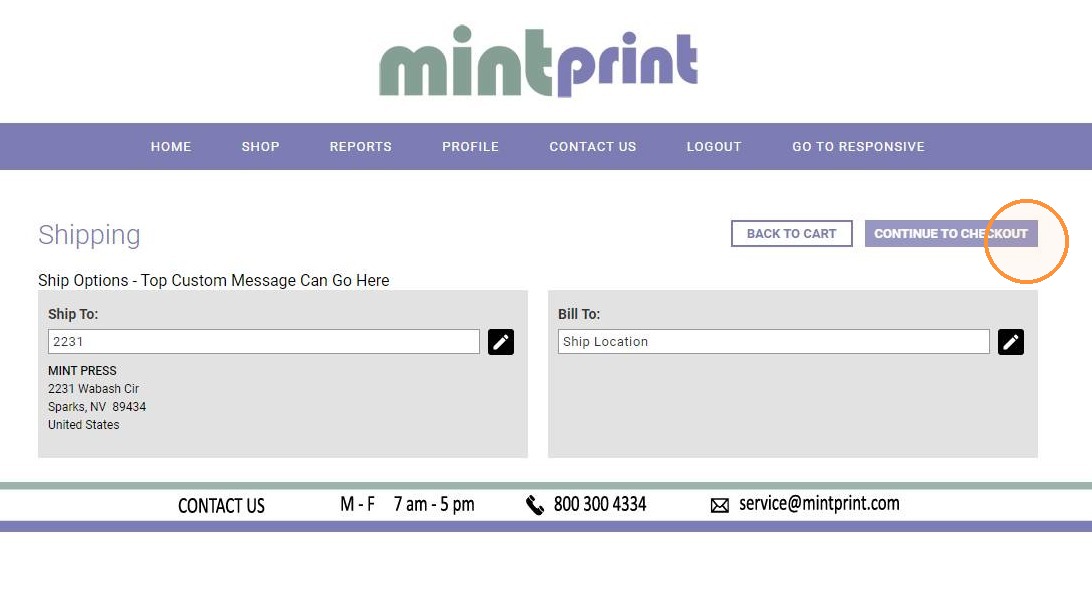
20.
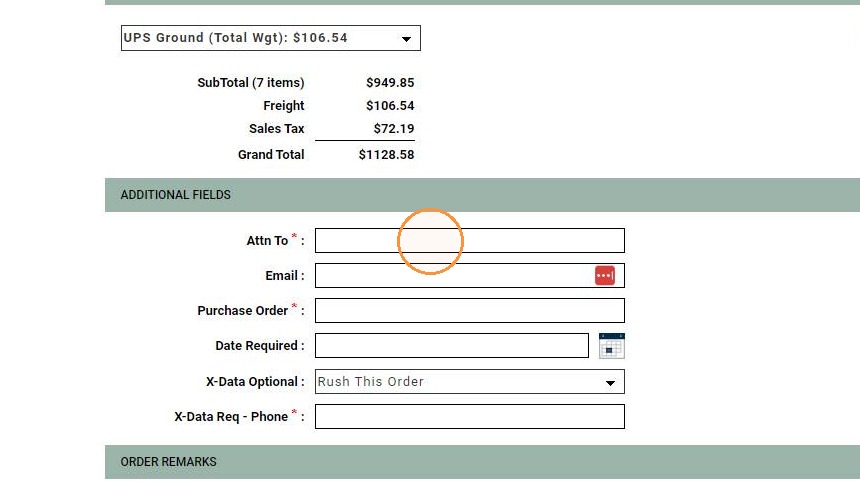
21.
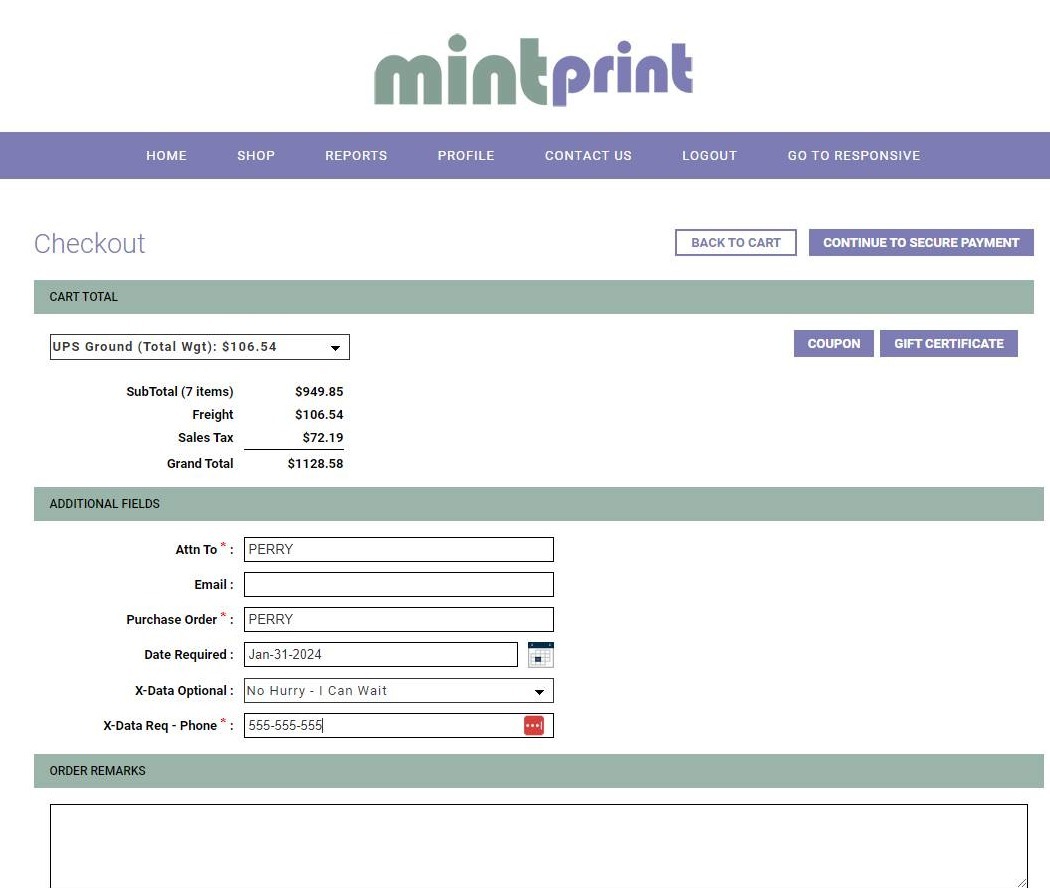
22.
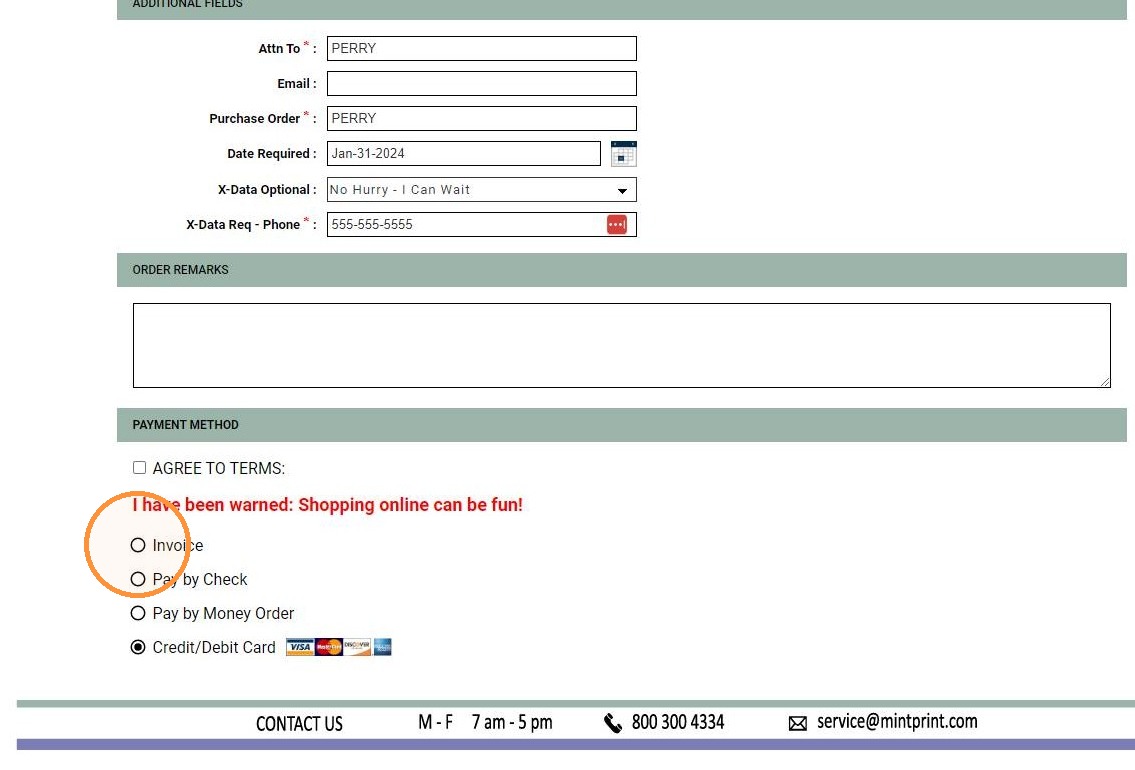
23.
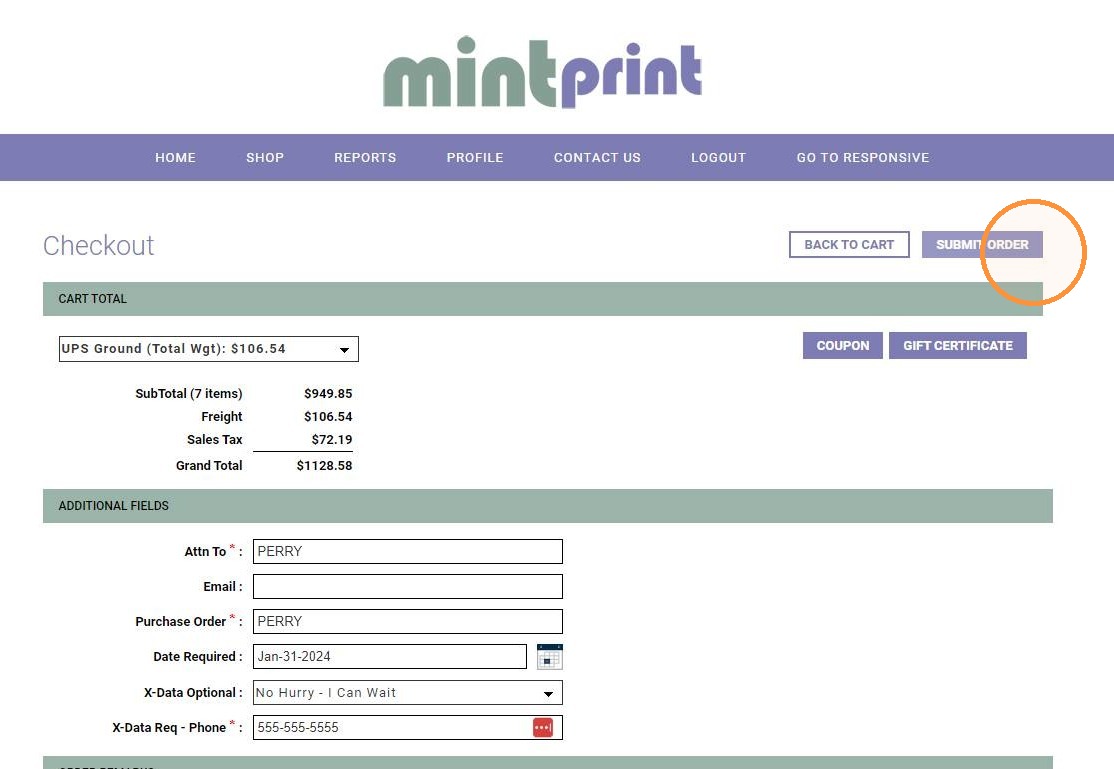
24. Review the onscreen order confirmation (this will also be emailed).