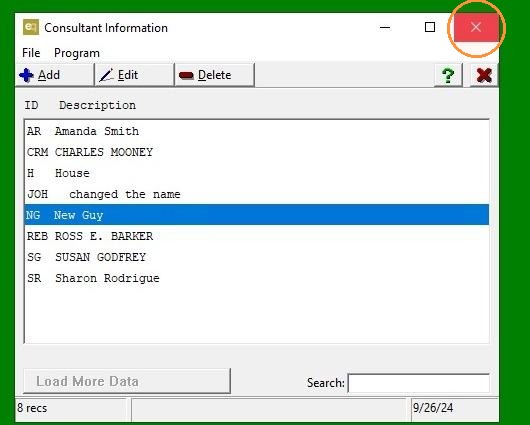
EQD: Overriding a Global OE Config Commission FRT Setting on Individual CNS Profiles
Note: This process was created in a test environment. The information selected is for training purposes only and will not match the data you will use in your company's system.
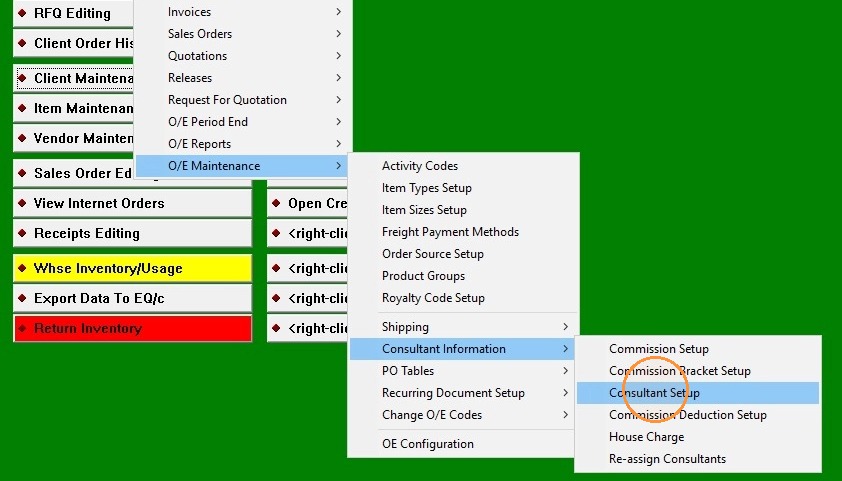
1. Go to: O/E> O/E Maintenance> Consultant Information> Consultant Setup.
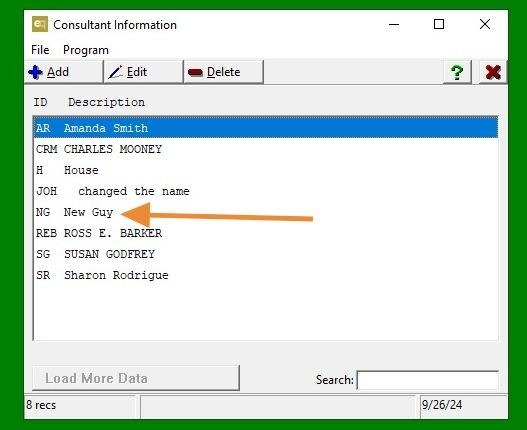
2. Double-click "Consultant"
3. Under "Freight Commission," click the drop-down menu and select your preferred option.
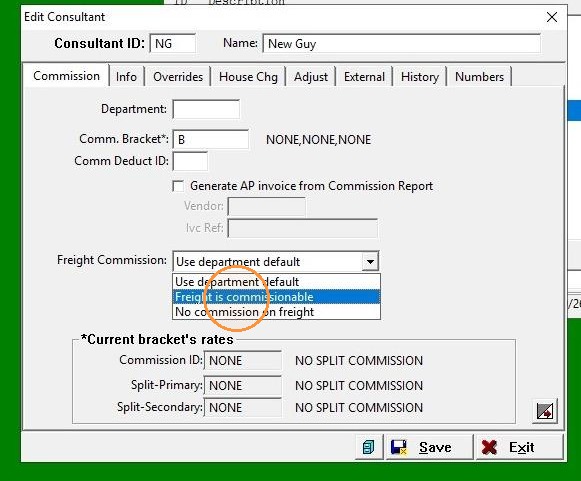
4. Click "Save"
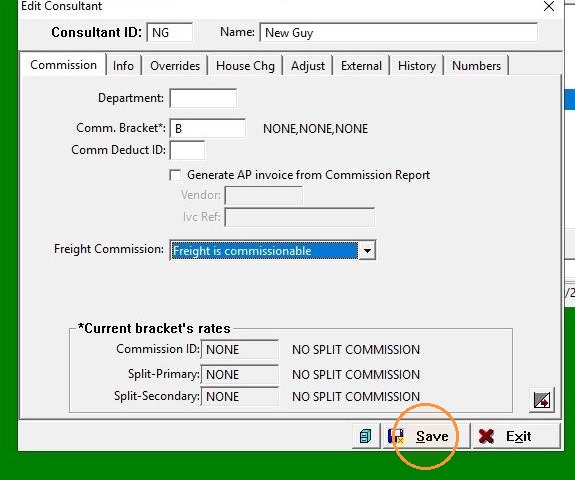
5. Click "Exit"