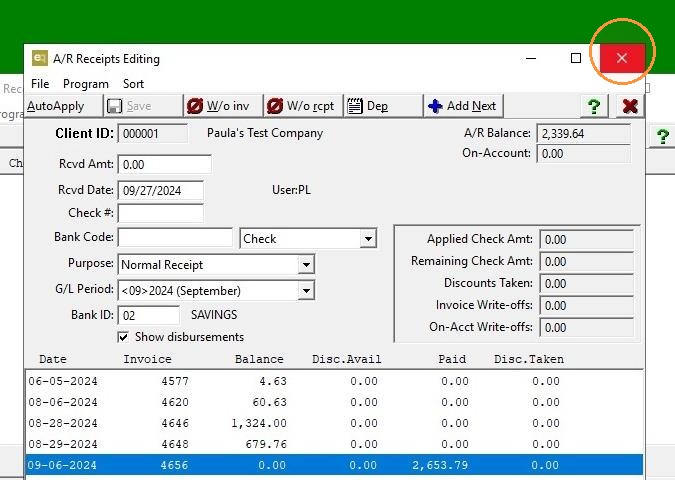
EQD: How to apply a credit memo to an invoice
Note: This process was created in a test environment. The information selected is for training purposes only and will not match the data you will use in your company's system.
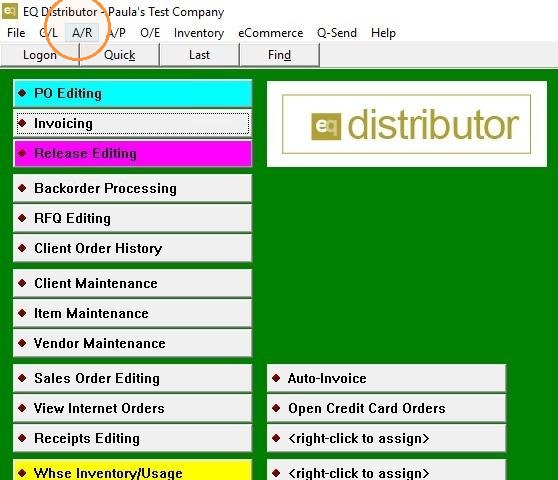
1. Click "A/R"
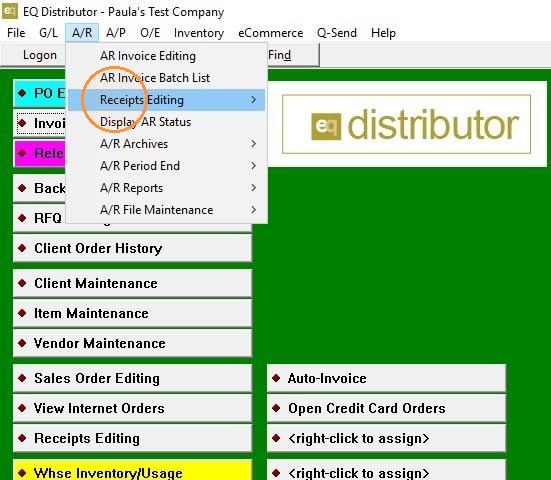
2. Click "Receipts Editing"
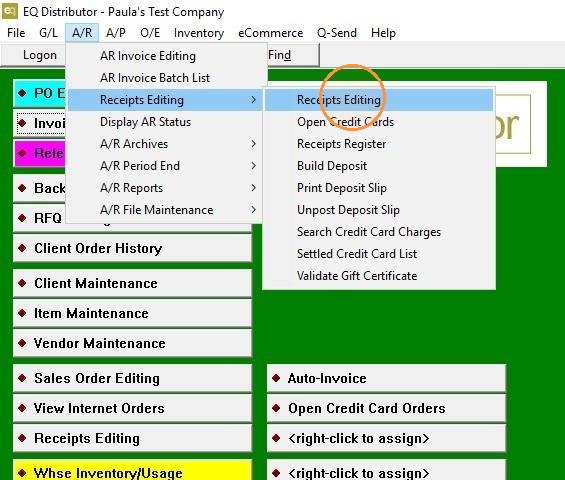
3. Click "Receipts Editing"
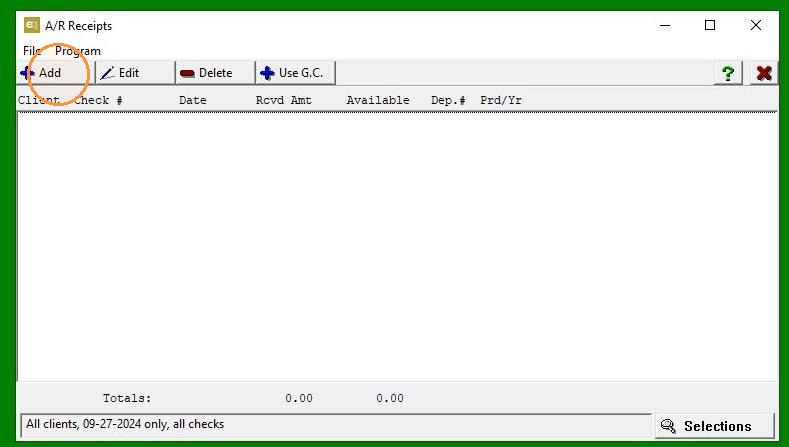
4. Click "Add"
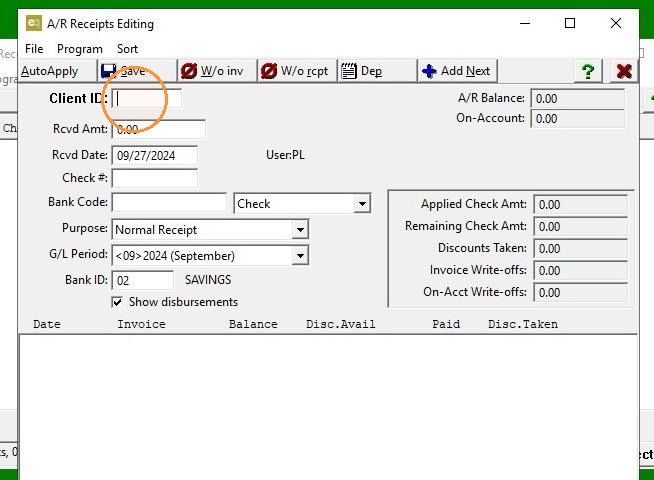
5. Select "Client"
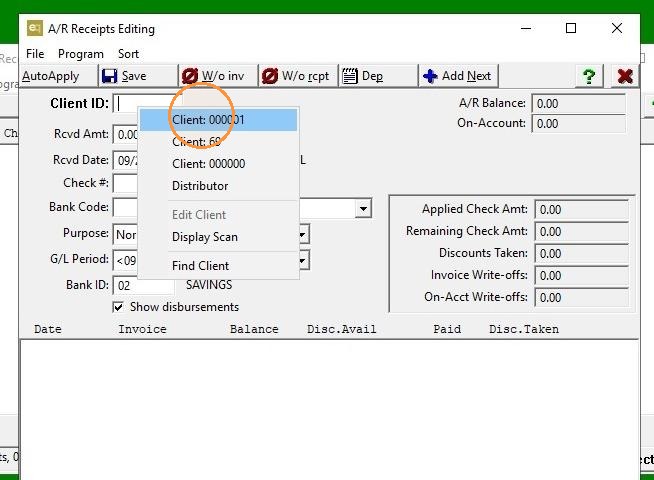
6. Right Click "To bring up client list"
7. "Leave Received Amount: $0.00"
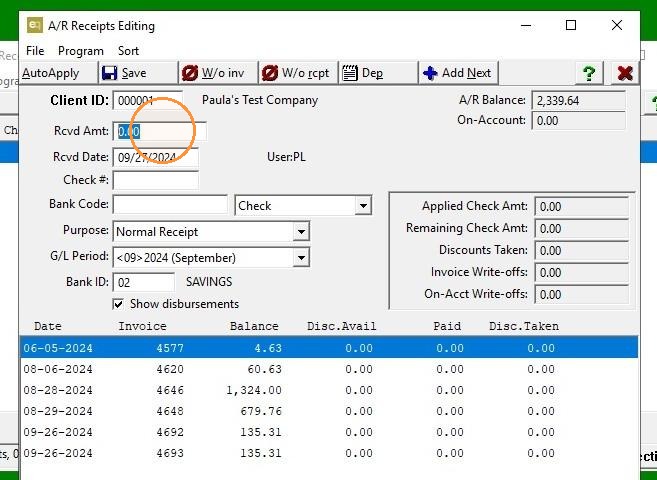
8. Double-click "Credit Invoice"
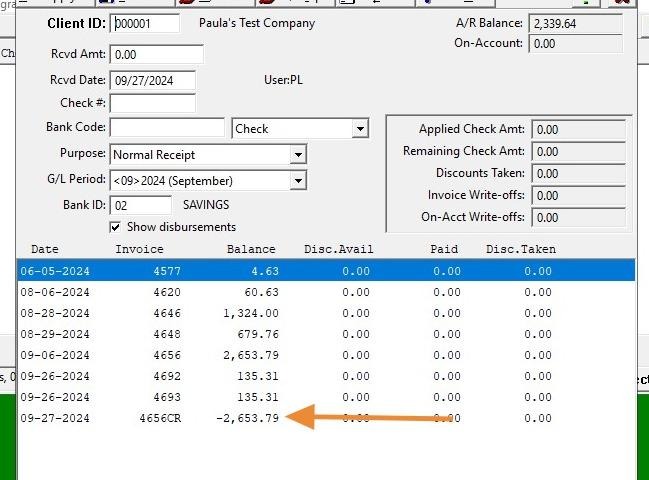
9. Click "Save"
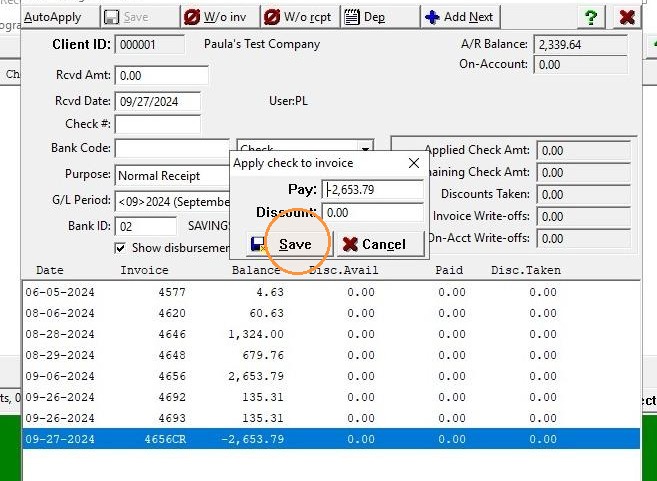
10. Double-click "Invoice to which you are applying credit."
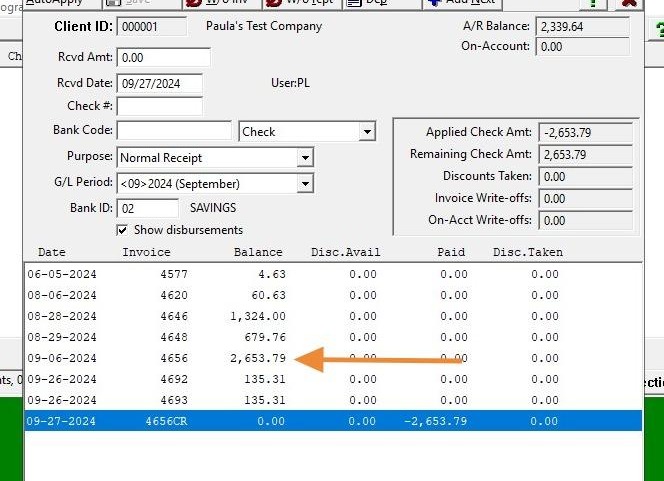
11. Click "Save"
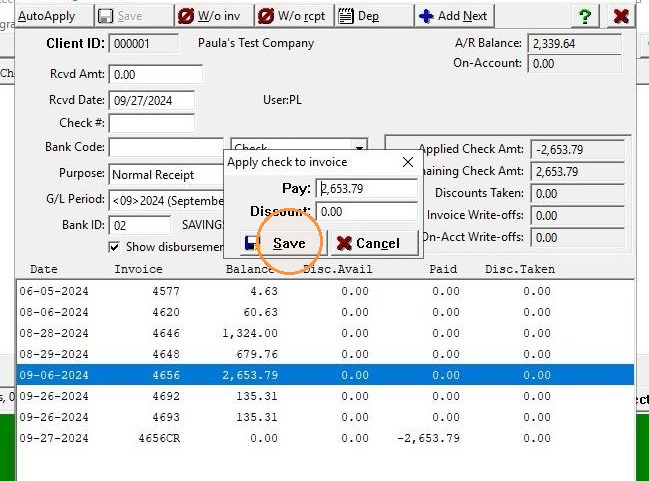
12. Click "Exit"