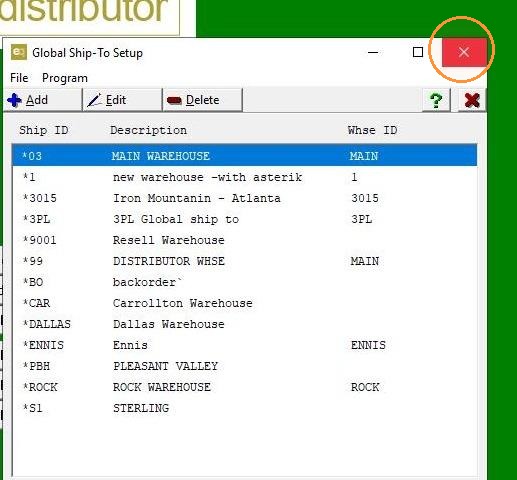
EQD: Editing Your Global Ship-To Address
Note: This process was created in a test environment. The information selected is for training purposes only and will not match the data you will use in your company's system.
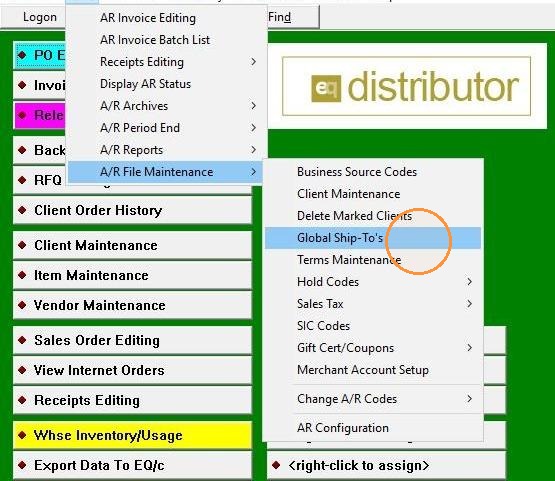
1. Click "A/R>A/R File Maintenanc>Global Ship-To's"
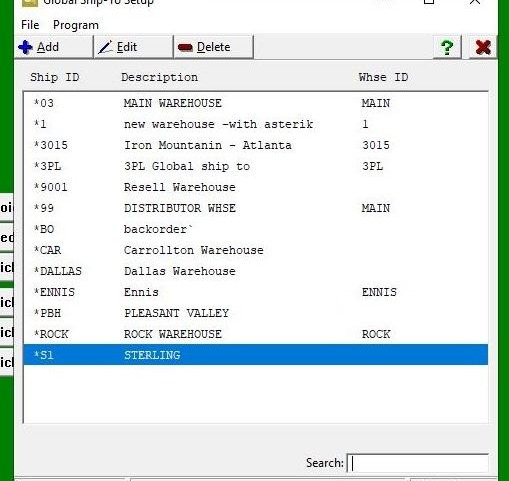
2. [[Find the existing Ship-To address you want to update]]
3. Double-click "Edit"
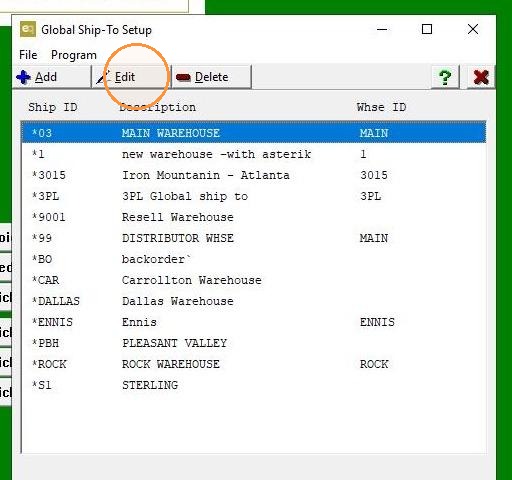
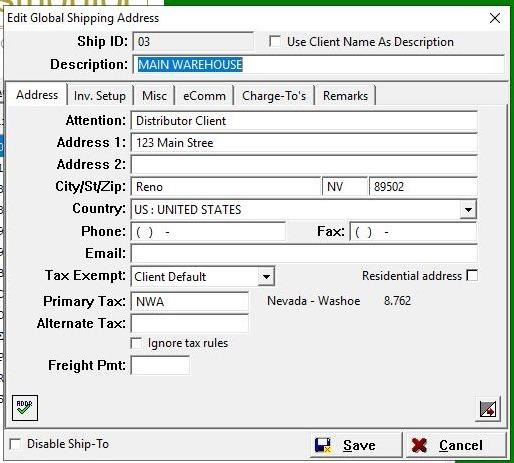
4. Update the fields as needed (e.g., address lines, city, state, zip code).
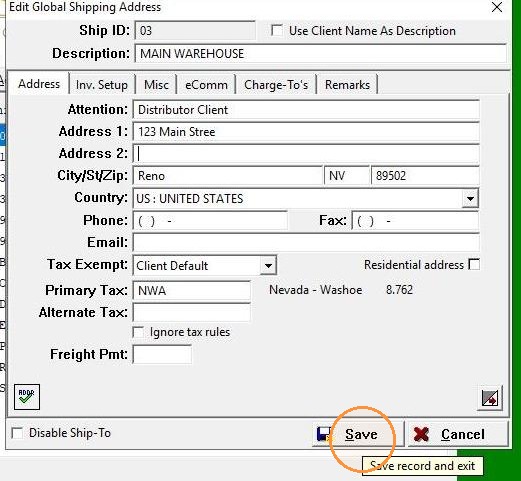
5. Click "Save"
6. Double-click "Exit"