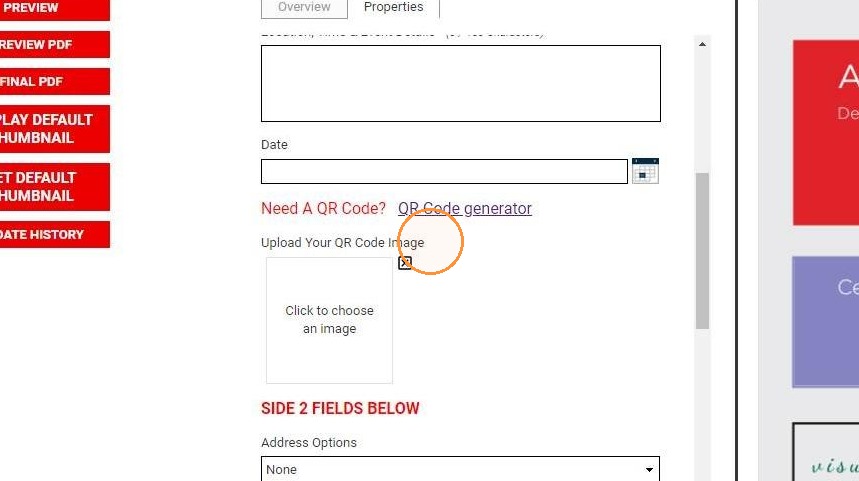
EQC: Q-Design Using QR Codes
1. Add a QR code to your Q-Design item by utilizing a Message variable and Image Upload variable.
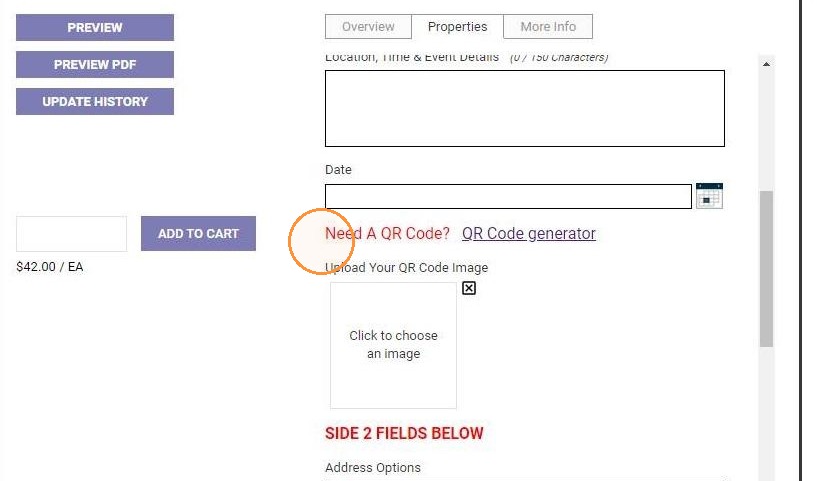
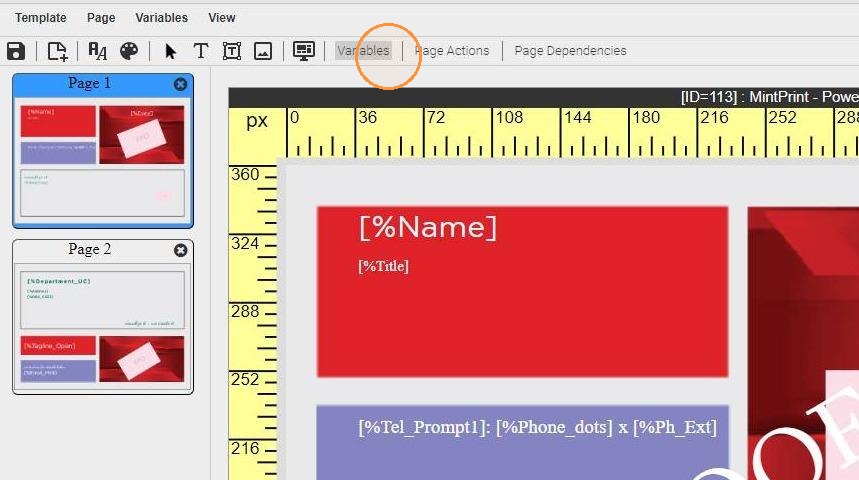
2. Open the template Variables list
3. Add an Image Upload type variable
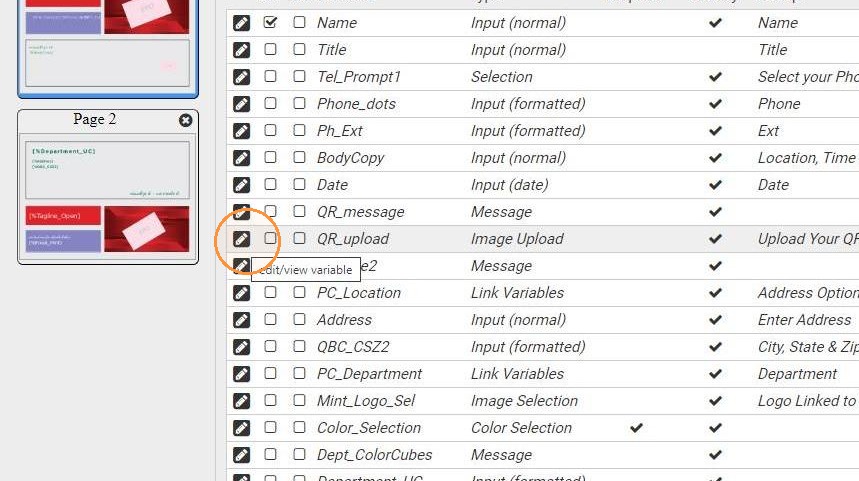
4. The Variable Type will be Image Upload
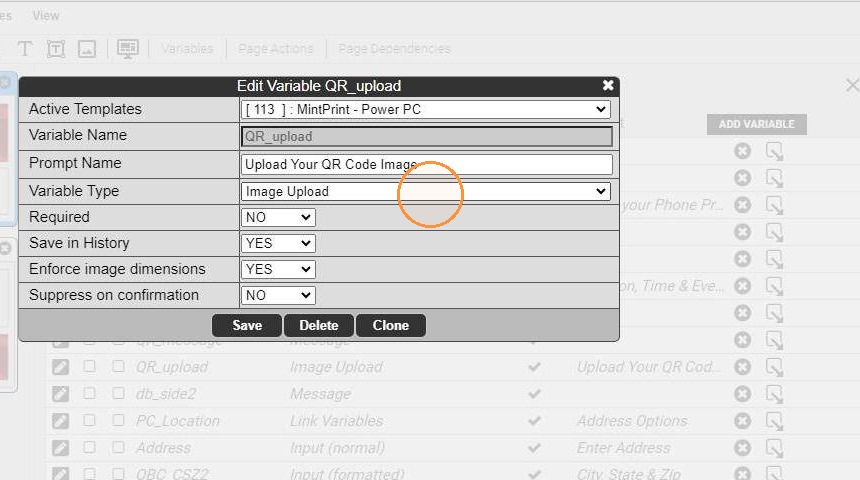
5. You may want to enable Enforce image dimensions to ensure the uploaded image fits properly in the space
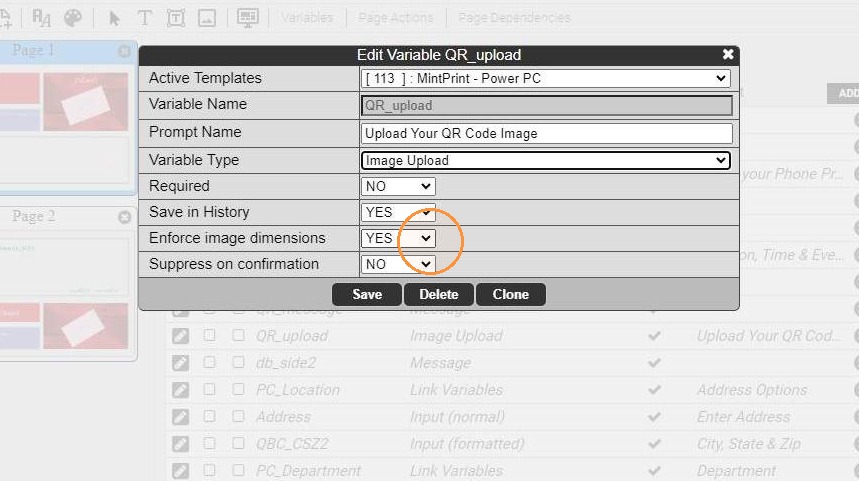
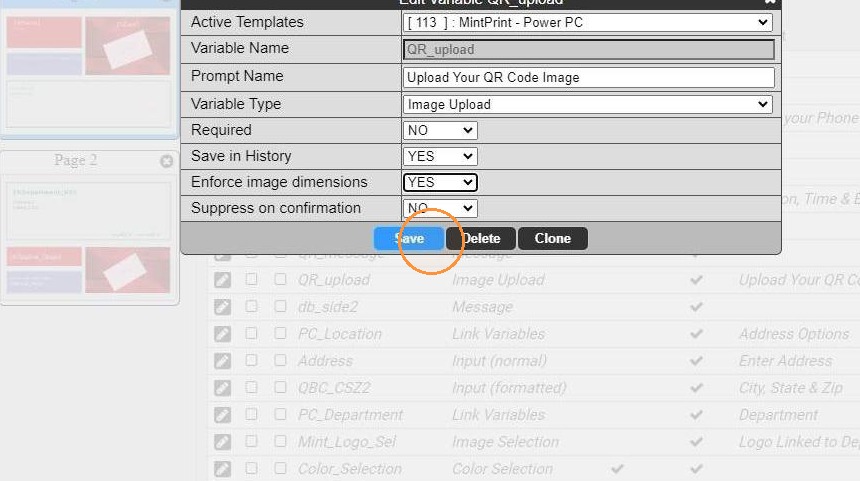
6. Save variable and add to your template
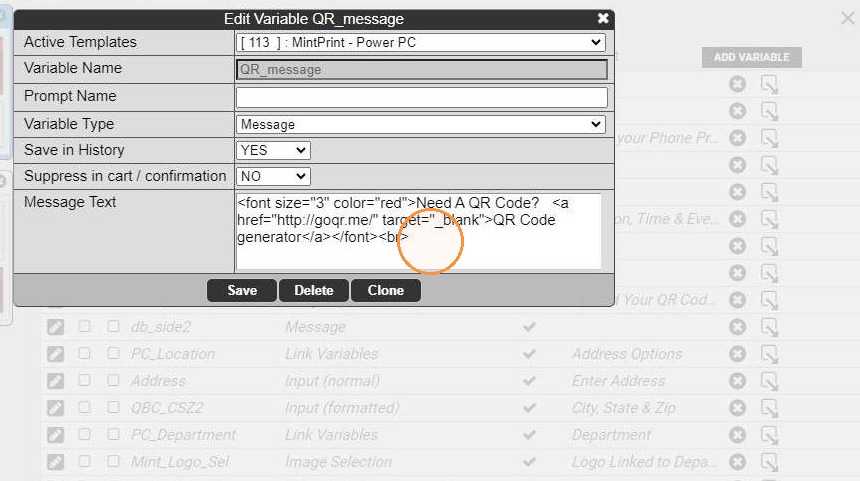
7. Add a Message type variable
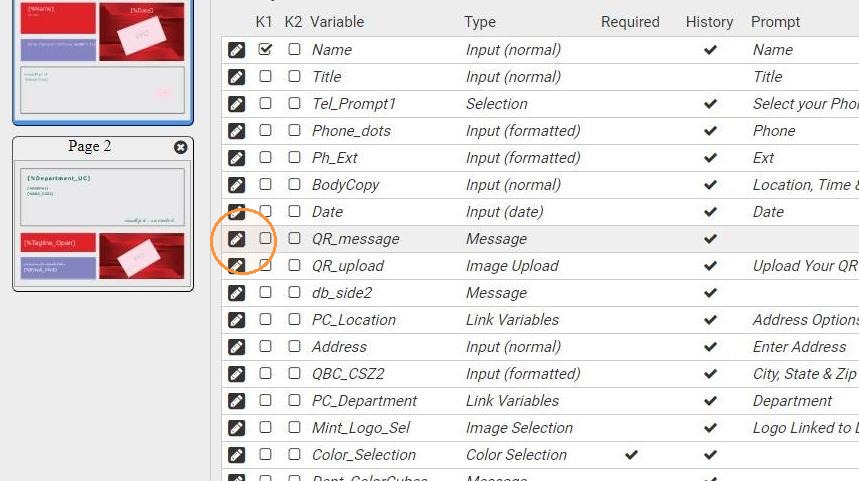
8. Use HTML to add a link to an external QR code generator. (Note: DB does not recommend or endorse any third party QR code generators.)
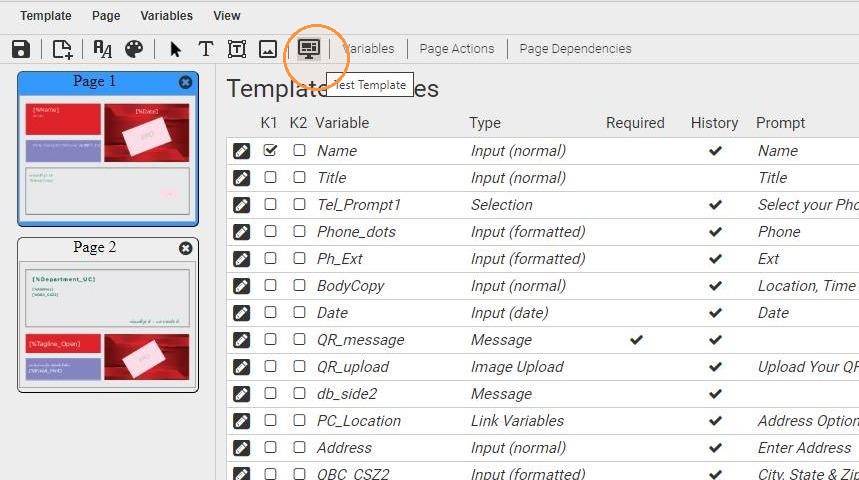
9. Test Template to check the variables in action
10.