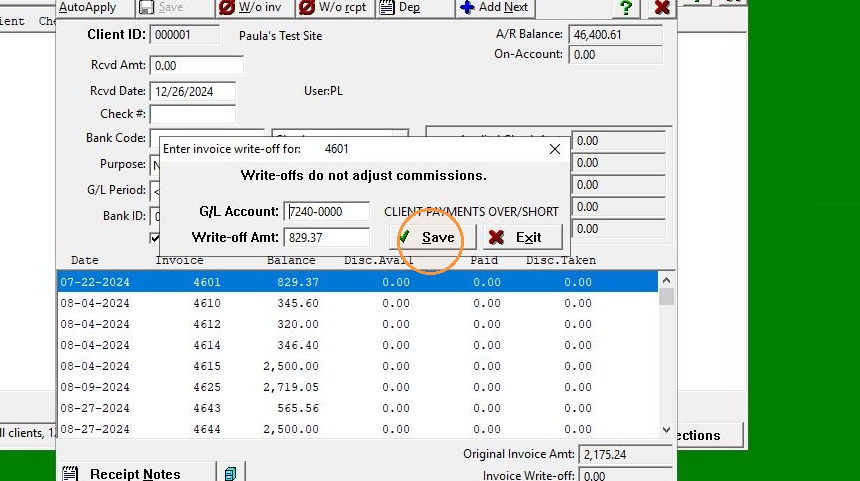
EQD: Guide to Writing Off an Invoice
Note: This process was created in a test environment. The information selected is for training purposes only and will not match the data you will use in your company's system.
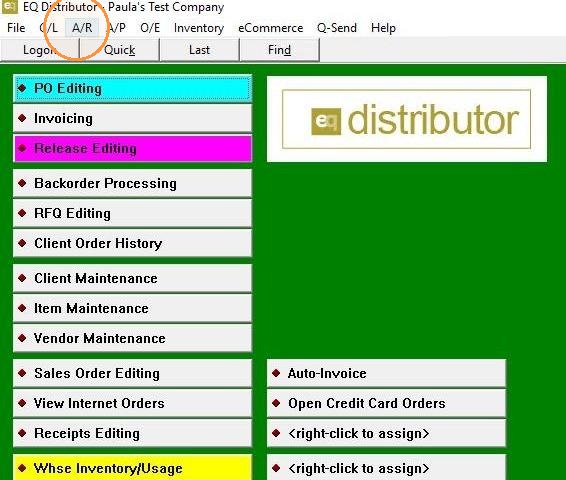
1. Click "A/R"
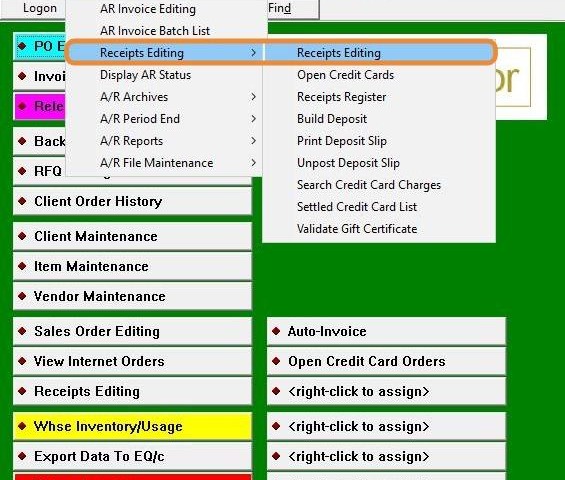
2. Click "Receipts Editing"
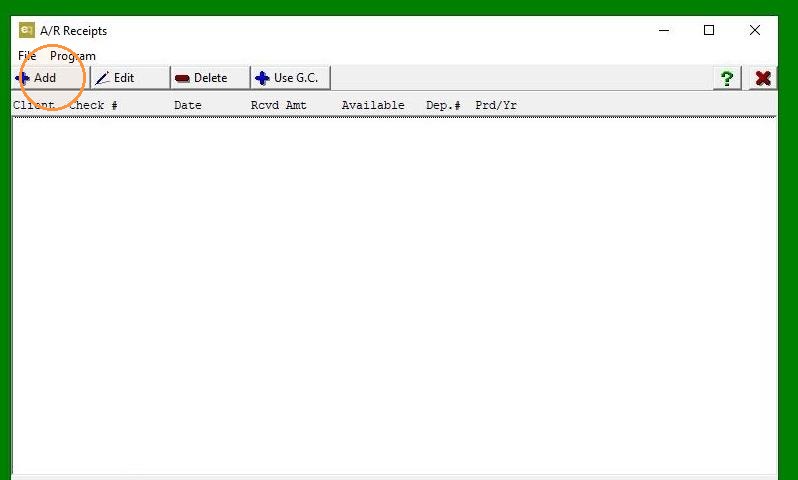
3. Click "Add"
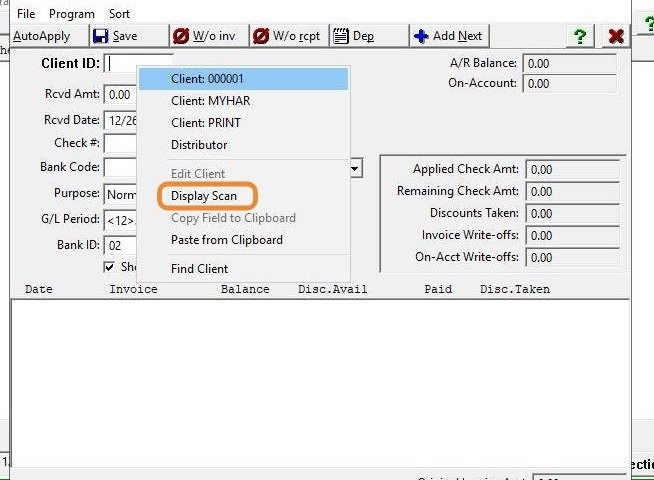
4. Right-click to "Display Scan" or type in client manually.
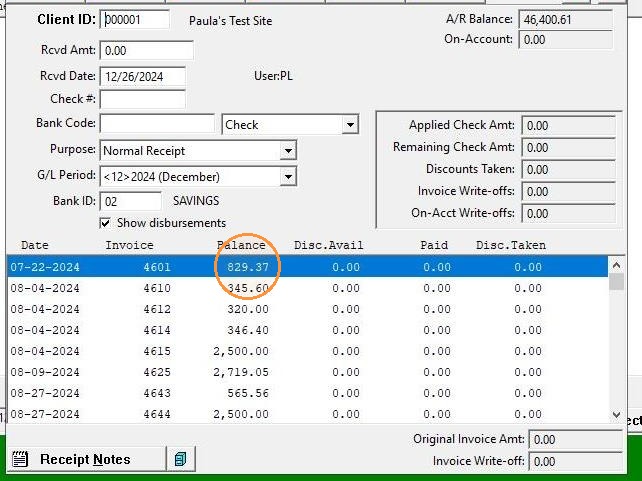
5. Find the invoice and place the cursor on it.
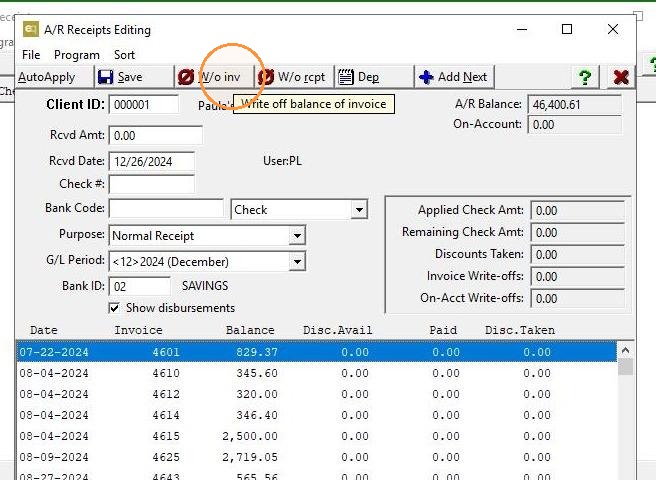
6. Before proceeding with the write-off, ensure you verify and update the G/L period you want to use. Once the period is set correctly, click "W/o Inv."
7. Click "Save, making sure to verify the G/L account it's being written off to.