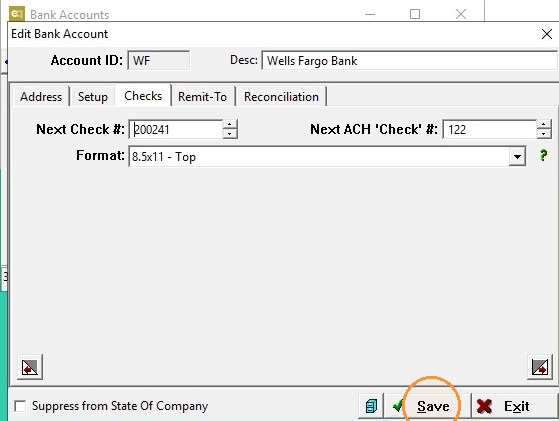
EQD: Resolving the 'Duplicate Check' Error
This guide is essential for anyone facing the 'Duplicate Check' error in A/P Print Checks. It provides straightforward, step-by-step instructions to quickly resolve the issue by adjusting check numbers.
Alert: ERROR:
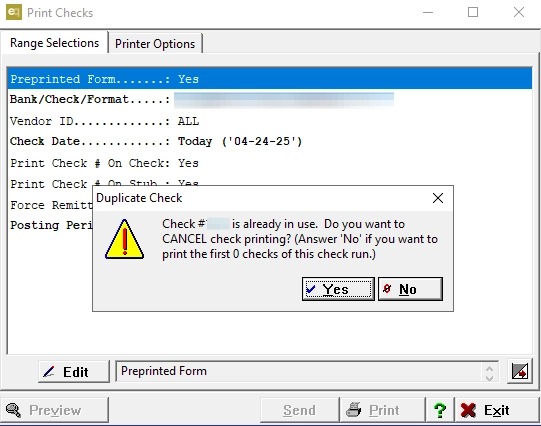
Tip: To resolve the issue, please follow the steps outlined in the following sections.
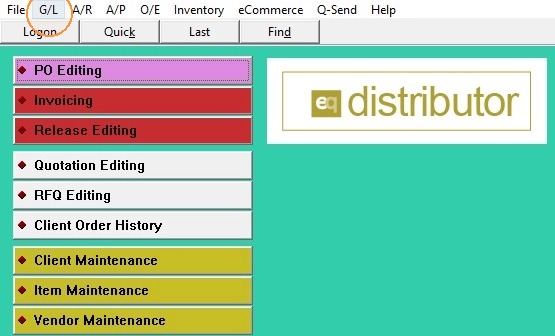
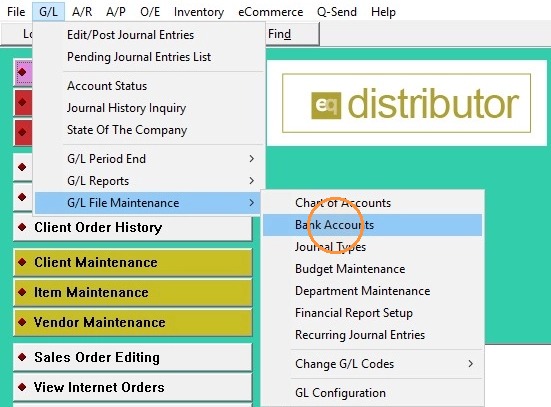
1. Click G/L
2. Hover over G/L File Maintenance
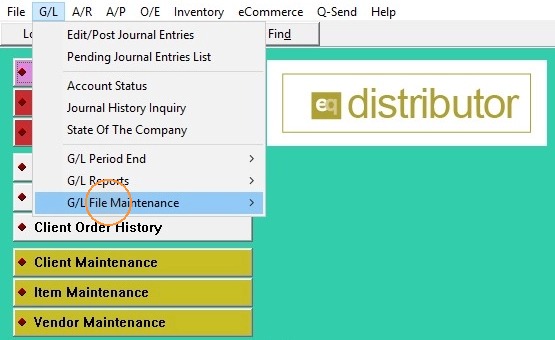
3. Click on Bank Accounts
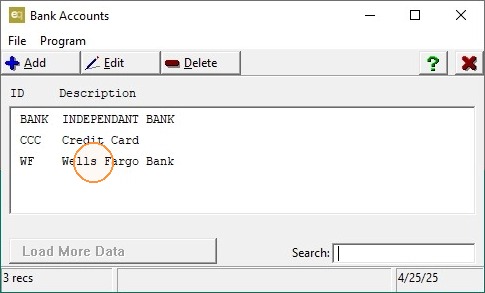
4. Double-click the bank account associated with the error
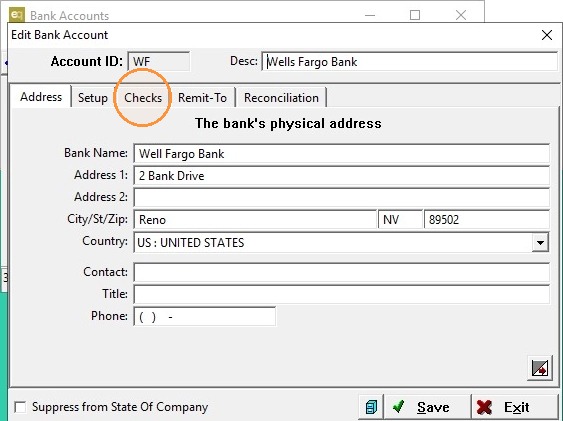
5. Head to Checks Tab
6. Adjust the Next Check # and/or the Next ACH 'Check' # up by 1
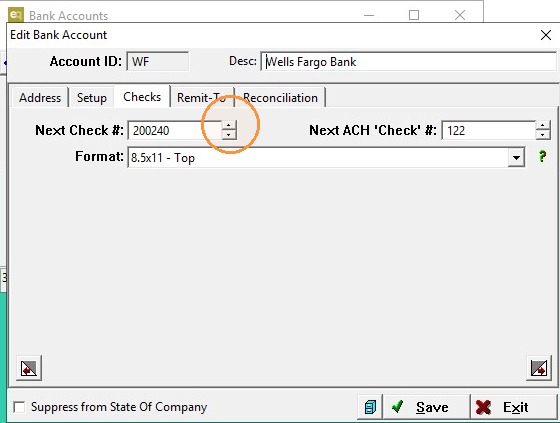
7. Click Save