
EQD: Update Shipping Carrier Settings
1. IMPORTANT: You must download new program keys before proceeding with any of the subsequent steps.
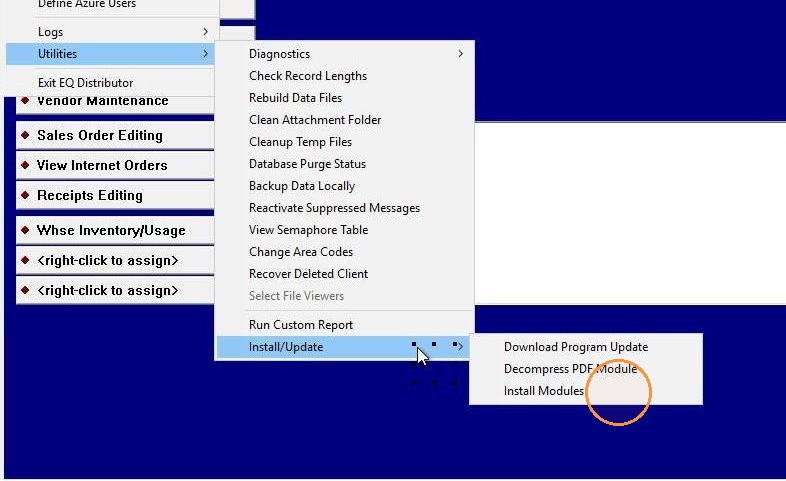
2. To download new keys: File > Utilities > Install/Update > Install Modules
3. Click Download
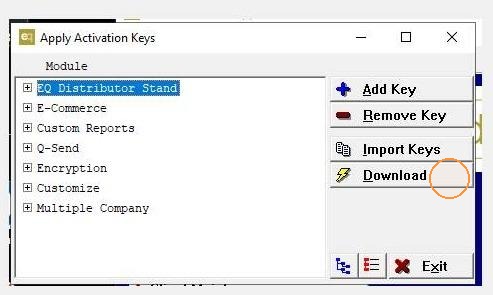
4. Follow the additional prompts to download keys and exit. EQd will close following the download.
5. Shipping carriers will now utilize the generic published rates for freight lookup. Continue with the following steps to configure your own carrier rates if applicable.
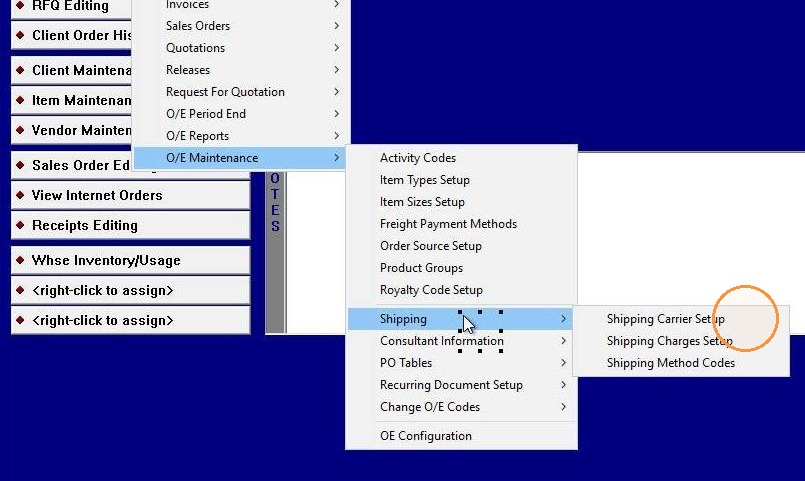
6. O/E > O/E Maintenance > Shipping > Shipping Carrier Setup
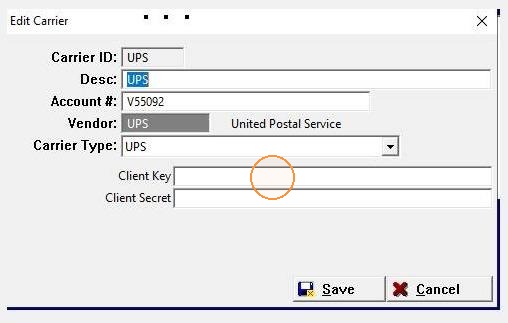
7. Enter the Client Key and Client Secret (provided by your carrier). Save.
8. Finalize updates on the e-commerce sites by exporting to the internet.