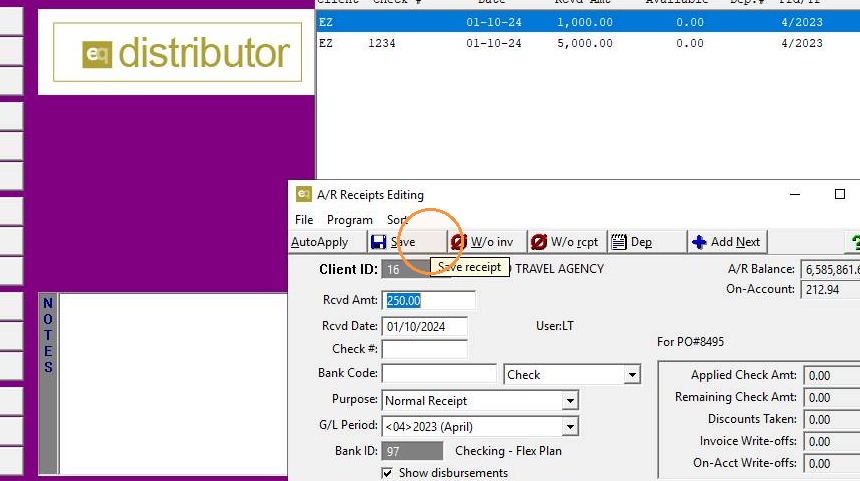
EQD: Receipts Editing
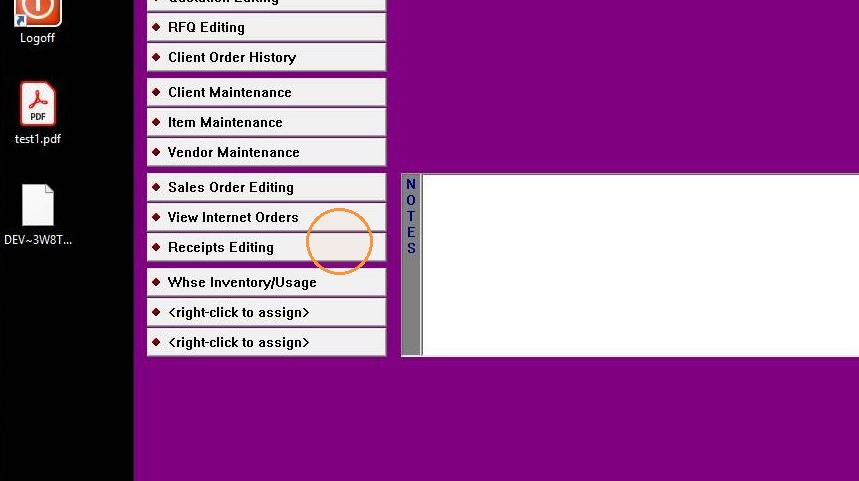
1. Receipts Editing
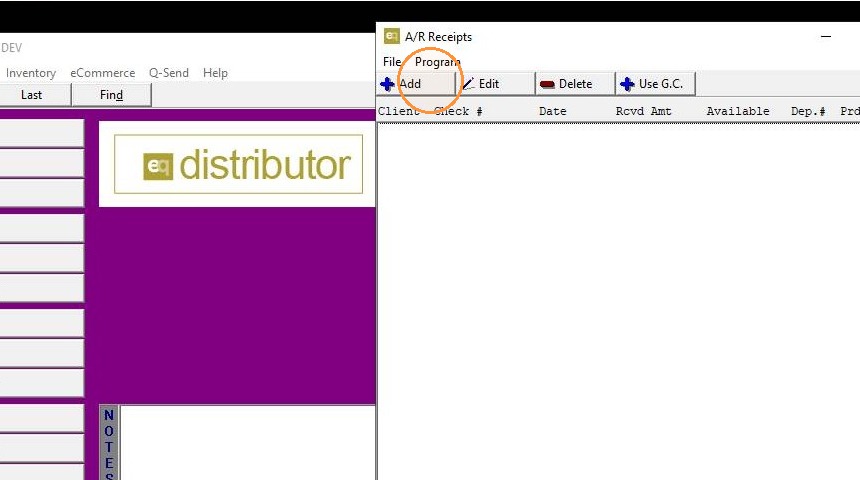
2. Add to create new
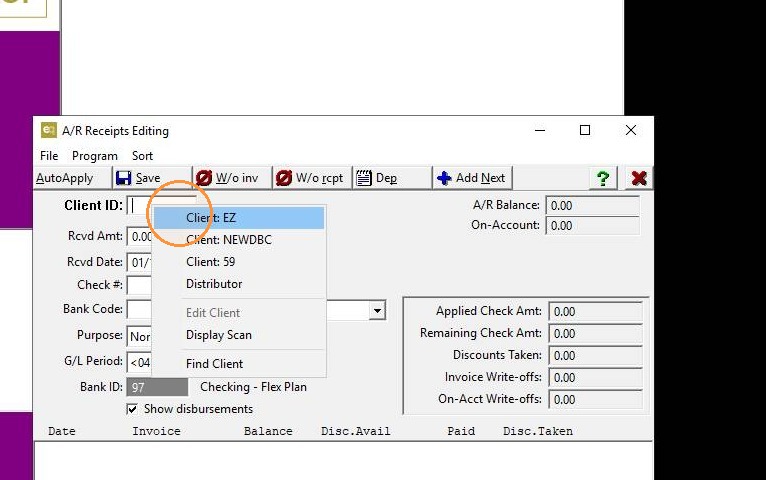
3. Select a client
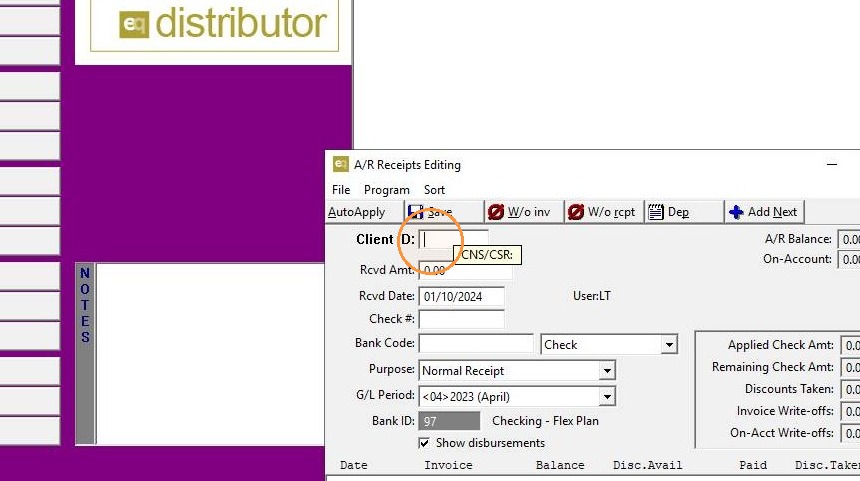
4. Enter received amount
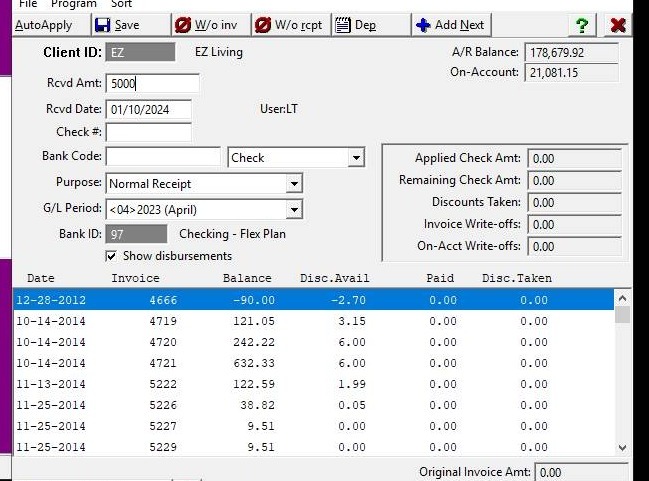
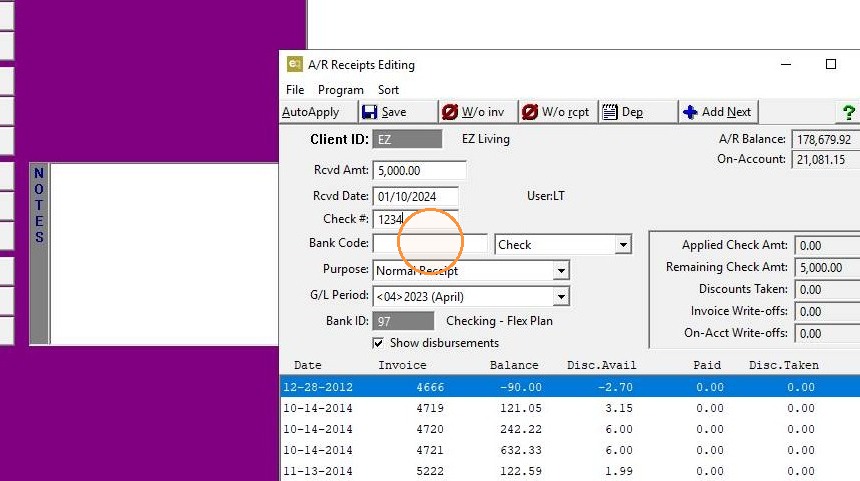
5. Customize fields
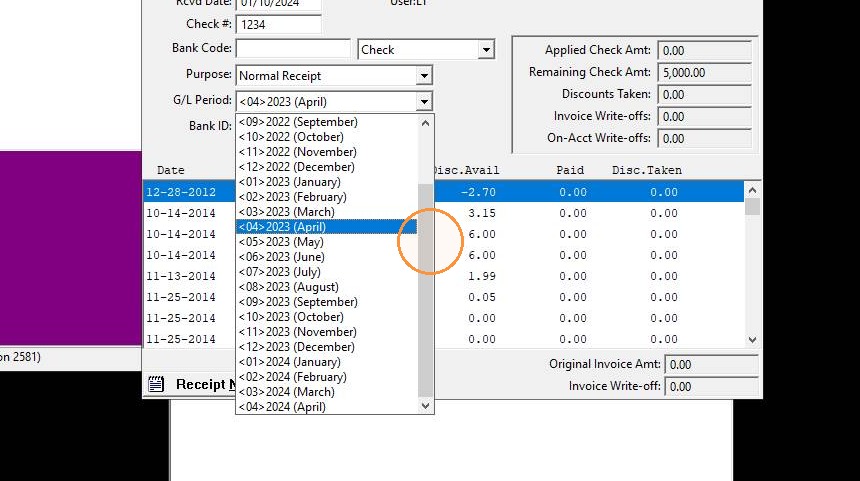
6. Select period
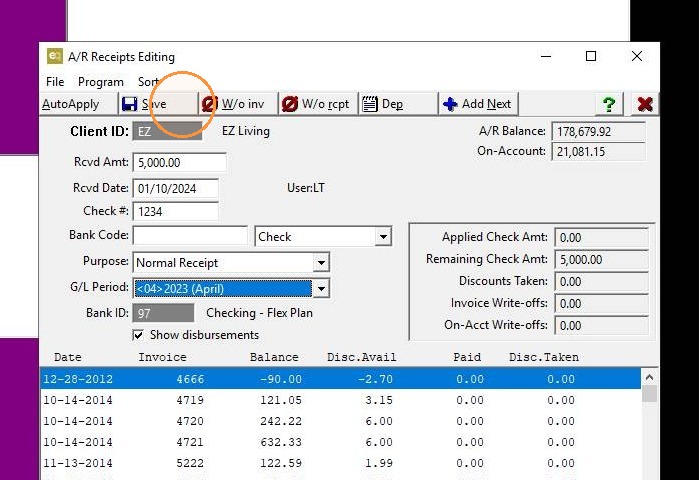
7. Save
8. AutoApply option
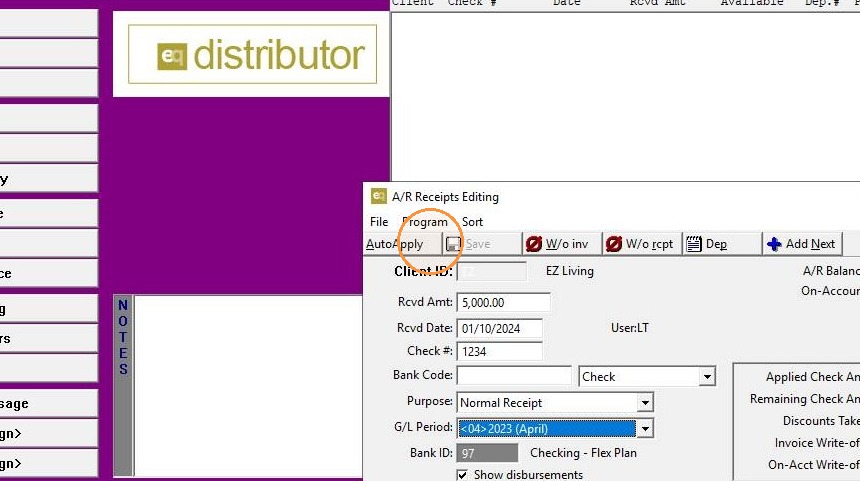
9. Confirm
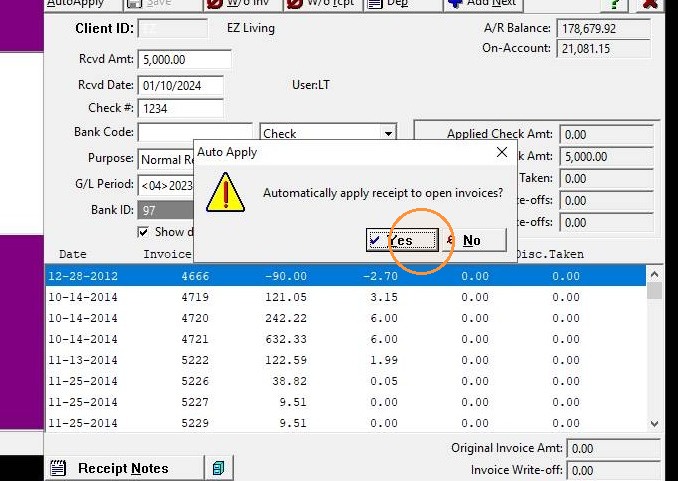
10. Done/review results
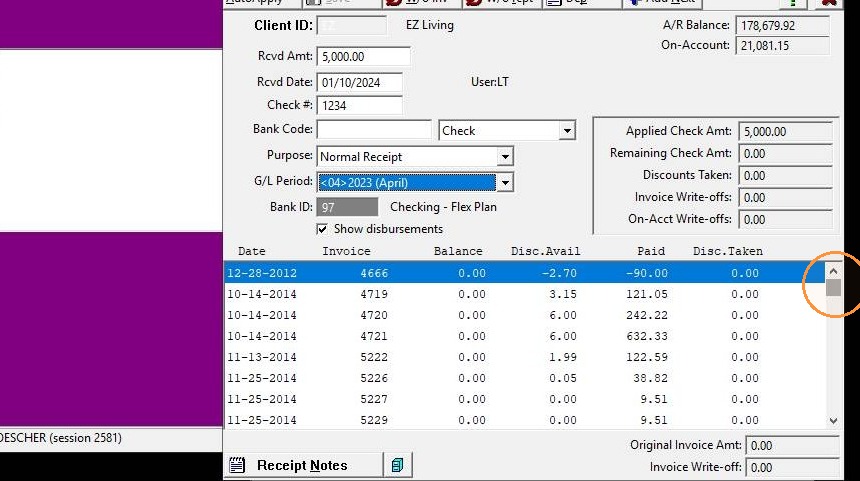
11. Add Next to apply more payments
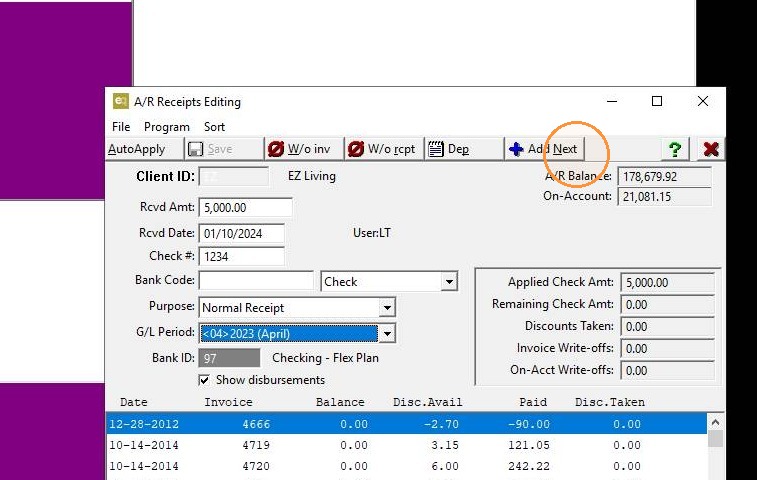
12. Enter client information
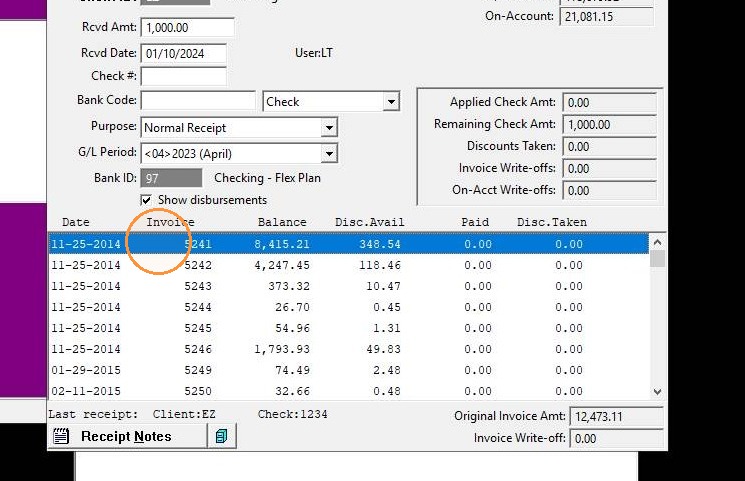
13. Select a specific order to apply
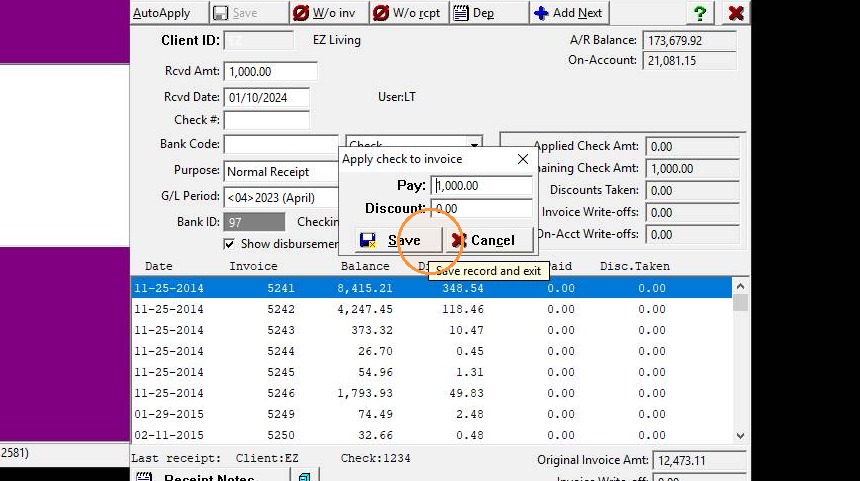
14. Add payment amount
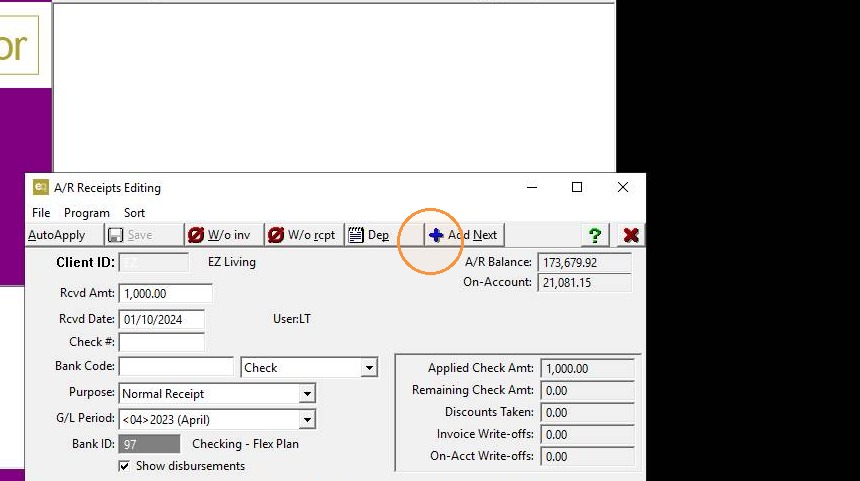
15. Add Next to apply more payments
16. Enter client information
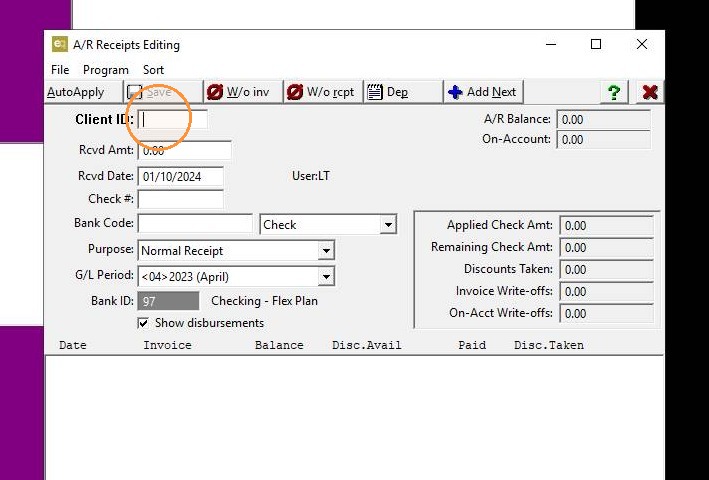
17. Apply a prepayment/deposit against an order
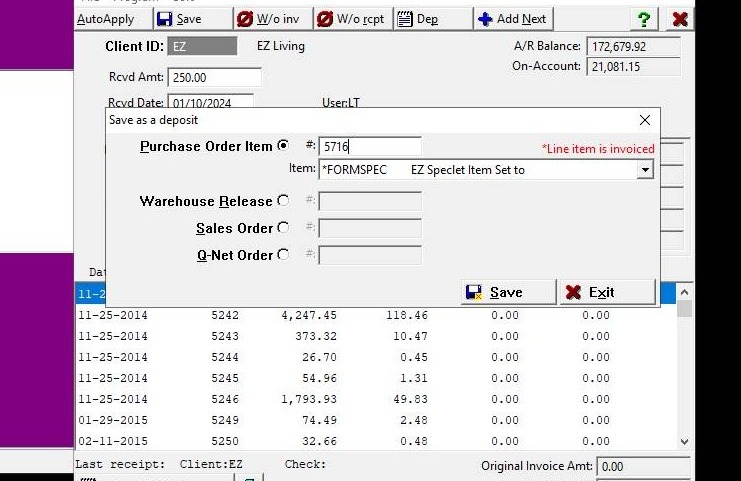
18. Save
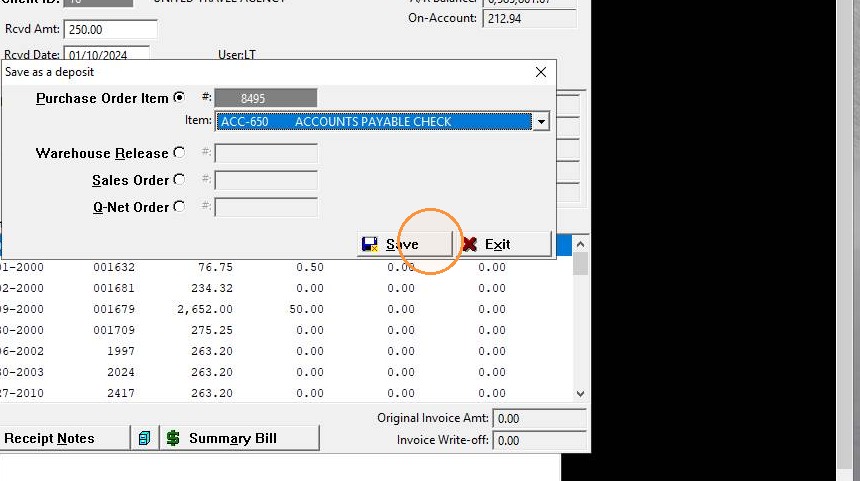
19. Save