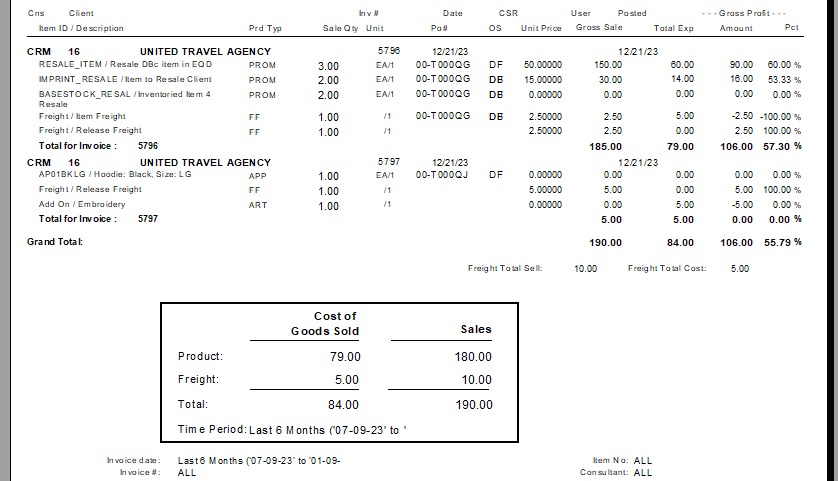
EQD: Report Export Manager
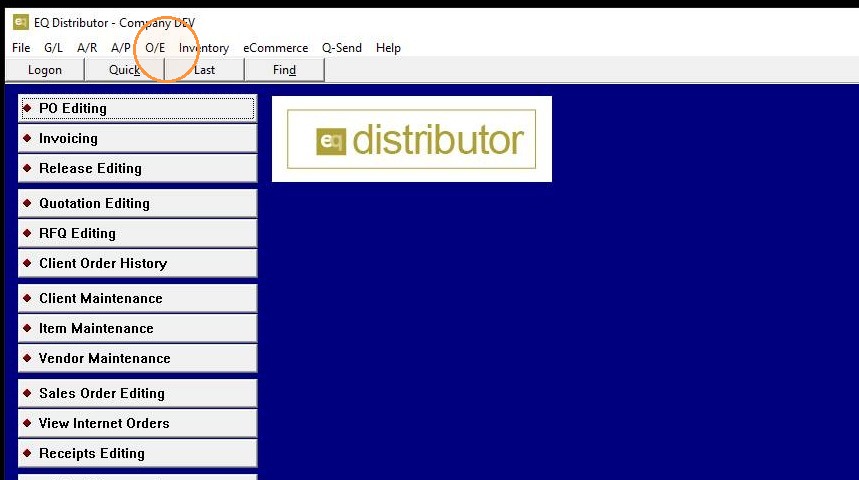
1. O/E menu
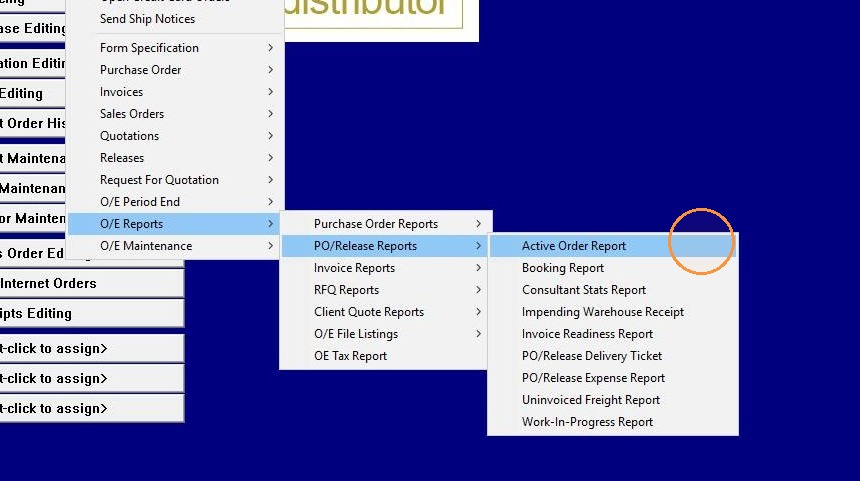
2. Active Order Report is a common option
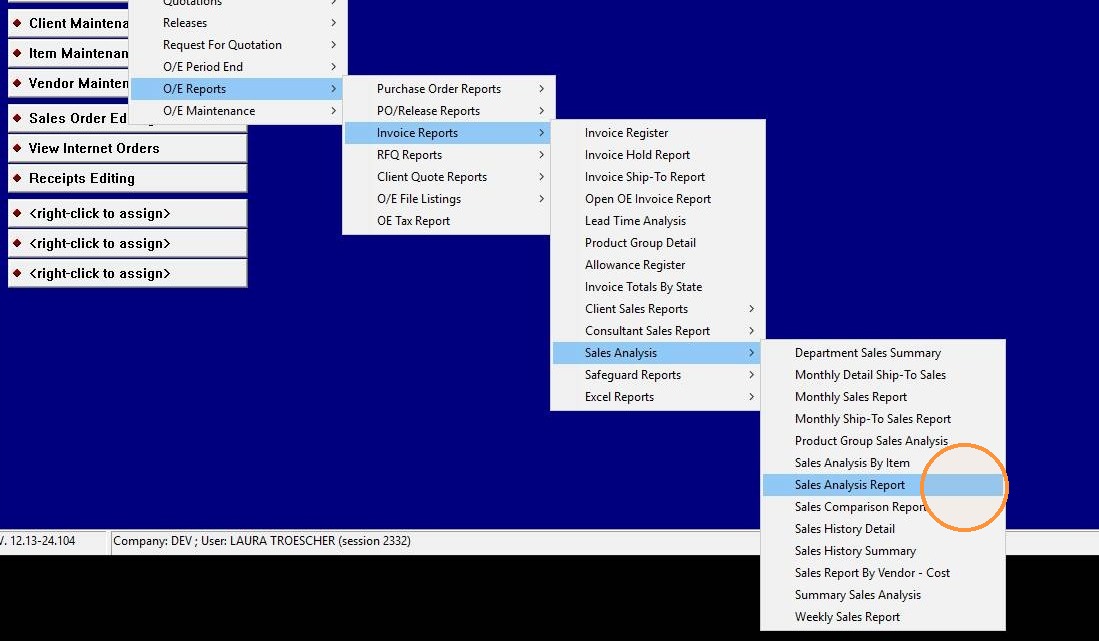
3. Sales Analysis Report
4. Adjust date range selection
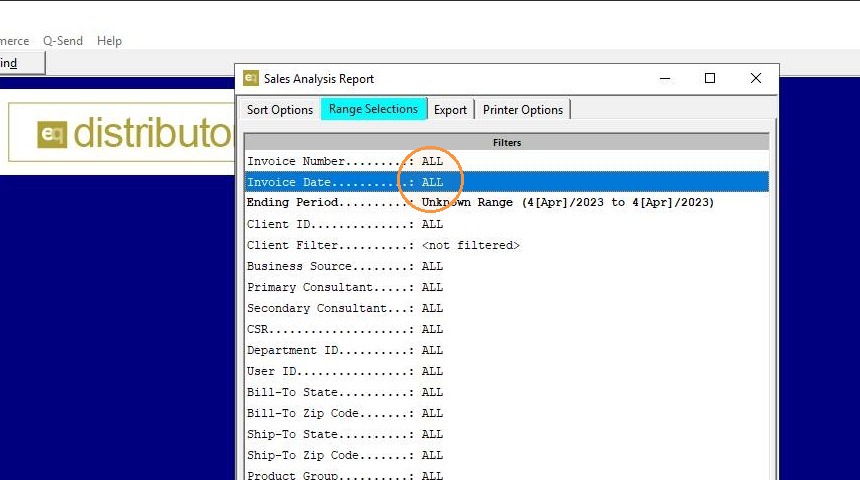
5. Adjust date range selection
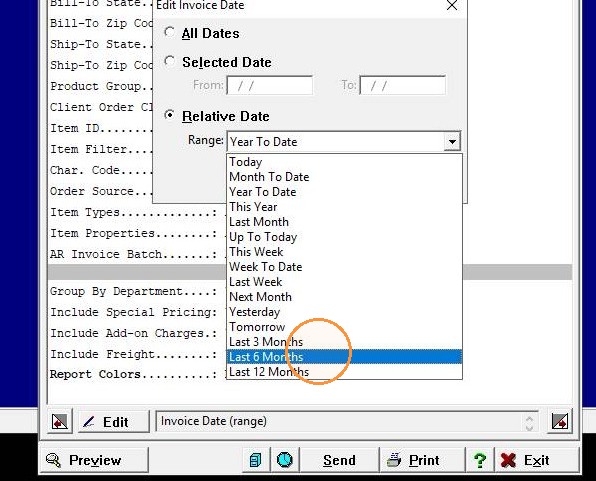
6. Adjust date range selection
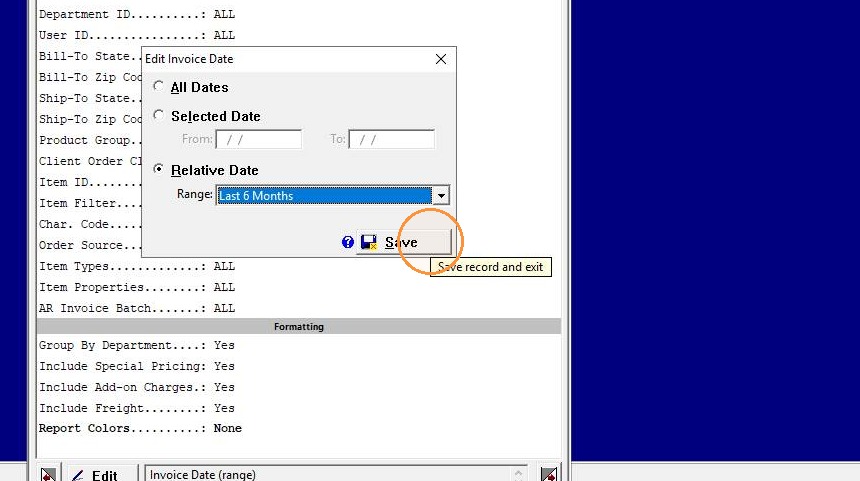
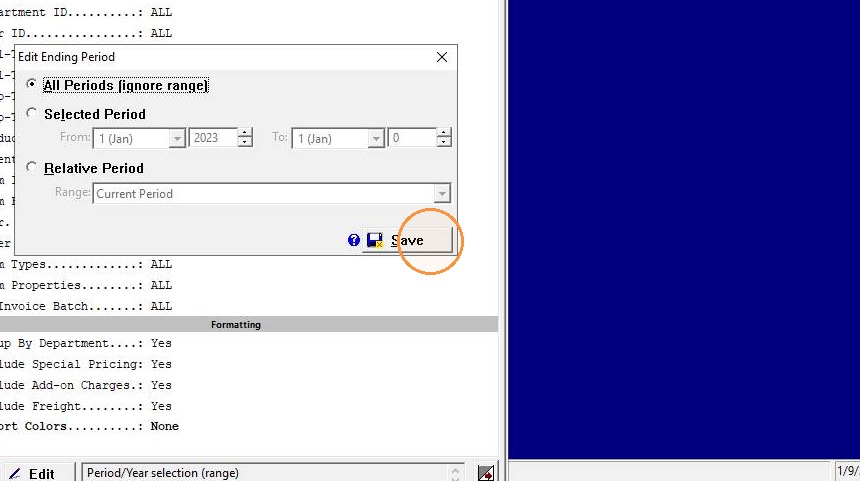
7. Adjust ending period range selection
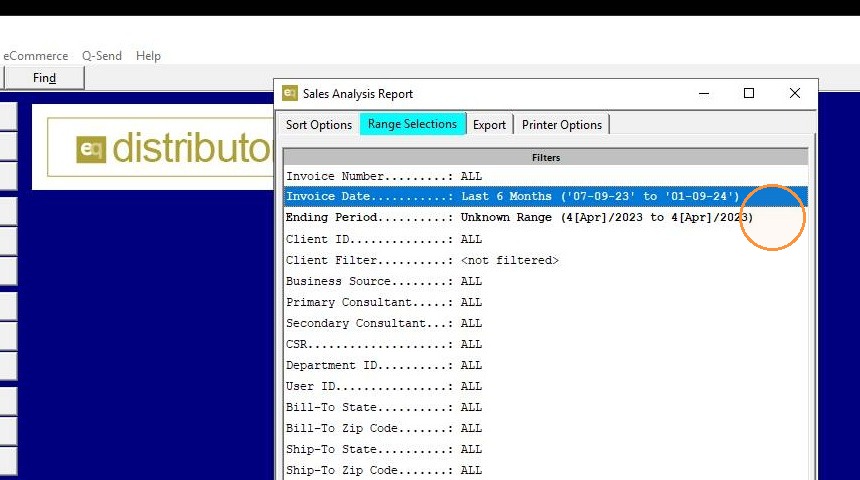
8. Adjust ending period range selection
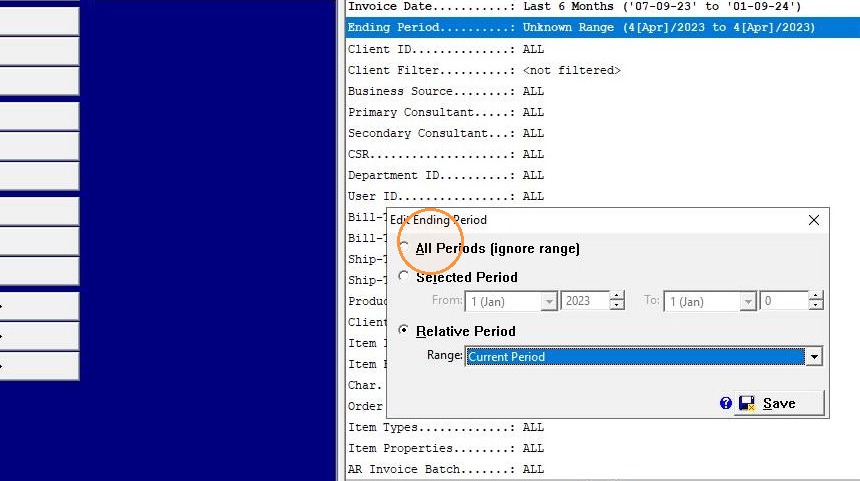
9. Adjust ending period range selection
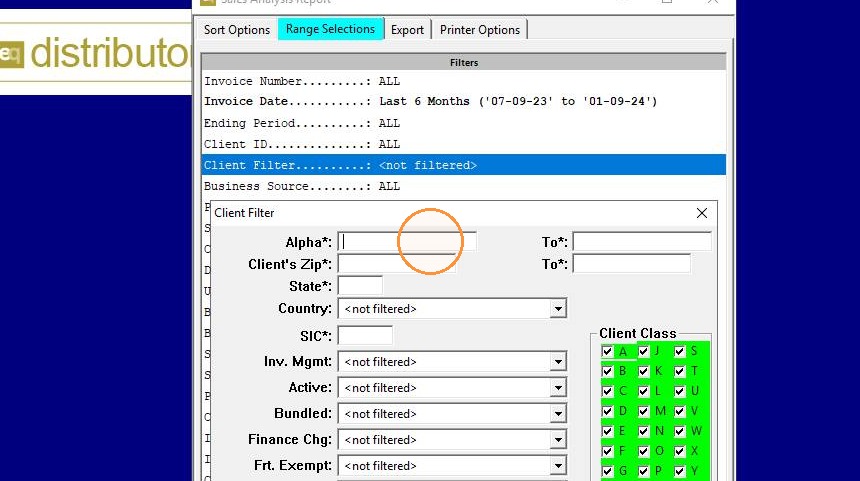
10. Filter by client or any other range selection if desired
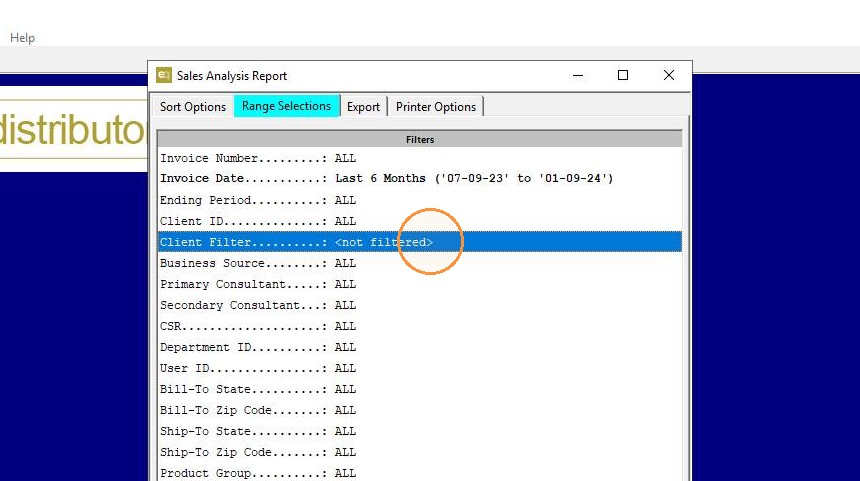
11. Filter by client or any other range selection if desired
12. Export
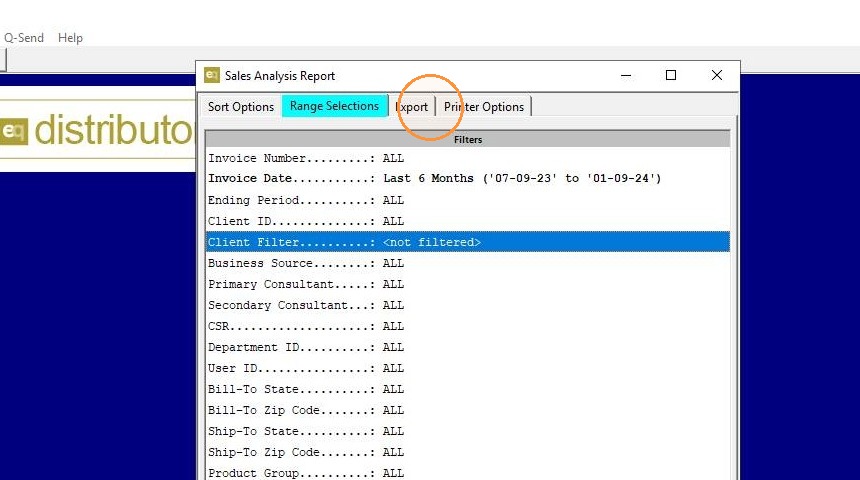
13. Export to Report Export Manager
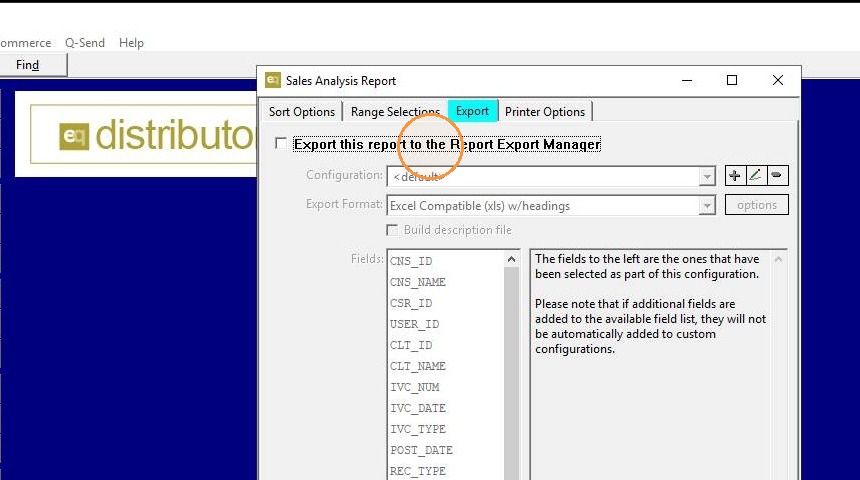
14. Customize the report configuration
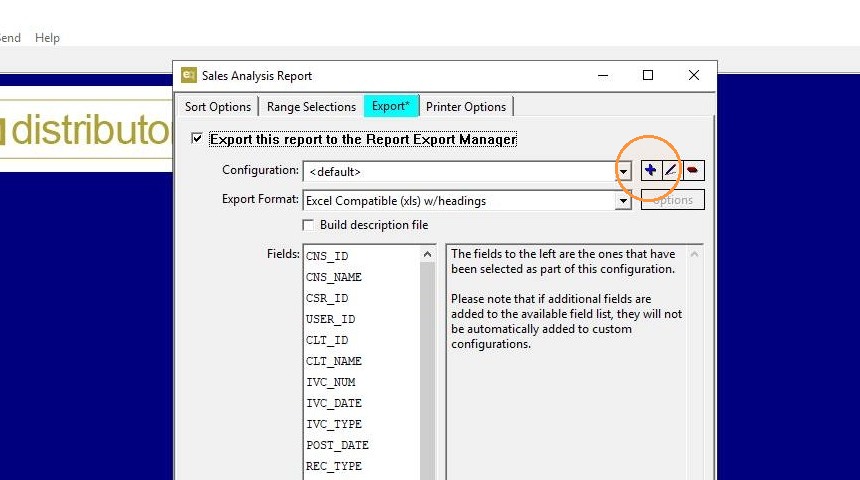
15. Customize the report configuration
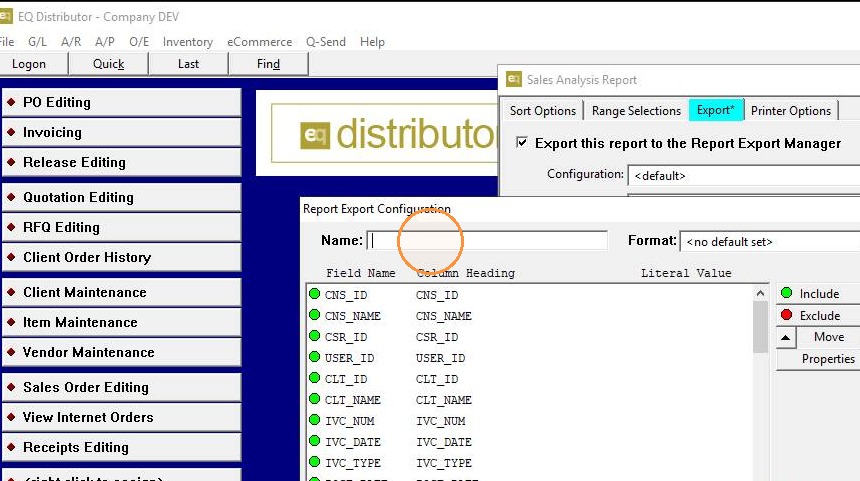
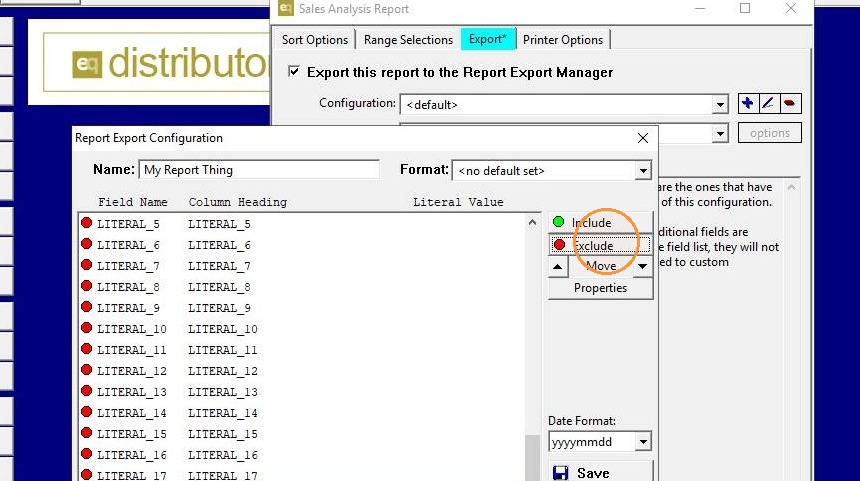
16. Customize the report configuration with Include and Exclude fields
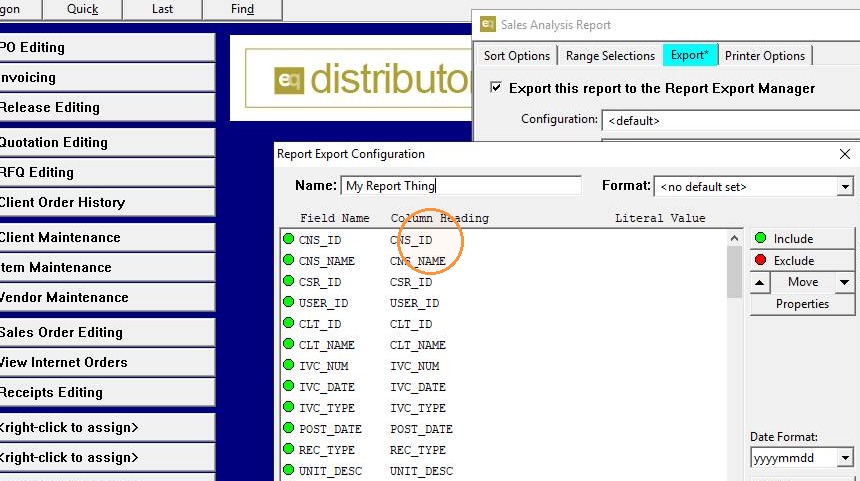
17. Customize the report configuration with Include and Exclude fields
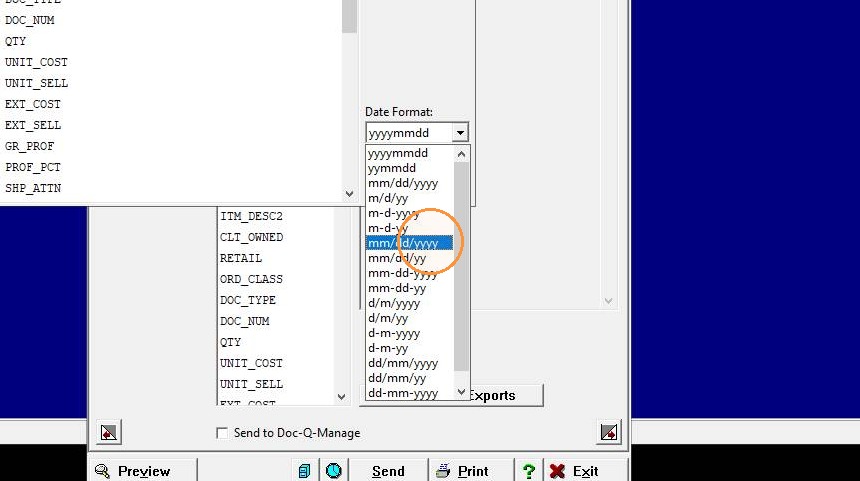
18. Change date format
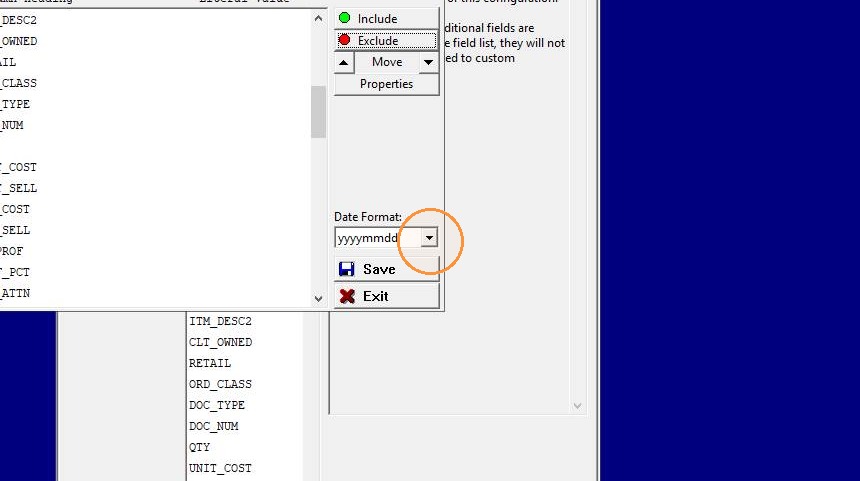
19. Change date format
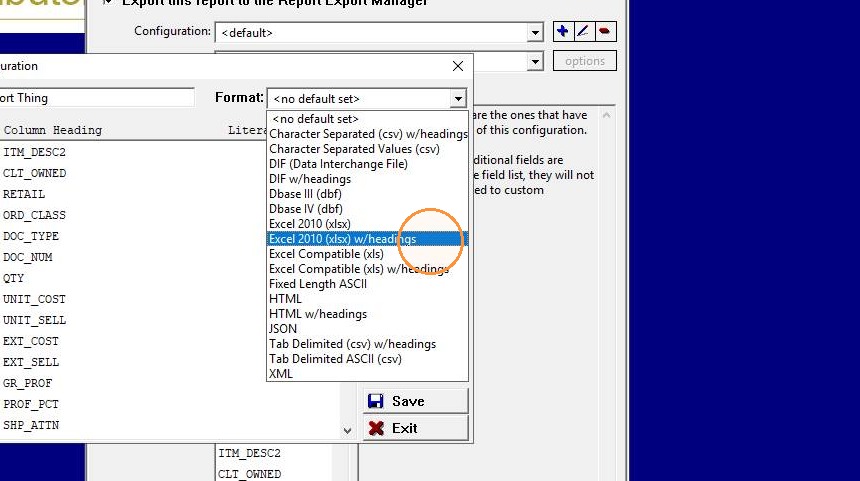
20. Change export format
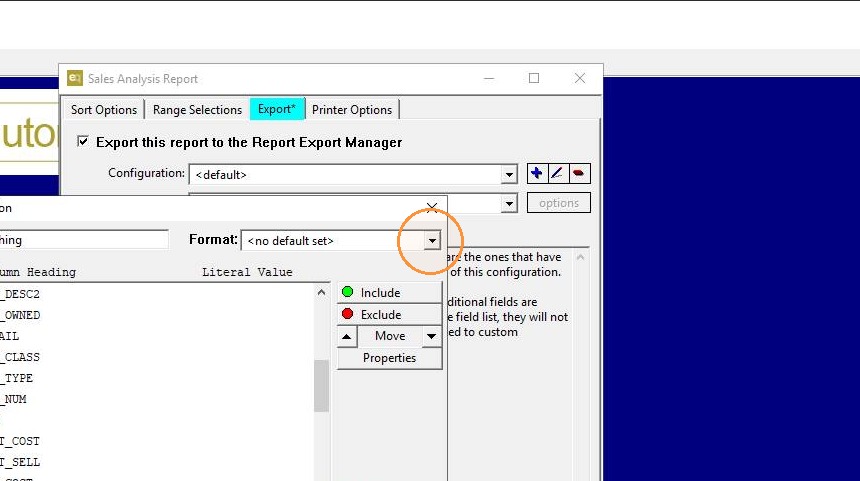
21. Change export format
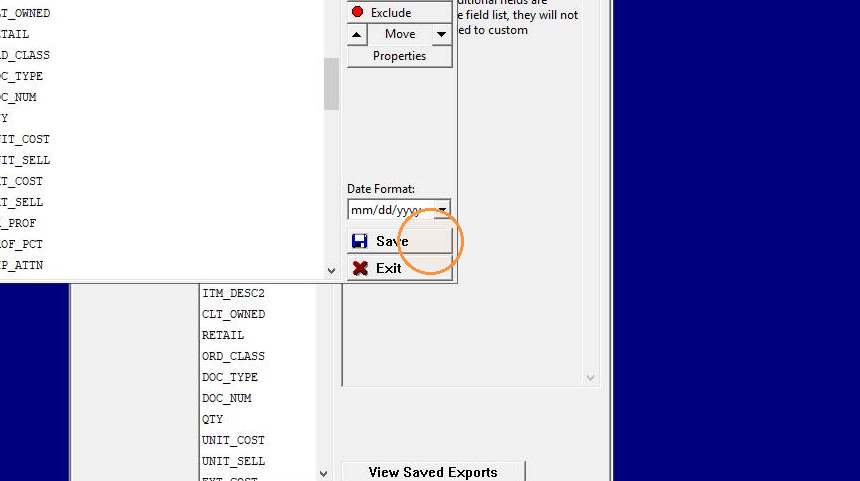
22. Save options
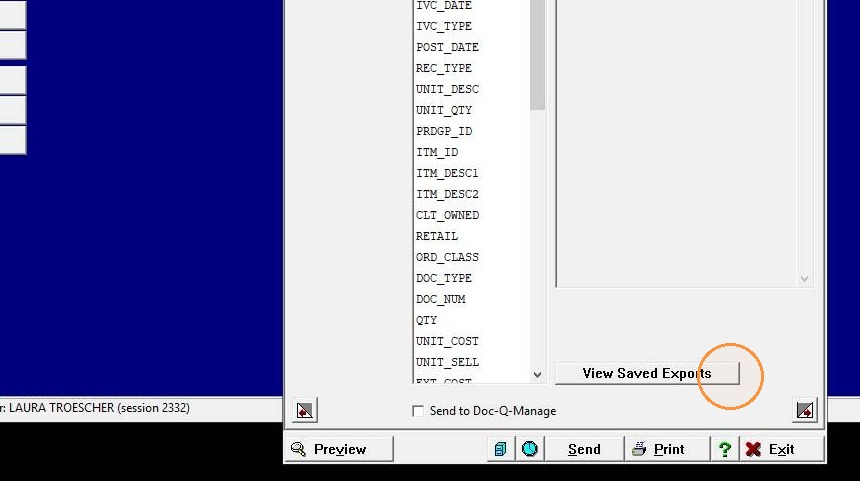
23. View Saved Exports to see saved exports for the user
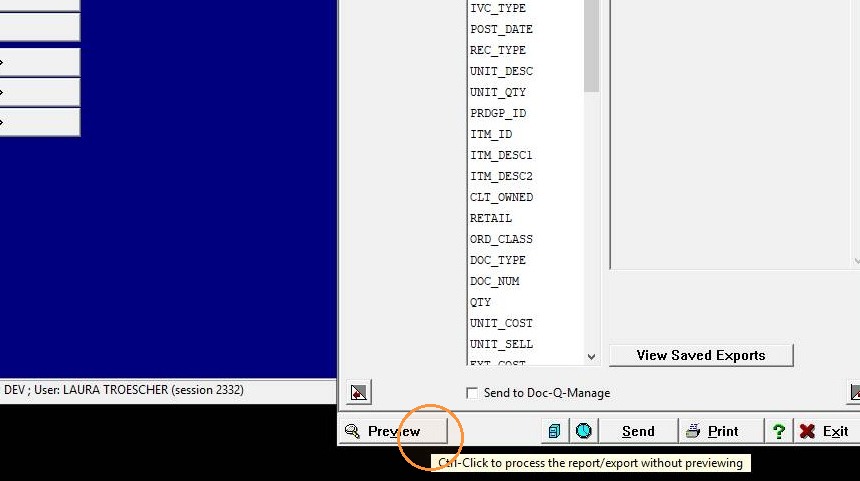
24. Preview to view export
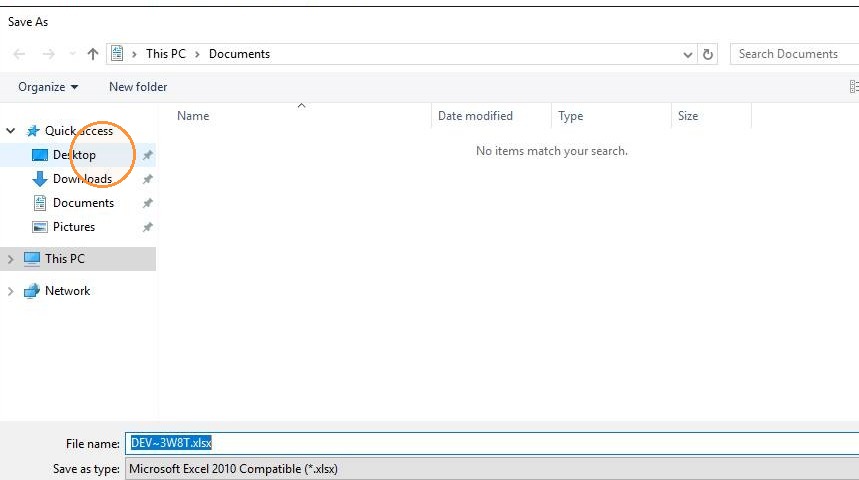
25. Save As to save/copy file to desktop
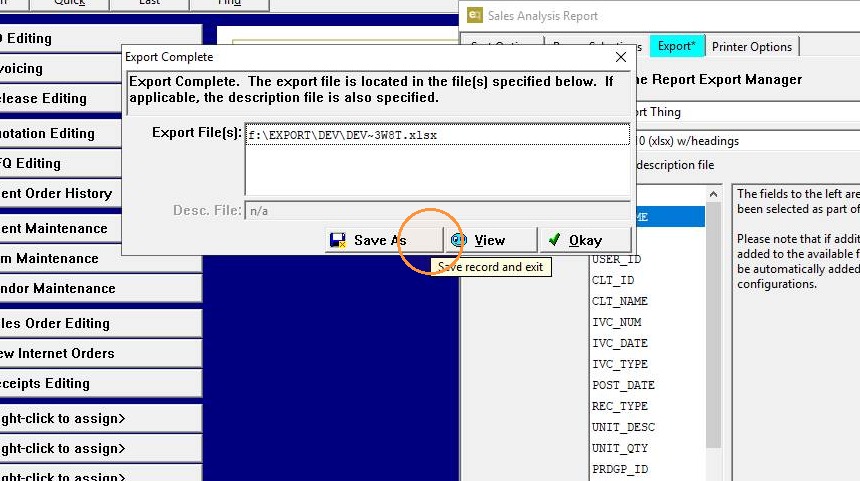
26. Save As to save/copy file to desktop
27. View Saved Exports to see saved exports for the user
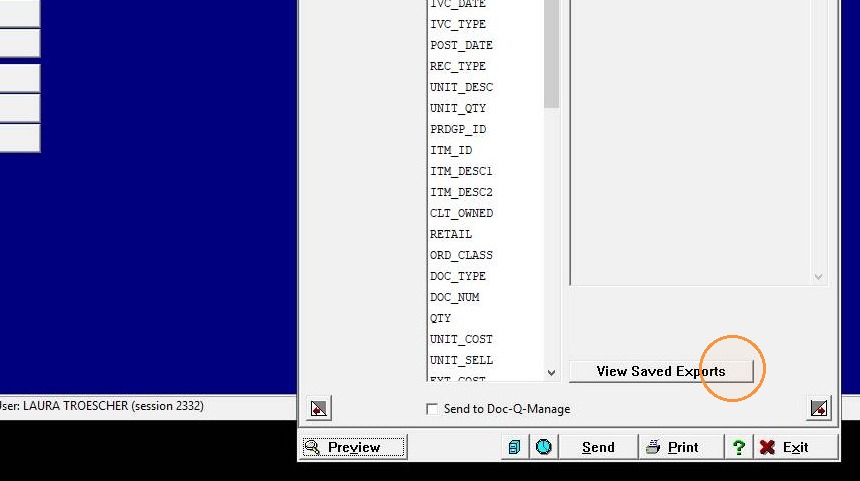
28. View Saved Exports to see saved exports for the user
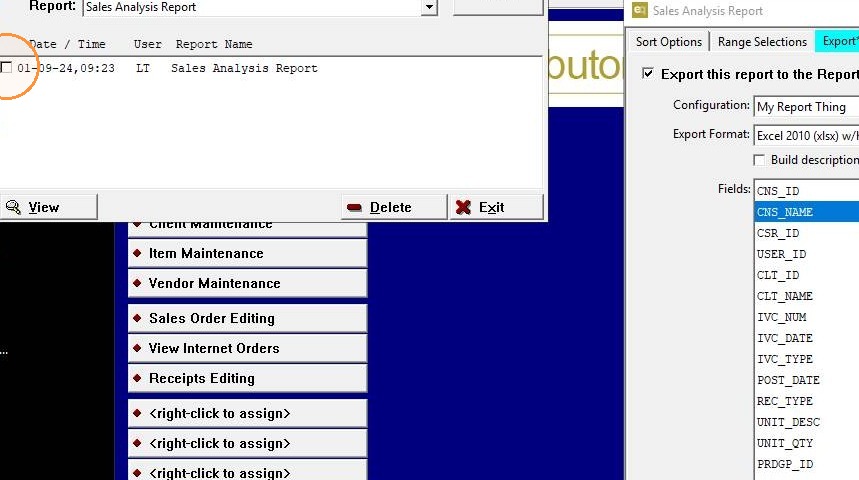
29. View report