
EQD: Run the OE Invoice Diagnostics
This guide provides steps for running the OE Invoice Diagnostics in EQD.
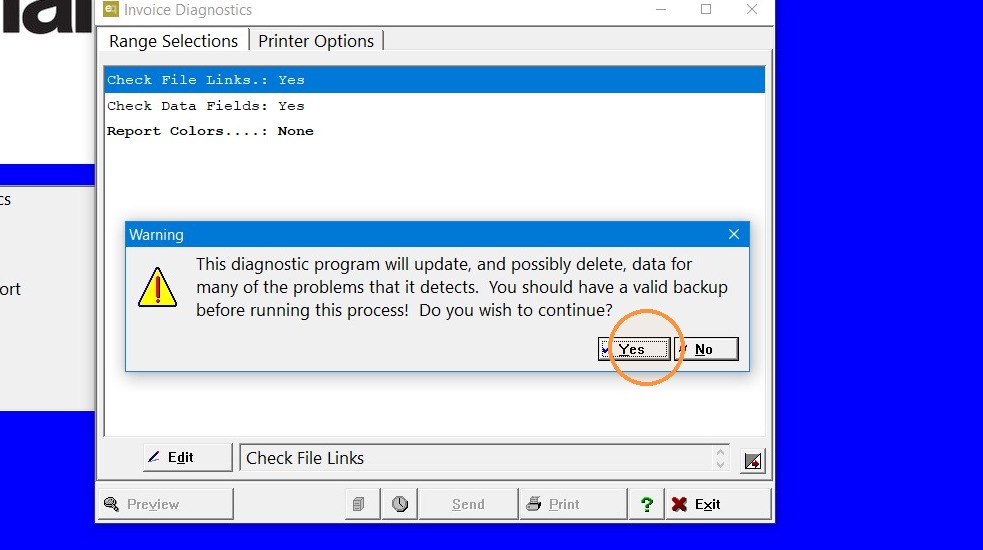
Critcal: A CURRENT BACKUP IS NEEDED BEFORE TAKING THESE STEPS!
Make a copy of the q2000 or at a minimum the 0001 or whatever the company folder is.
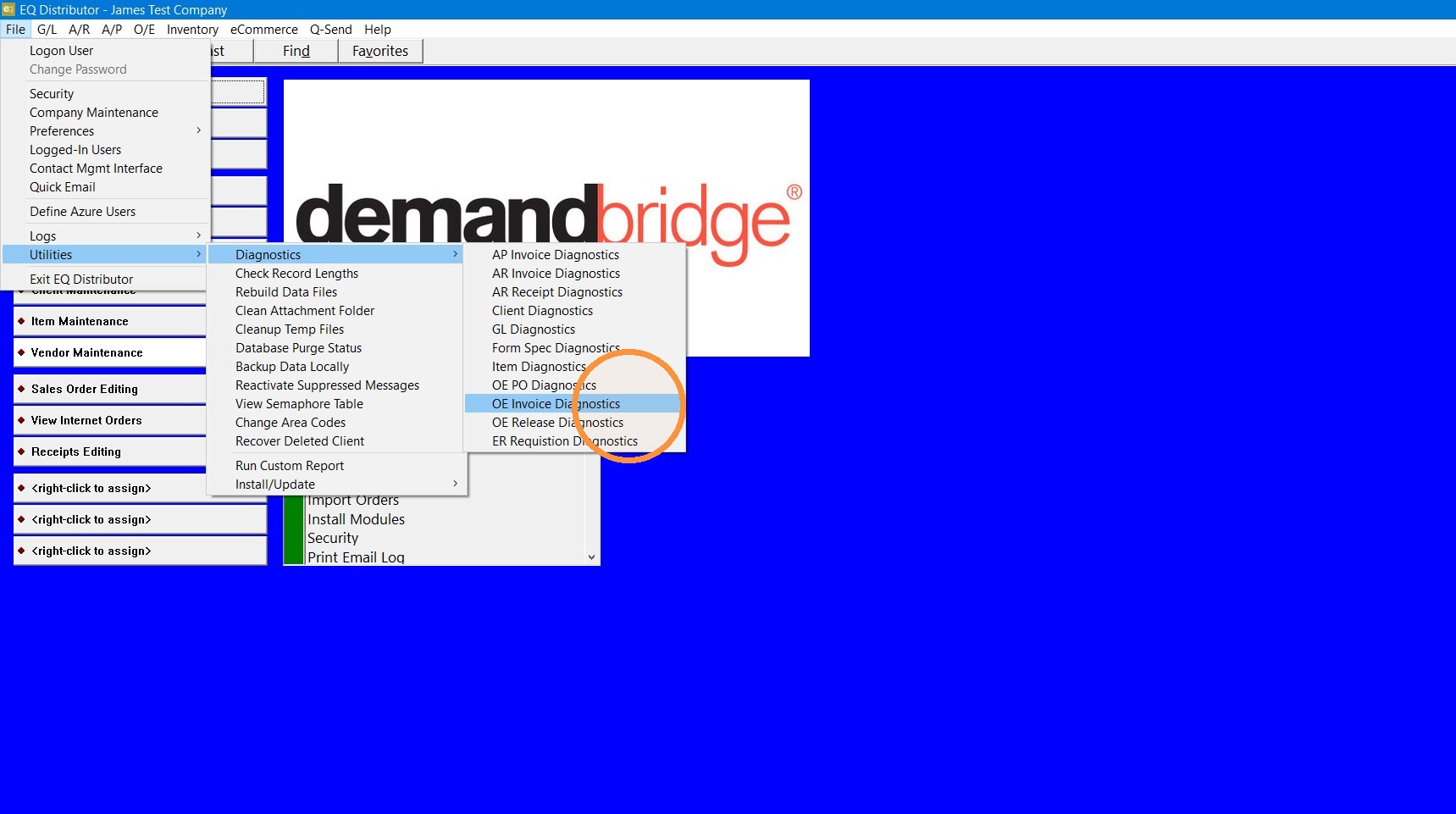
1. In EQ go to: File> Utilities> Diagnostics> OE Invoice Diagnostics.
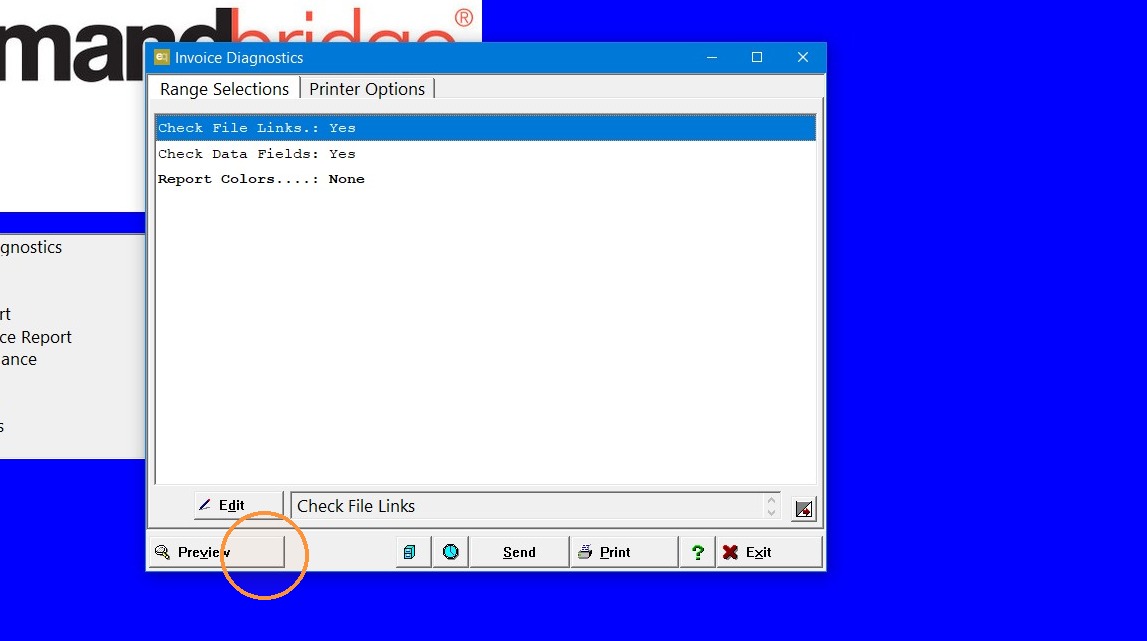
2. Click "Preview"
3. If you have a current backup Click "Yes"
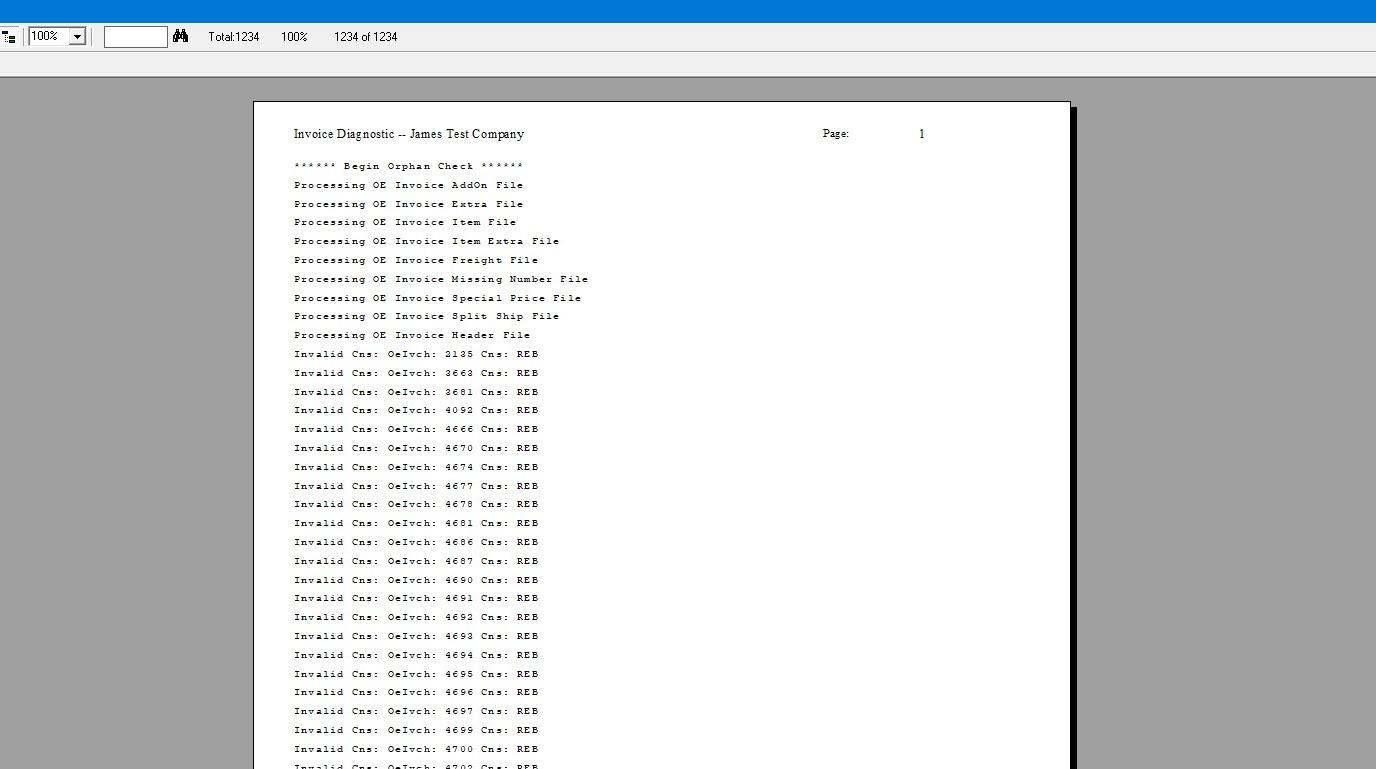
4. Once the diagnostic completes you can close the log.
Tip: If you have further questions, reach out to Demand Bridge support.