EQd: How to Print Company Log
Note: This process was created in a test environment. The information selected is for training purposes only and will not match the data you will use in your company's system.
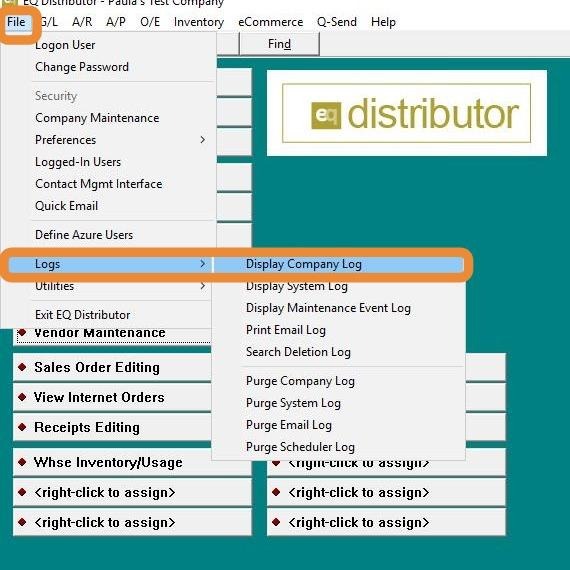
1. Go to File > Logs > Display Company Log.
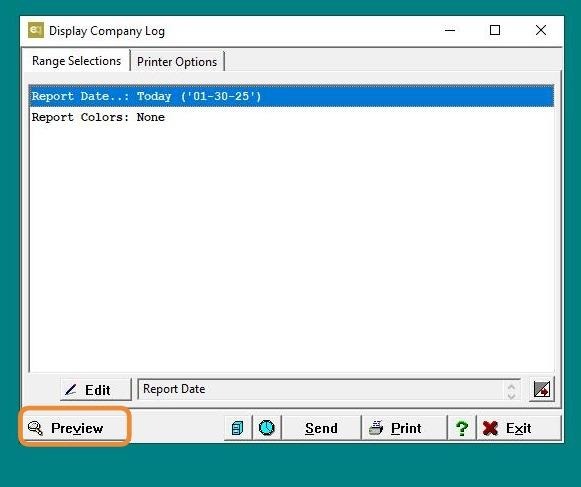
2. Choose your range selections.
Note: It's best to narrow it down by a specific Vendor or Date to make the log easier to navigate, then preview.
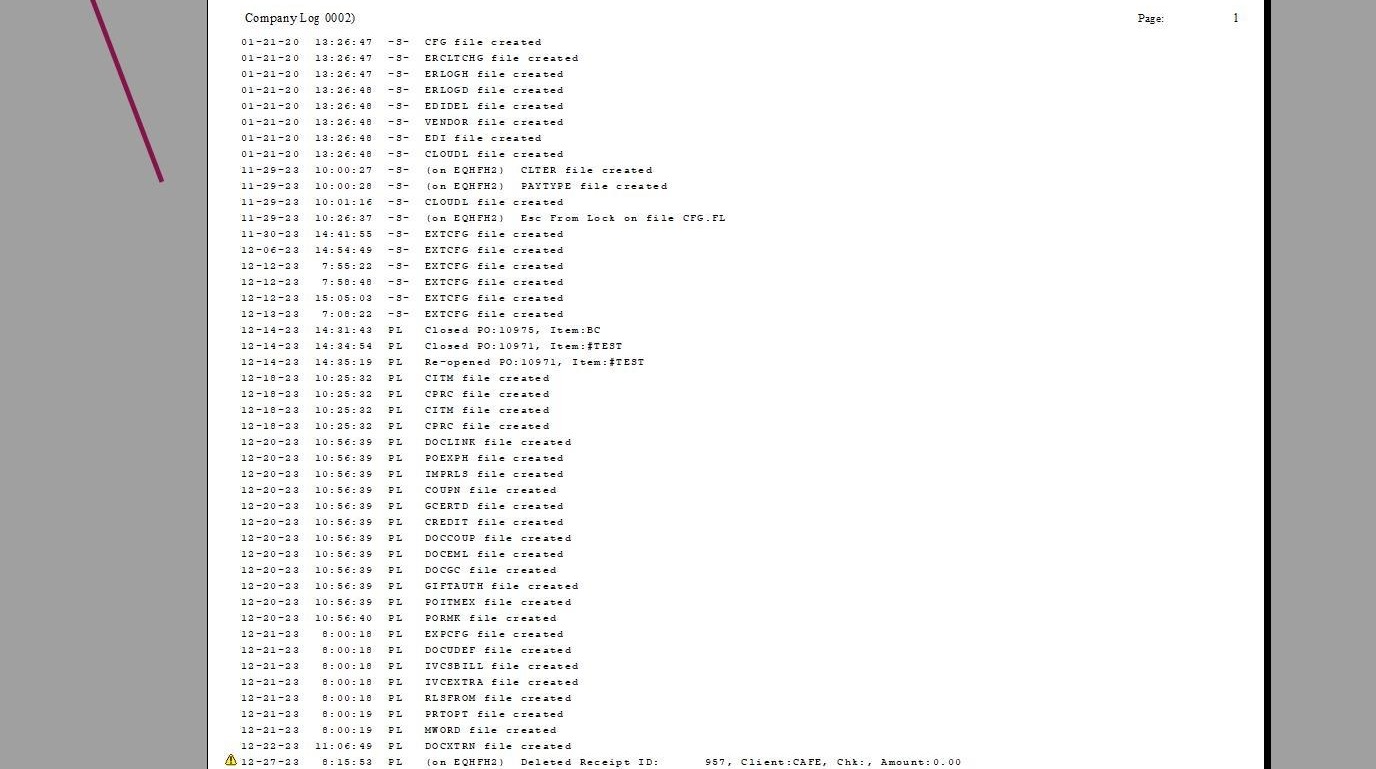
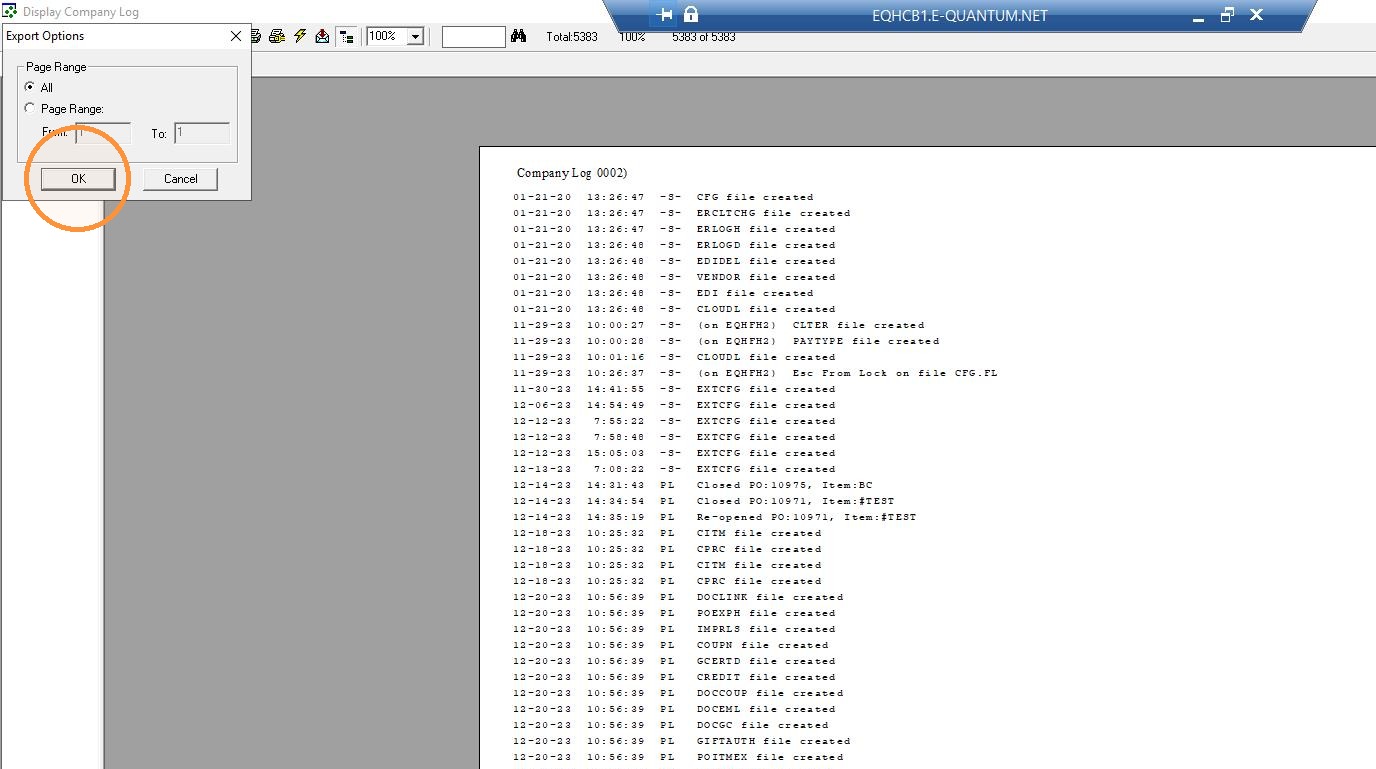
3. If needed, you can export this as a PDF by clicking the envelope icon with a red down arrow.
4. Click "Okay"
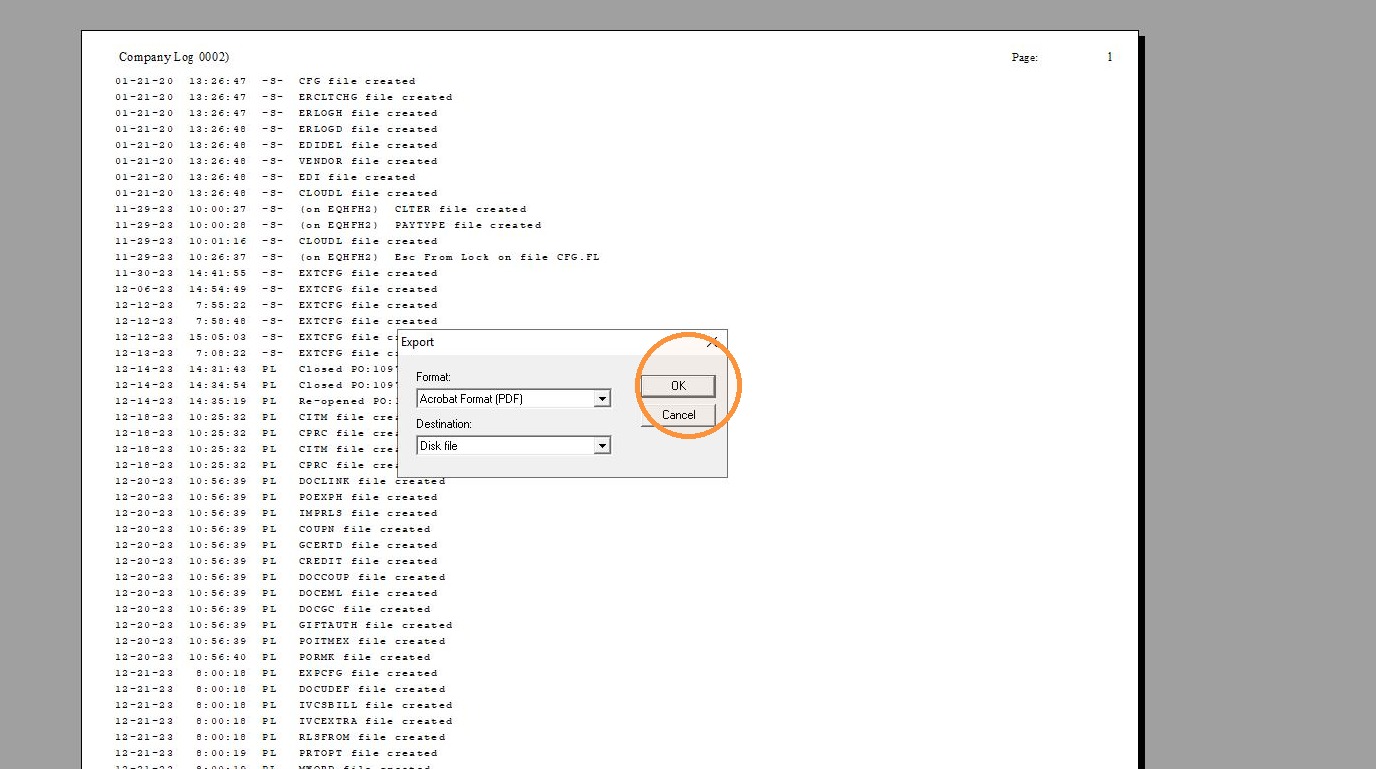
5. Click "Okay"
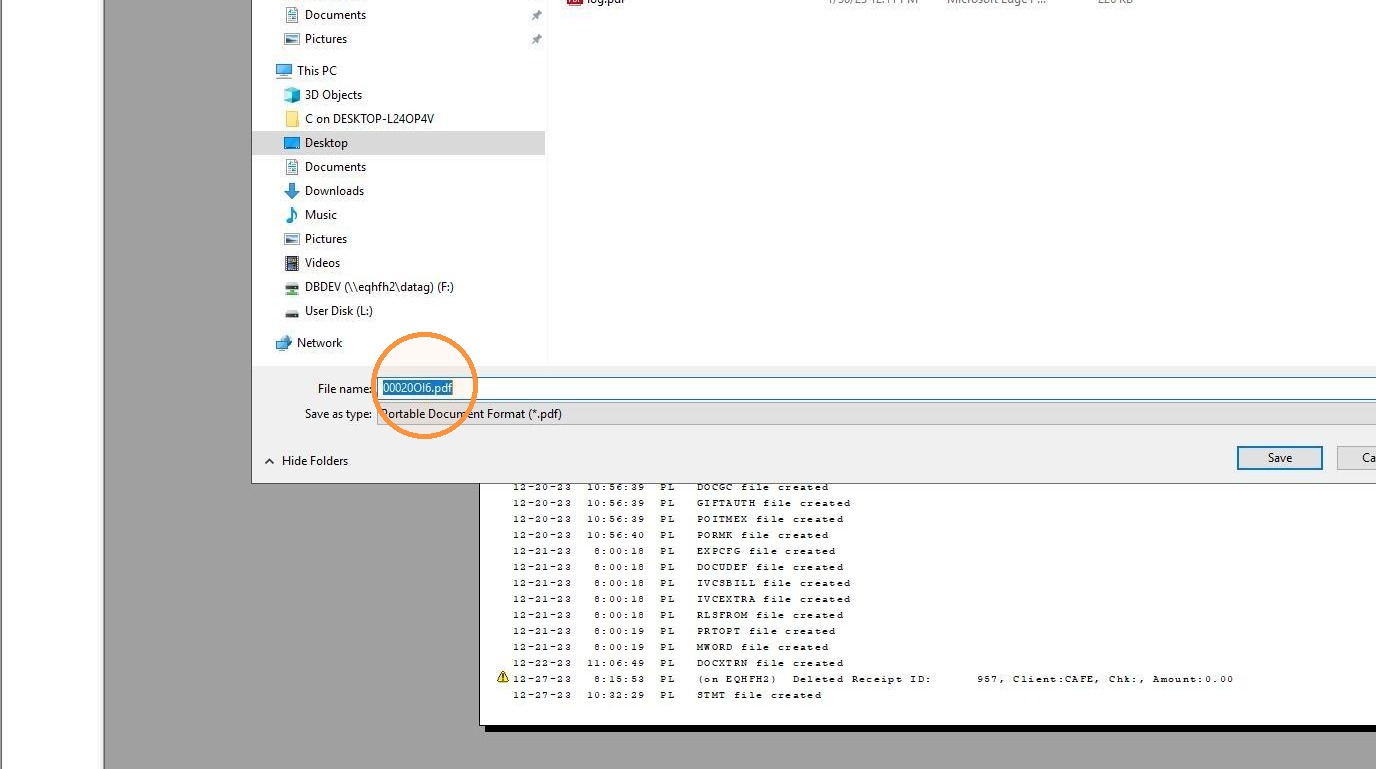
6. Enter a name for the file and click Save.