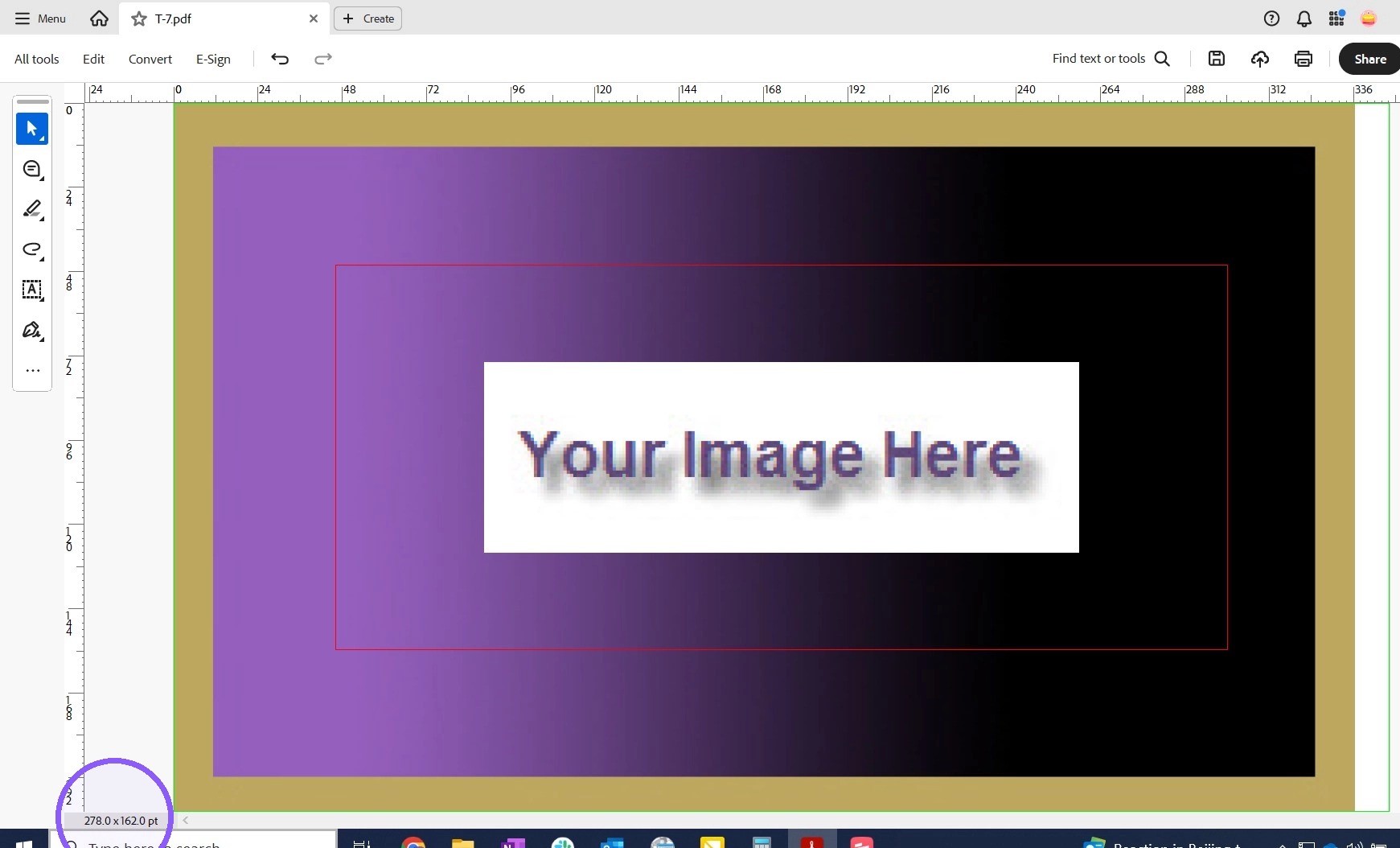
EQC: Q-Design Release Crop/Bleed boxes using Acrobat
Q-Design: Release crop/bleed boxes
1. In Acrobat, use the search feature
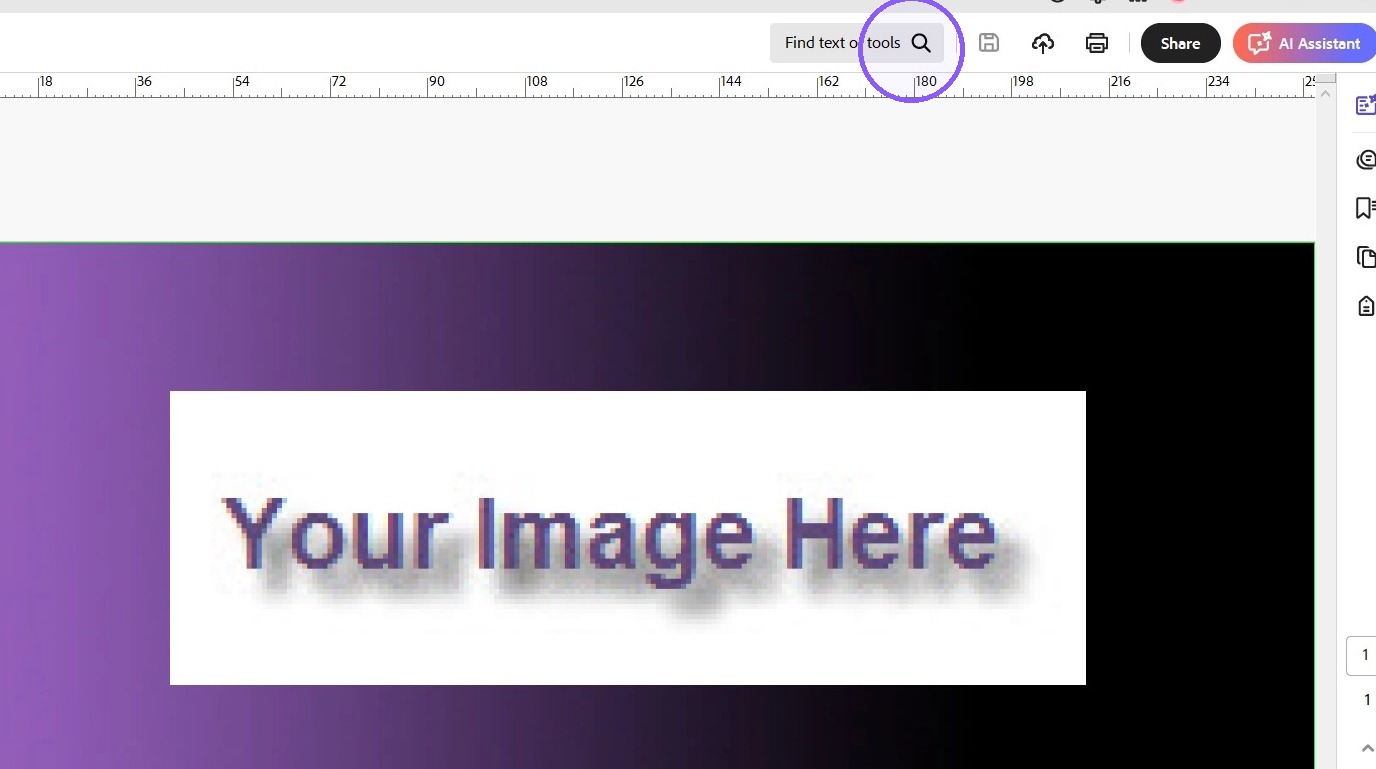
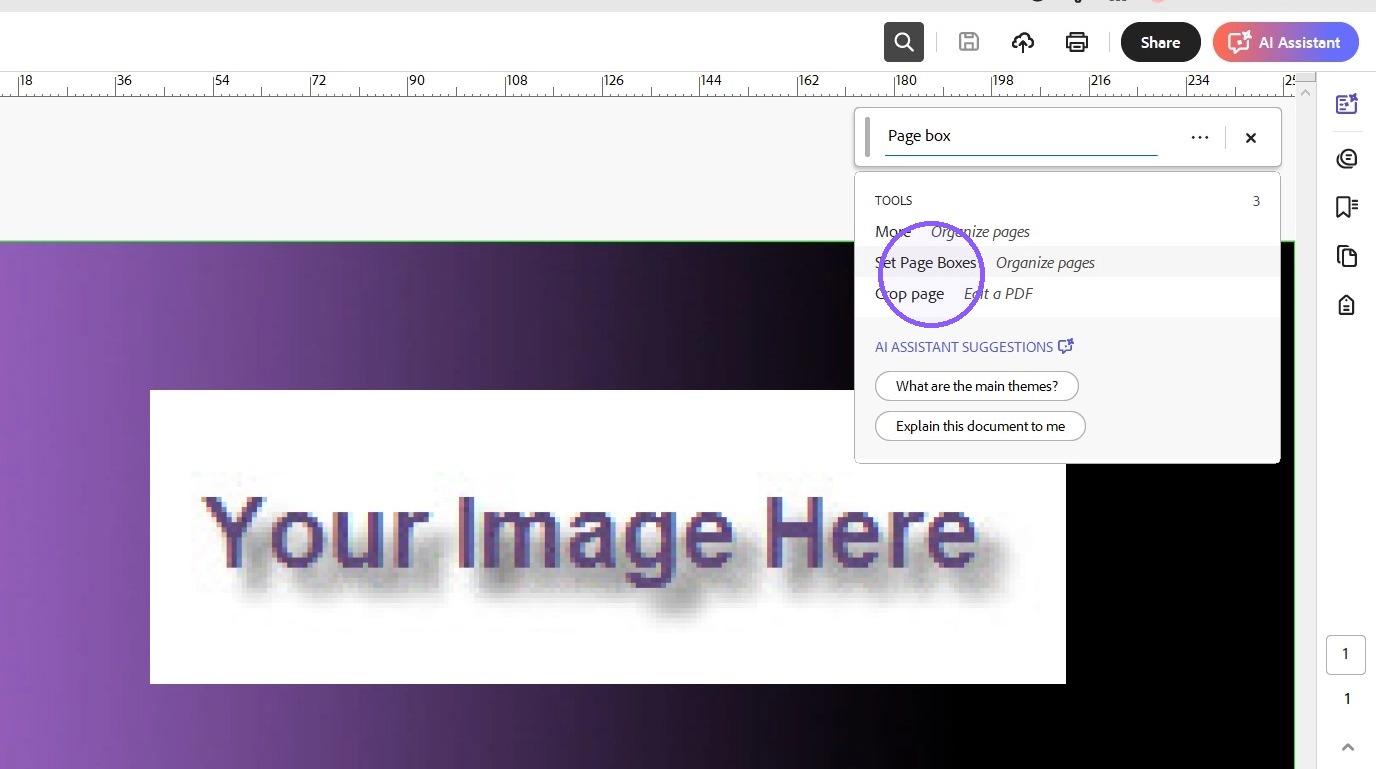
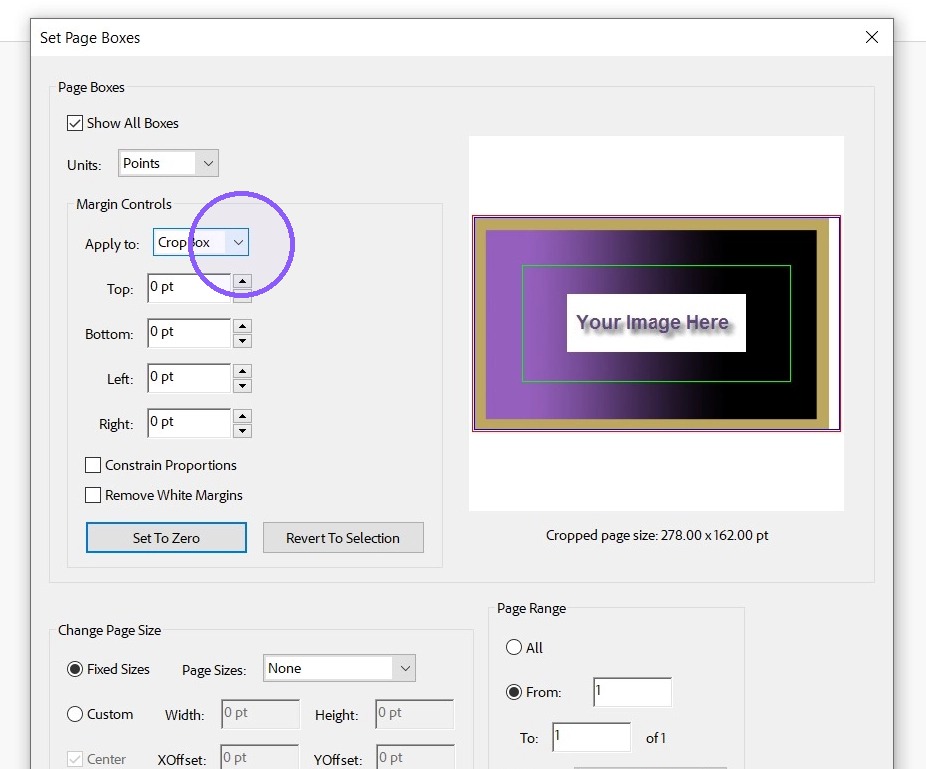
2. Search for "page boxes" and select the tool Set Page Boxes
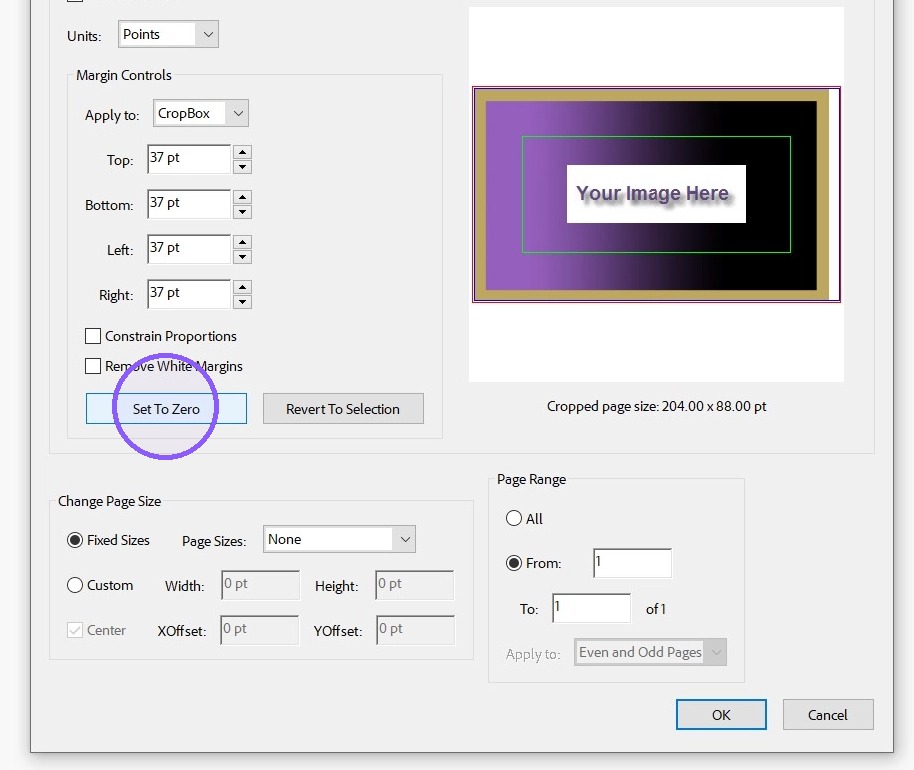
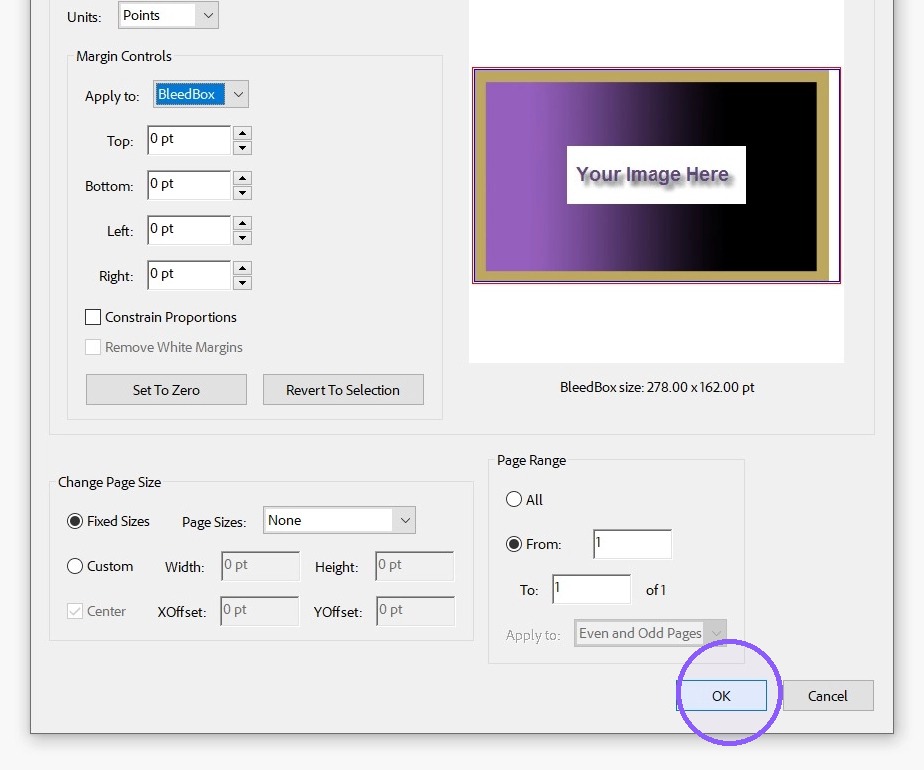
3. Margin Controls , Apply to: each type of lines that are applied - Click Set to Zero
4. Apply to box - click drop down
5. Click "OK" once all the desired Apply to options have been set to zero
6. Double-click the page (image)
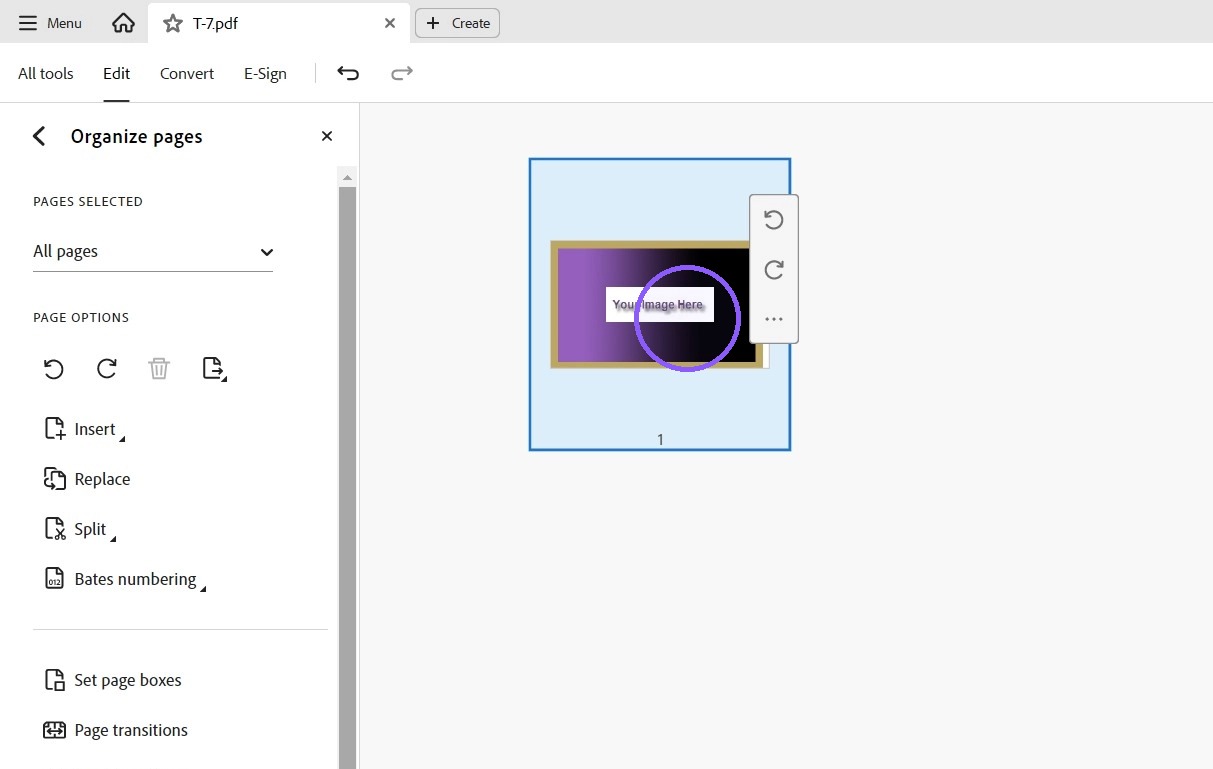
7. You can now view the entire page without boxes