
EQD: Clone or Add a User
This guide provides a step-by-step process for cloning or adding new users in the EQ Distributor Software. These steps can only be done when logged in as the SUPERVISOR user.
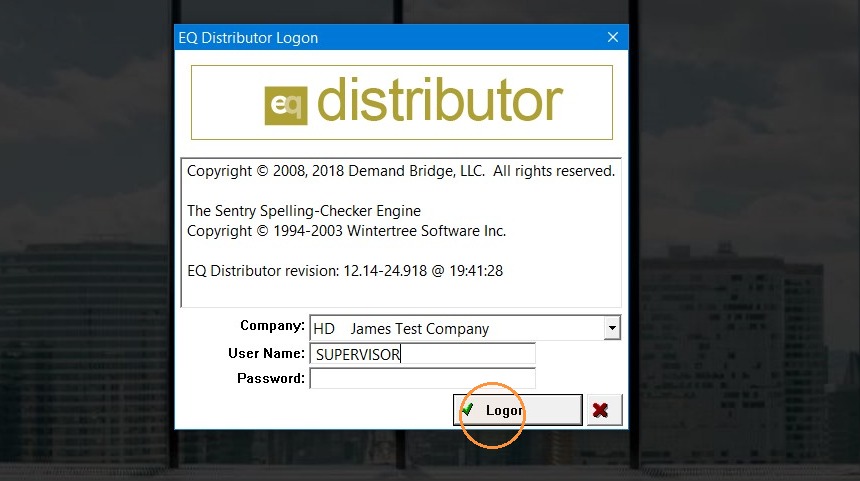
1. Log into EQD with user name SUPERVISOR and the password.
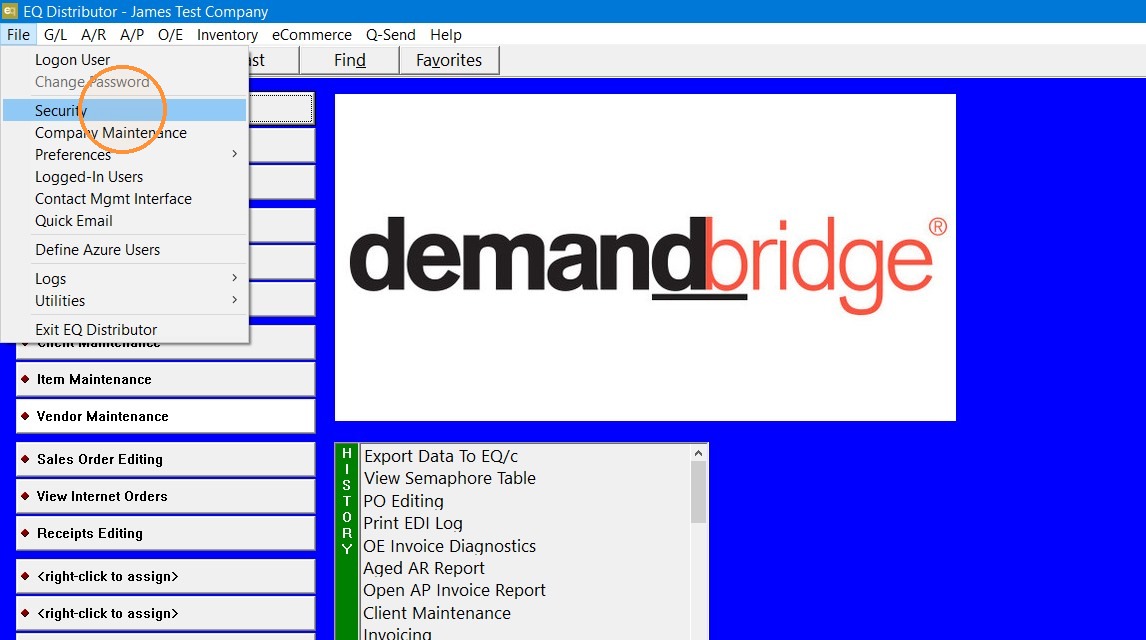
2. Go to File Security
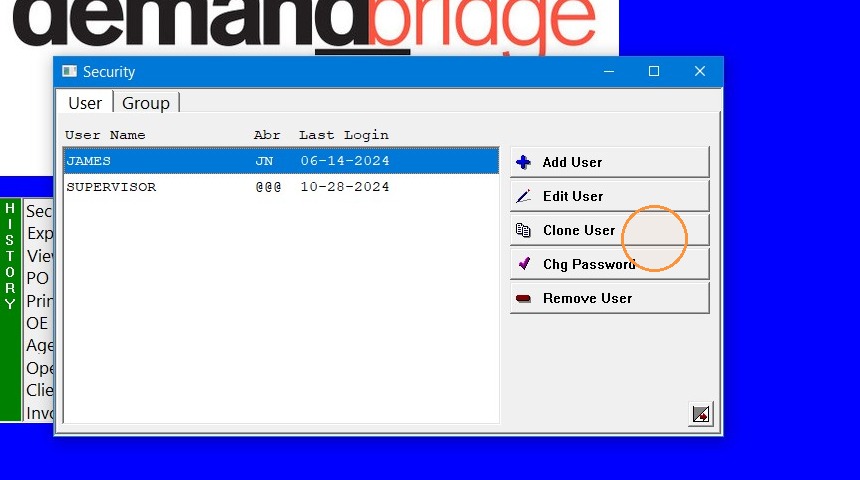
3. - If you choose "Clone User" the security level of the selected user will be copied to the new user.
- If you select "Add User" you will need to choose all the security options.
Cloning a user that has a similar job function to the new user is usually the easiest option. You can still edit the user security of a cloned user as needed.
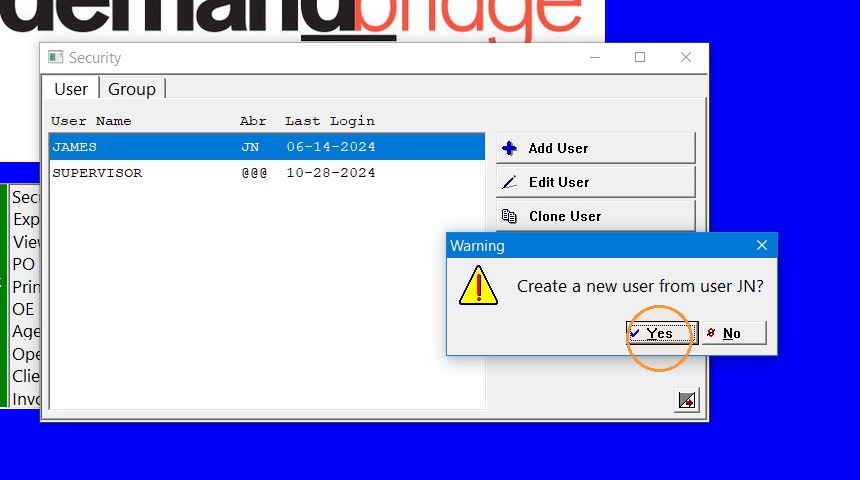
4. Click "Yes" to confirm you are cloning the correct user.
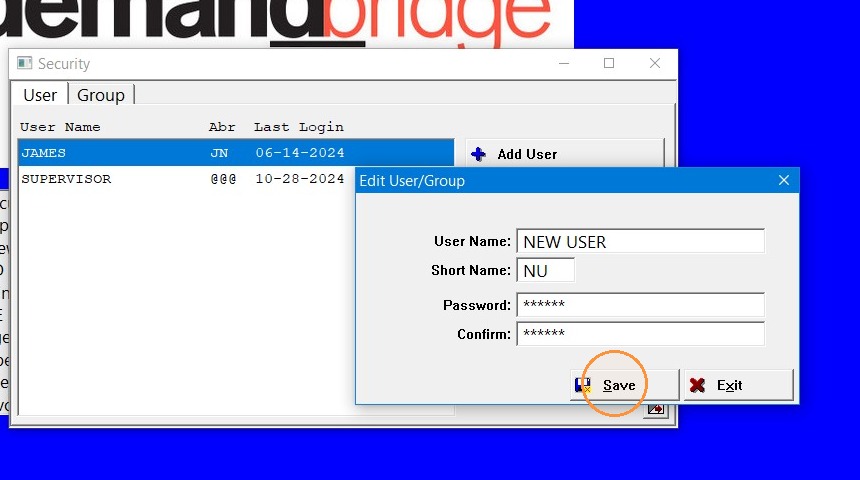
5. Input the User Name, Short Name (usually initials) and Password, then click "Save"
Tip: Contact DemandBridge support if you have further questions.