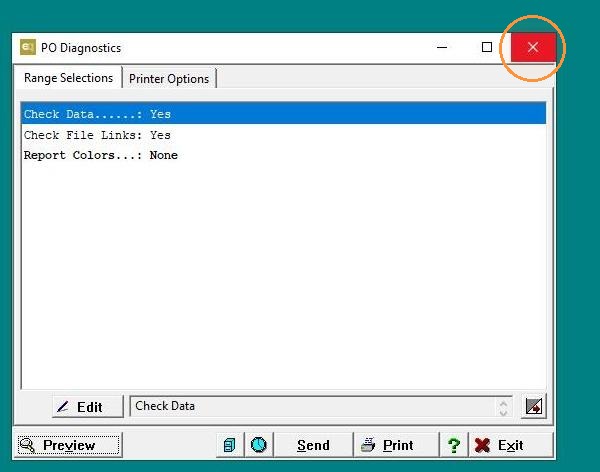
EQd: How to Run OE PO Diagnostics
Tip: Ensure Everyone Is Logged Off and a Current Backup Is Taken Before Proceeding
Alert: Important: If you are not hosted, please ensure you have a reliable backup before running the OE PO Diagnostics. If you are hosted, run the OE PO Diagnostics first thing in the morning, before anyone accesses the system.
Note: This process was created in a test environment. The information selected is for training purposes only and will not match the data you will use in your company's system.
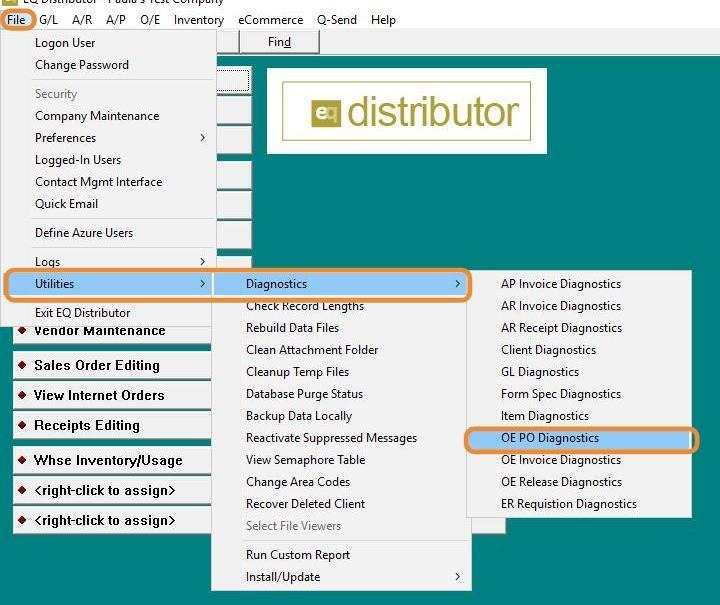
1. Go to File > Utilities > Diagnostics>OE PO Diagnostics
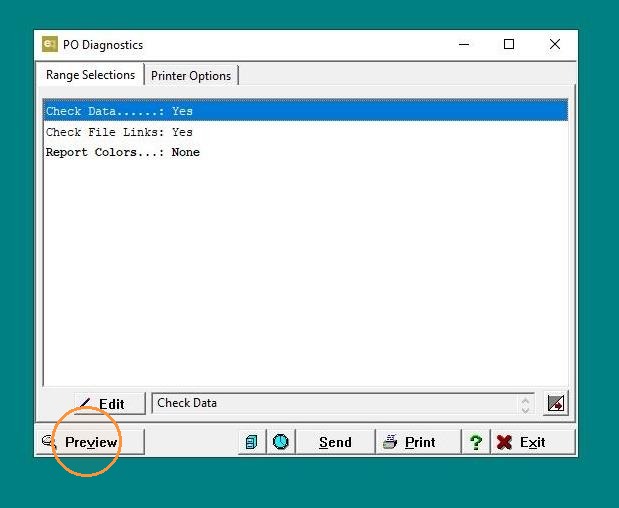
2. Click "Preview"
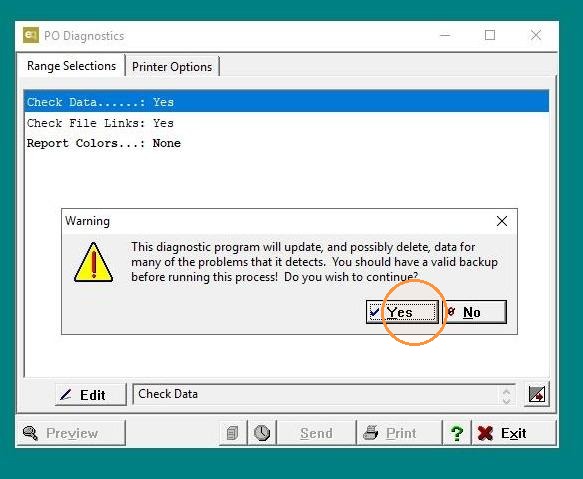
3. Select Yes if you have created a backup.
4. Click "Exit"
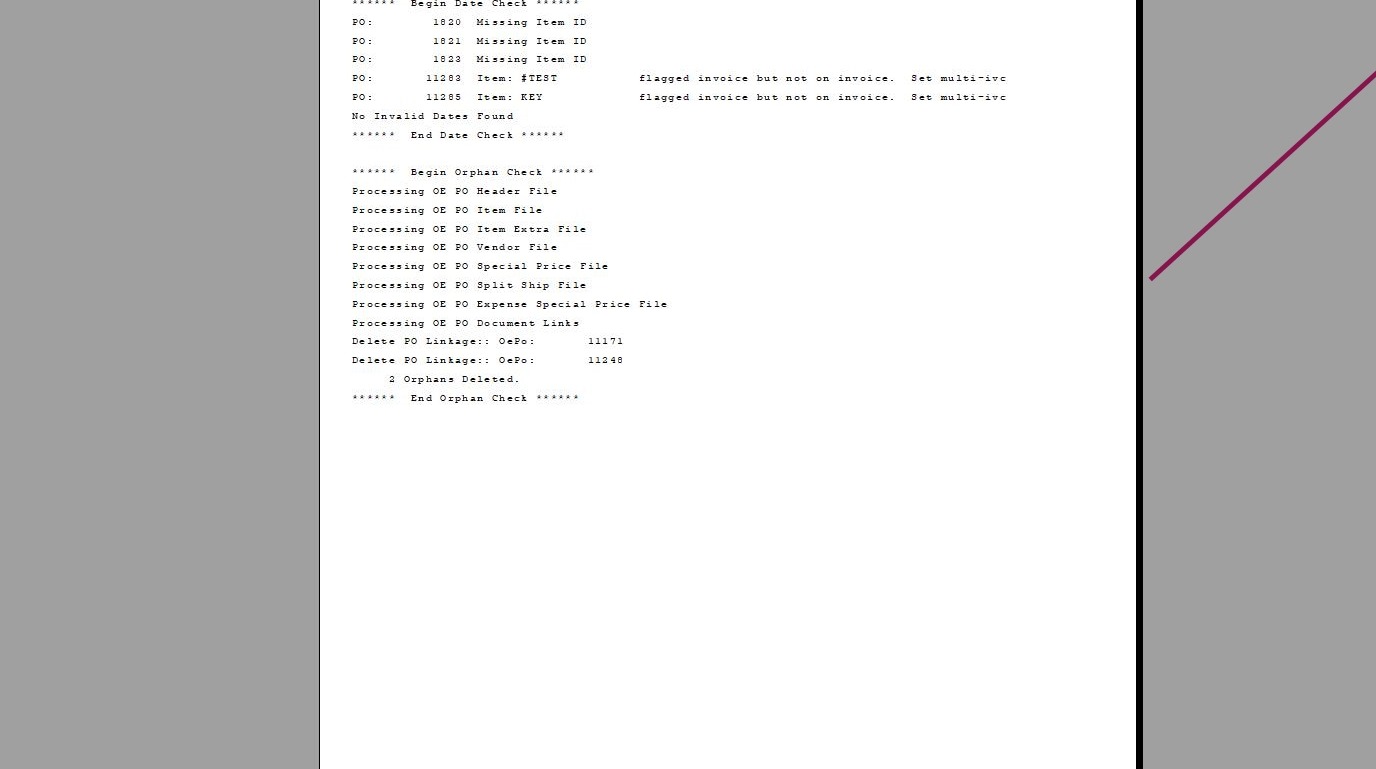
5. Click "Exit"