EQd: How to Change the Company Name on an Invoice
Alert: Note: This process was created in a test environment. The information selected is for training purposes only and will not match the data you will use in your company's system.
Tip: Step 1: Update the Company Name in Maintenance
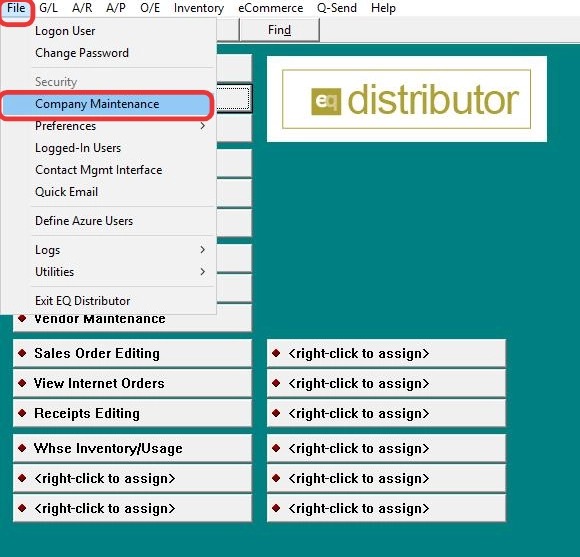
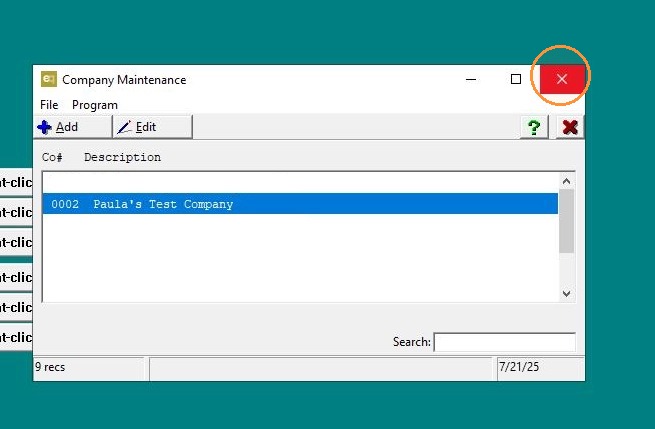
1. Go to File > Company Maintenance.
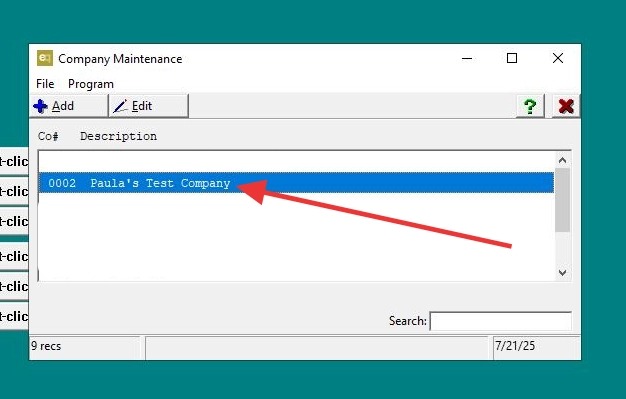
2. Locate your company in the list and double-click it to open.
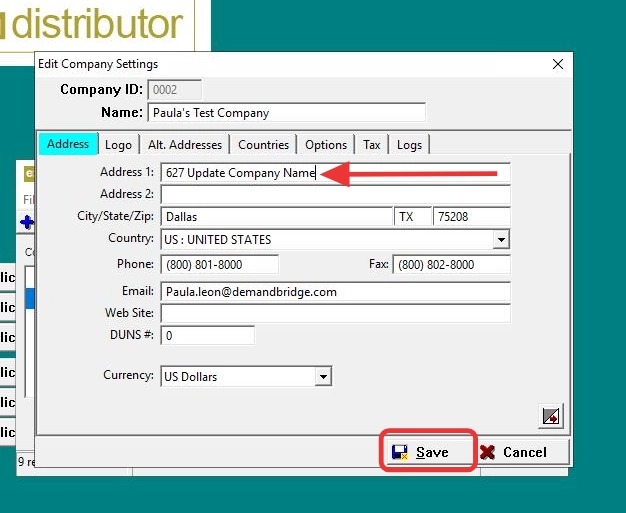
3. Click on the Address tab, update the Company Name field as needed, then click OK or Save to apply the changes.
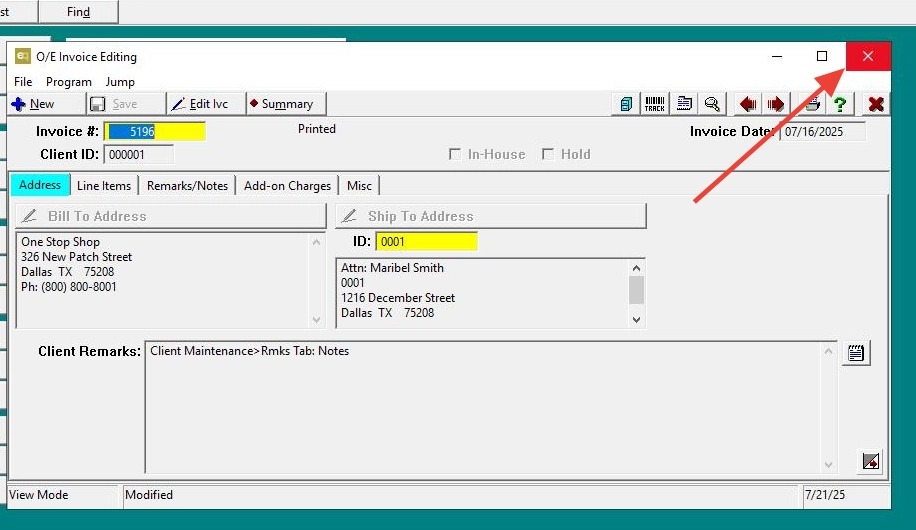
4. Click "Exit"
Tip: Step 2: Verify the Change
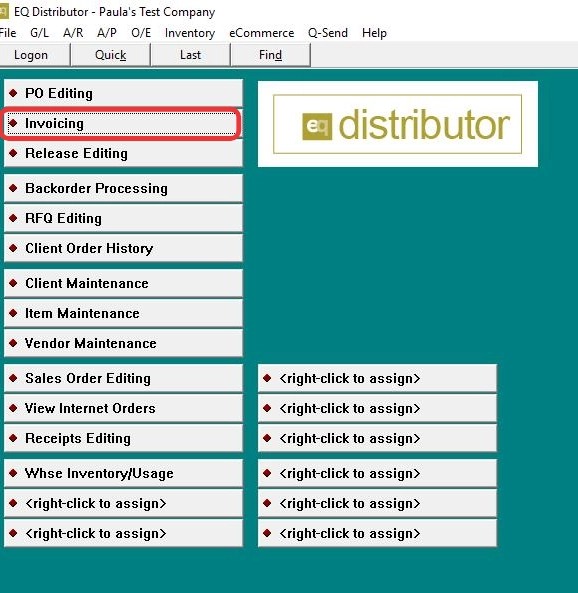
5. Go to Invoice Editing.
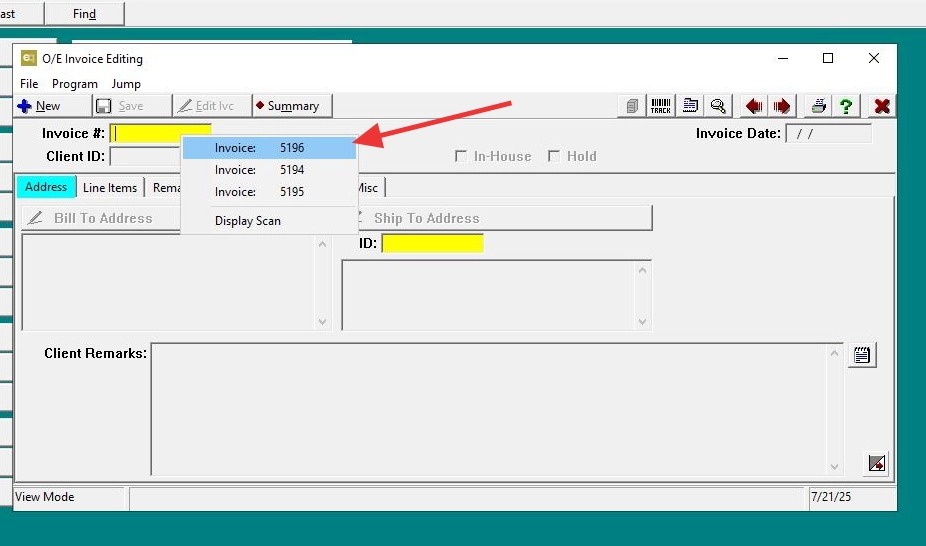
6. Select any existing invoice.
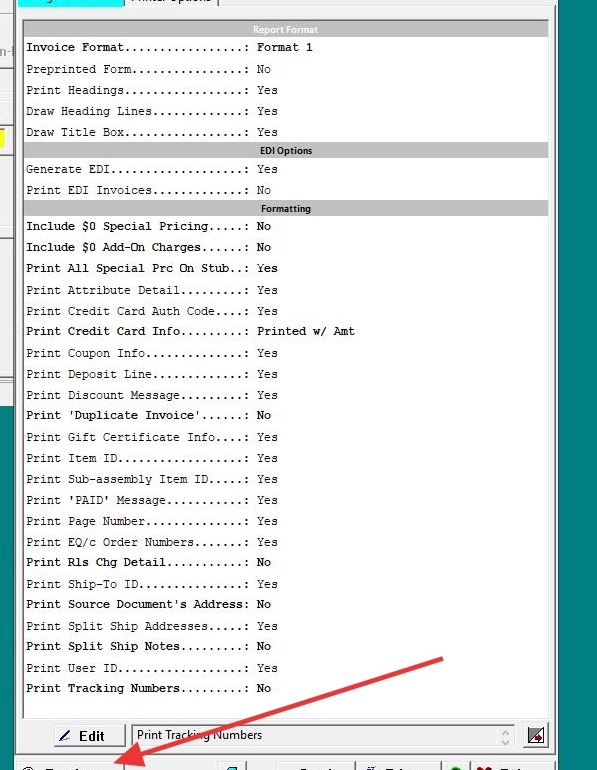
7. Click Print Preview.
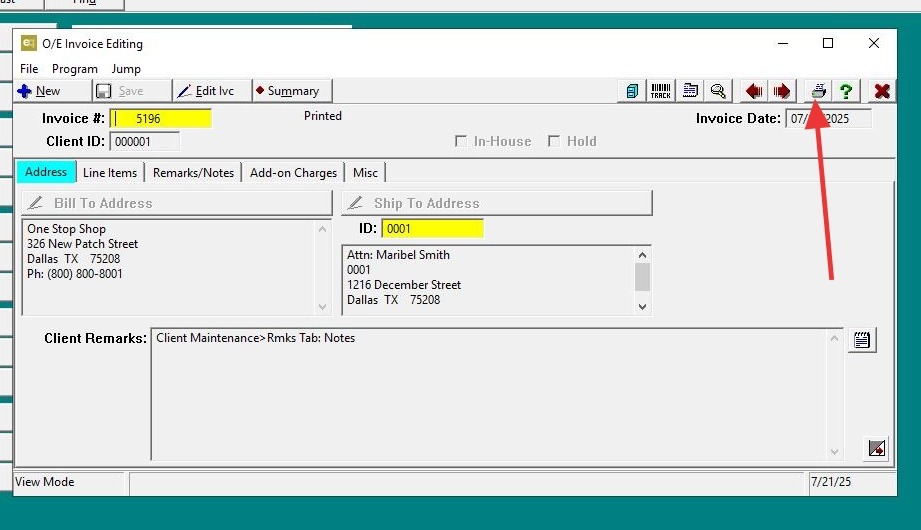
8. Click "Preview"
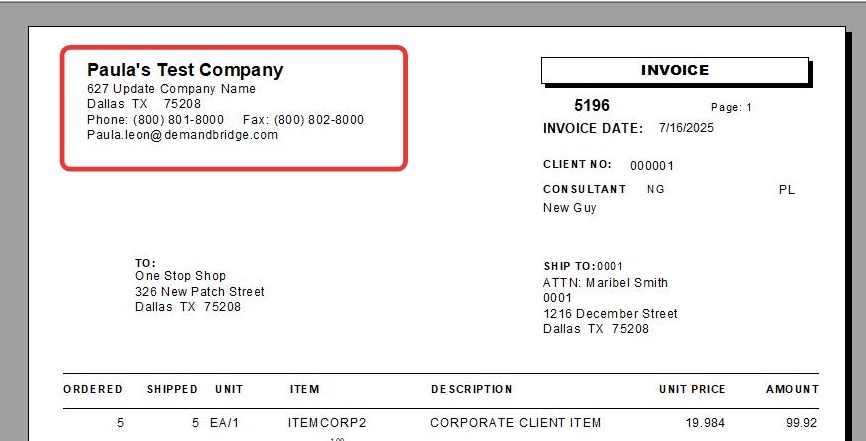
9. The updated company name will display in the top left-hand corner of the invoice.
10. Click "Exit"
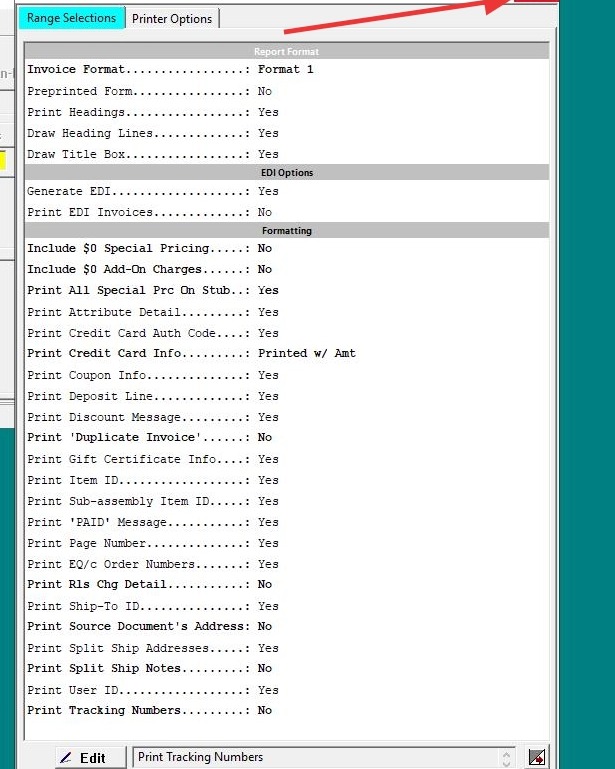
11. Click "Exit"