
EQd: Crediting an In-House Invoice Using a Recurring Invoice
Tip: Note: This process was created in a test environment. The information selected is for training purposes only and will not match the data you will use in your company's system.
Alert: Quantum does not allow direct crediting of an In-House invoice. As a workaround, you can recreate the invoice using the Recurring Invoice feature. This allows you to generate a duplicate of the original invoice, uncheck the In-House box, and post the corrected version—without affecting reporting, as the original had zero cost/sell.
Step 1: Create the Recurring Invoice Template
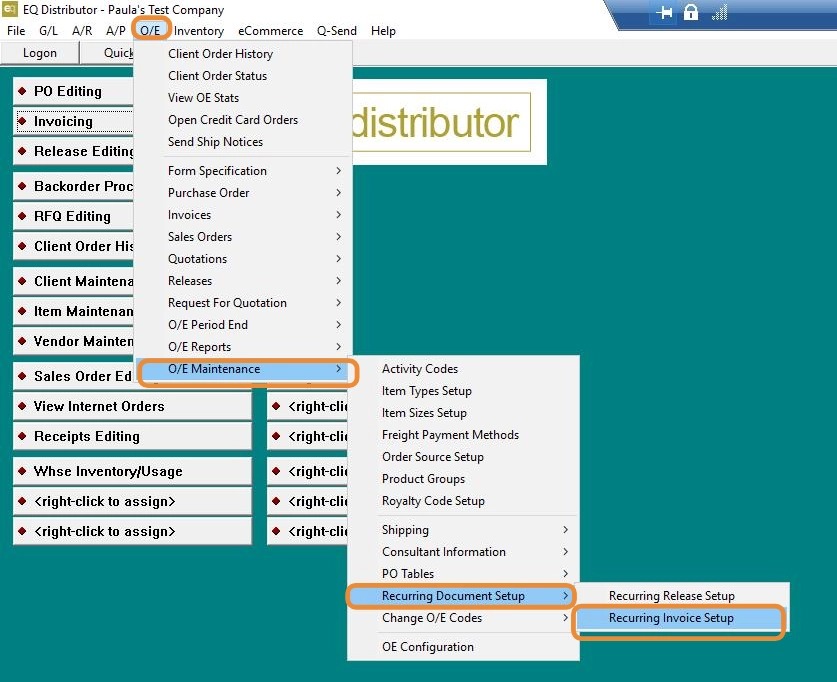
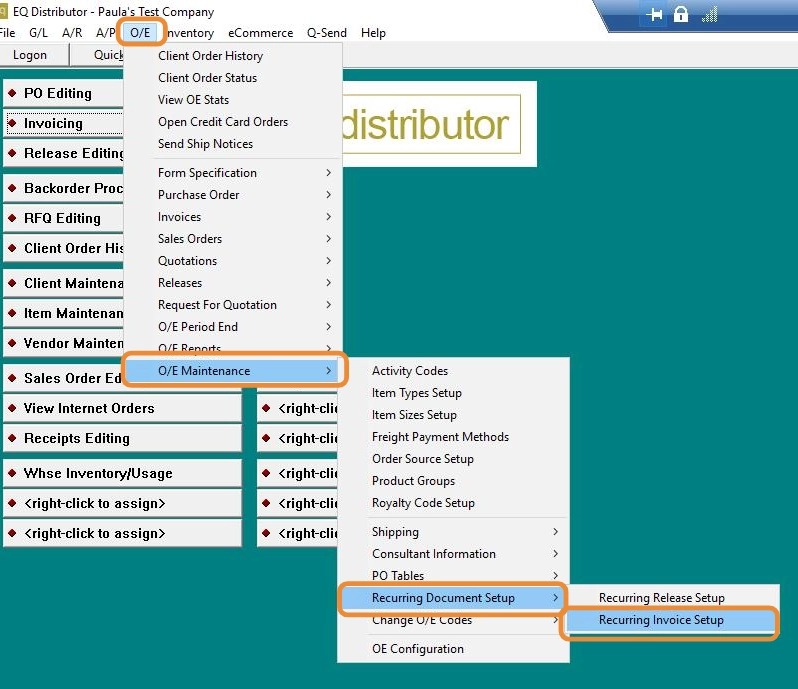
1. Go to O/E > O/E Maintenance > Recurring Document Setup > Recurring Invoice Setup.
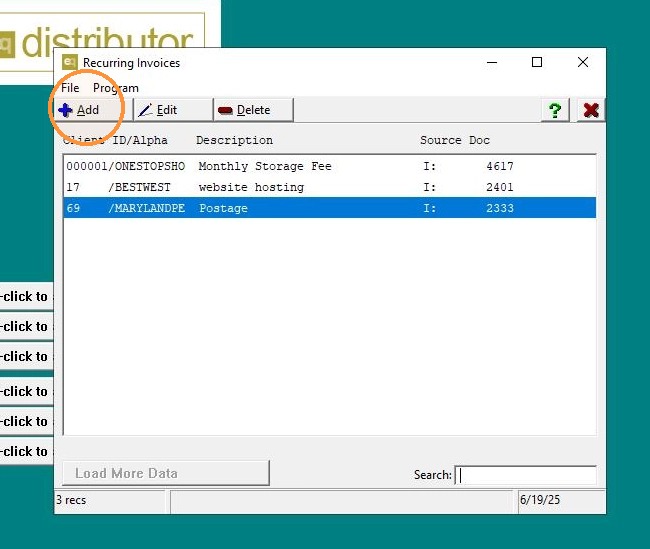
2. Click "Add"
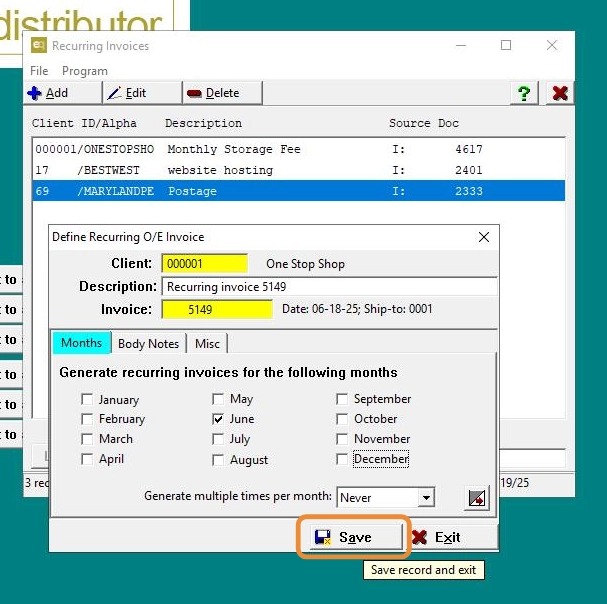
3. - Enter the following:
-
Client
-
Description
-
Invoice # (the original In-House invoice you're recreating)
-
Date (use the current date)
-
Click "Save".
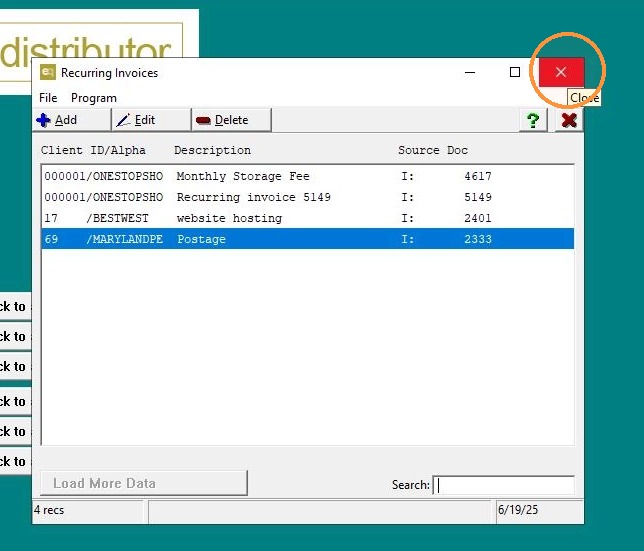
4. Click "Exit"
Step 2: Generate the Recurring Invoice
5. Go to O/E > O/E Period End > Recurring Document Setup > Generate Recurring Invoices.
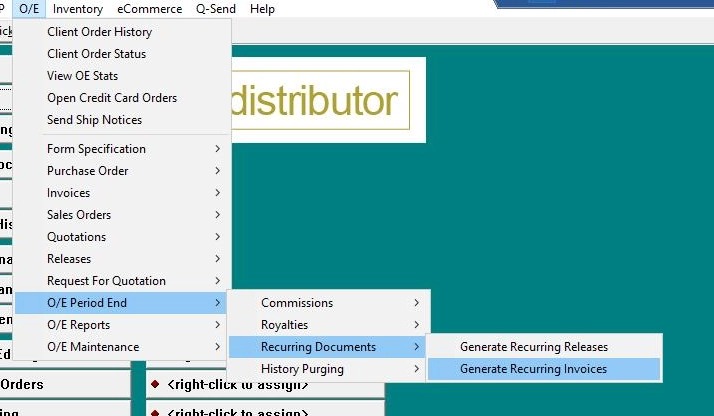
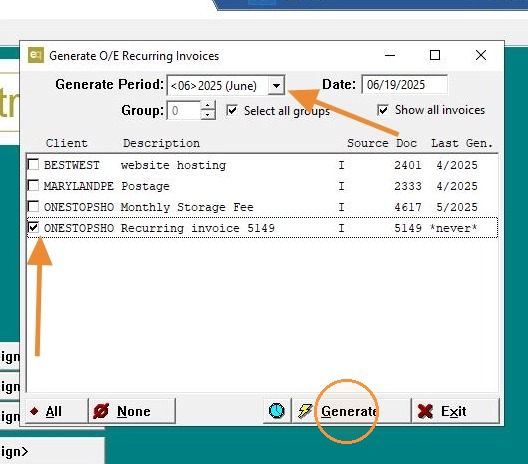
6. - Under Generate Period, select the current month (or month you wish to use).
- Check the box next to the invoice to be generated.
- Click "Generate".
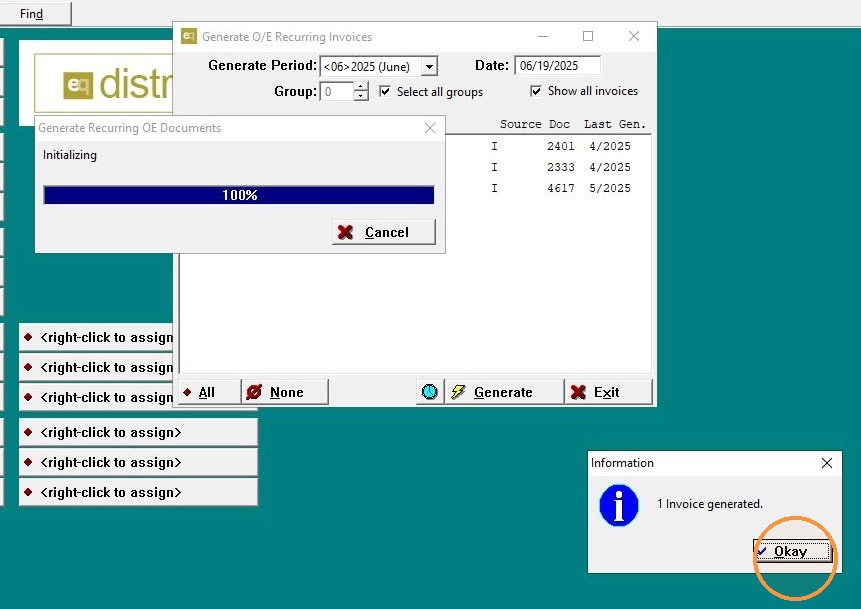
7. Click "OK" on the confirmation popup.
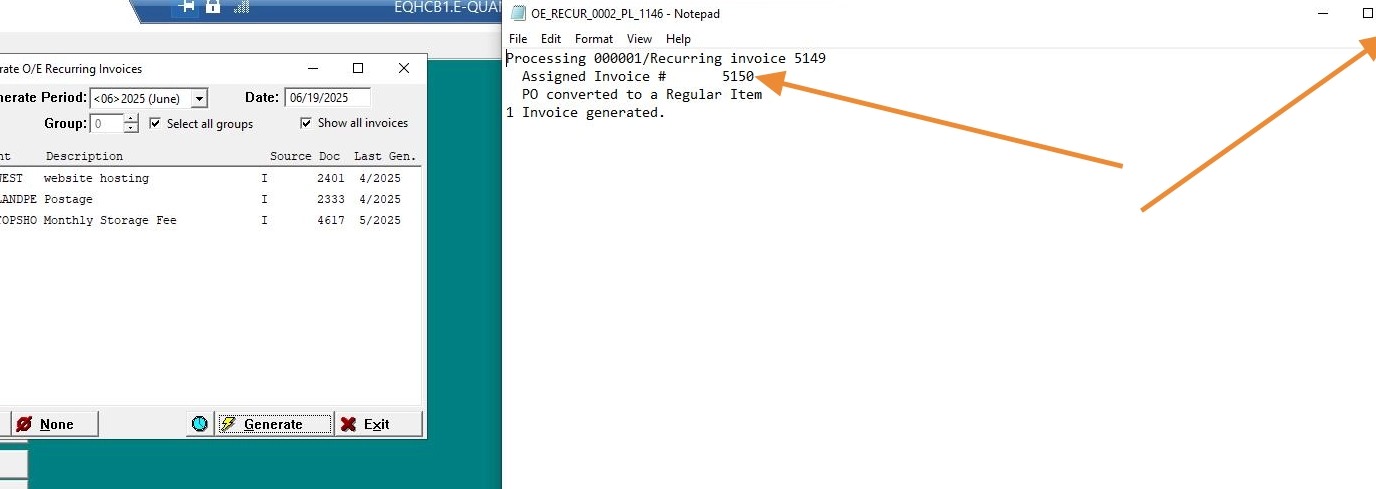
8. Click "Yes" when asked if you want to view the process log.
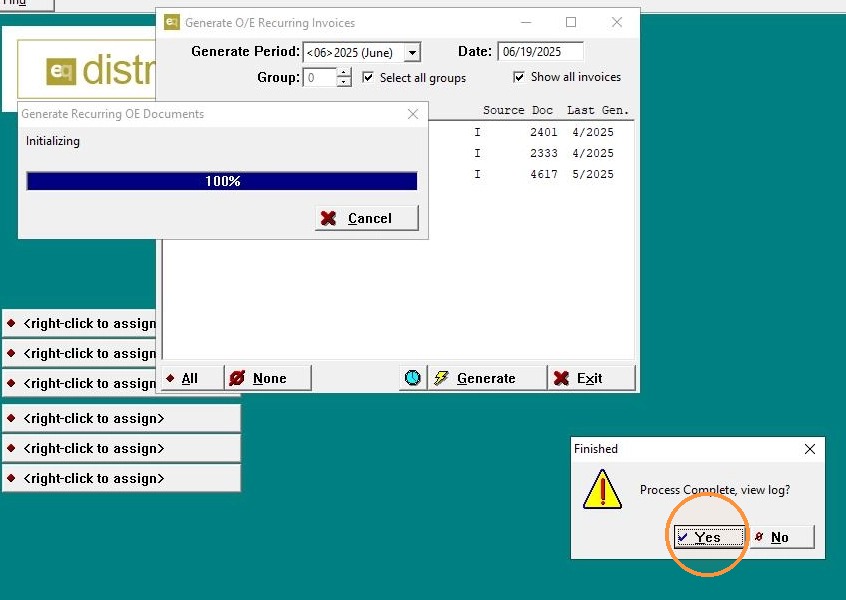
9. Write down the new invoice number shown in the log. click "Exit"
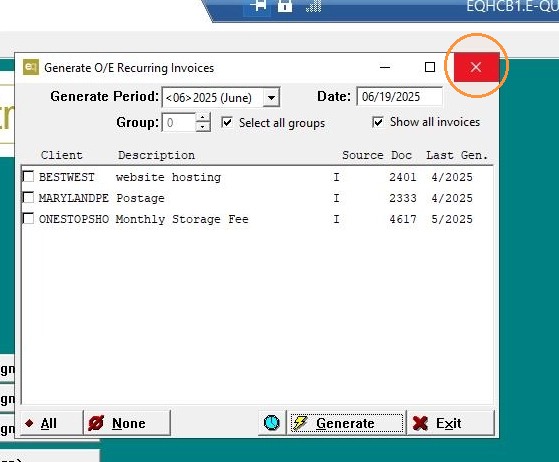
10. Click "Exit" to leave the module.
Step 3: Edit the Generated Invoice
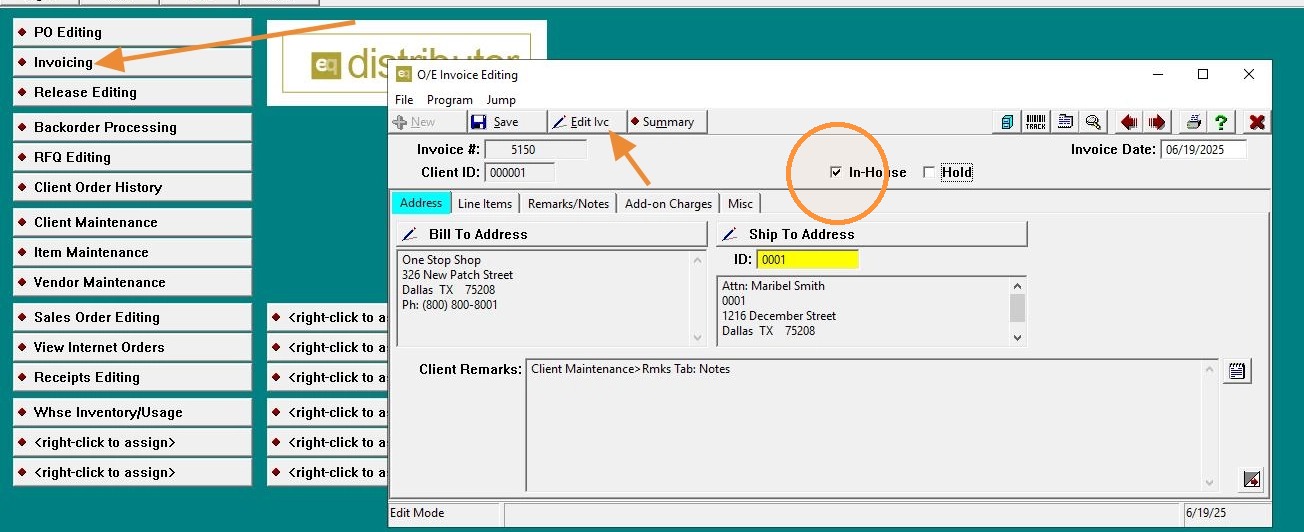
11. - Go to Invoicing.
- Pull up the new invoice number created from the recurring setup.
- Click "Edit".
- Uncheck the "In-House" box.
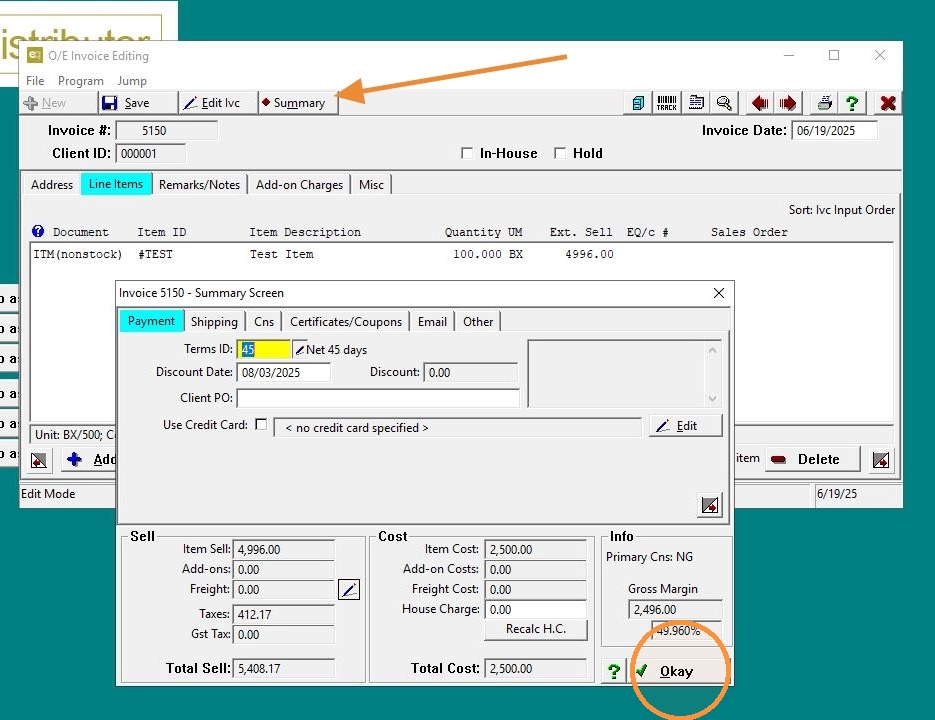
12. - Click "Summary" to confirm the cost and sell values show correctly.
- Click "OK"
13. Click "Save"
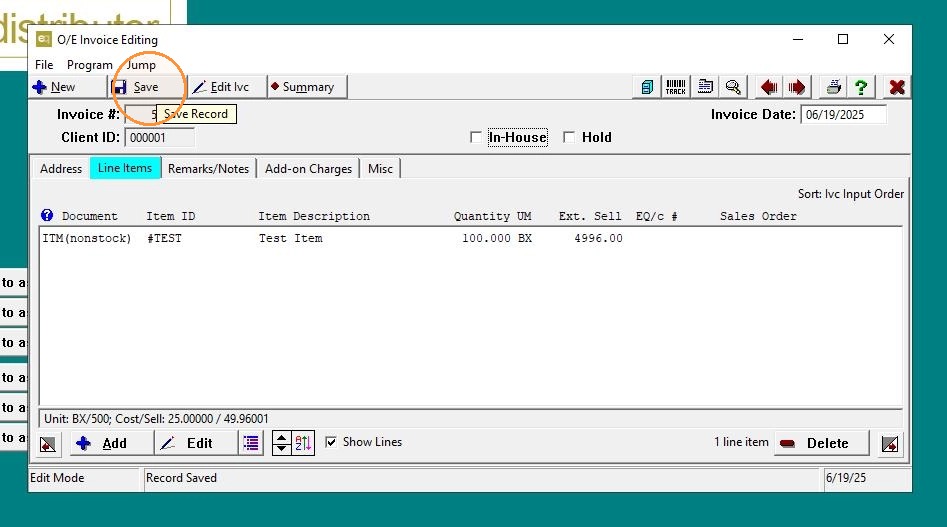
14. Click "Exit"
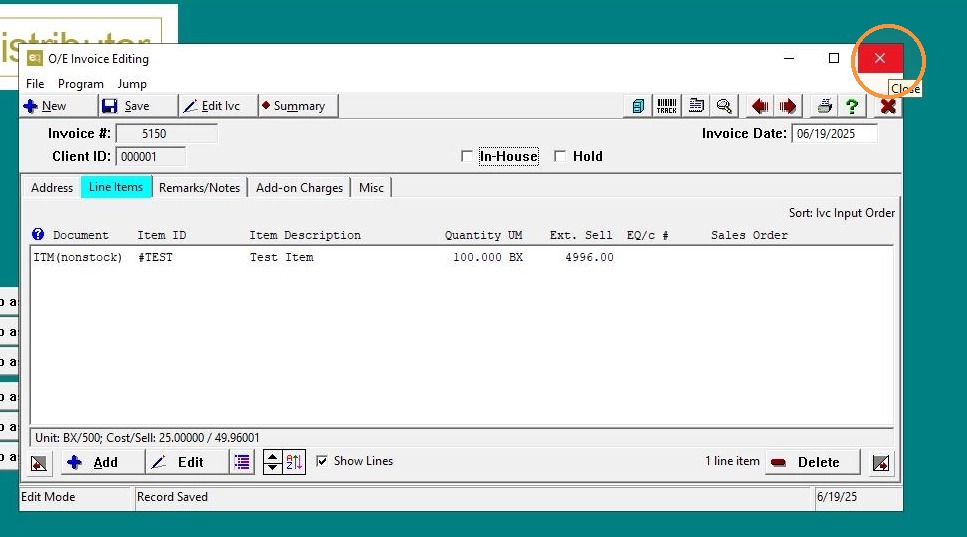
Step 4: Delete the Recurring Invoice Template
15. Return to O/E > O/E Maintenance > Recurring Document Setup > Recurring Invoice Setup.
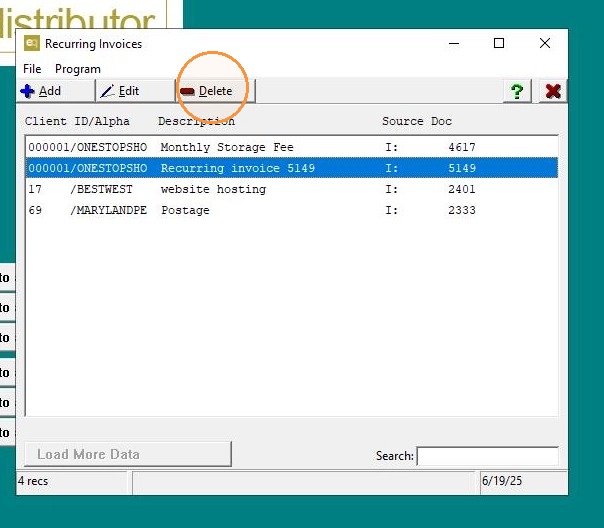
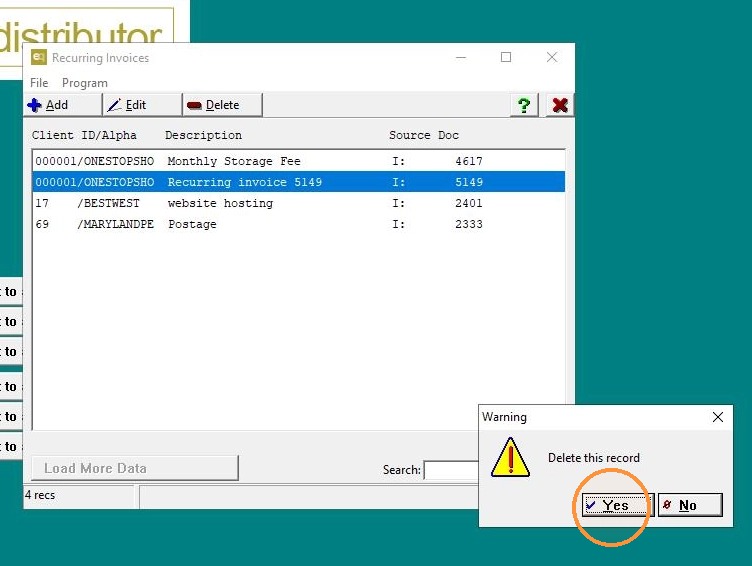
16. - Locate the recurring invoice template you created.
- Click "Delete".
17. Click "Yes" to confirm deletion.
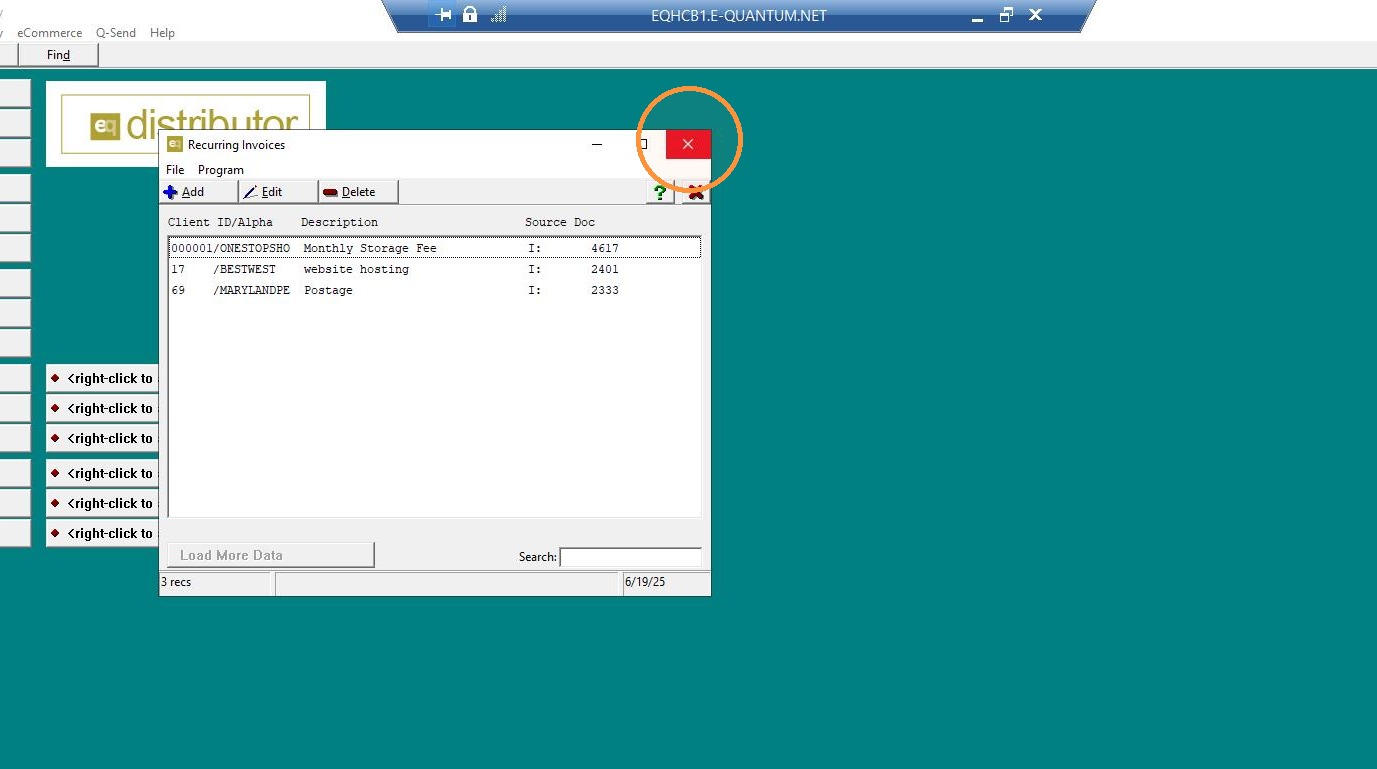
18. Click "Exit"
Tip: This process allows you to recreate and correct an In-House invoice by removing the restriction that prevents it from being credited, while ensuring accurate reporting.