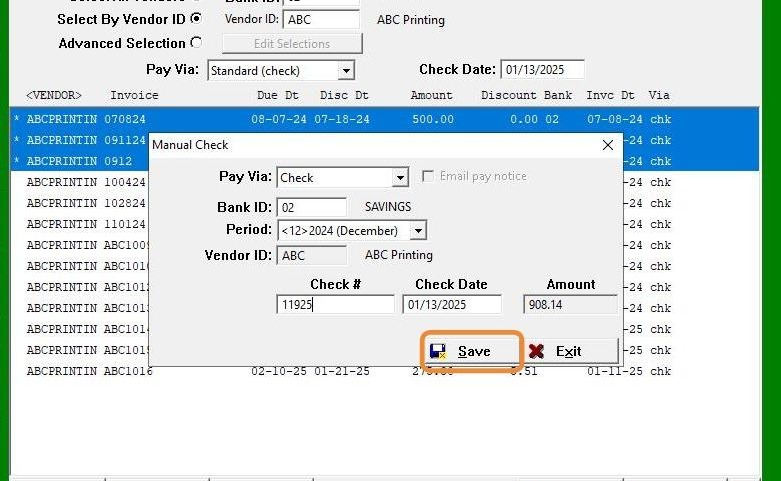
EQd: Steps to Write a Manual Check
Note: This process was created in a test environment. The information selected is for training purposes only and will not match the data you will use in your company's system.
1. Click "Input Capture Window"
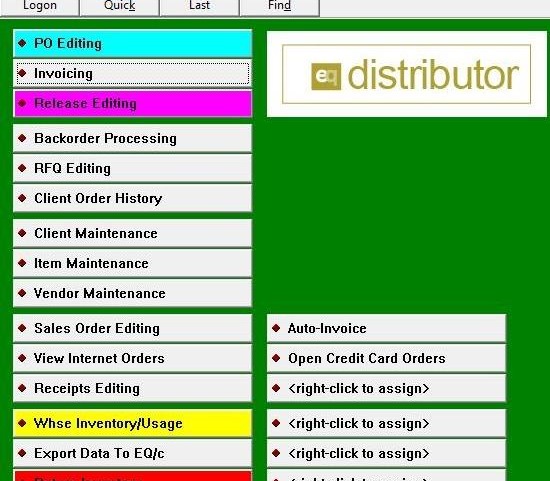
2. Click "Input Capture Window"
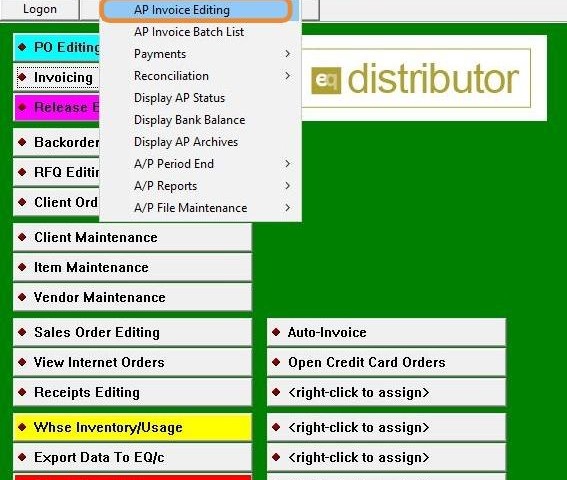
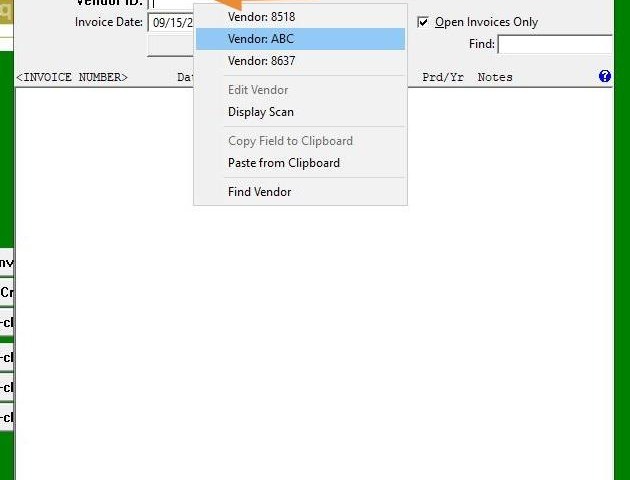
3. Right-click to enter the Client ID or use the Display Scan option to find the Client ID.
4. Click "Pay"
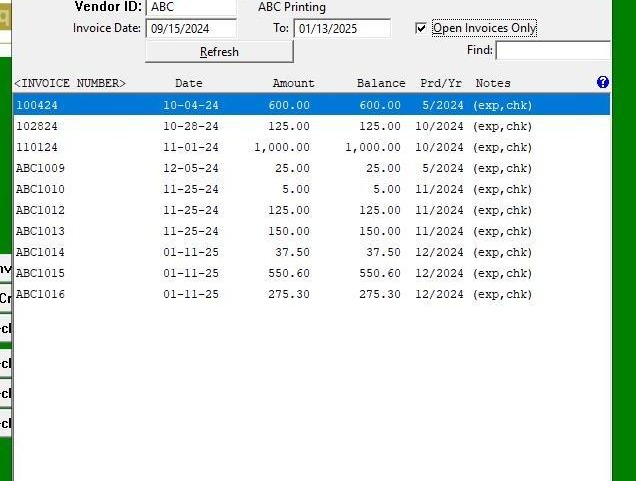
5. Press "Ctrl" and click on each invoice with the mouse to select multiple invoices for payment.
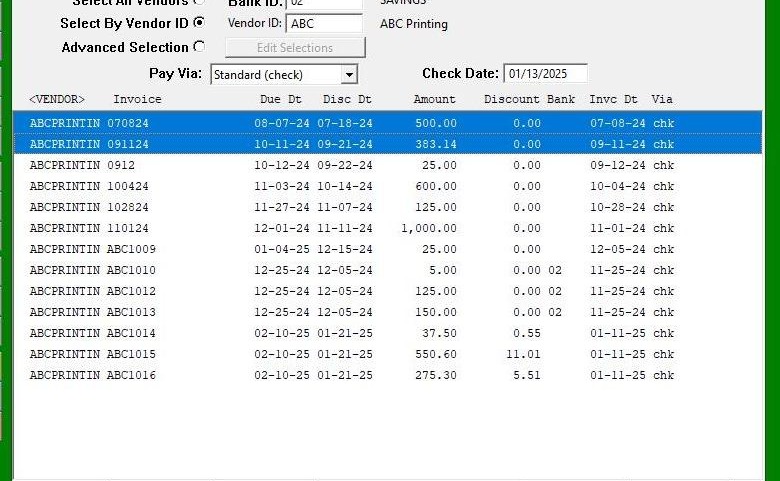
6. Click "Select "
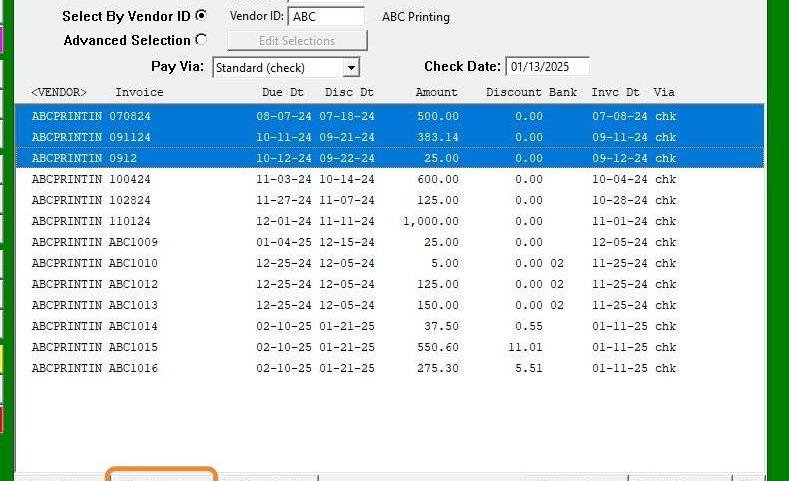
7. Click "Mnl. Chk."tab to pay invoices
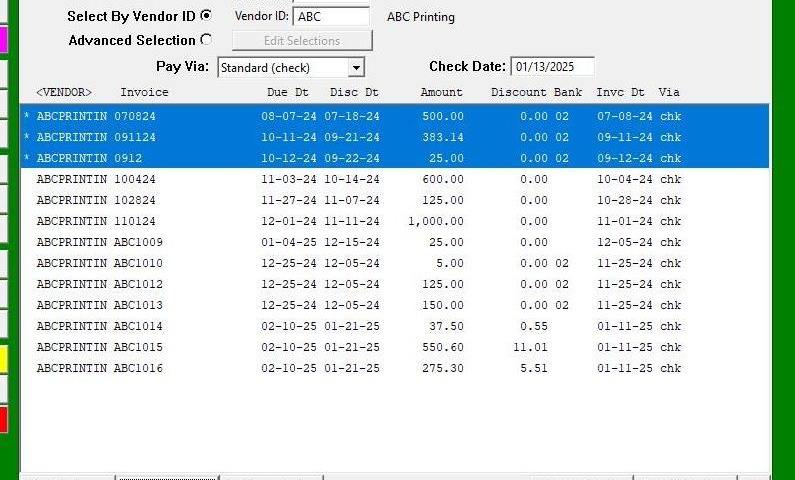
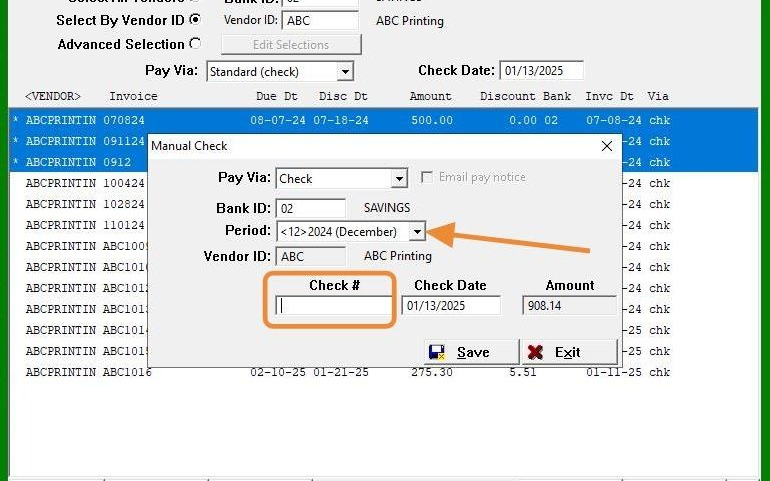
8. Use the drop-down menu if you need to select a different posting month and enter the check number for the manual check.
9. Click "Save"