EQd: Accessing the Positive Pay File
Note: This process was created in a test environment. The information selected is for training purposes only and will not match the data you will use in your company's system.
1. When you're ready to transmit, go to AP > AP Payments > Transmit Positive Pay.
- If you’re sending Positive Pay information to multiple banks, select the appropriate bank.
- Click Send.
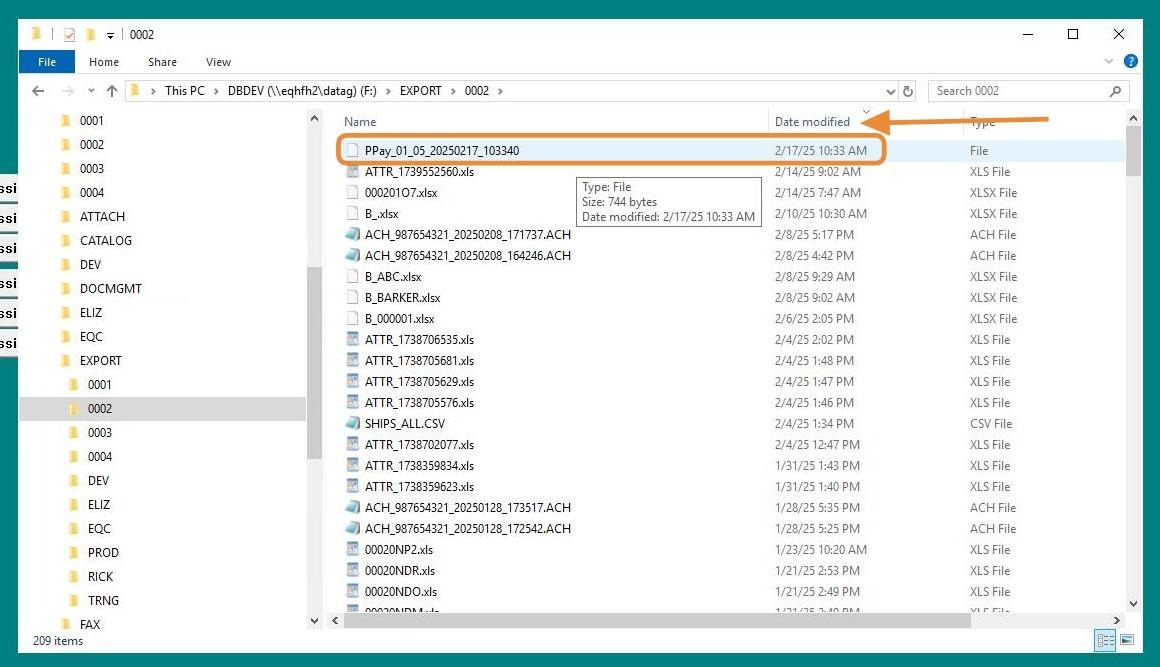
- Navigate to F:\Export\0001[[ and begin with ]]PPay[[.]] Copy the Positive Pay file, and send it to your bank per their instructions.
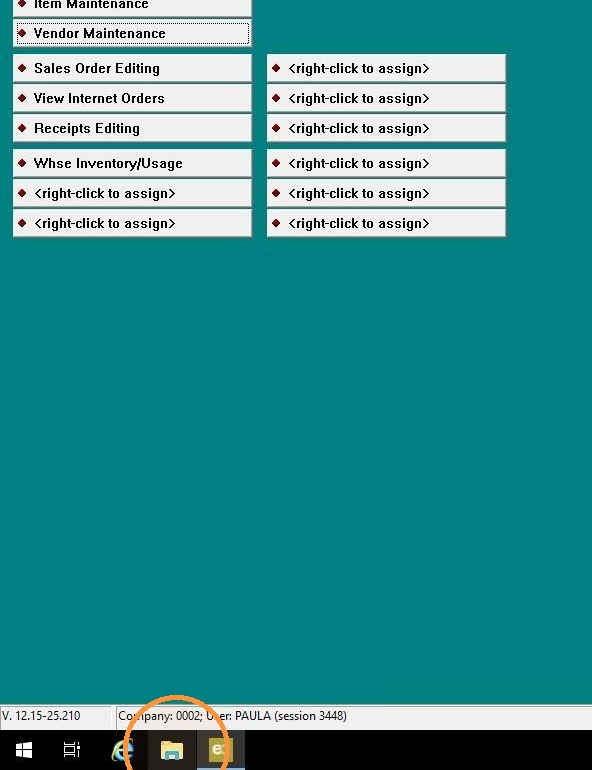
Finally, double-click File Explorer to access the file.
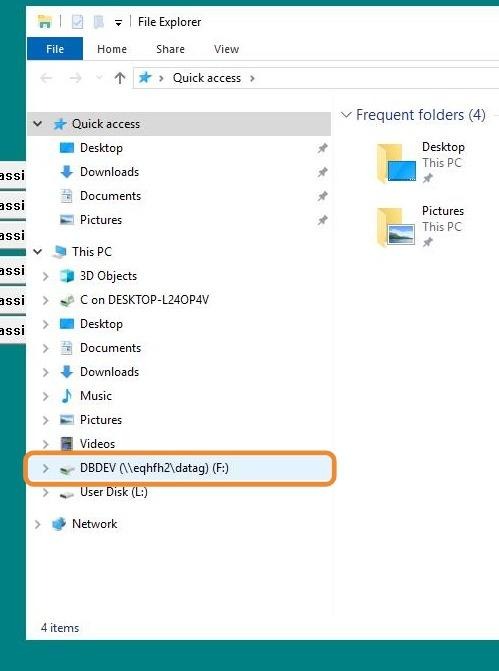
2. Double-click "F" drive.
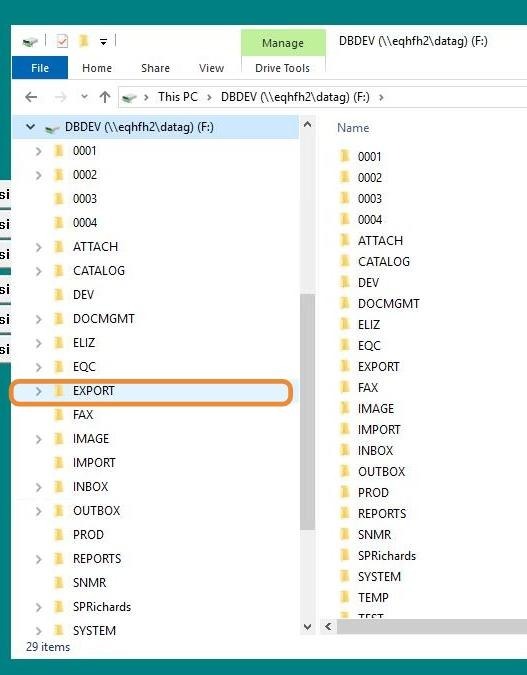
3. Double-click "Export" file.
4. Double-click "0001" company
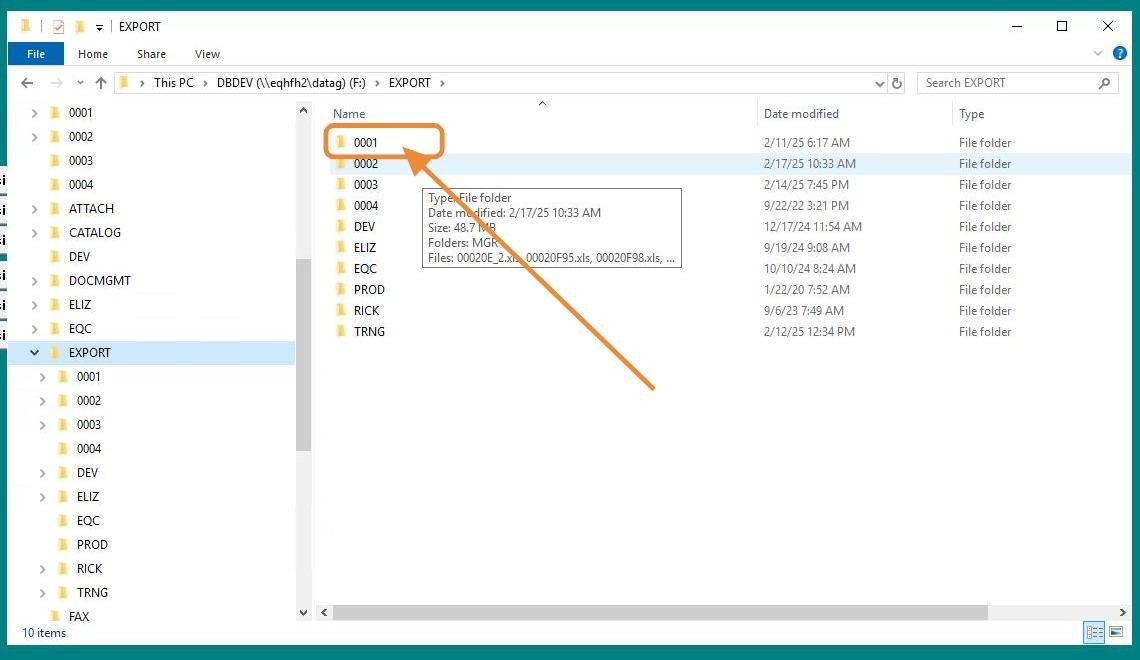
5. Sort by "Date Modified", then click on the PPay file. Copy the Positive Pay file and send it to your bank according to their instructions.