EQd: Creating Favorites in Quantum
Note: This process was created in a test environment. The information selected is for training purposes only and will not match the data you will use in your company's system. The sample provided shows a report being selected and added to Favorites. You can choose any specific report you want to save.
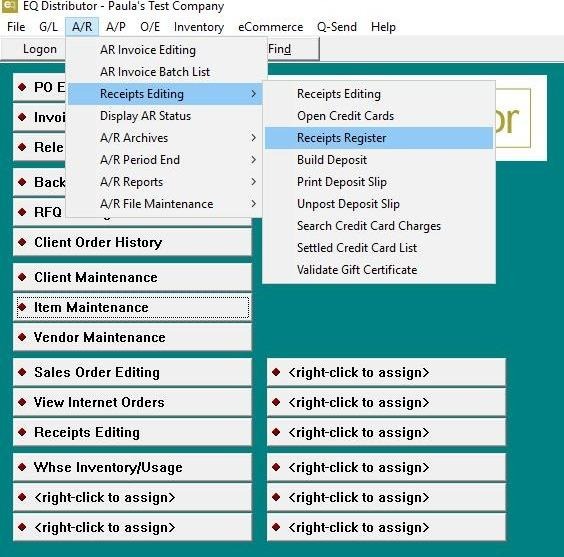
1. Open the screen or report you frequently use from any module in Quantum
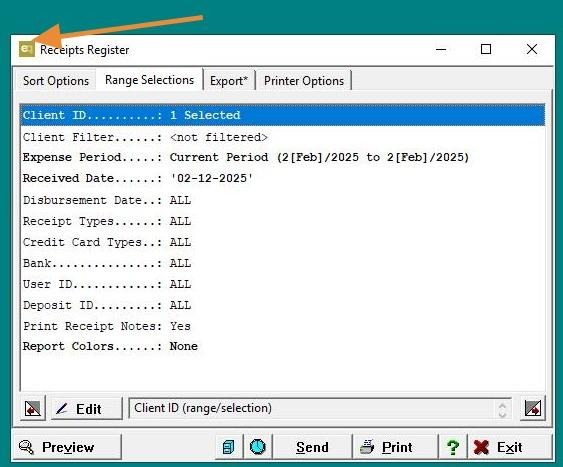
2. Once the report loads, click on the Quantum Log in the top left corner.
3. The "Favorite" option will appear—select it.
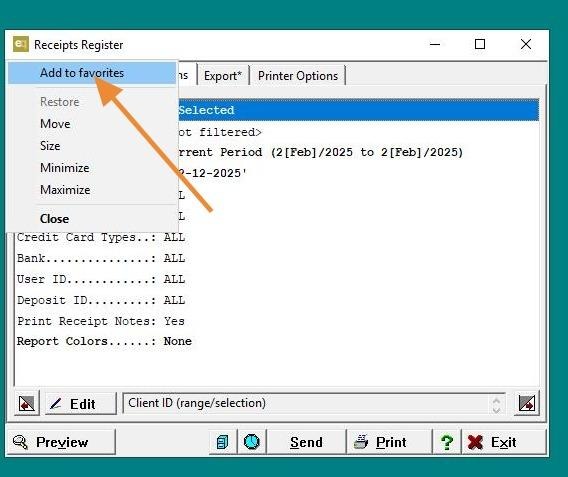
4. Name your list, save it, and exit.
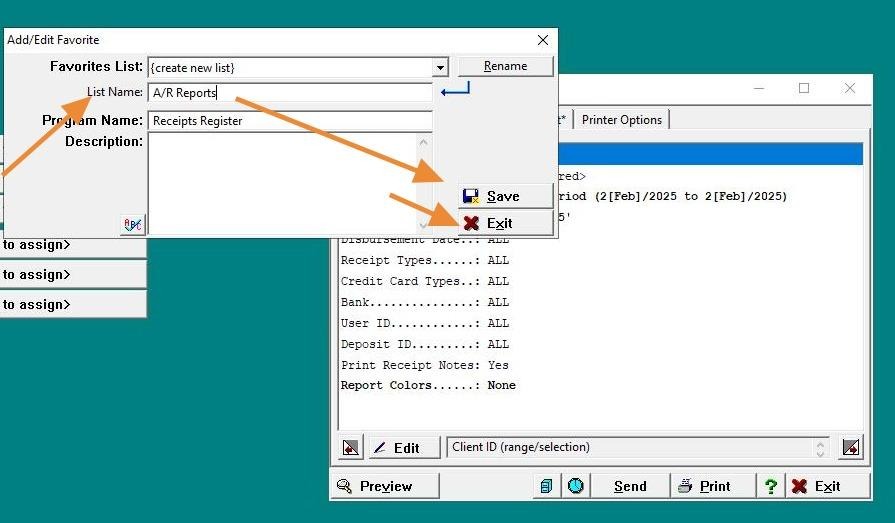
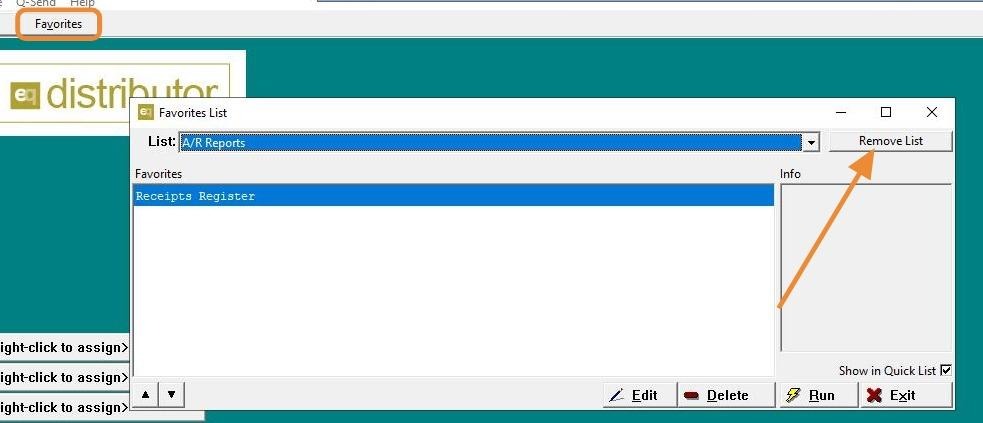
5. After exiting, the "Favorite" button will appear at the top.
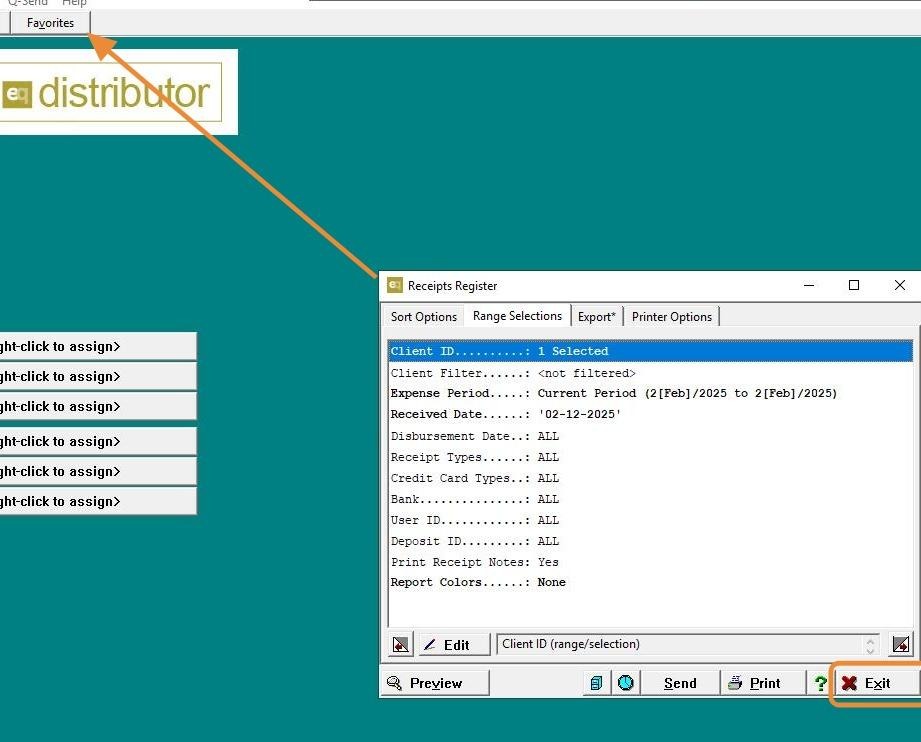
6. Click "Favorites"
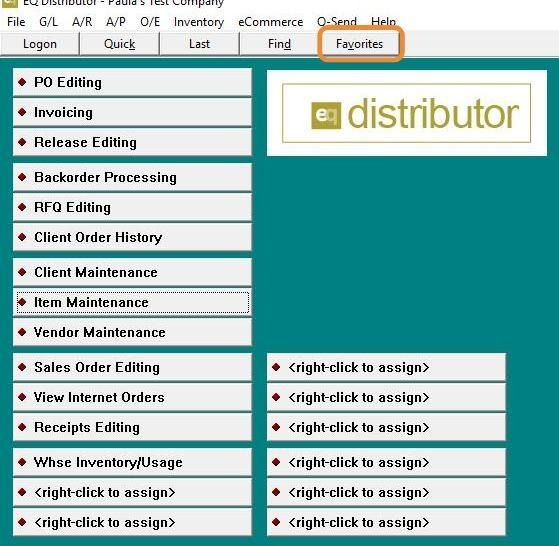
7. You can keep adding reports to your list or create new lists within your Favorites. Note: To remove a report from your list, select the report and click "Remove List."