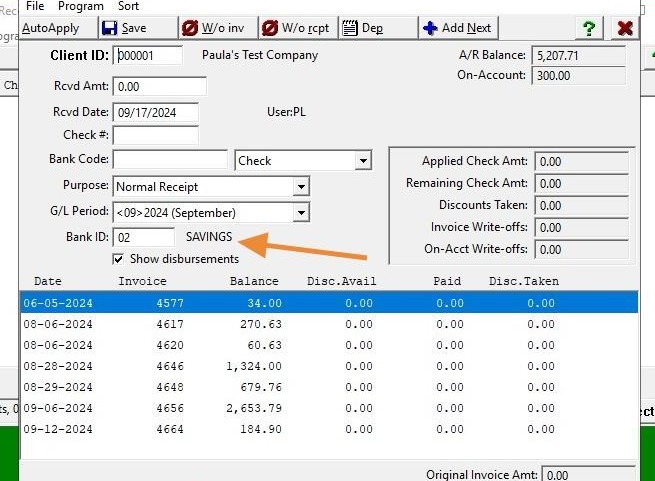
EQd: Updating the Default Bank ID in Accounts Receivable (AR)
Note: This process was created in a test environment. The information selected is for training purposes only and will not match the data you will use in your company's system.
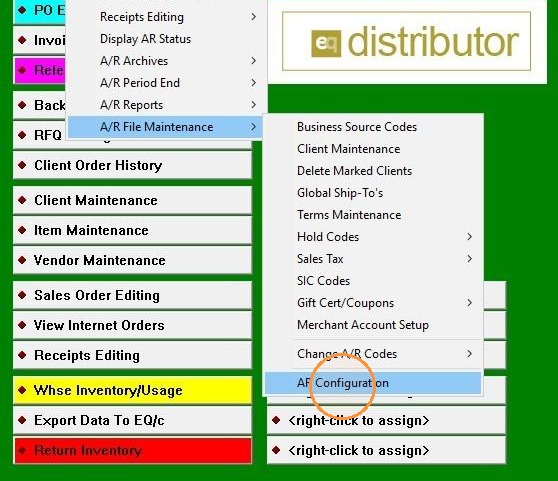
1. Click "AR>A/R File Maintenance>AR Configuration"
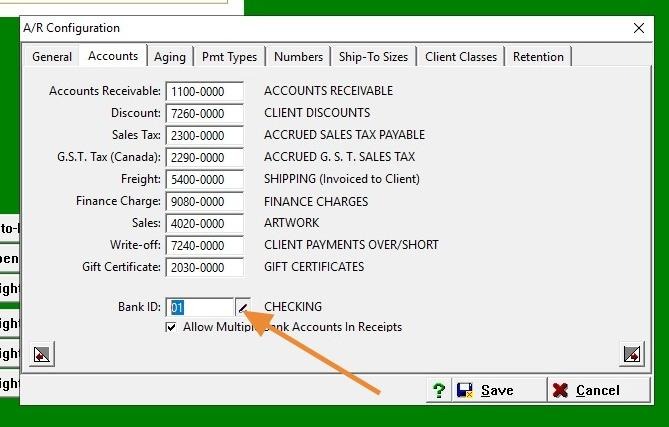
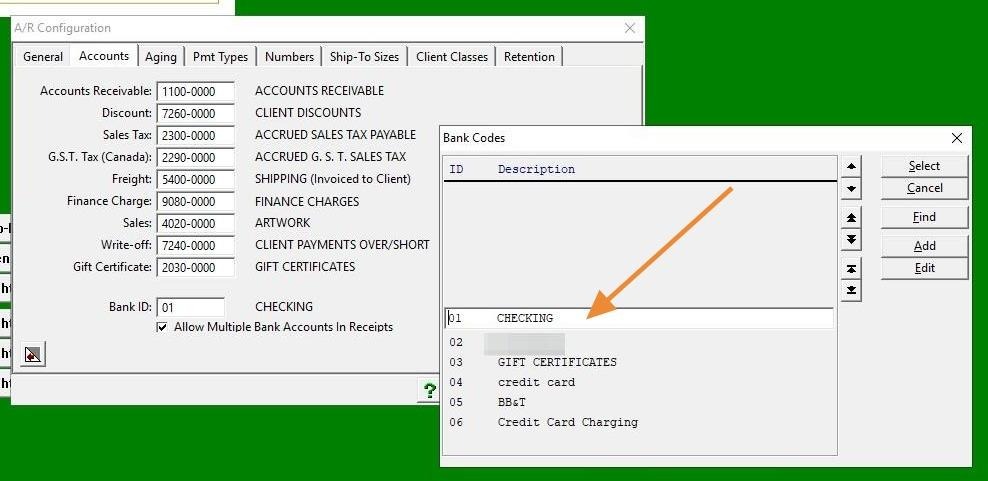
2. Place your mouse cursor in the box under Bank ID and right-click to view available options.
3. Click "Display Scan"
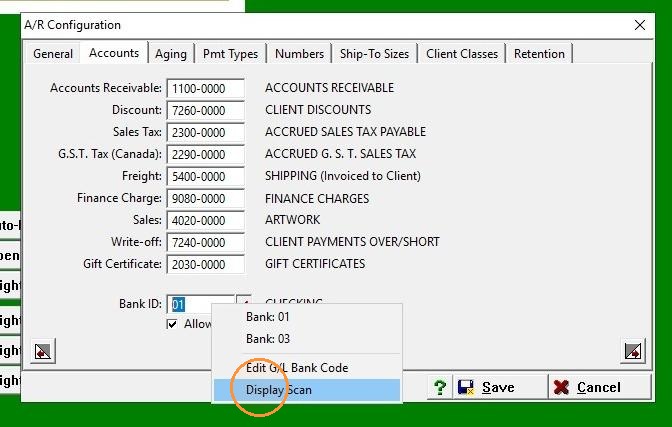
4. Select Bank ID
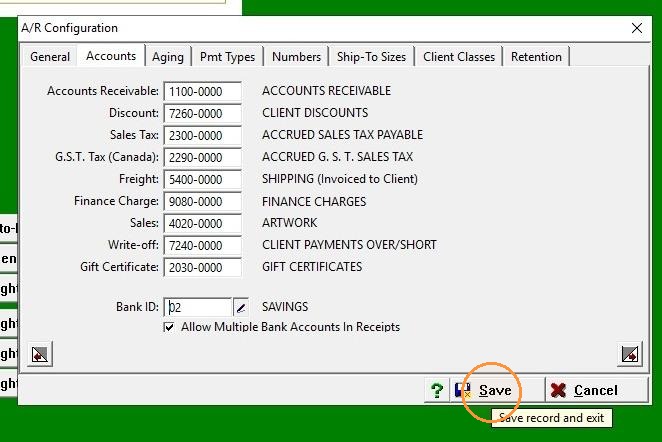
5. Click "Save"
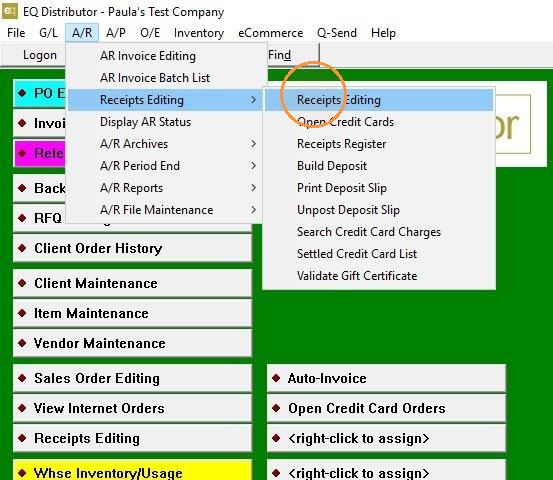
6. Go to "A/R>Receipts Editing>Receipts Editing"
7. Open the client's profile.
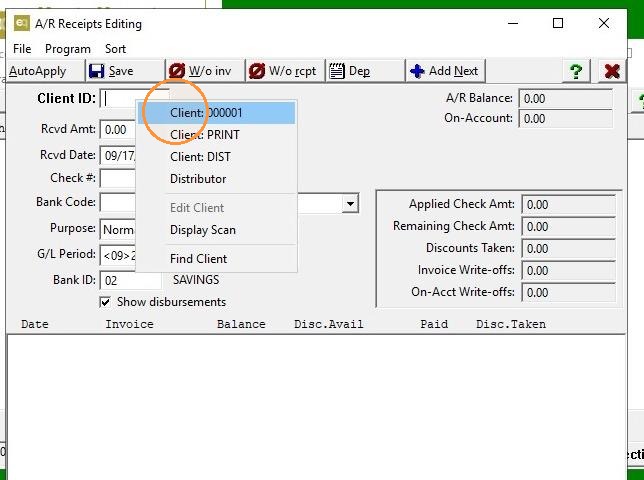
8. The new Bank ID is now displayed.