EQd: How to Rebuild Data Files
Important: Please ensure that all users are logged out, and it's strongly recommended to perform a backup beforehand. Note: This process was created in a test environment. The information selected is for training purposes only and will not match the data you will use in your company's system.
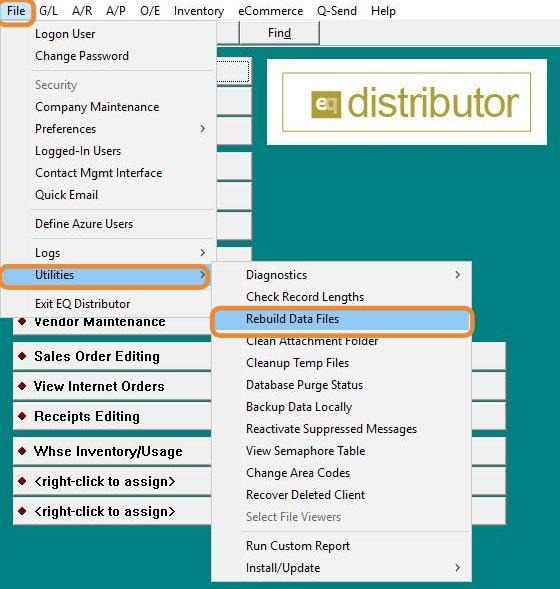
1. Click File > Utilities > Rebuild Data Files.
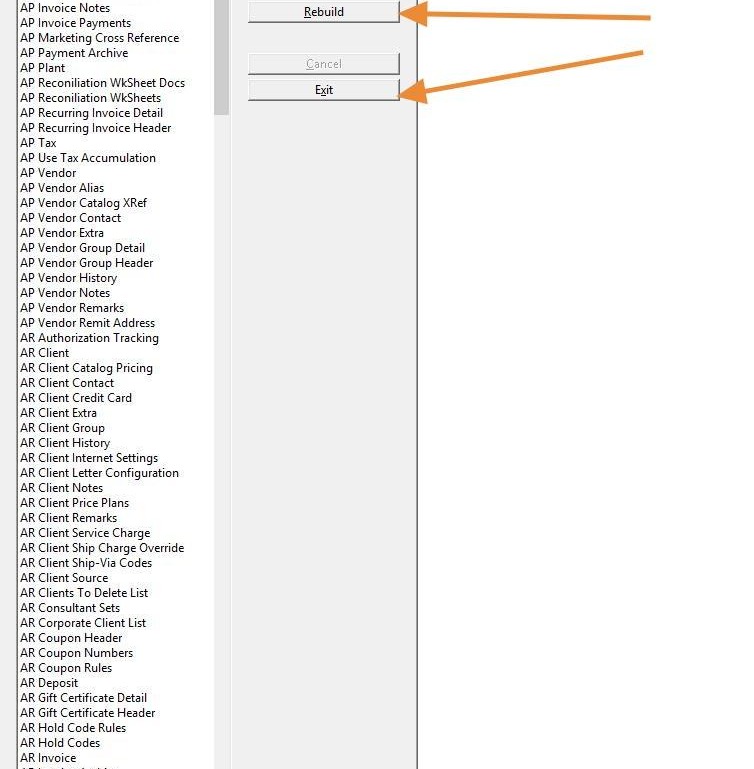
2. Select the instructed files, then click Rebuild. Once complete, click Exit.