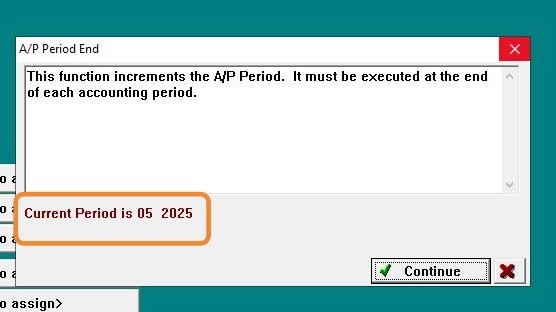
EQd: Correcting an AP Period When Accidentally Advanced to the Wrong Period
Note: This process was created in a test environment. The information selected is for training purposes only and will not match the data you will use in your company's system. In this scenario, I will demonstrate how the period was accidentally moved to Period 6 when it should have been Period 5.
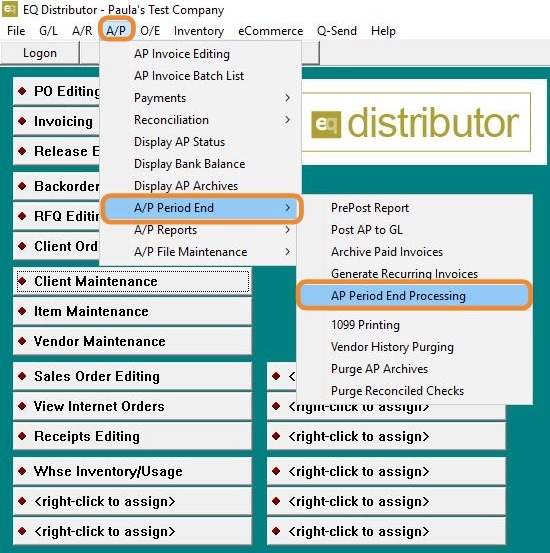
1. Go to A/P > A/P Period End> AP Period End Processing
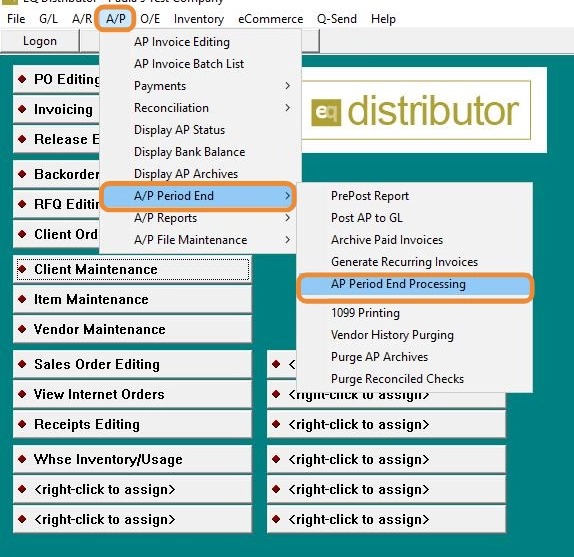
2. Period End shows the wrong month — currently displaying 6 when it should be 5.
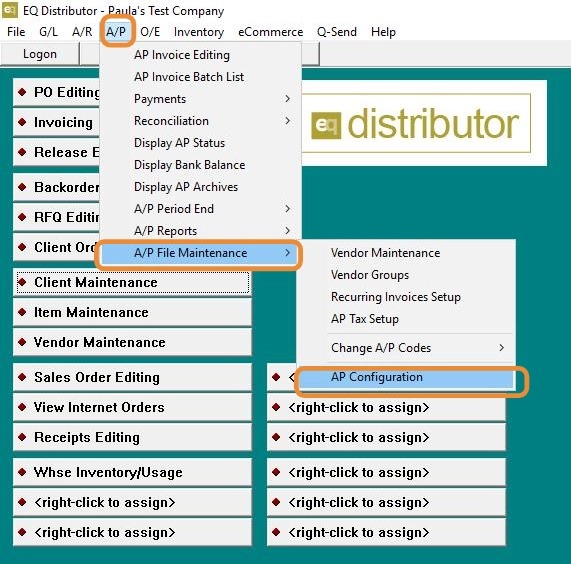
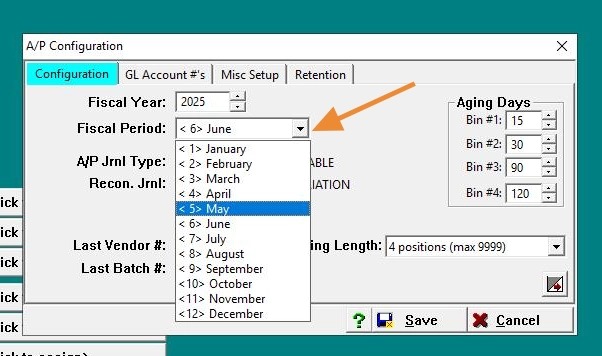
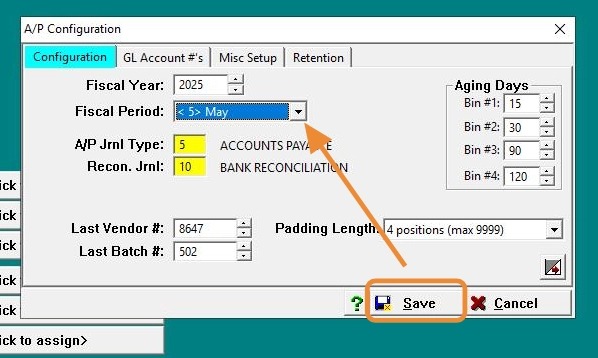
3. To correct AP Period: Go to A/P > A/P File Maintenance > AP Configuration.
4. Under the Configuration tab:
-
Locate the Fiscal Period field
-
Change it to the correct month (Period 5)
5. Click "Input Capture Window"
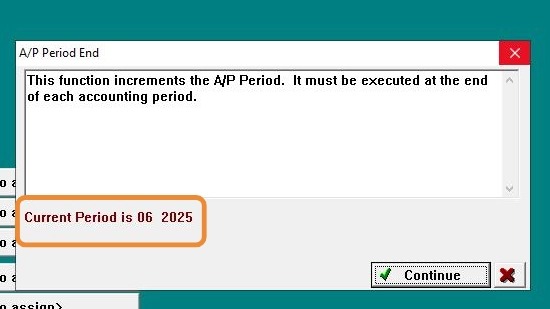
6. Go back to A/P > A/P Period End> AP Period End Processing
7. Period End now shows the correct month — currently displaying 5.