EQd: How to resolve the Qnet icon appearing when there are no orders to download.
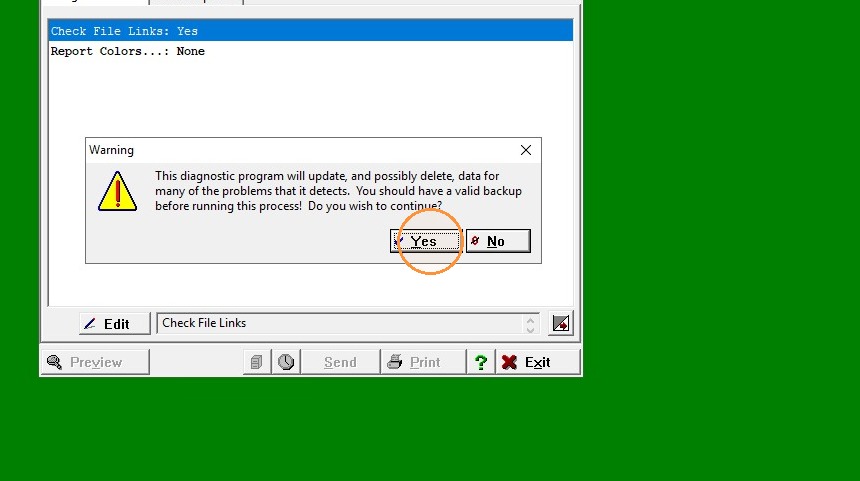
Important: Please ensure you have a reliable backup before running the ER Requisition Diagnostics.
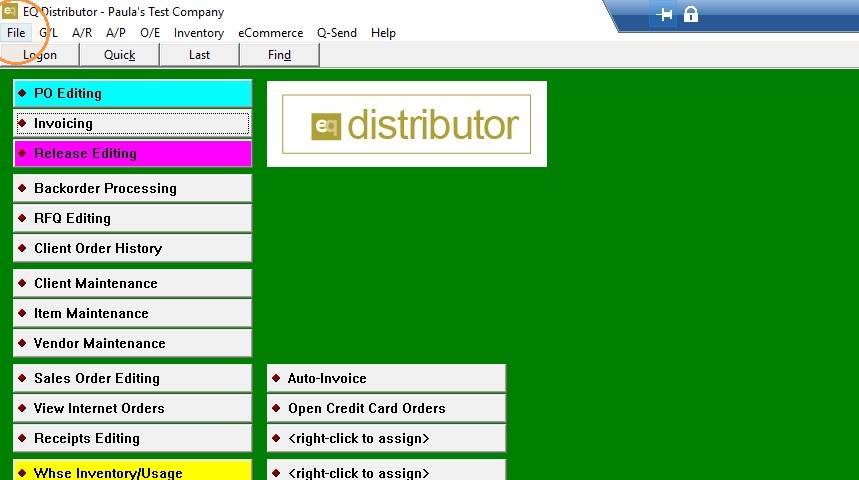
1. Click "File"
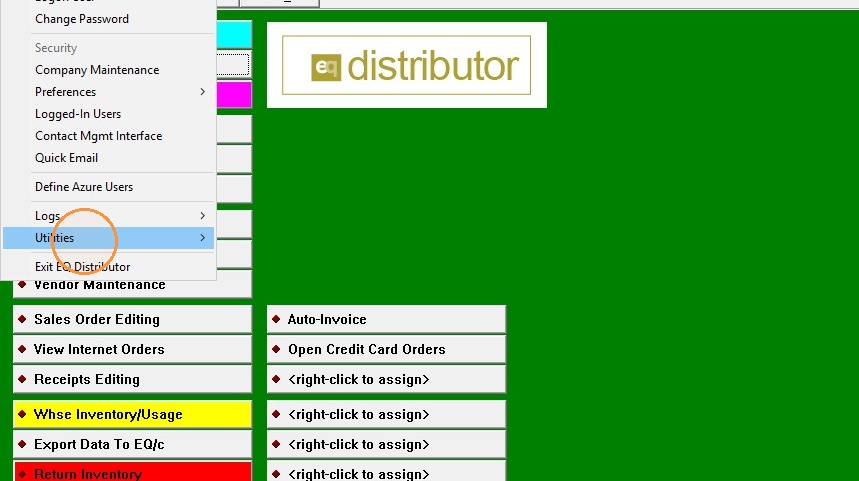
2. Click "Utilities"
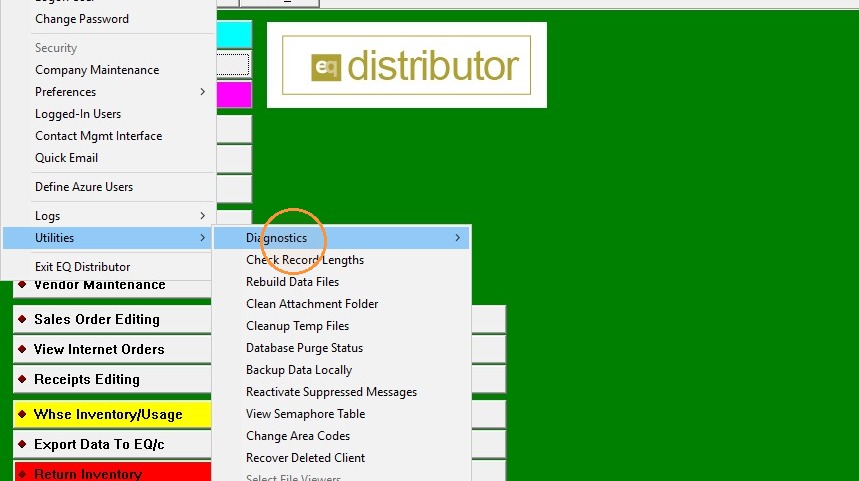
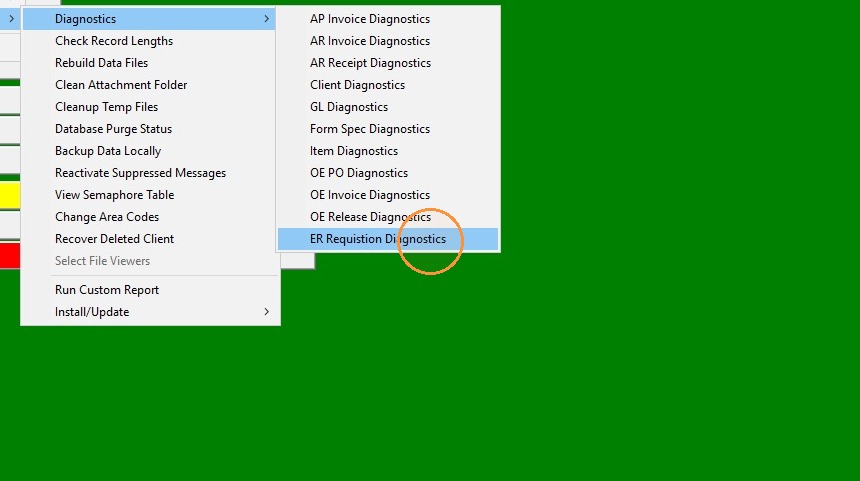
3. Click "Diagnostics"
4. Click "ER Requisition Diagnostics"
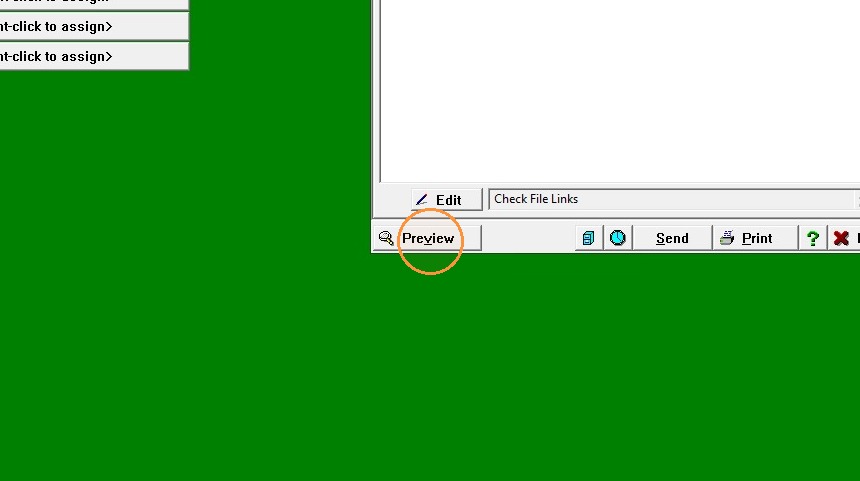
5. Click "Preview"
6. Click "Select Yes"
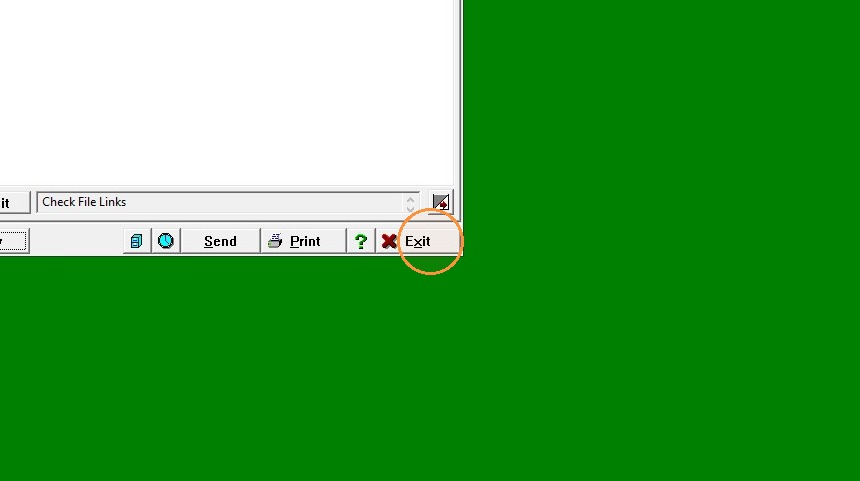
7. Click "Then Exit"