EQD: Remote Desktop Frozen
This guide provides a quick and effective solution for resolving issues with a frozen EQD Remote Desktop.
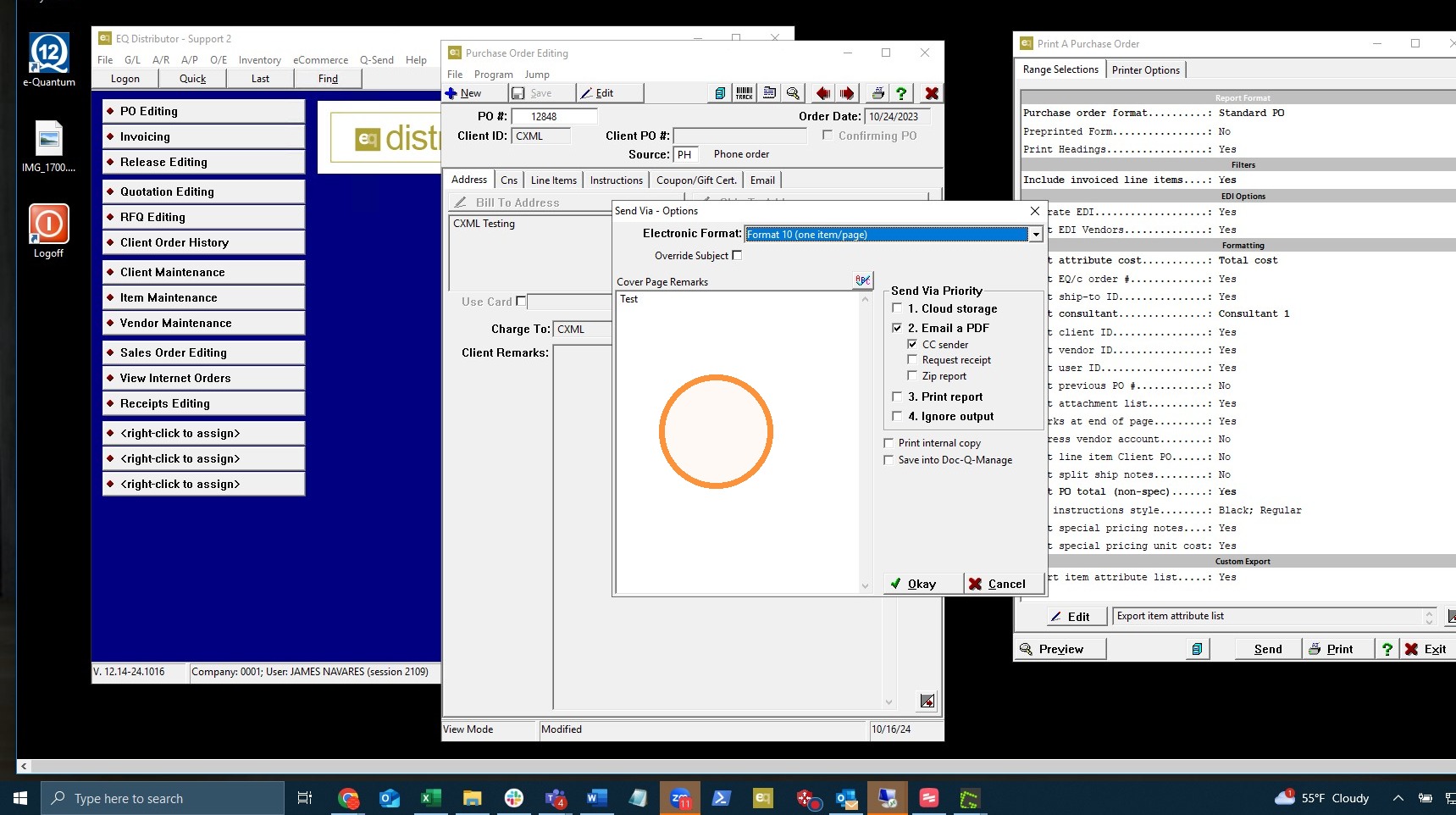
1. Click in the remote session to make sure Windows is focused on that. Hold Ctrl+Alt+End on your keyboard, NOT ctrl+alt+delete (Mac users: fn+control+option+delete).
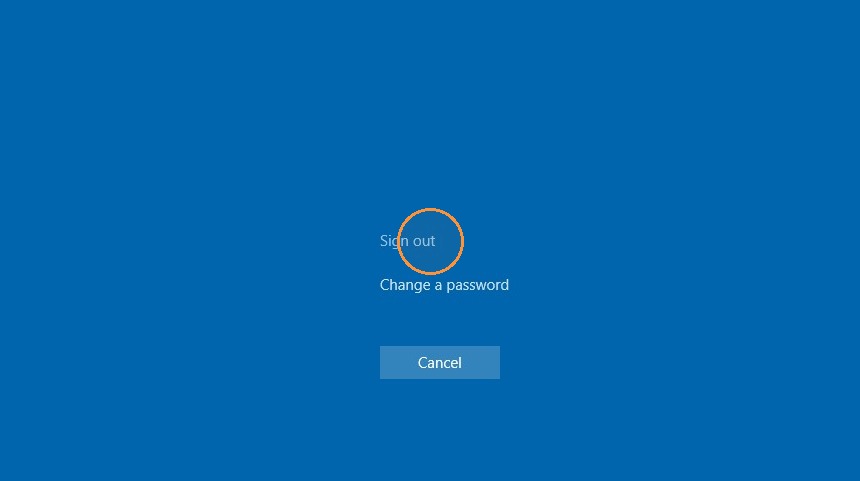
2. This will bring you to a screen where you can select "sign out" . This will log your session out.
Tip: If you have further questions, reach out to Demand Bridge support.