EQd: Basics of an EQc Order
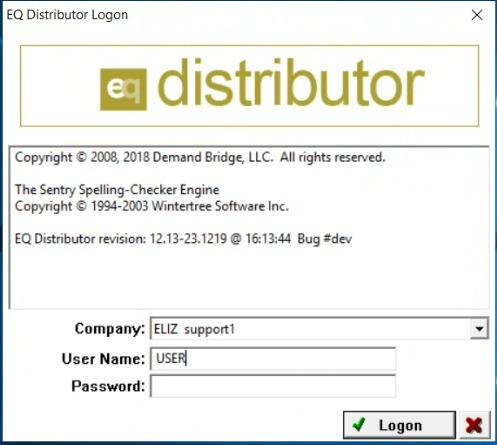
1. EQd user login
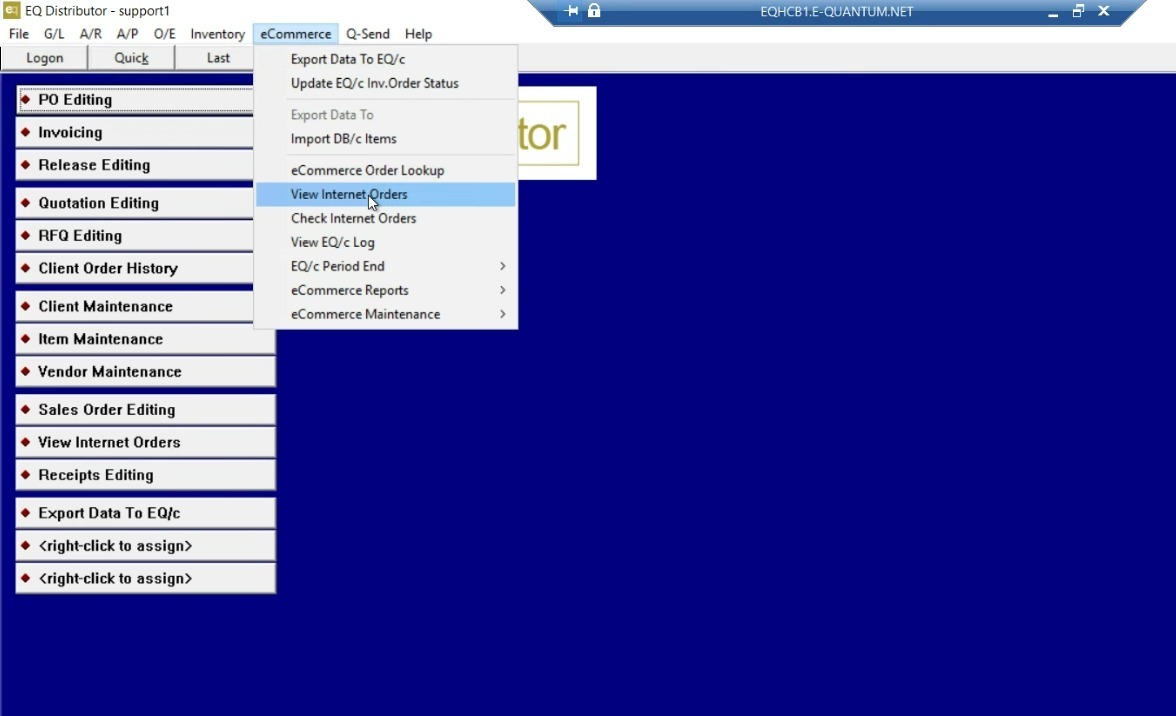
2. eCommerce > View Internet Orders
3. Download Internet Orders
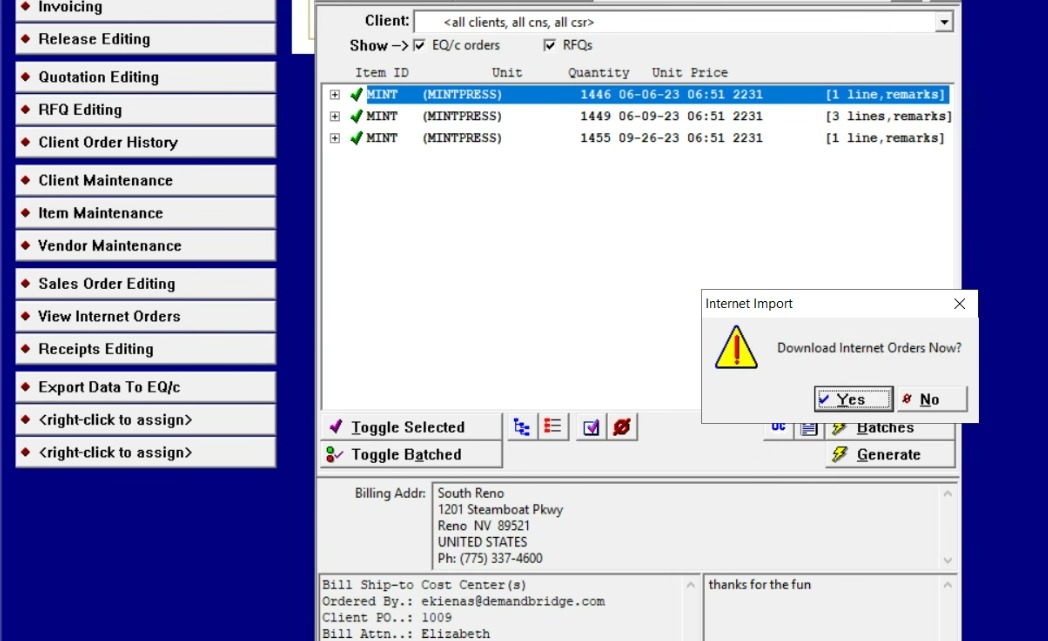
4. Toggle to select orders to generate
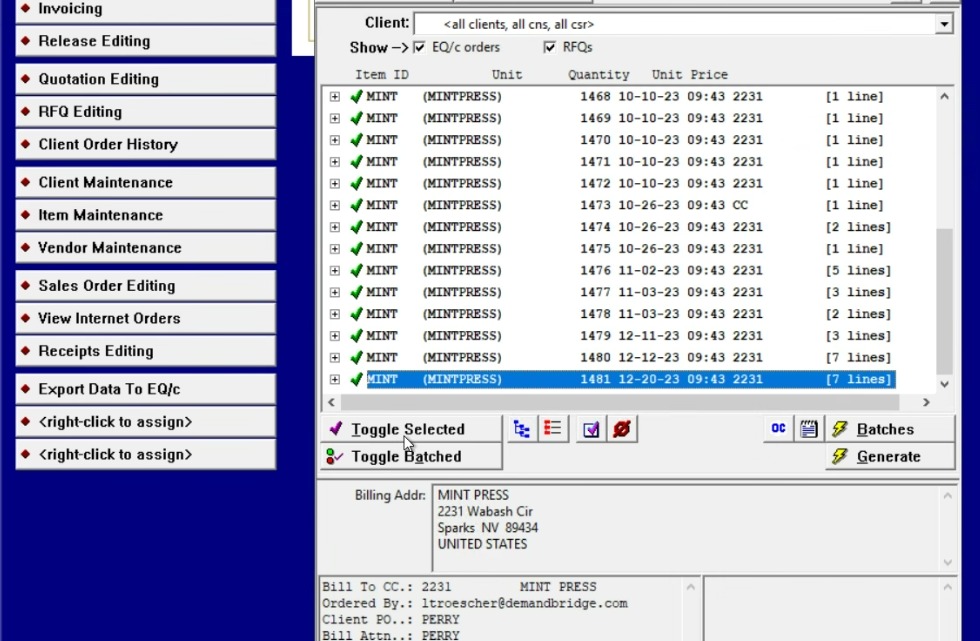
5. Generate and view the order
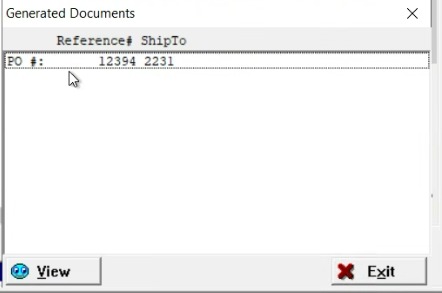
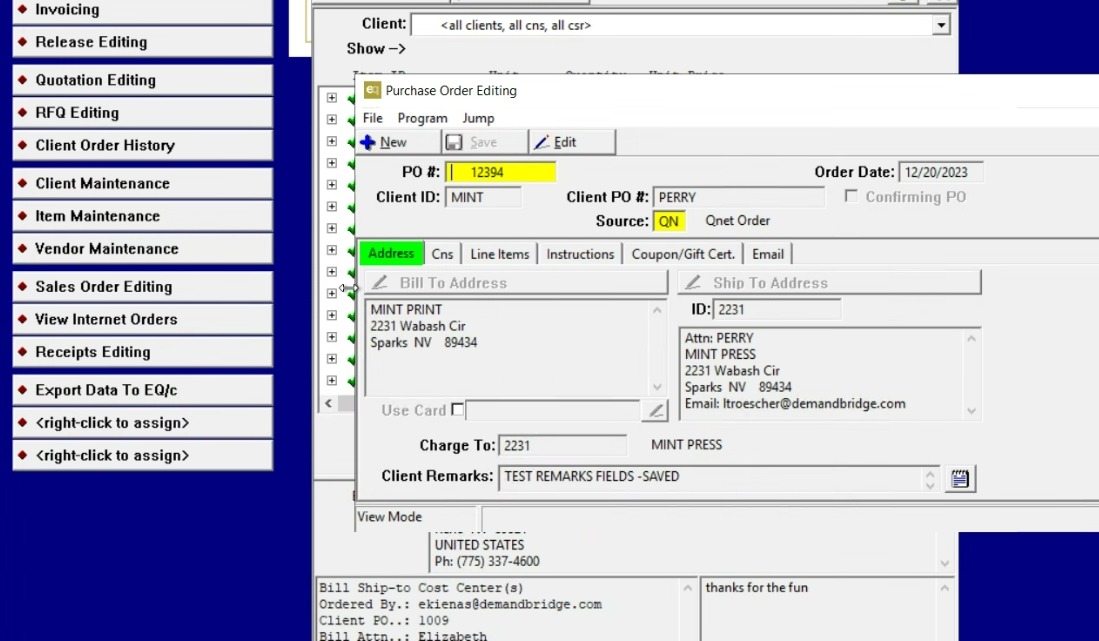
6. View and edit the PO
7. View the order's line items
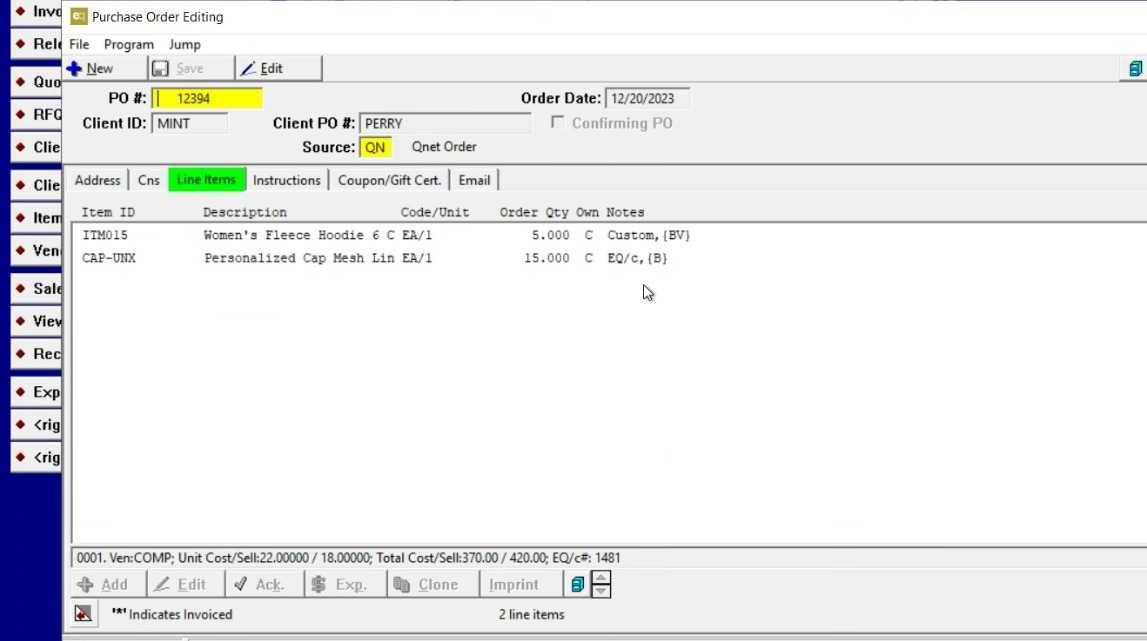
8. View and edit details about individual line items
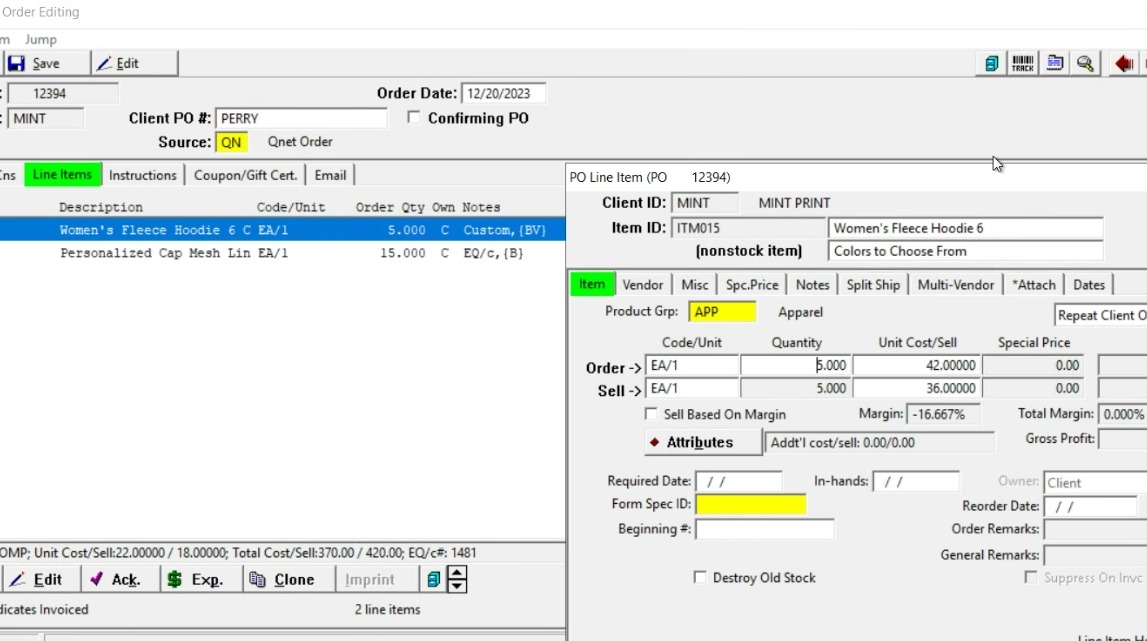
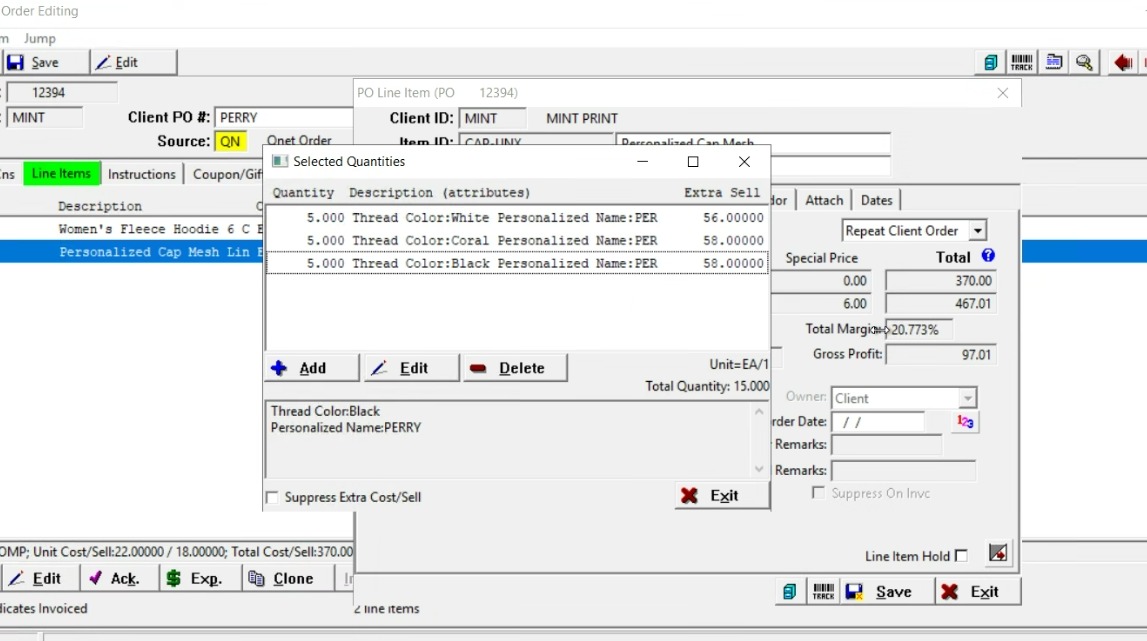
9. View the Attributes of the item
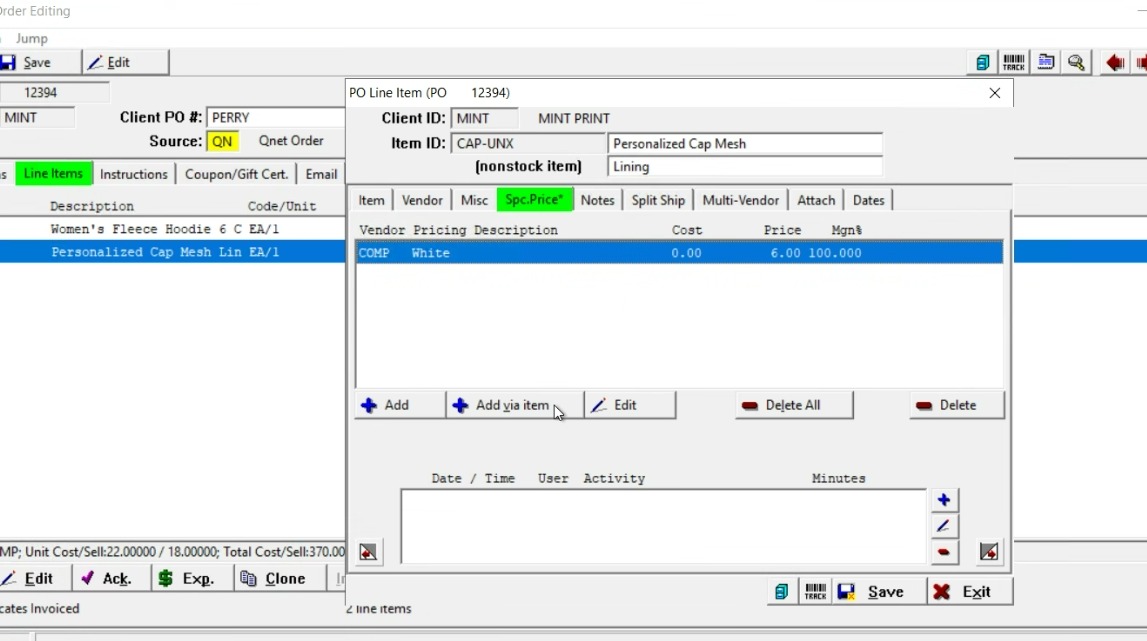
10. Check the Special Pricing tab for additional/upcharges
11. Send or Print the PO with a variety of range selections
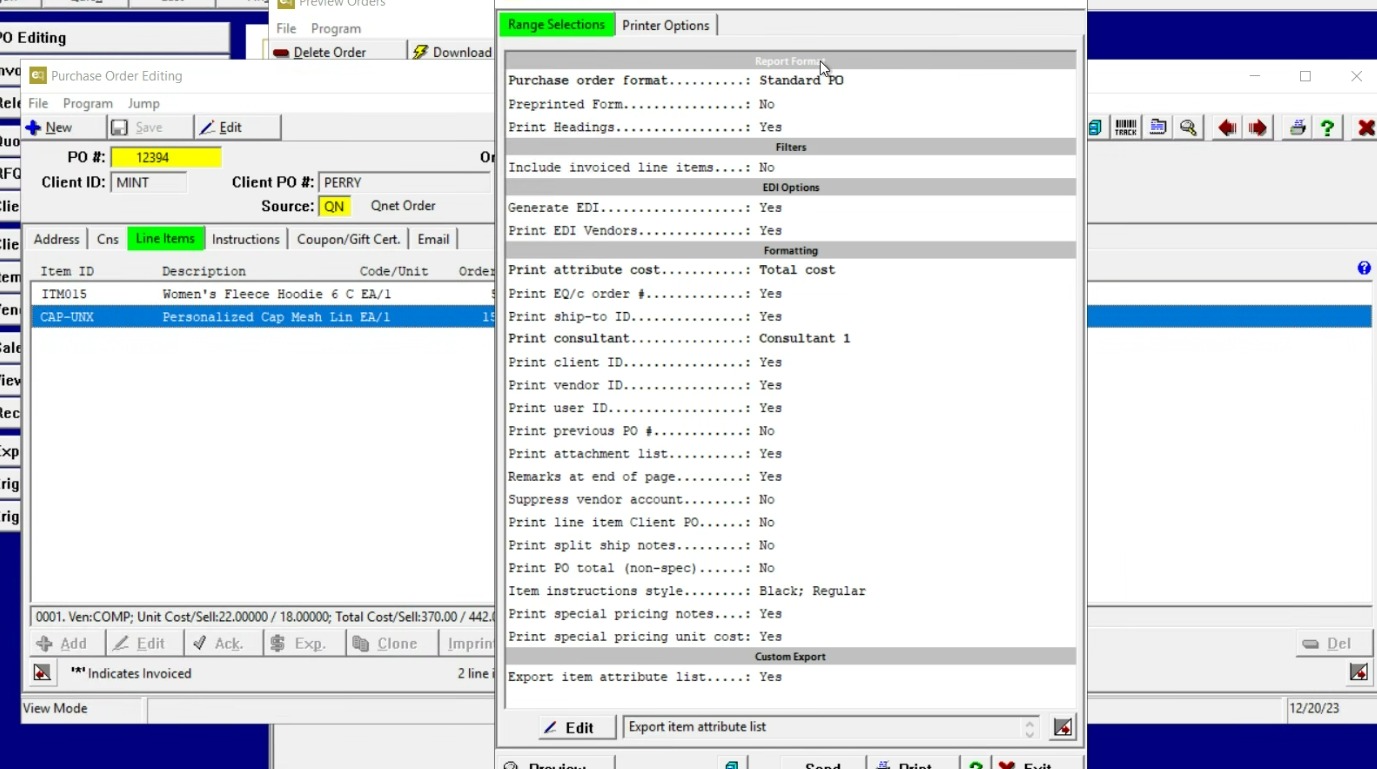
12. Preview the PO before printing or sending
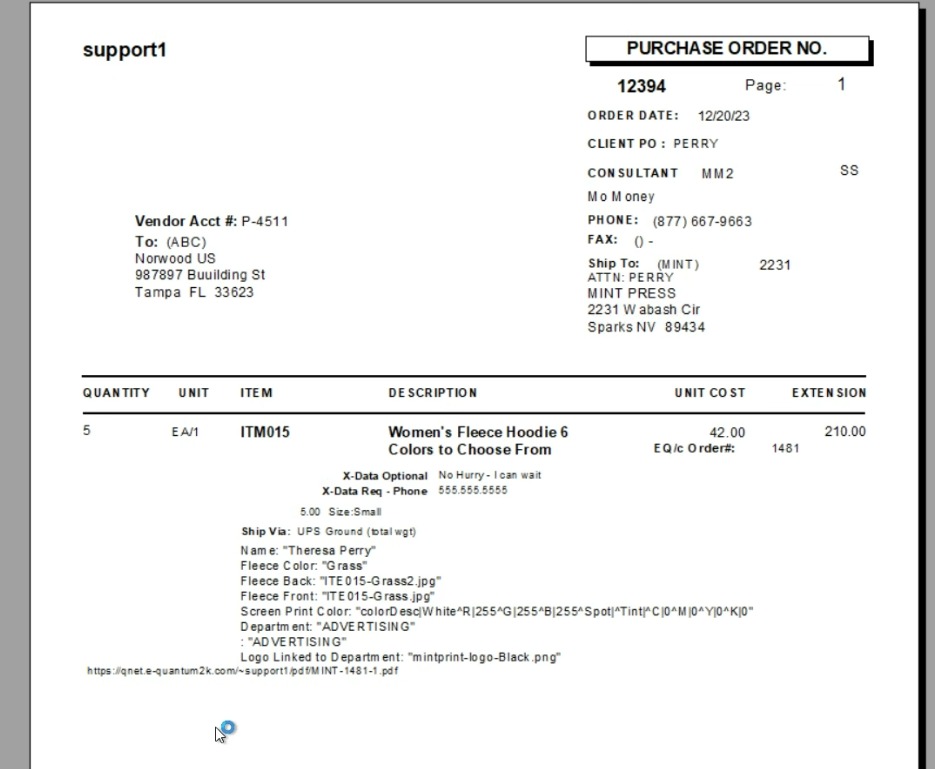
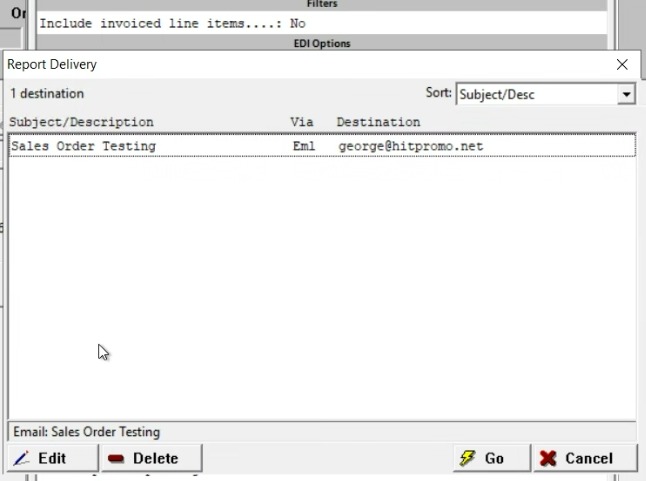
13. Print or Send options
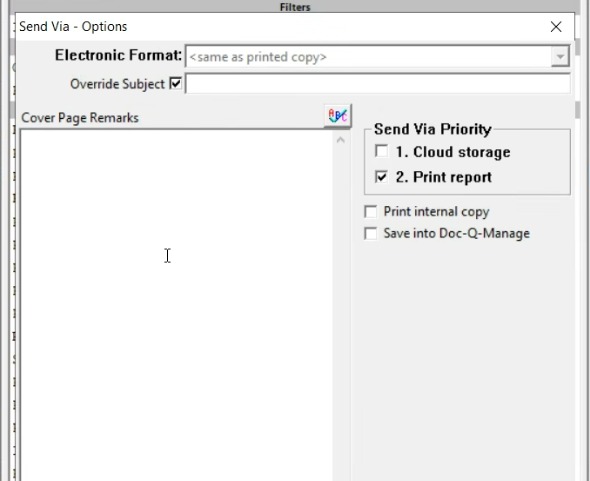
14. The PO may be emailed or send via EDI