
EQD: DemandBridge Hosted EQD (Azure) User Count Explanation
This summary is intended to help DemandBridge hosted EQ Distributor users, also known as “Azure” understand what their contracted user count is and what it means.
Tip: Contracted User Count:
If you are unsure what your contracted user count is for the hosted version of EQD, you can reach out to your CSM or submit a support ticket, and a support representative can provide that information for you.
1. When using the hosted version of EQ Distributor, the user count is based on Remote Desktop logins, not EQ Distributor software logins.
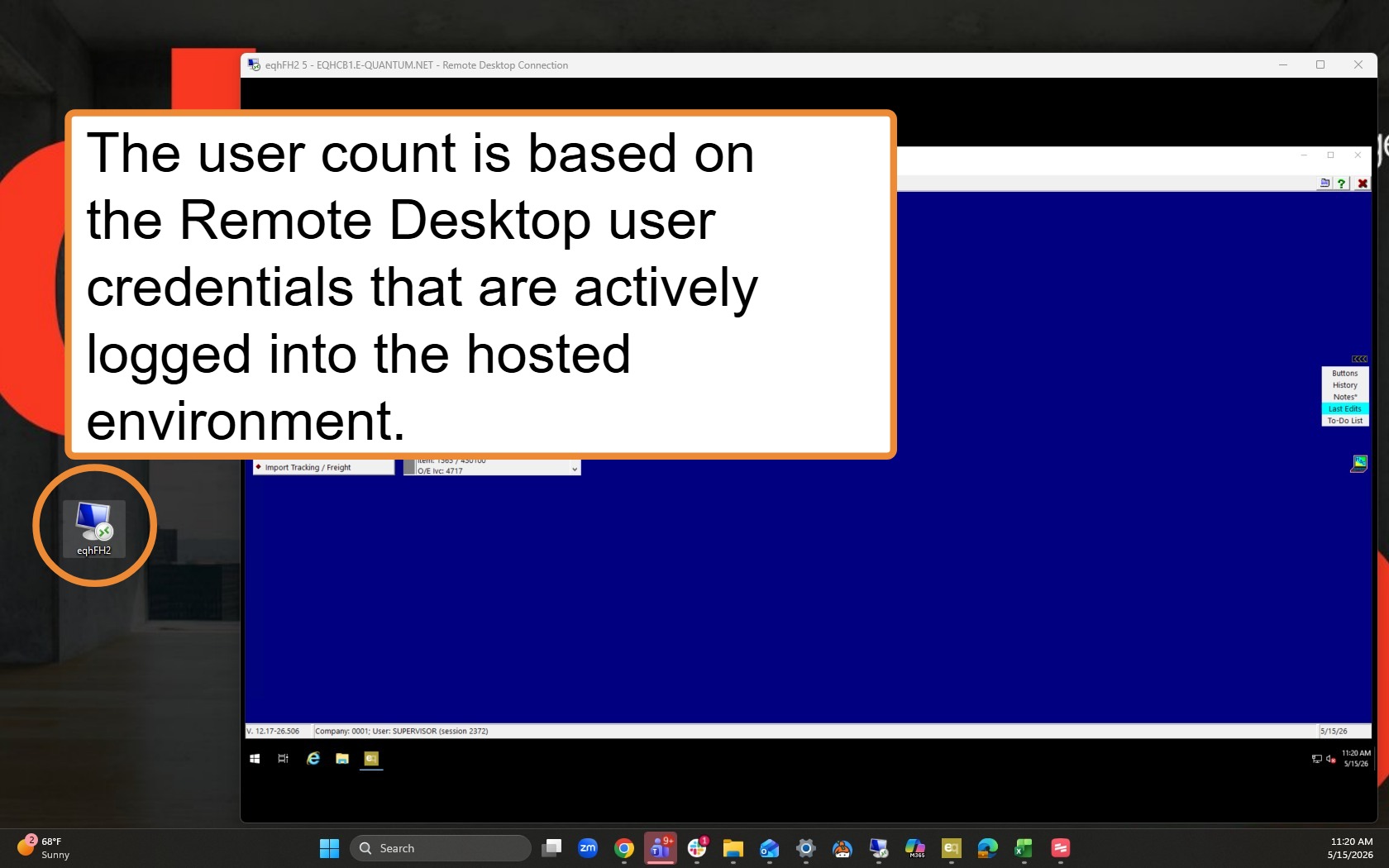
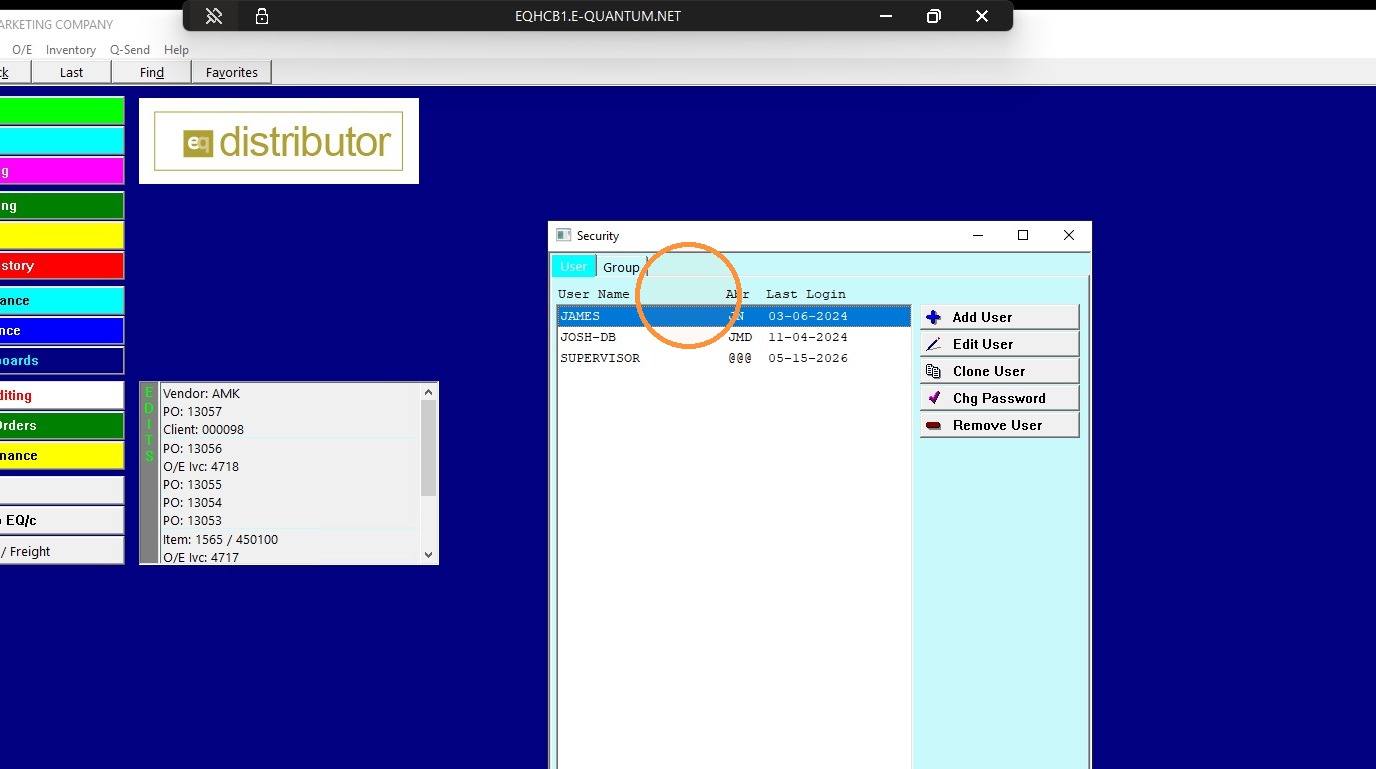
2. The user count is not based on the number of users created in EQ Distributor for accessing the EQD software once logged into the Remote Desktop environment.
You can view the available EQD users by logging into EQD as the true Supervisor user and going to:
File > Security
Note: The Security menu is only available when logged in as the actual Supervisor user, not simply a user with full supervisor rights.
Alert: Managing Users
- Remote Desktop user log-ins are managed by DemandBridge. Any changes—such as adding a user, deleting a user, or changing a password—must be completed by DemandBridge.If you need assistance with any of these changes, please submit a support ticket.
- EQD Software user log-ins: Are managed by the client through the Supervisor user under: File > Security
Tip: If you have any further questions or need assistance, please feel free to submit a ticket through the DemandBridge Service Desk Portal - https://service.portal.demandbridge.com/servicedesk/ .
Or by emailing support@demandbridge.com.