EQC: Reject Zero Inventory
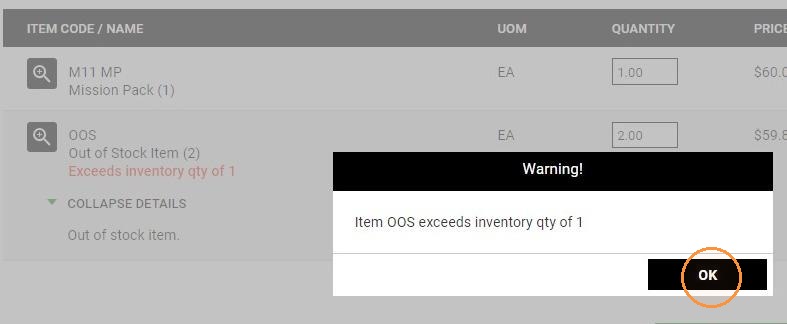
The Reject Zero Inventory feature prevents shoppers from adding items to their carts when the inventory count is zero. Furthermore, within the shopping cart interface, a shopper is prevented from submitting an order if the available inventory falls below the specified order quantity.
- The activation of the 'Reject Zero Inventory' feature is facilitated through Distributor Setup. This functionality can be selectively enabled either universally for all clients or tailored to specific client profiles.
- The item must be a stock item.
- The item cannot be a mapped attribute item.
- EQ Commerce decrements the inventory quantity when orders are placed.
- Uploads from EQ Distributor refresh the inventory quantity.
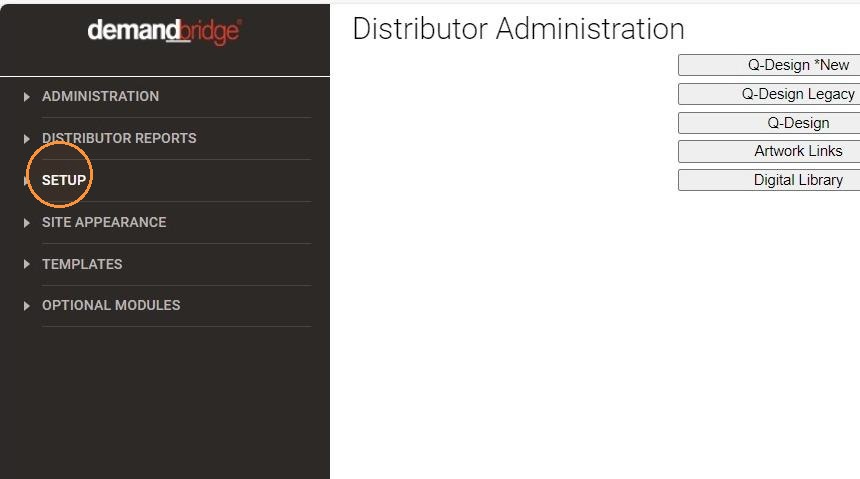
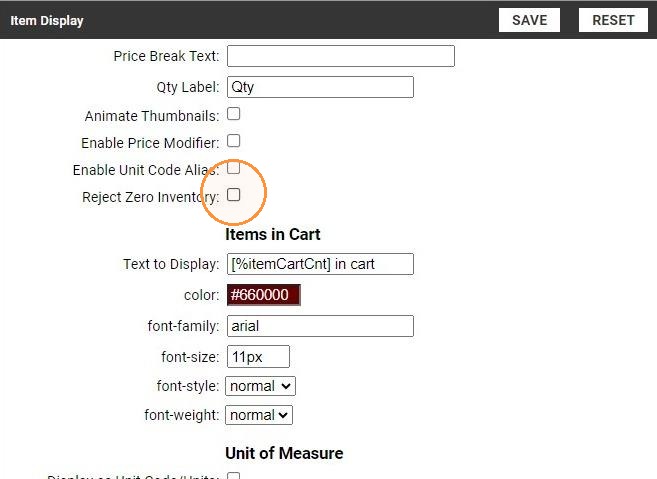
- Navigate to the Setup section within the Distributor Setup menu.
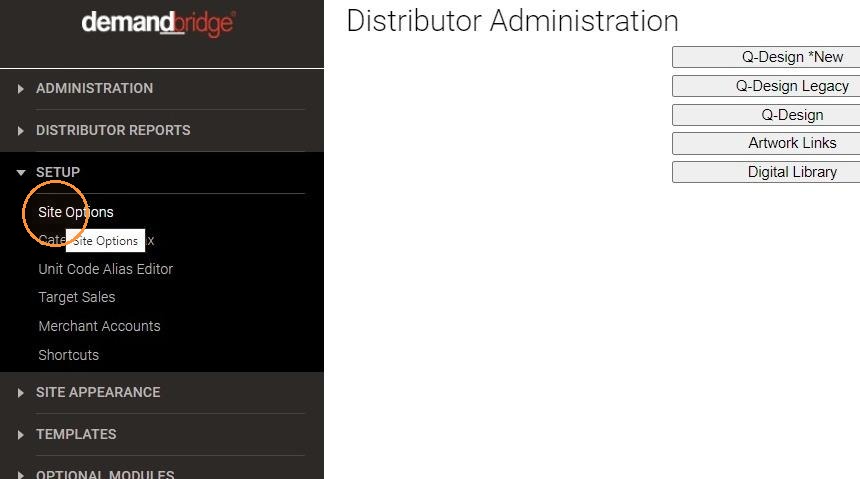
- Select Site Options.
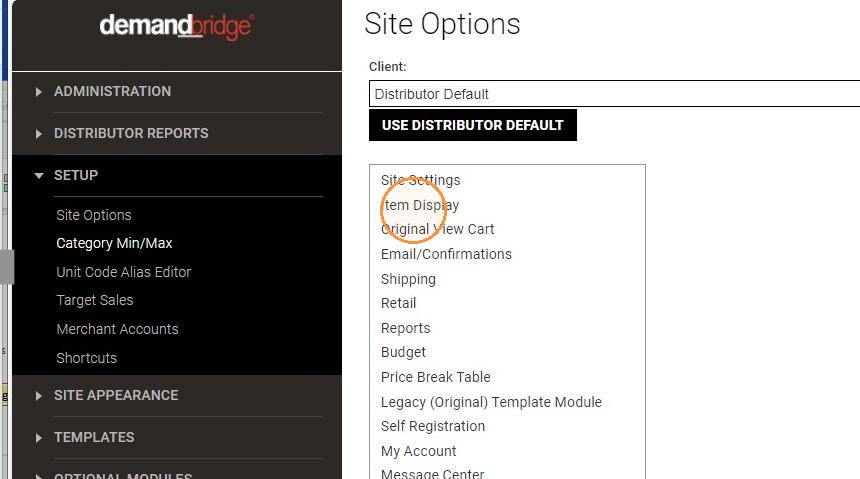
- Enter a client or use Distributor Default for all clients. Select Item Display.
- Mark 'Reject Zero Inventory.'
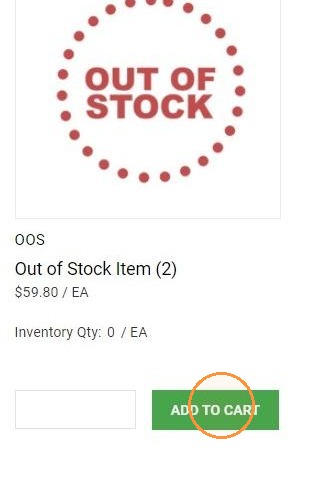
- If the inventoried item is at zero, the shopper cannot add the item to the cart.
-
When Add to Cart is clicked, the message "Invalid Qty Exceeds Inventory" is displayed.
The shopper cannot add the item to their cart.
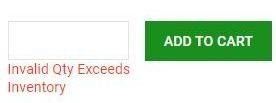
- If the quantity ordered in the cart exceeds the current inventory, the warning message displays the inventory level. The shopper must change the order quantity.