
EQC: Disable EQ Commerce Site
This guide provides a straightforward process for disabling an EQ Commerce site. Disabled sites are unavailable to anyone while they are disabled.
1. In Distributor Setup, go to Setup
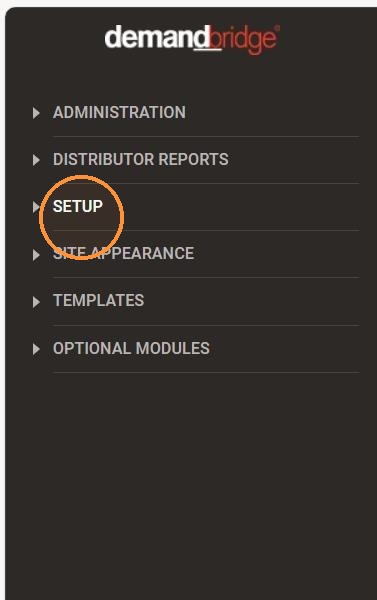
2. Click " Site Options"
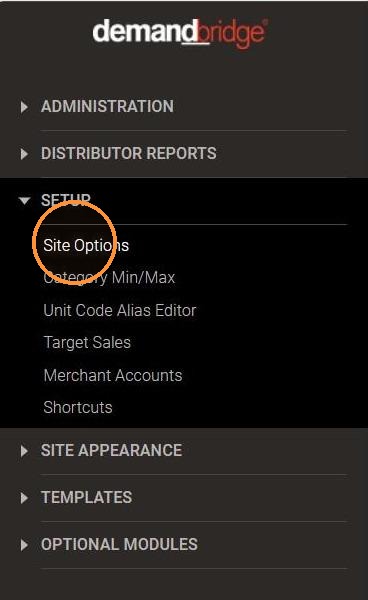
3. Select the client
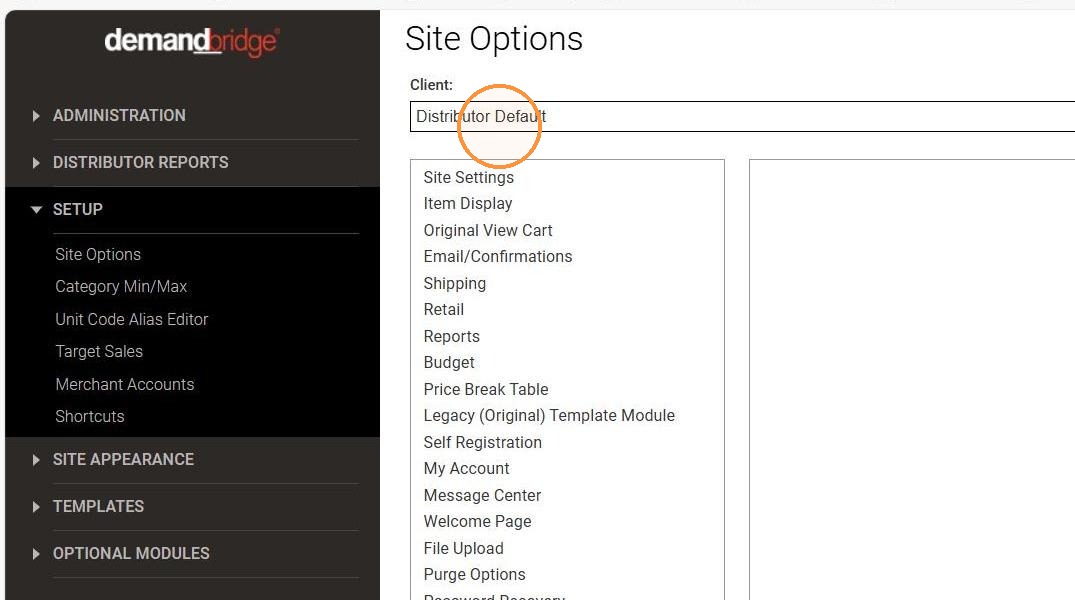
4. Click "Site Settings"
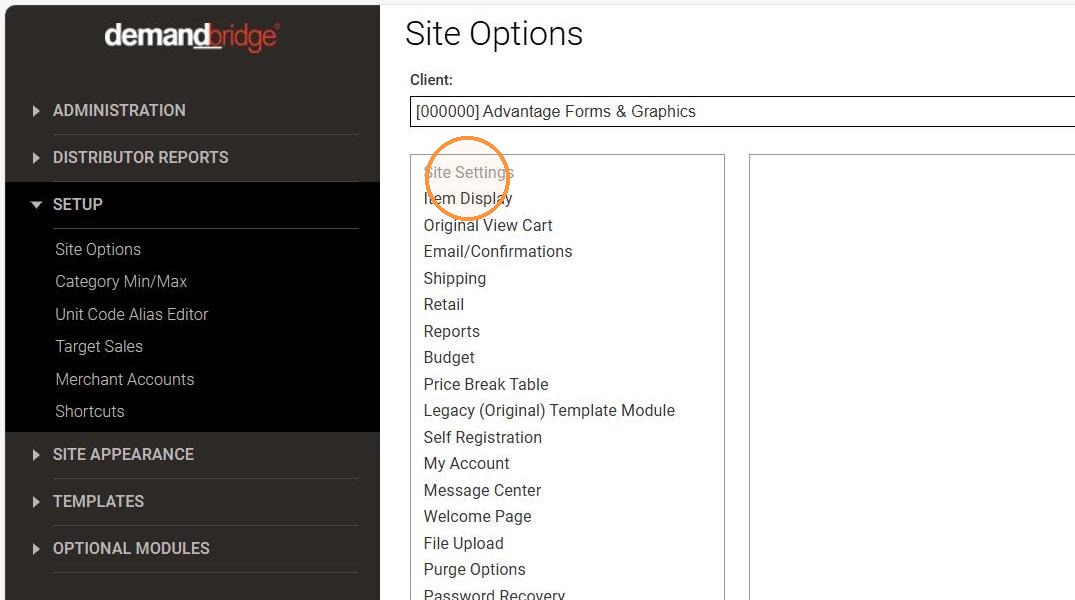
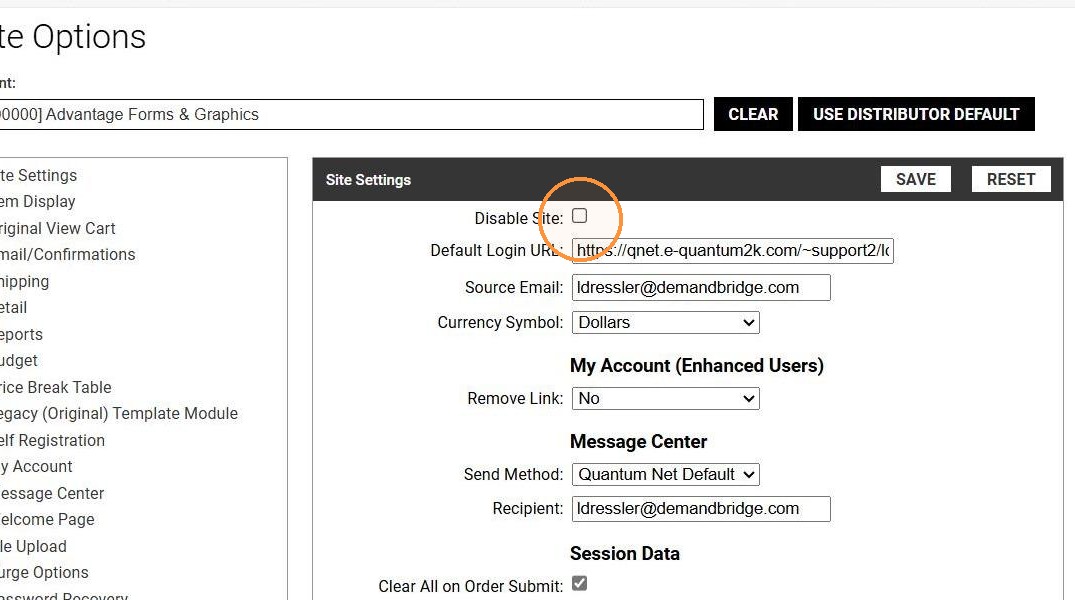
5. Mark the Disable Site checkbox
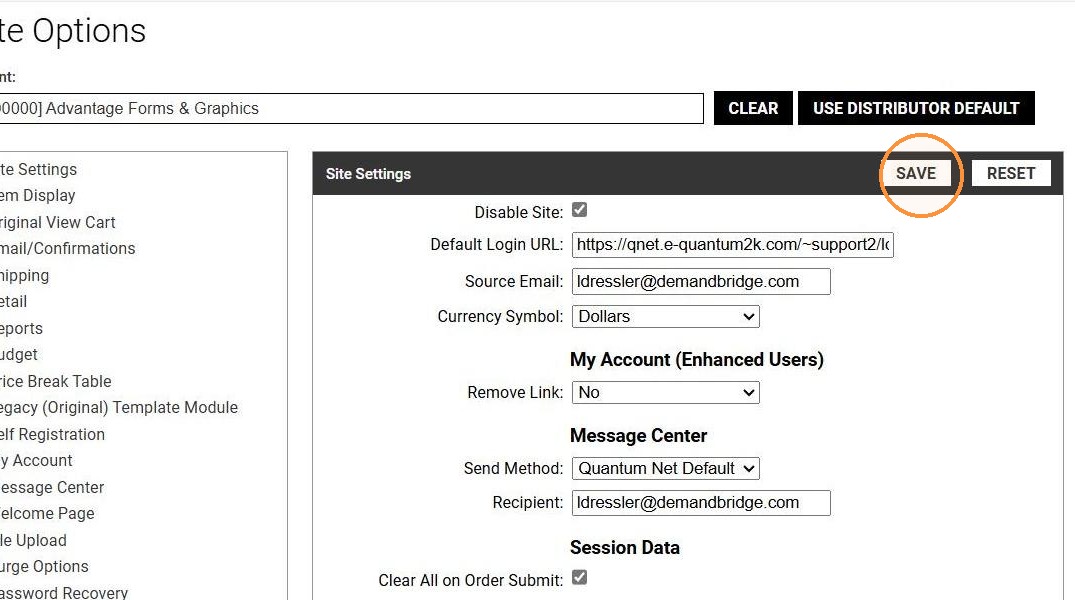
6. Click "SAVE"
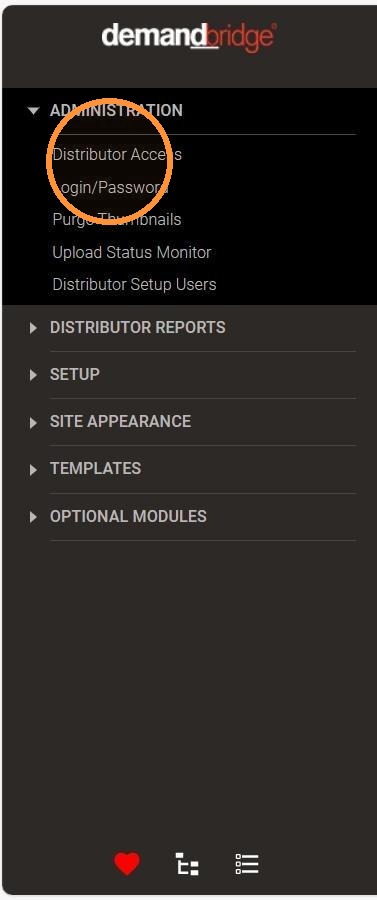
7. Click " ADMINISTRATION", go to "DISTRIBUTOR ACCESS"
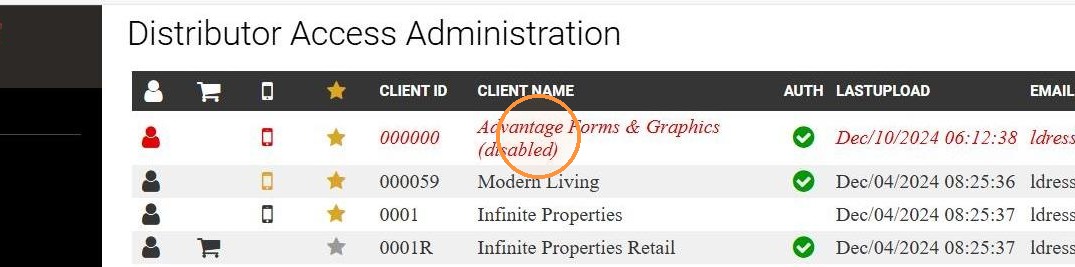
8. Site displays as "Advantage Forms & Graphics (disabled)"
9. Site displays as "Site Unavailable" if anyone attempts to login

10. To re-enable the site, unmark the check box in step 5