
EQD: Display Scheduler Log
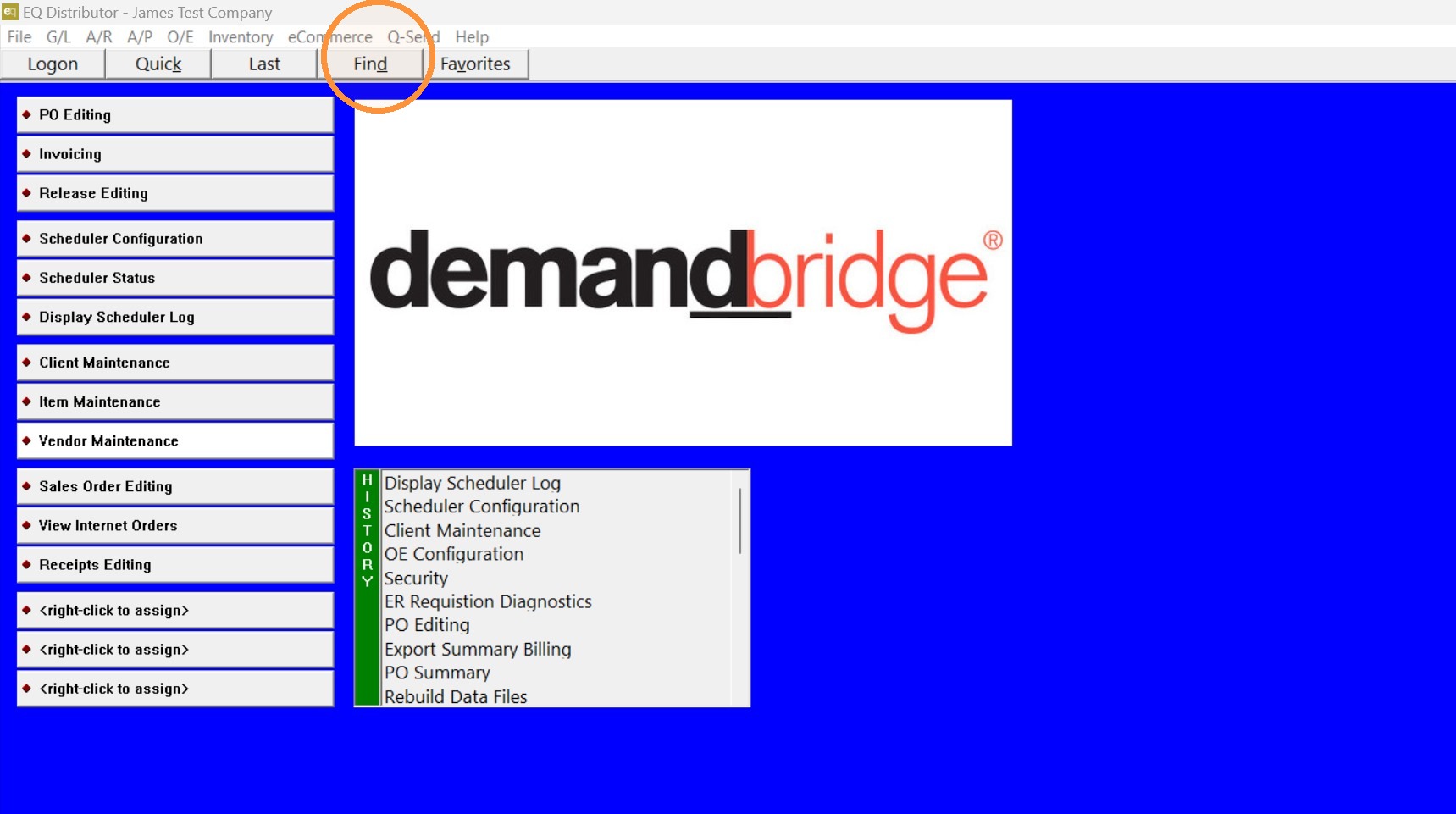
1. Click "Find"
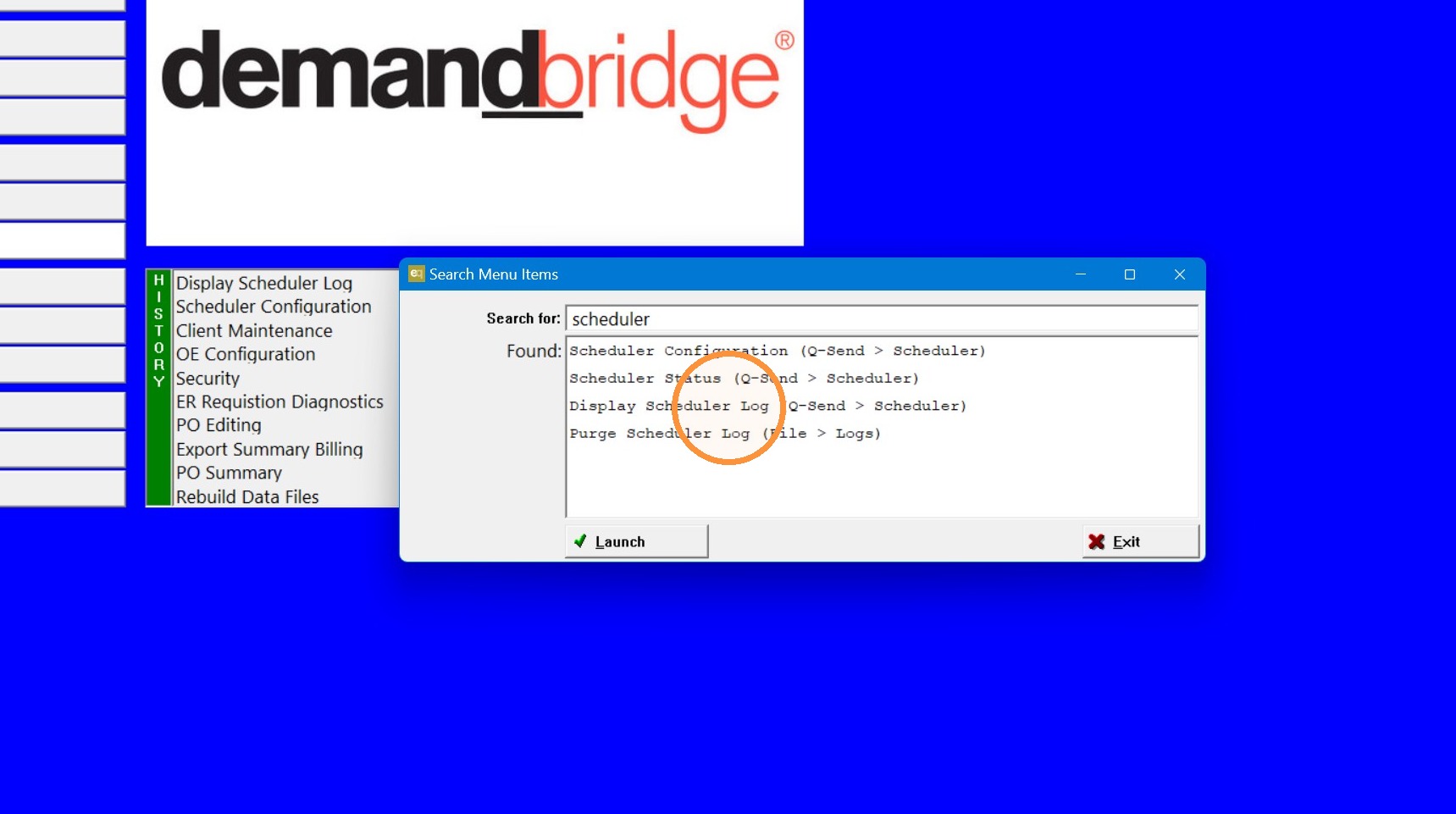
2. Search "Display Scheduler Log" and "Launch".
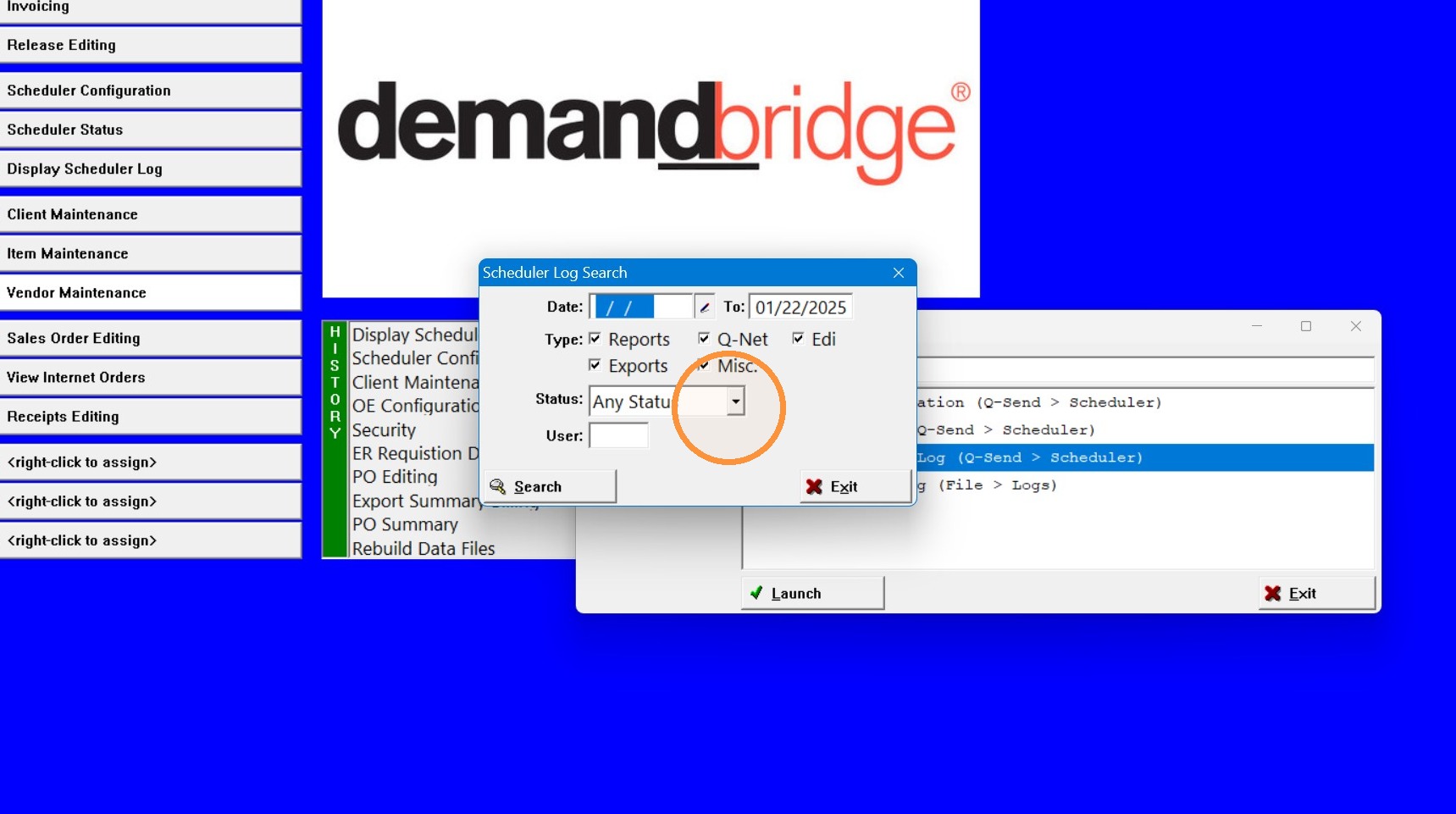
3. Choose Date range, Type, Status, and User (optional). Then click "Search".
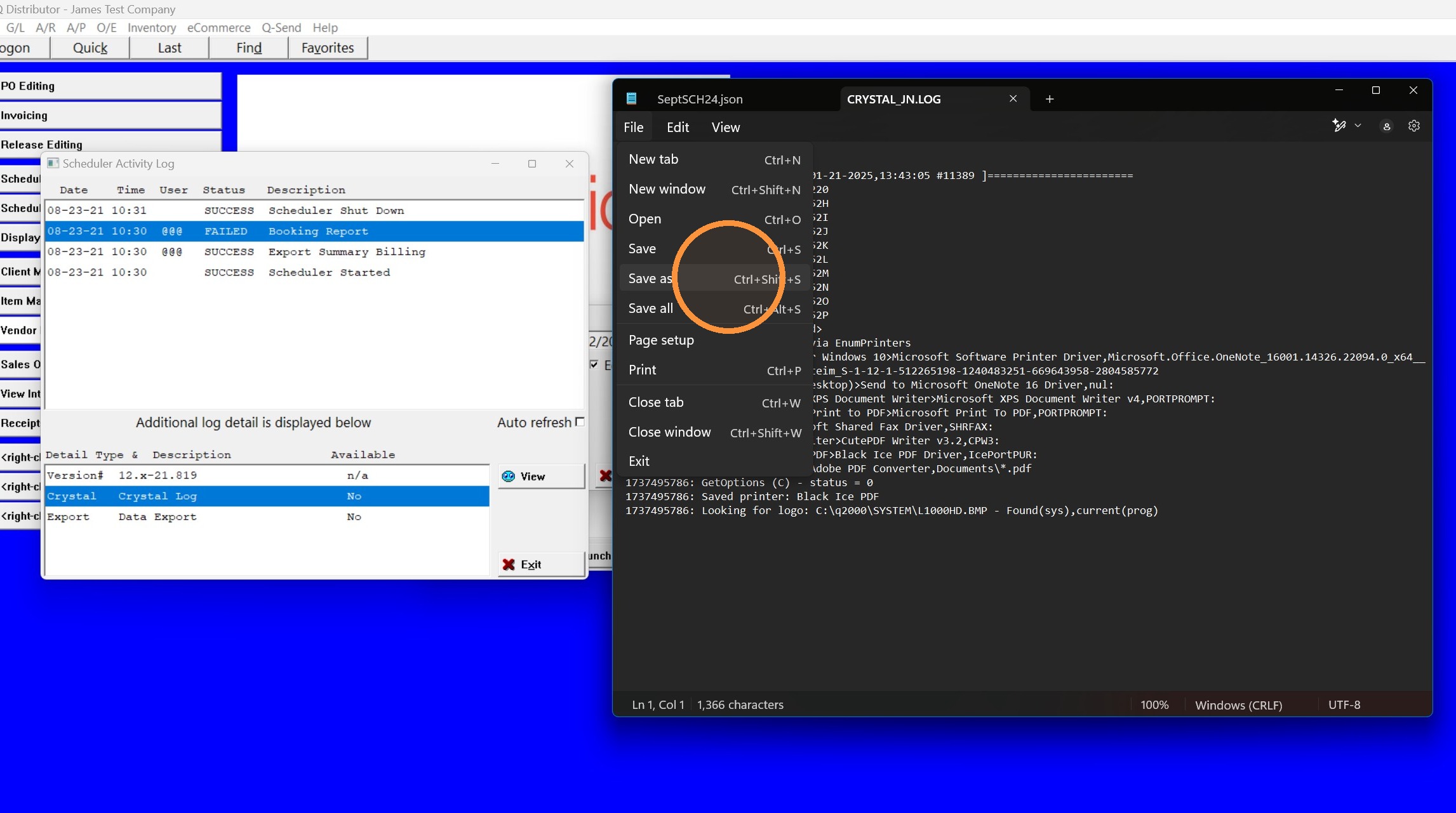
4. If you find the failed report select any logs it is showing (like Crystal Log) and then click "View".
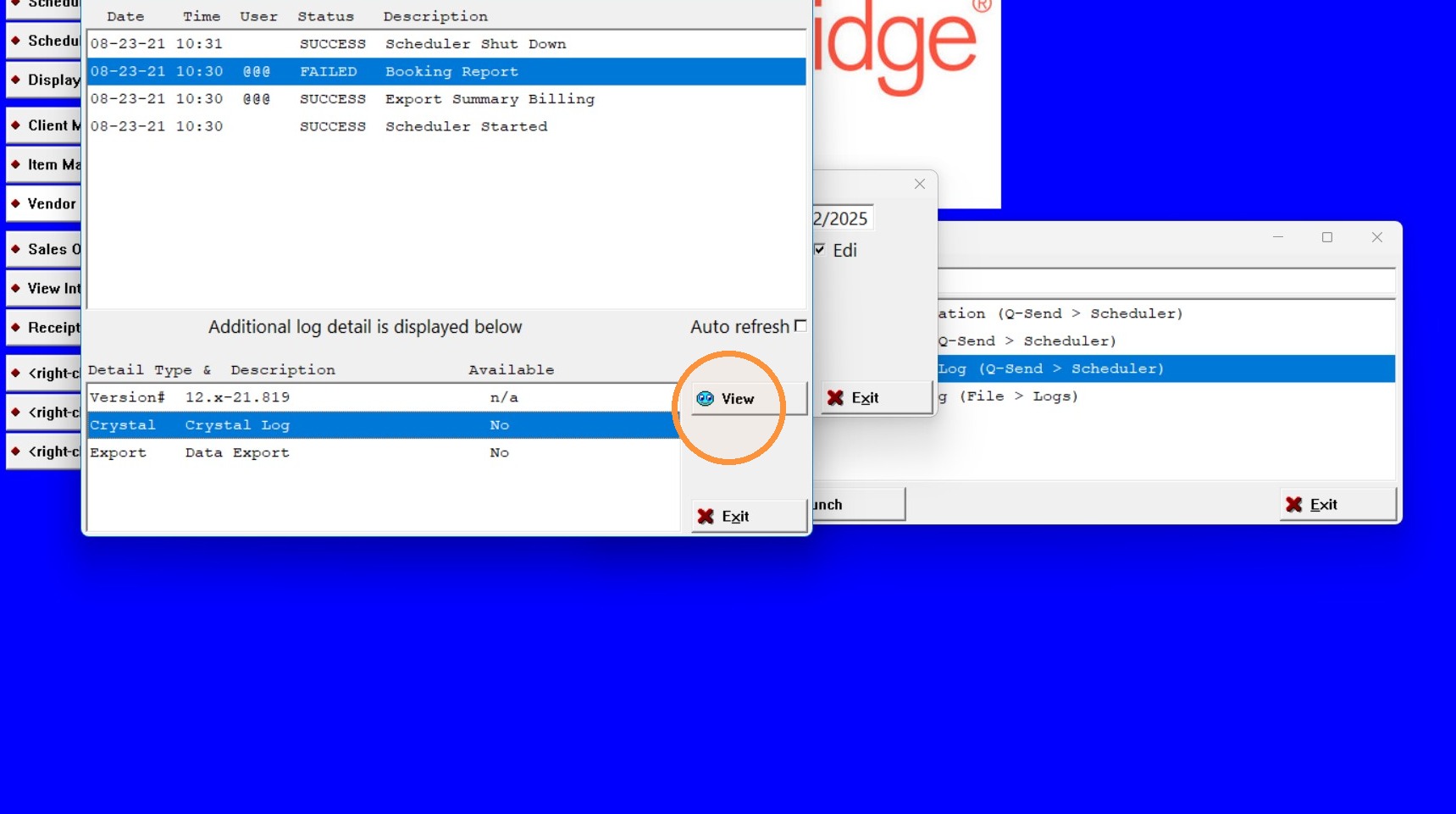
5. When you click "view" it will open the log in a note pad. You can save that log and send it to a DemandBridge support representative if you are working with someone.
Tip: If you have further questions contact DemandBridge support .