EQD: Remote Desktop Connection Using Microsoft Remote Desktop App on a PC
This guide provides instructions for accessing EQD remote desktop through the Microsoft Remote Desktop app.
Alert: Note: You will need your username and password to access the remote desktop.
- This is not the same as your username and password to access the EQD software. This login info is created by DemandBridge. The user name is formatted like: e-quantum\john.smith the password will be a random series of 8 letters numbers and characters.
- If you do not have this login info the only option is to reset the password since we do not keep a record of user passwords. Contact DB support to request a password reset.
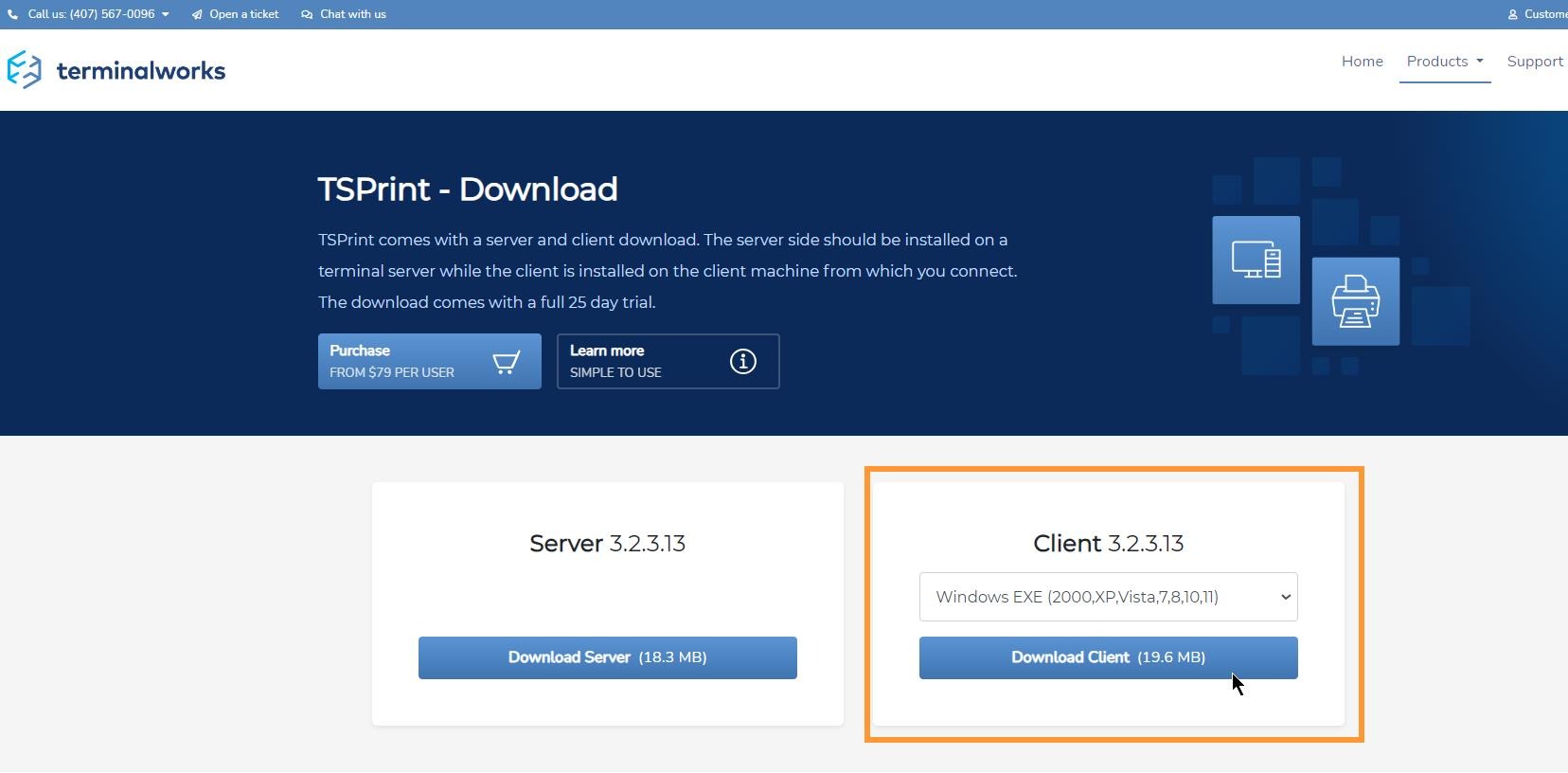
Tip: If you are planning to print from the EQ in remote desktop to a local printer you will need to download and install the TSPrint client .
Tip: Contact DemandBridge support If you have further questions.