EQD: Download Keys
This guide provides the process for downloading keys In the EQ Distributor Software.
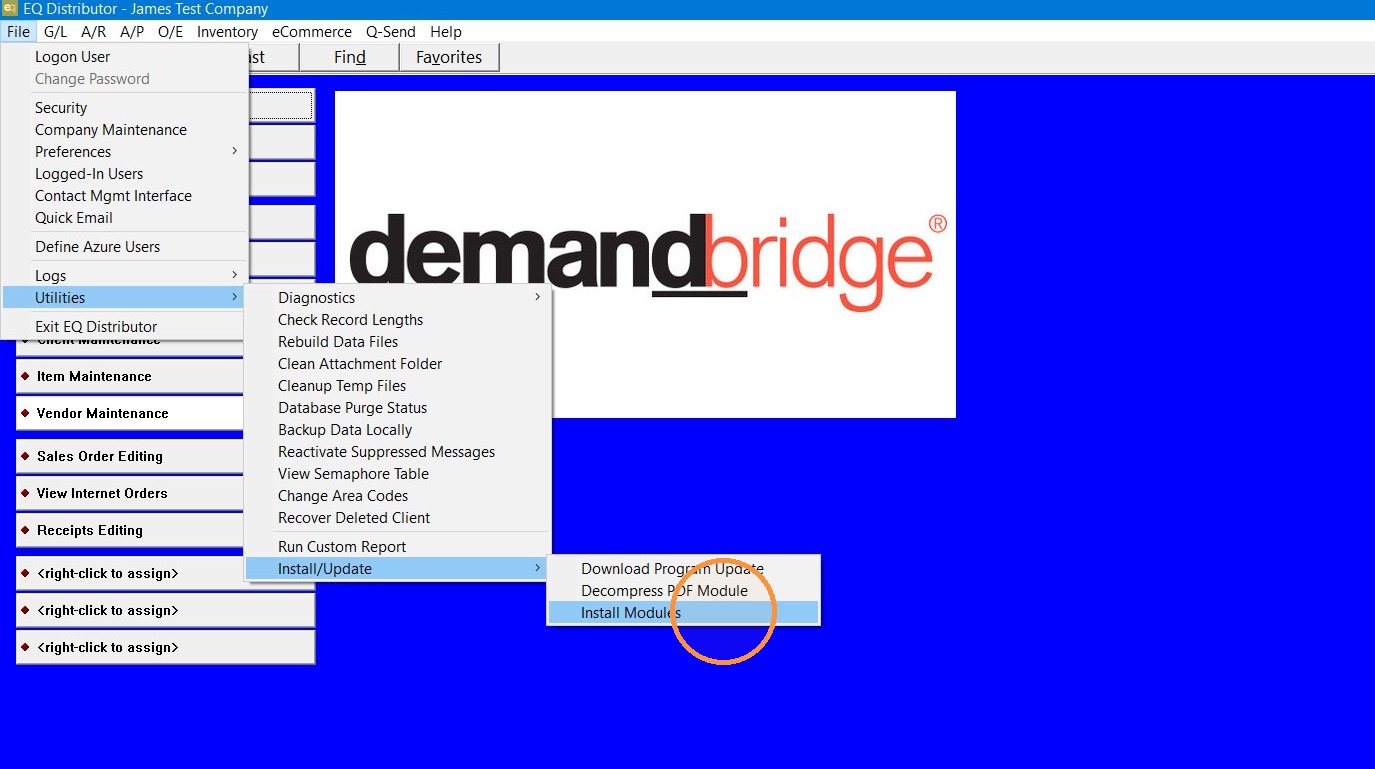
1. Go to File> Utilities> Install update> Install Modules.
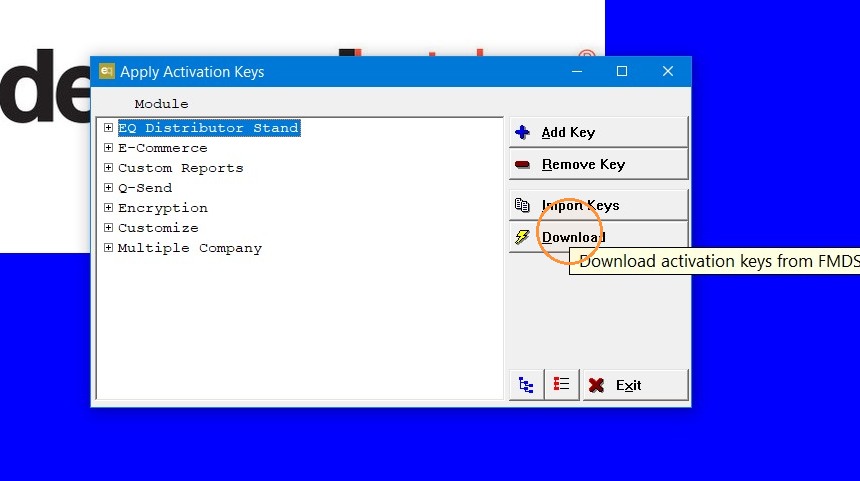
2. Click "Download"
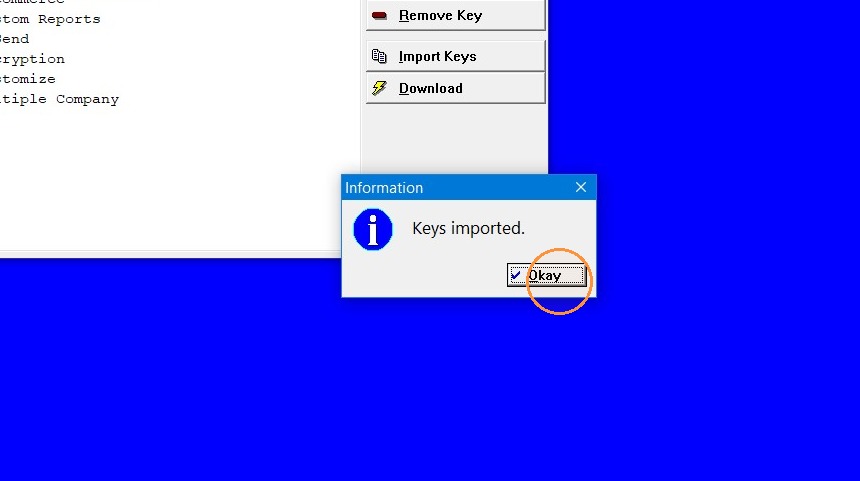
3. Click "Okay"
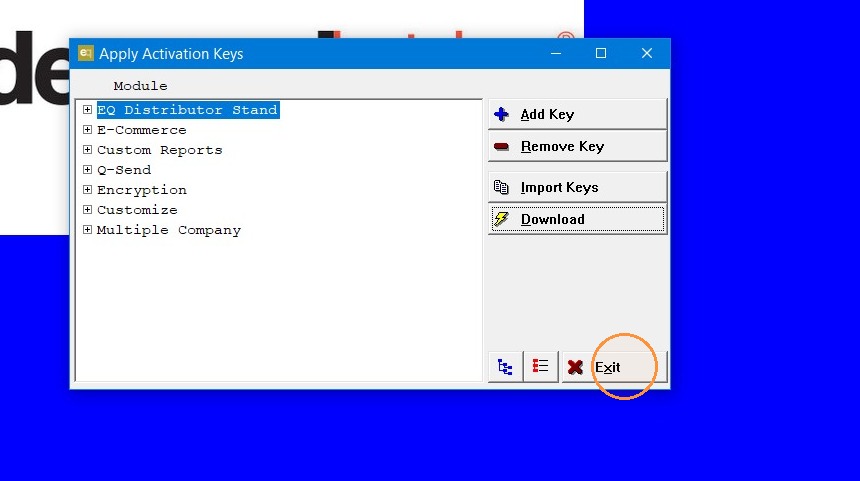
4. Click "Exit"
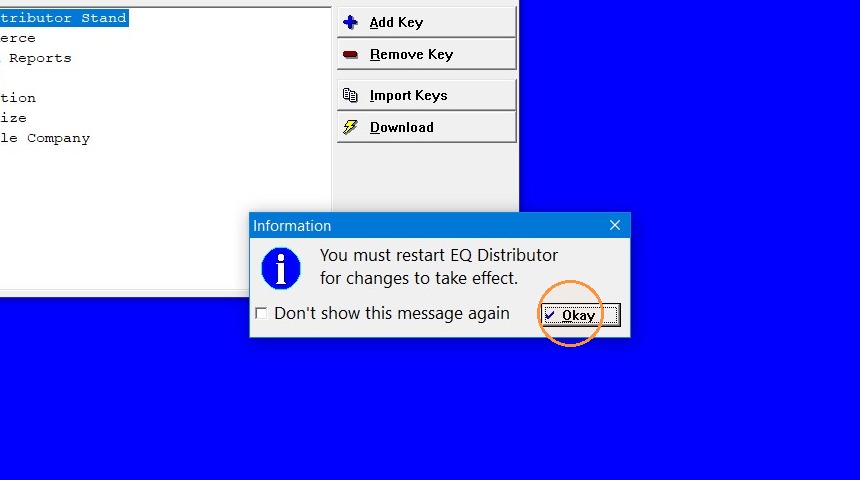
5. Click "Okay". EQ will close and then you can log back in and the keys are up to date.
Tip: If you have any further questions contact DemandBridge support.