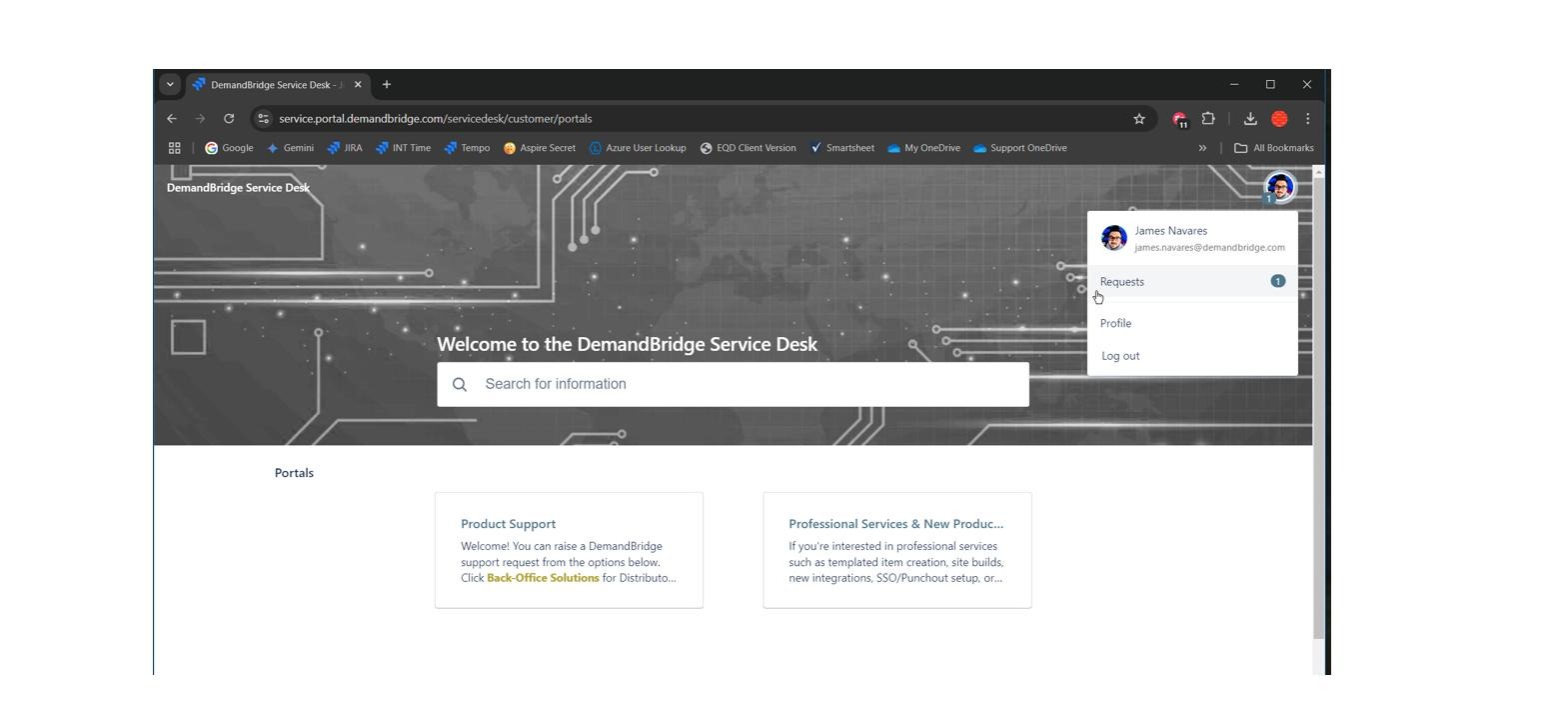
EQD: Schedule EDI File Import
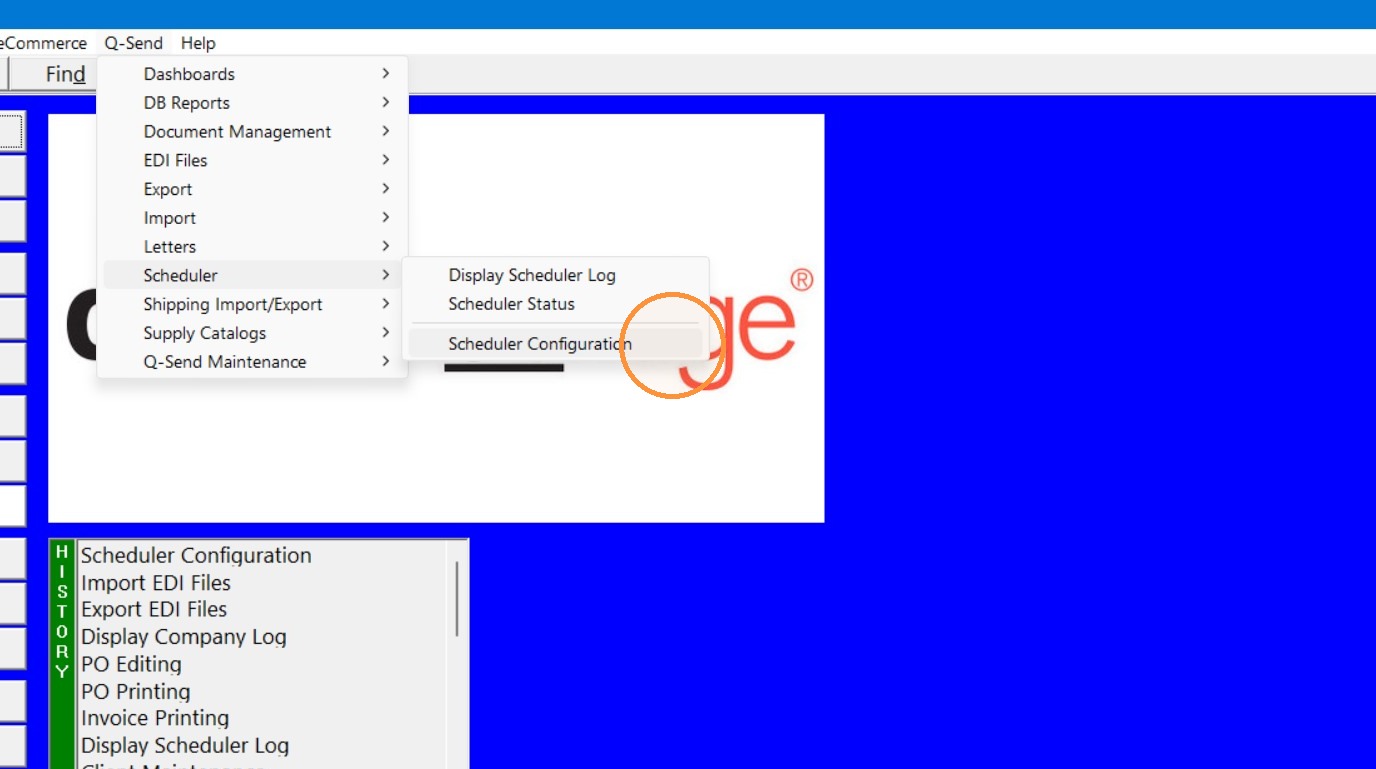
1. Open "Scheduler Configuration" (Q-Send> Scheduler> Scheduler Configuration
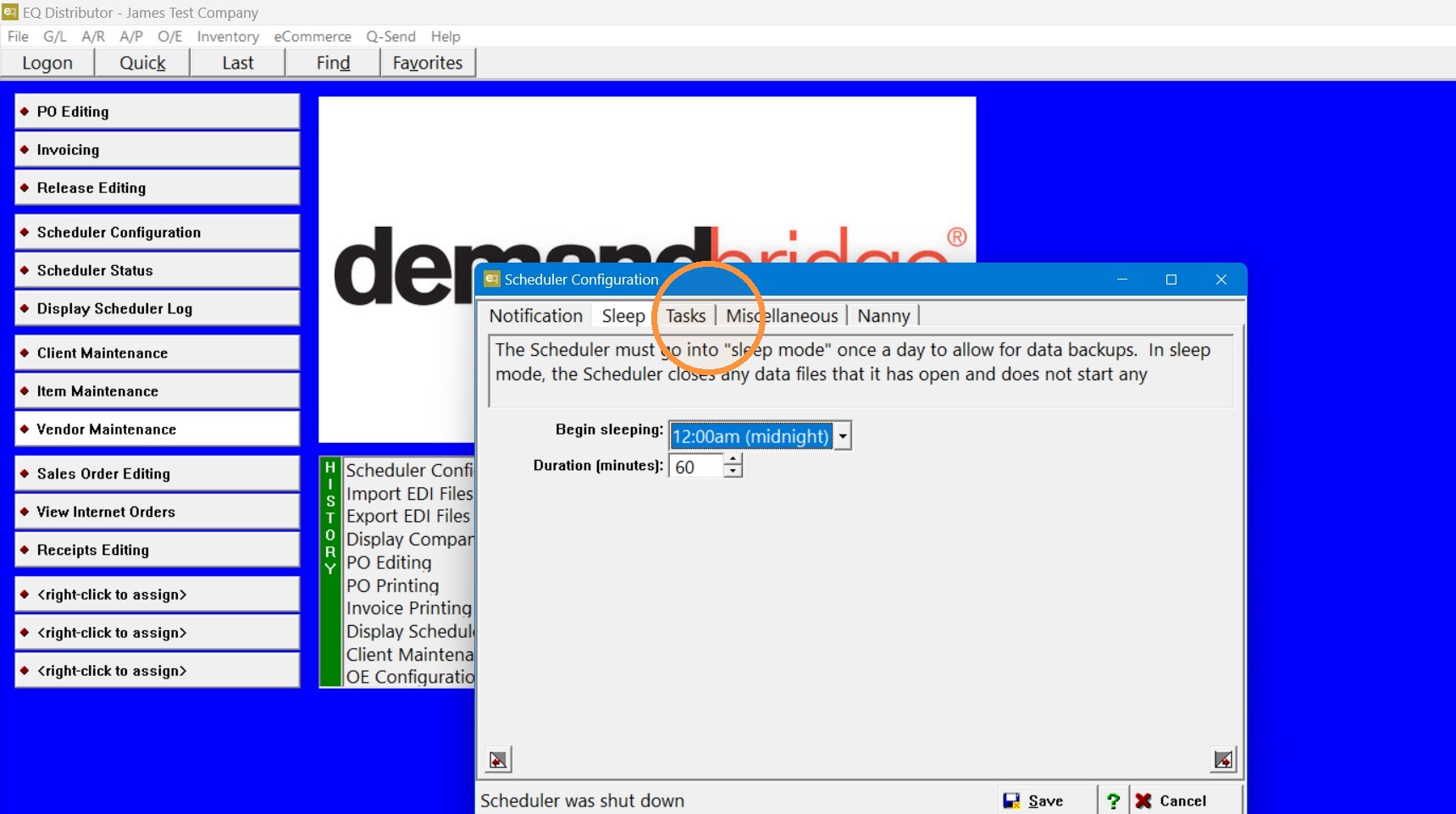
2. Go to the "Tasks" tab.
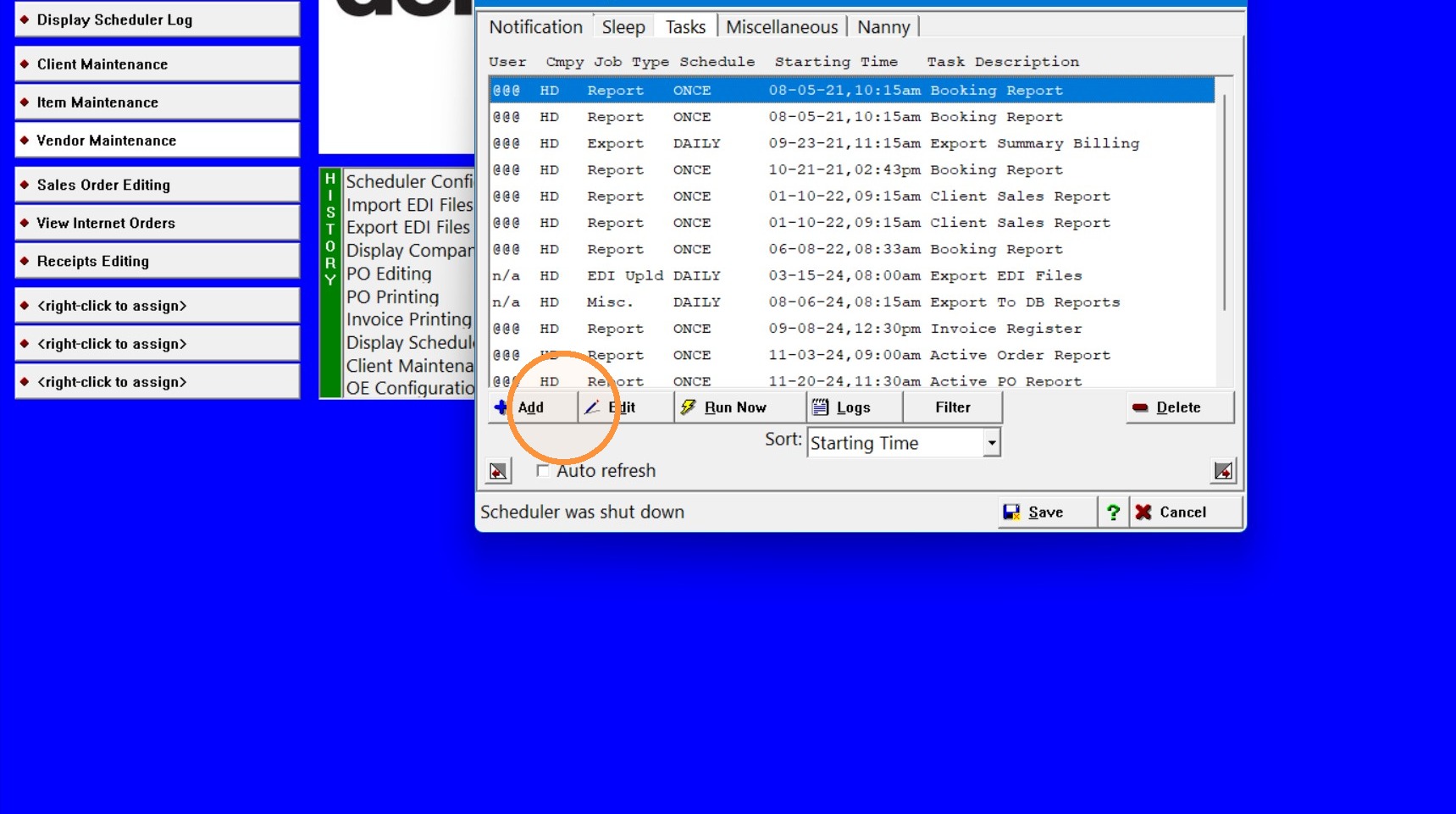
3. Click "Add"
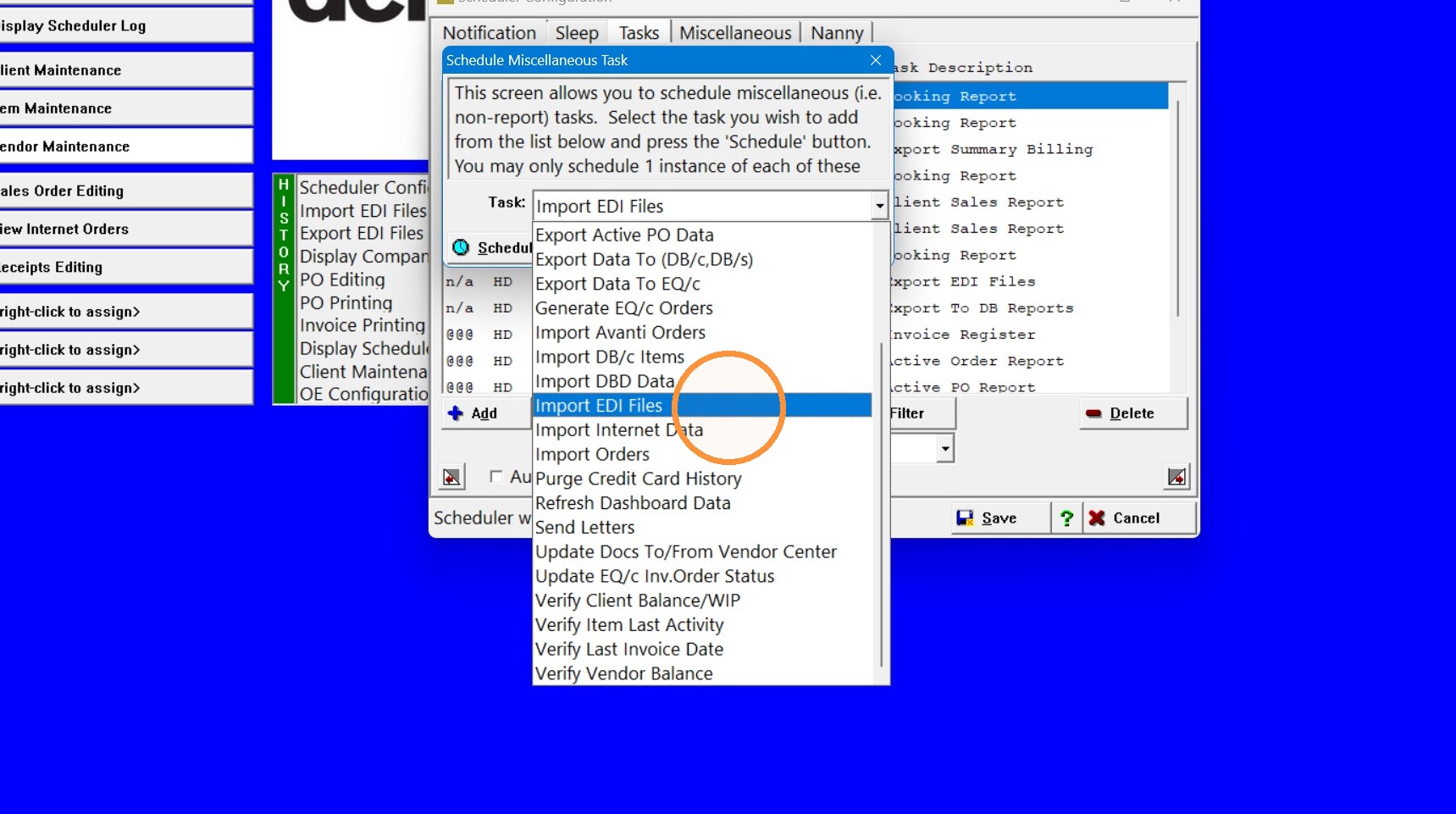
4. In the "Task" drop-down choose "Import EDI Files".
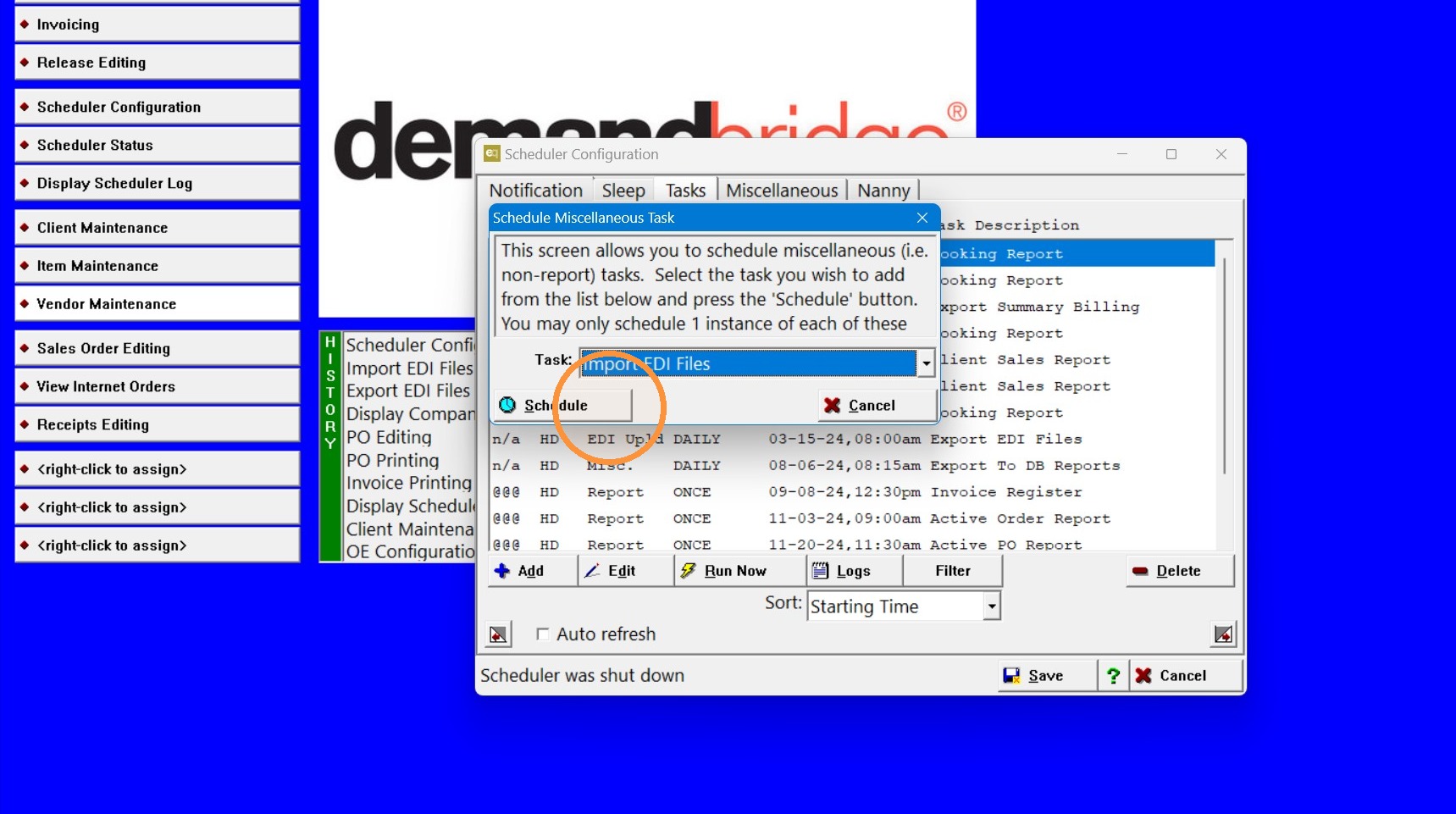
5. Click "Schedule"
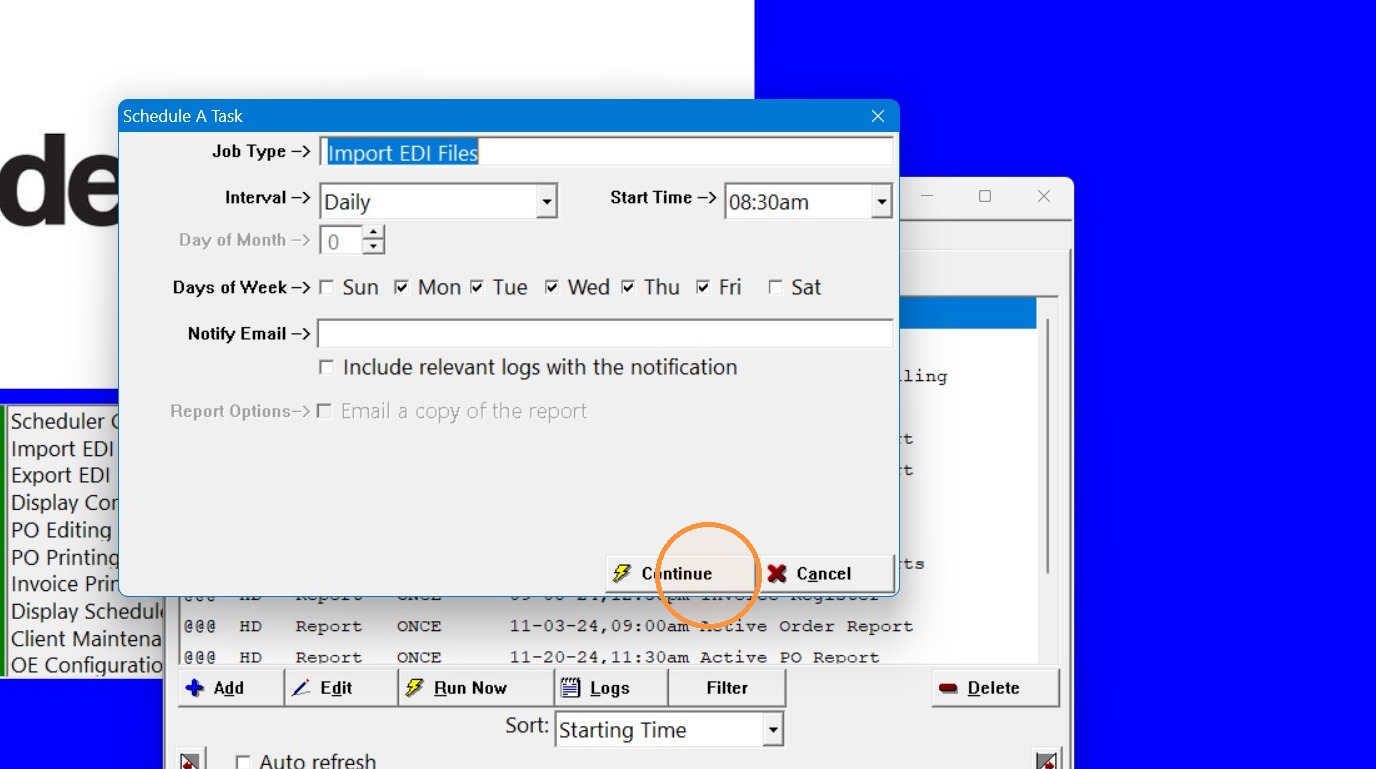
6. Choose your schedule preferences then click "Continue".
Tip: If you have any questions contact DemandBridge support