EQD: How to Print EDI Log
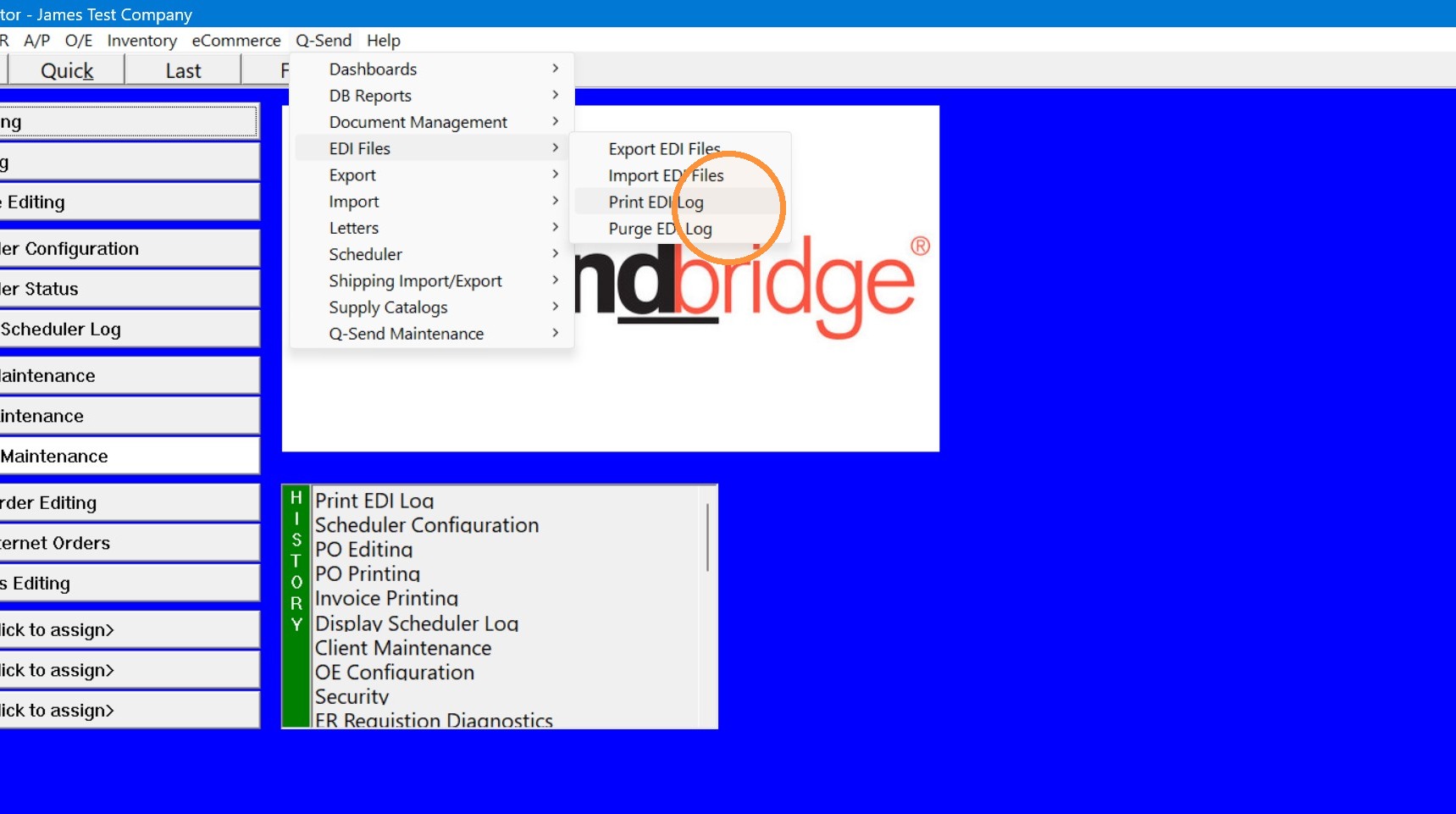
1. Search "Print EDI Log" in the find or go to Q-Send> EDI Files> Print EDI Log.
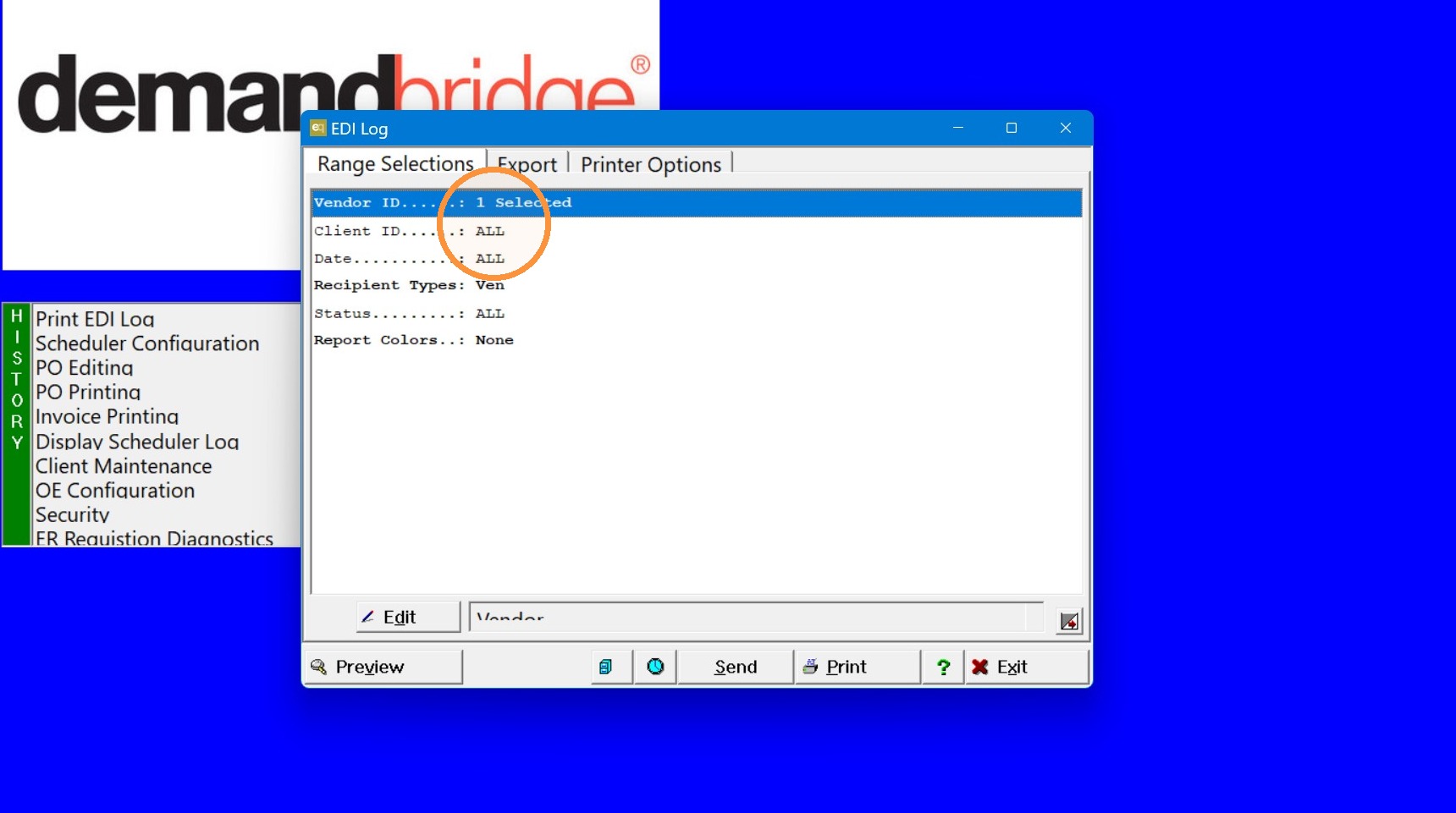
2. Choose you range selections.
Note: it is best to narrow it down by a particular Vendor, Client, or Date so the log is easier to navigate.
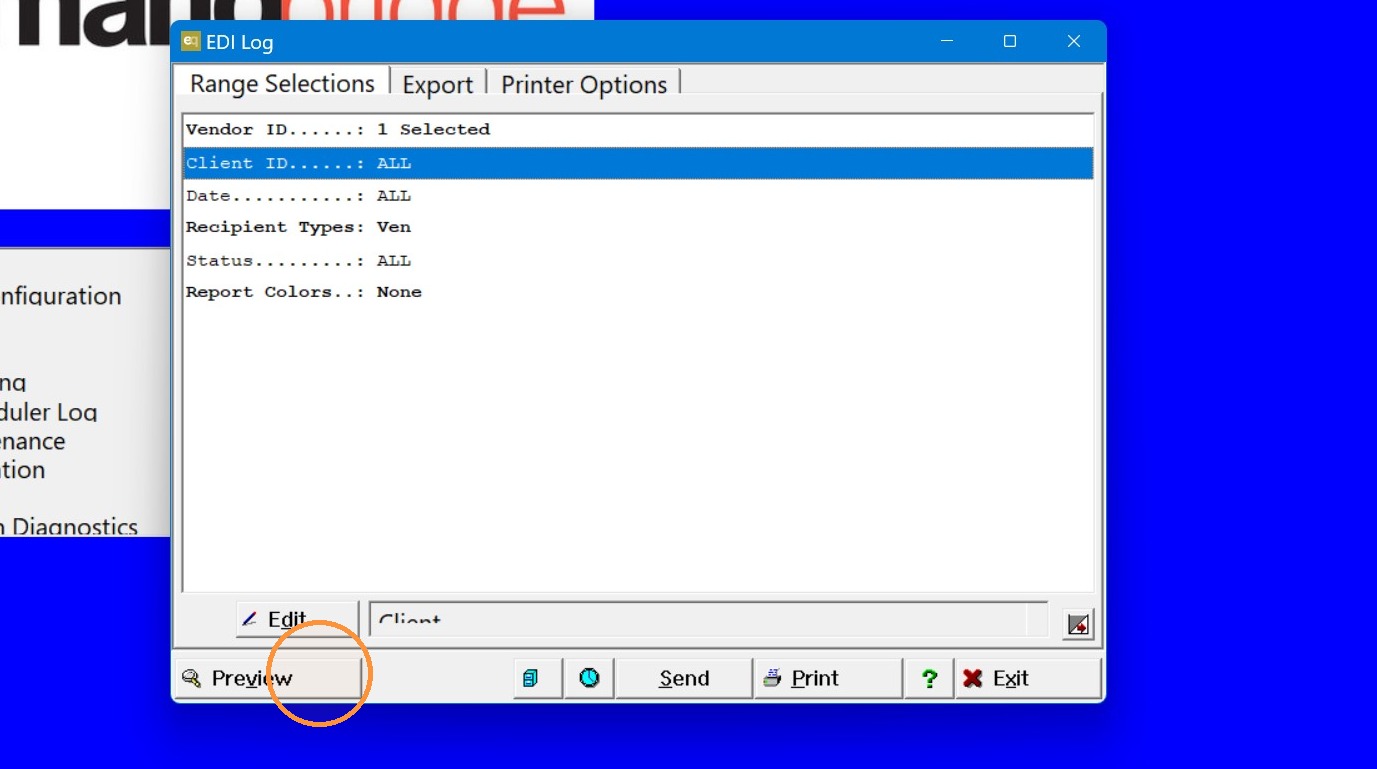
3. Click "Preview" once you have chosen your range selections.
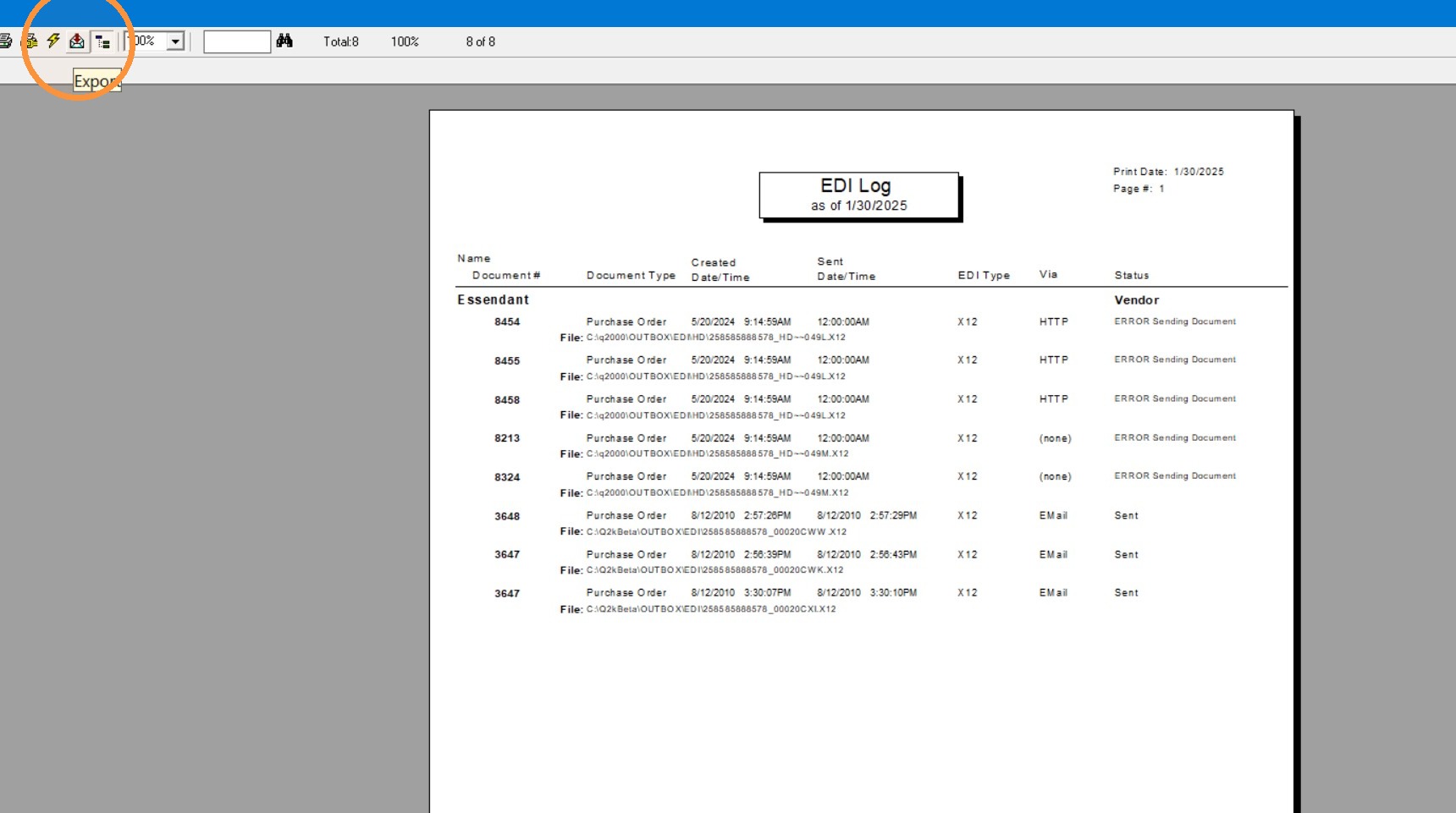
4. If needed you can export this as a PDF by clicking the icon that is an envelope with a red down arrow.
5. Click "OK"
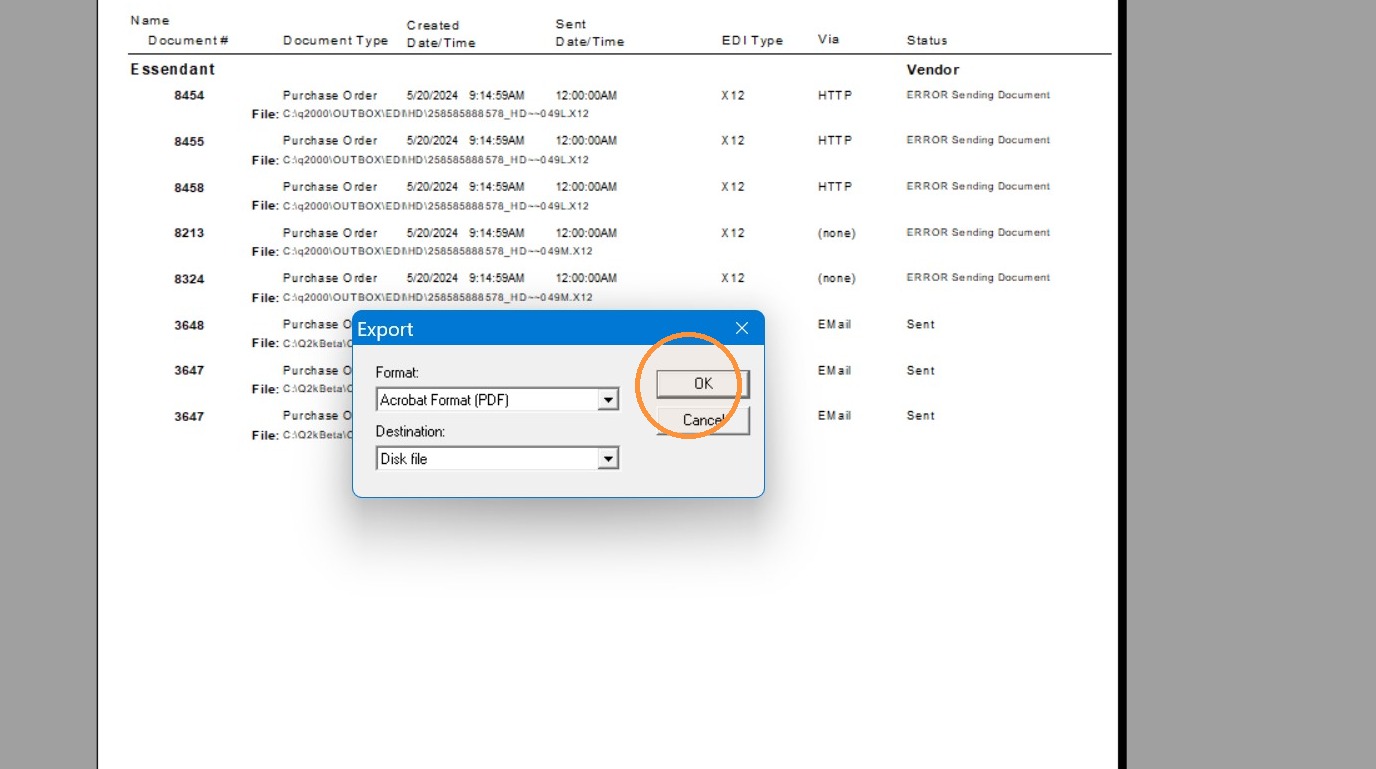
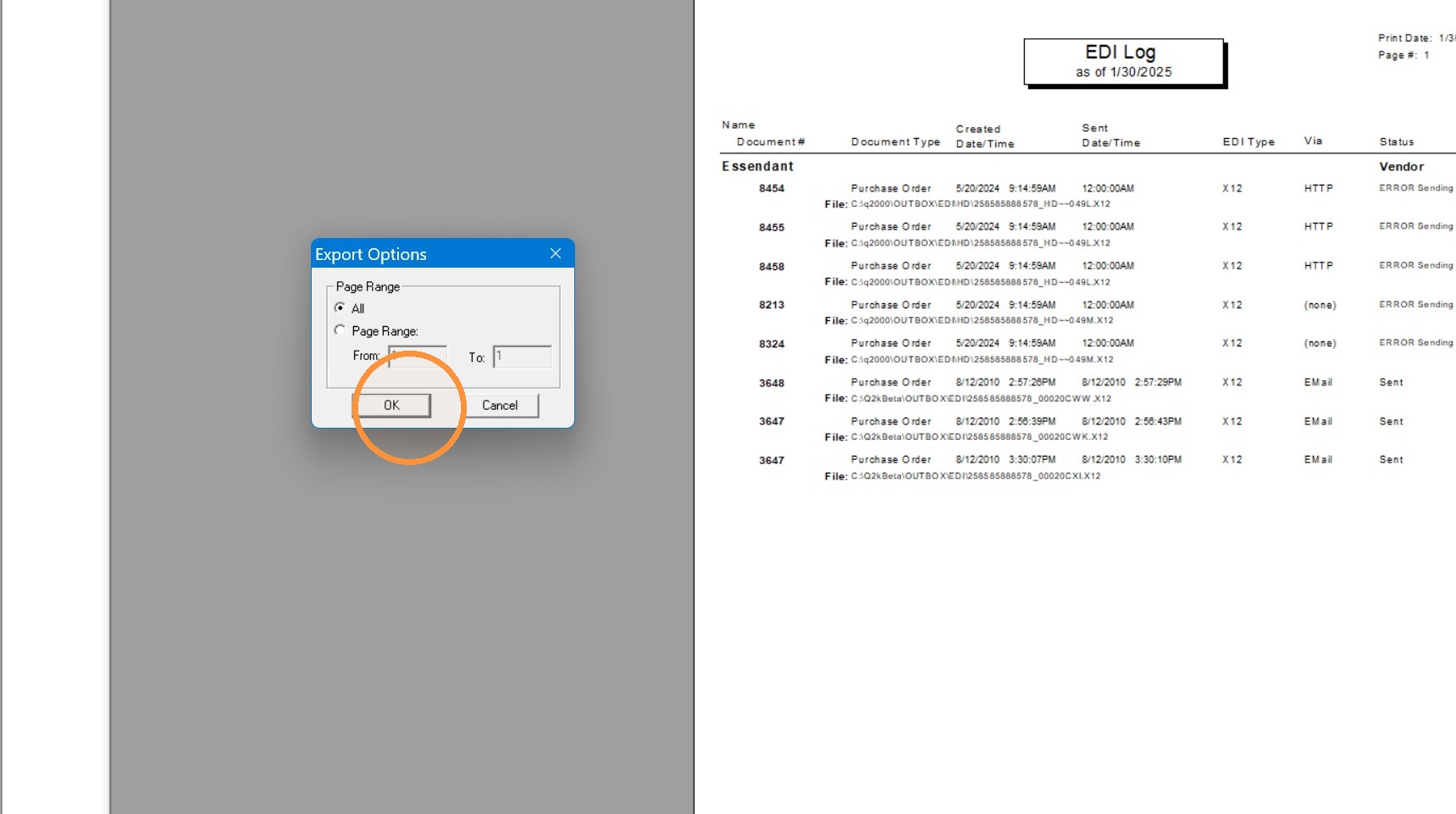
6. Click "OK"
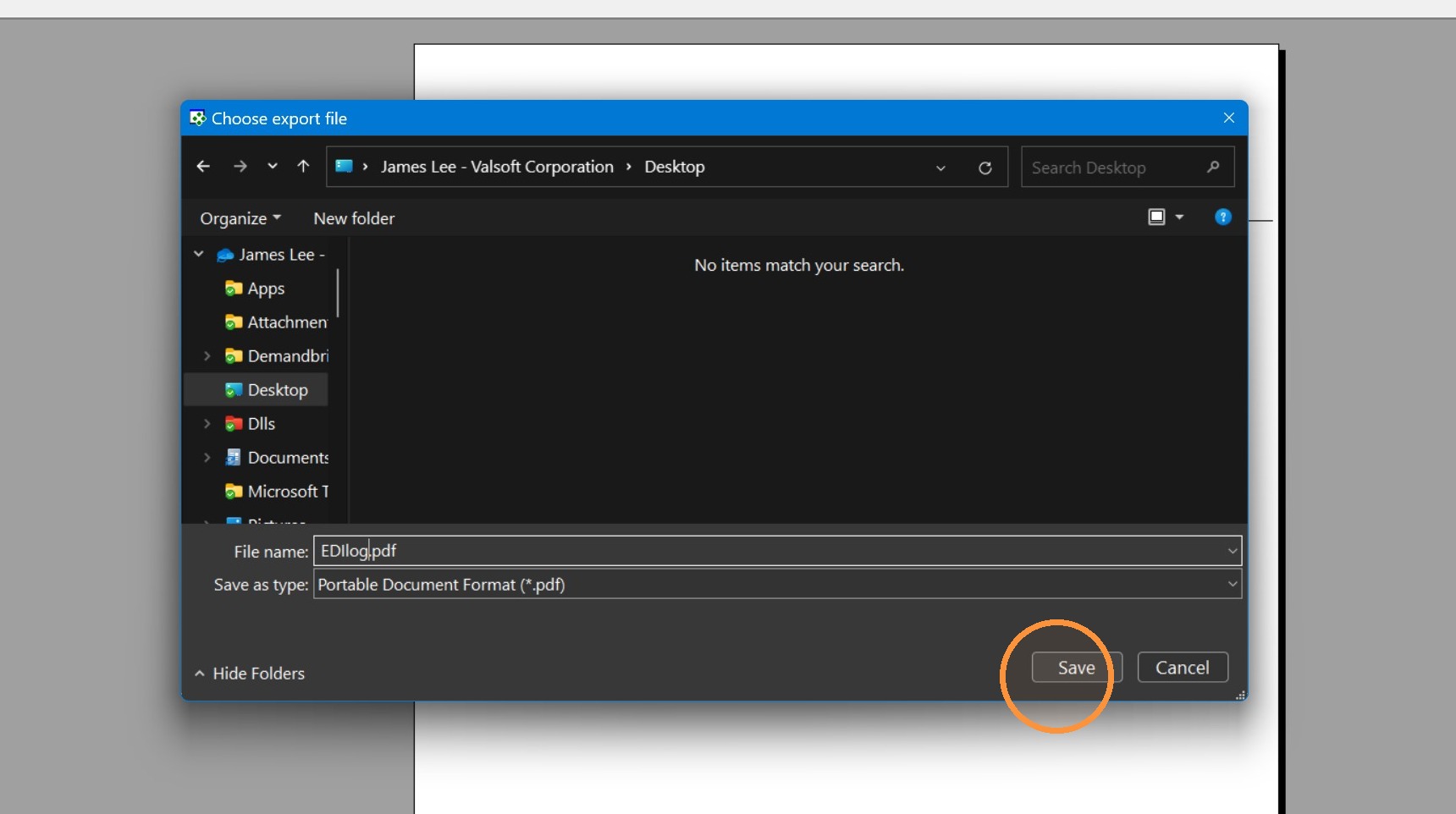
7. Name the file and "Save".
Tip: If you have further questions contact DemandBridge support