EQC: Q-Design Scale to Fit
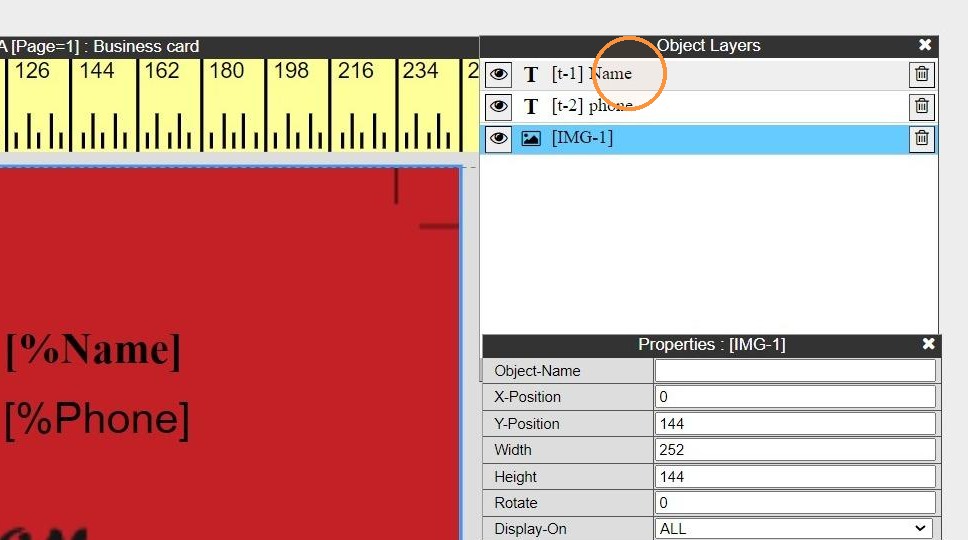
1. Select the object to apply scale to fit
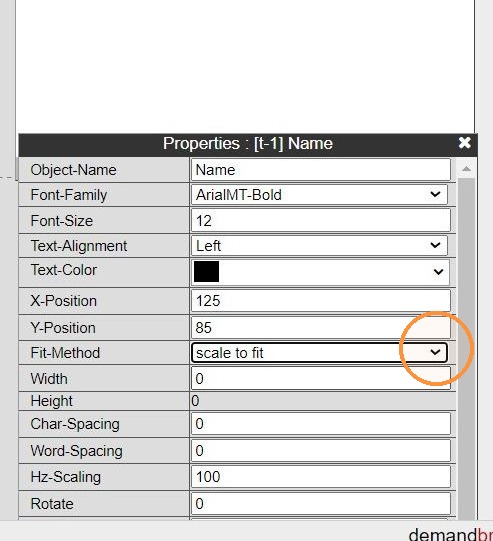
2. In the properties area Fit-Method: Select Scale to fit
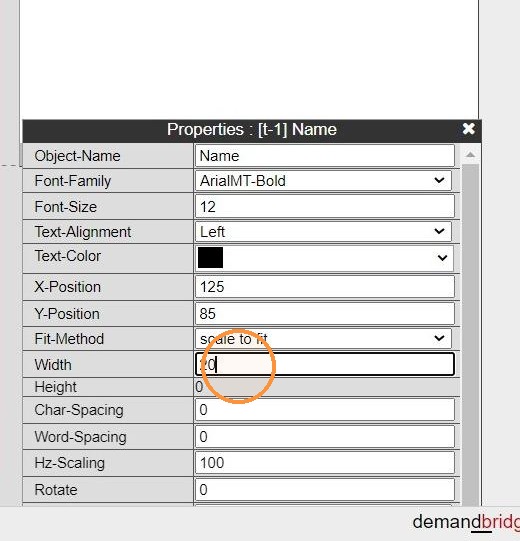
3. Width: this needs to be the maximum width in pixels before the end text will start to reduce size field.
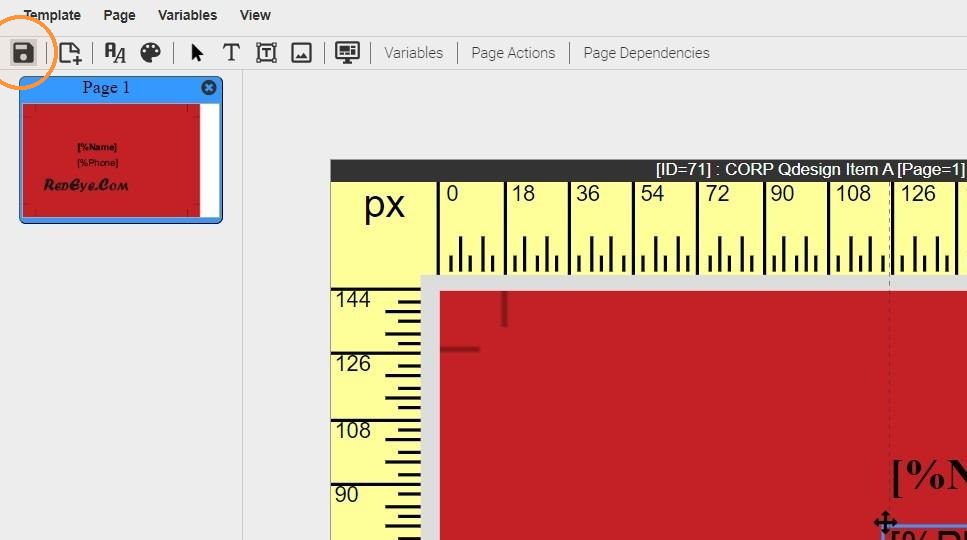
4. Save the change
5. Test Template
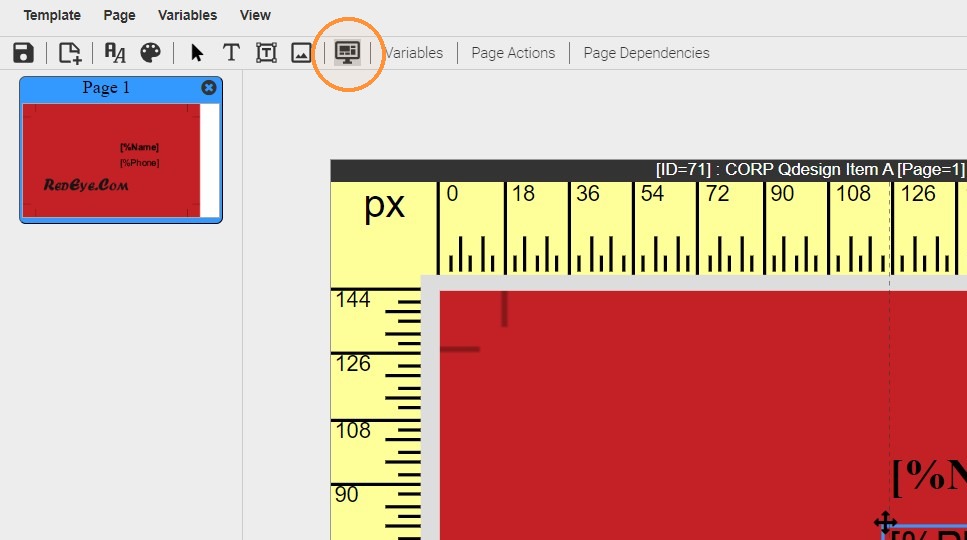
6. Enter text that does not exceed your limit and preview
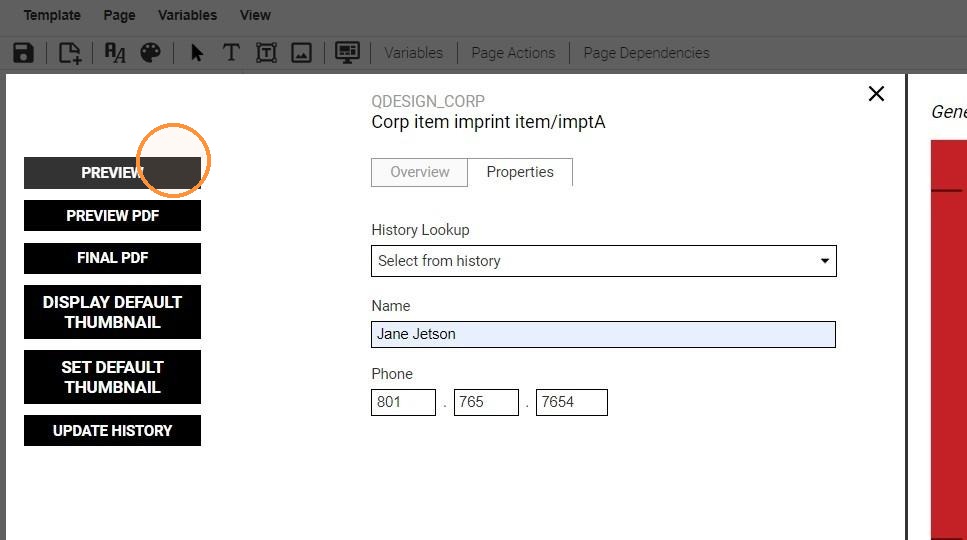
7. Enter text that will exceed the width requirement and preview
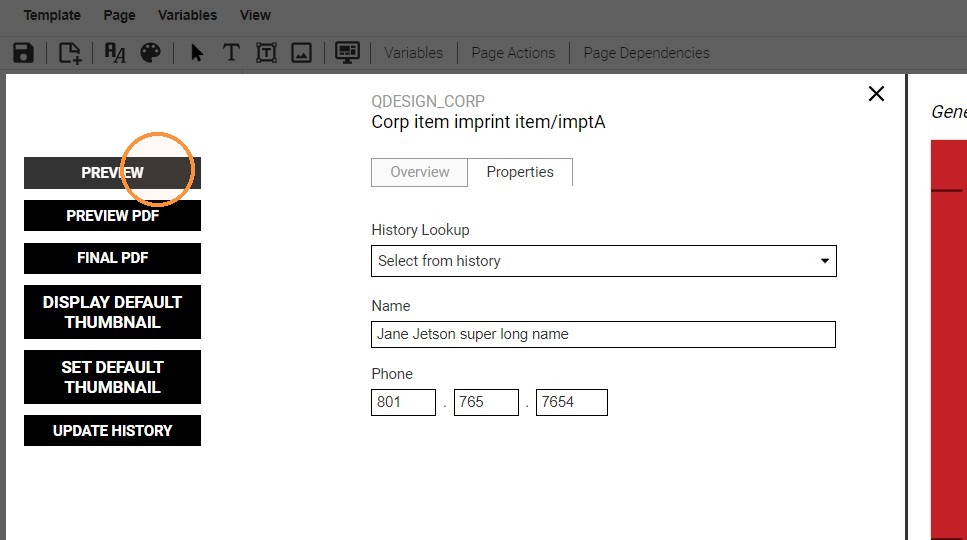
8. the text should reduce to fit with the designated width