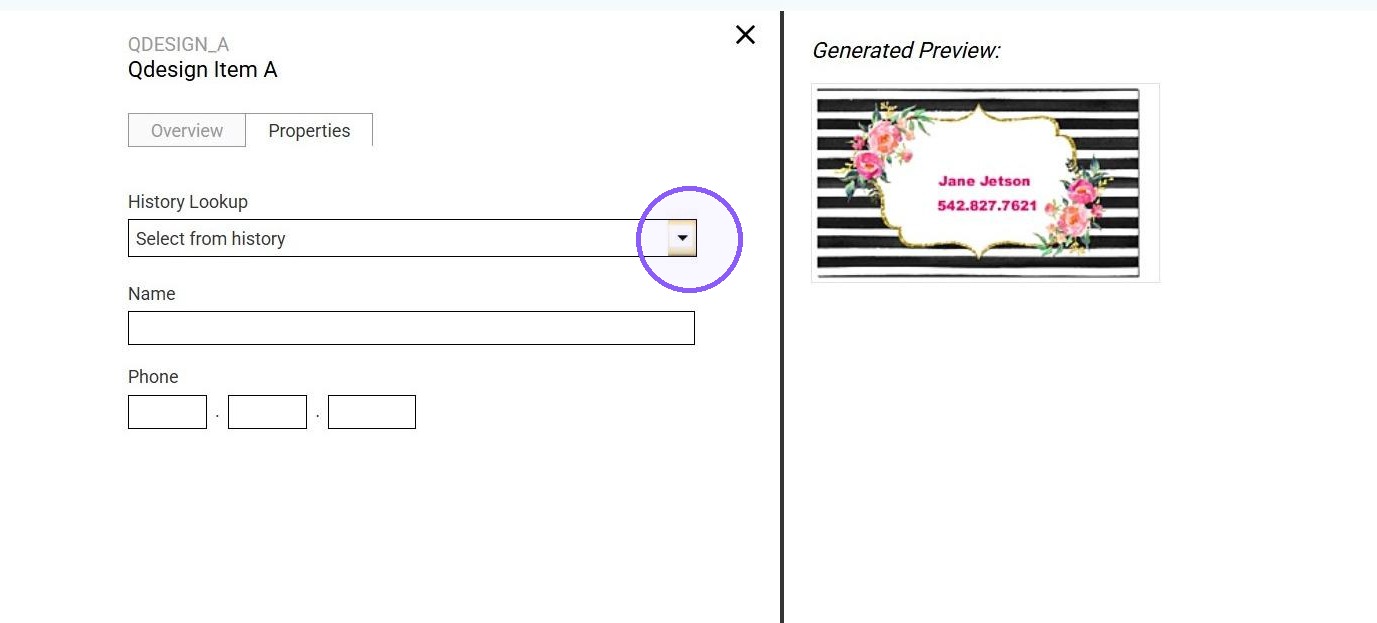
EQC: Q-Design Removing a user from template history
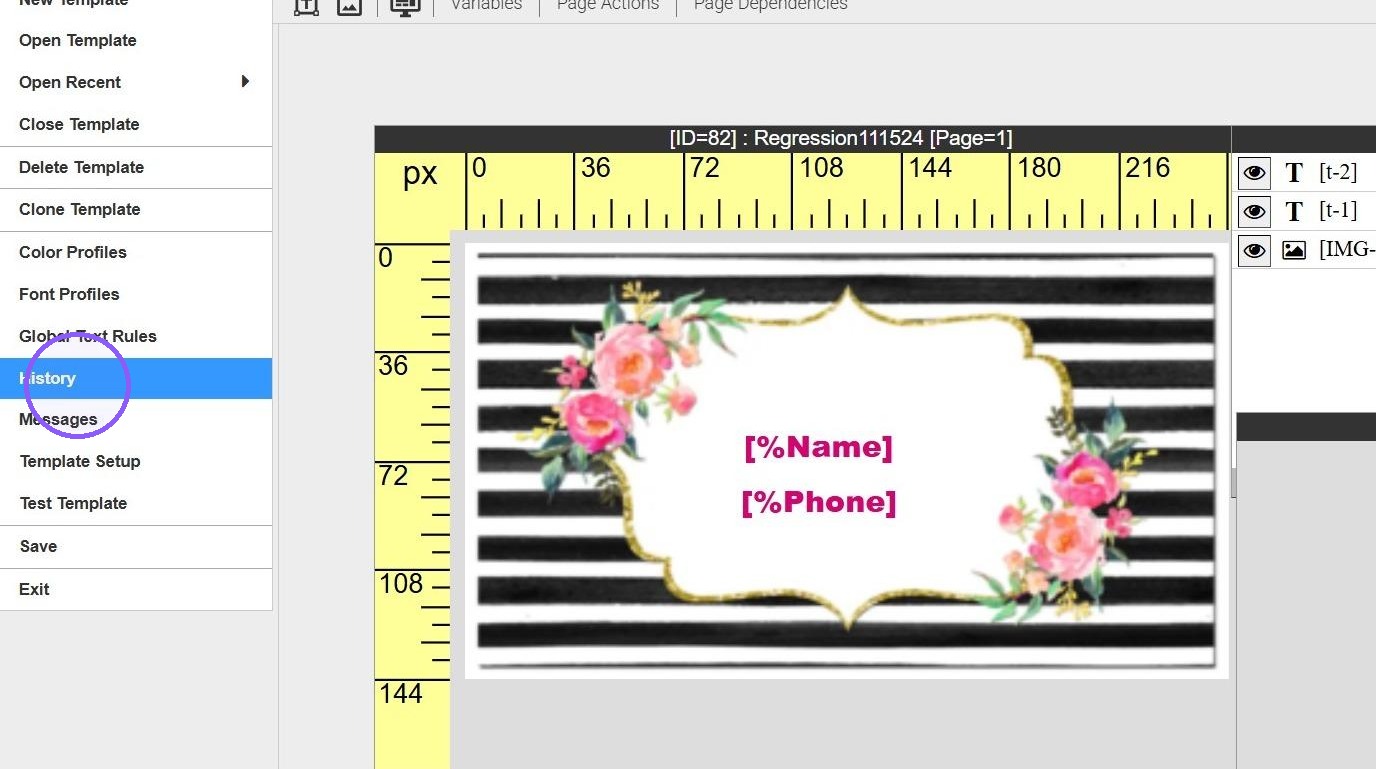
1. Open Template > click on template > history
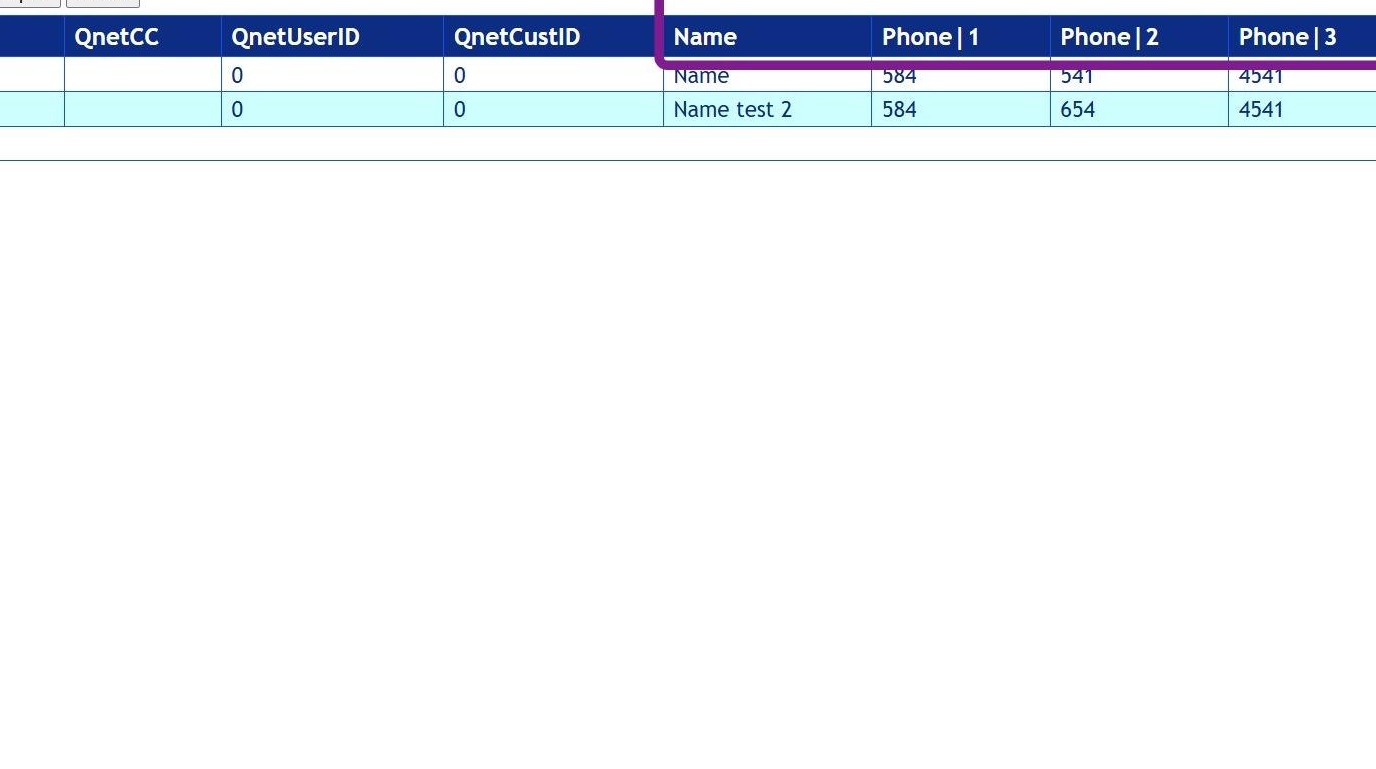
2. Template History View/Export will include the list of the history's saved by the enduser.
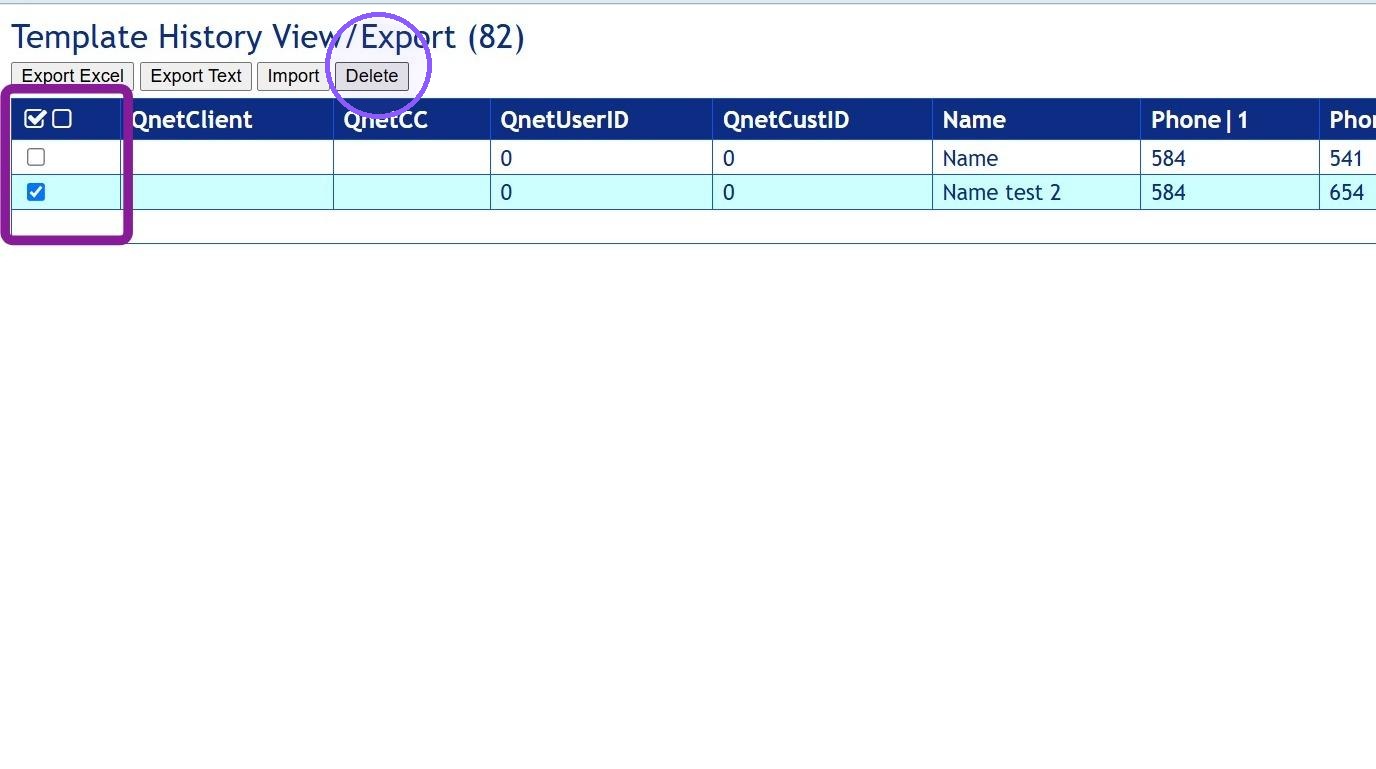
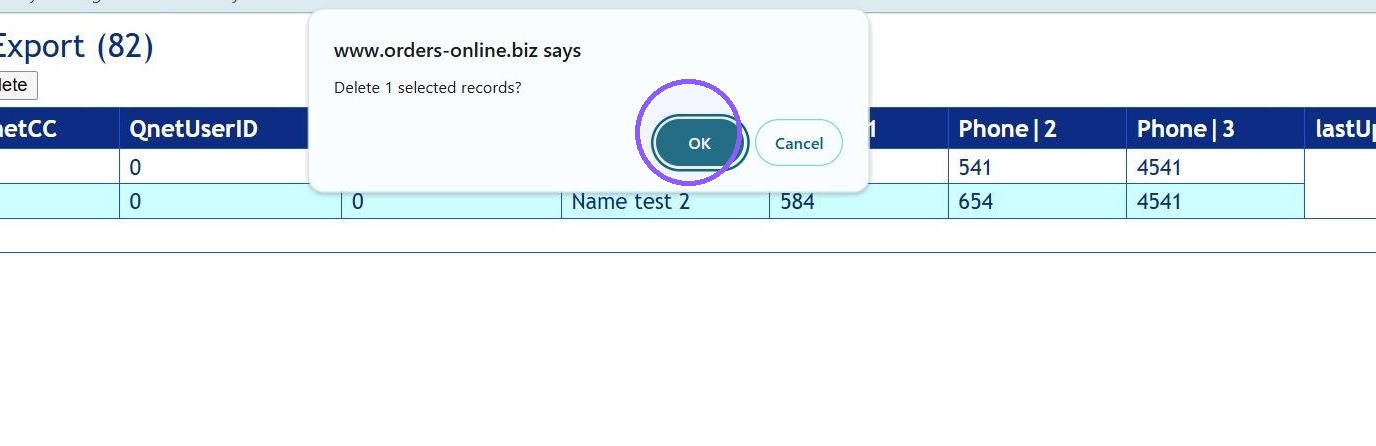
3. Place a check in box for the line that needs to be deleted, then click delete
4. A message will populate to confirm the number of selected will be deleted. Clicking OK will remove those items permanently, they can not be restored.
tip... Export file and save before making changes. Then you would have a copy to refer back to if needed.
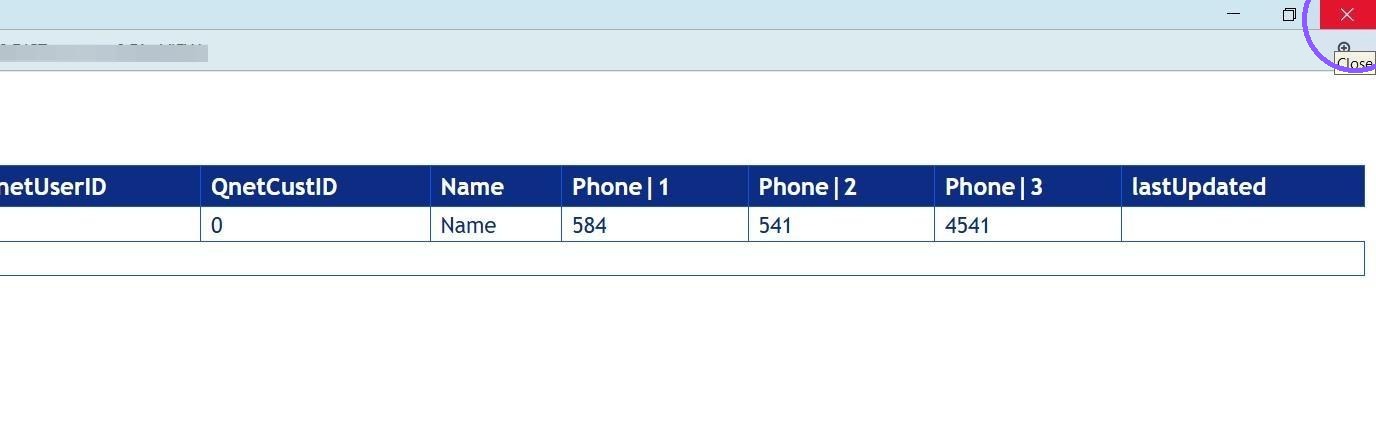
5. Click "Close"
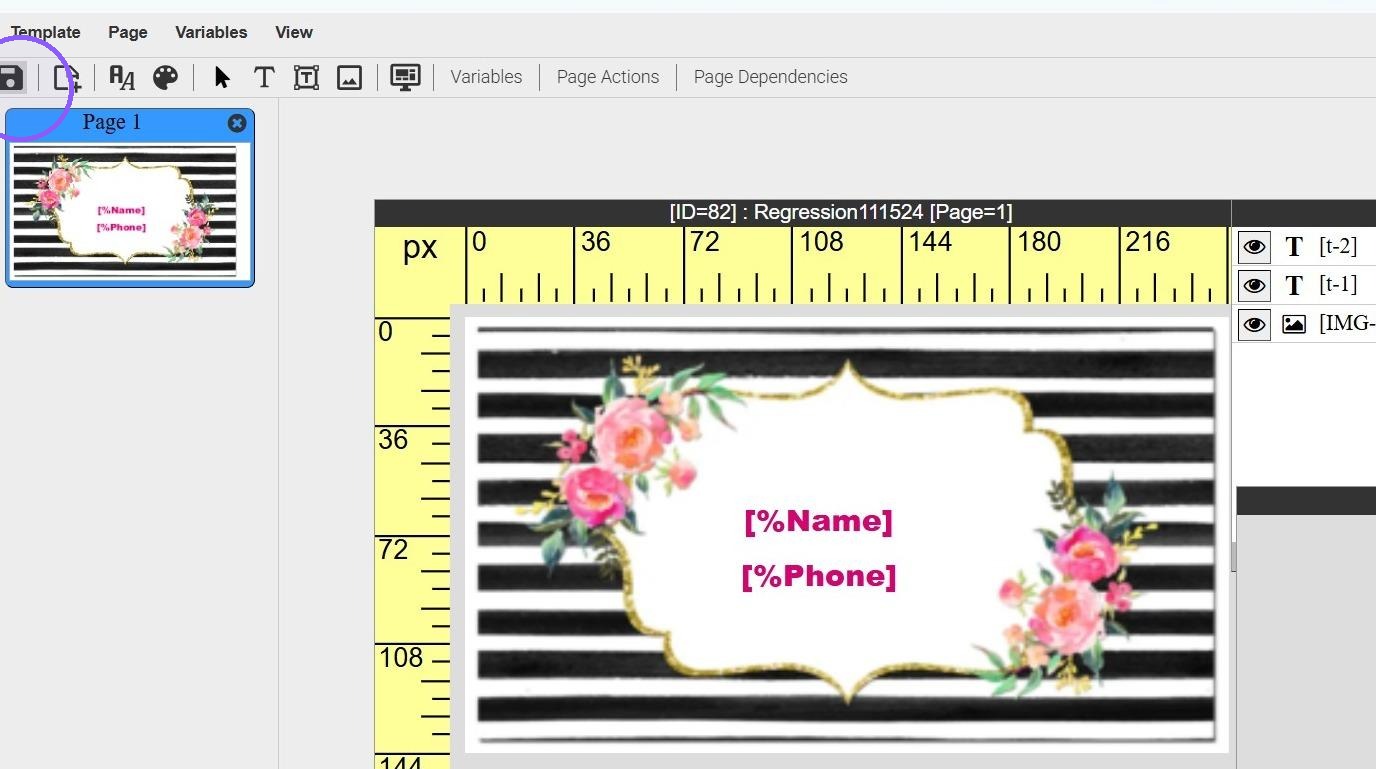
6. Save your changes
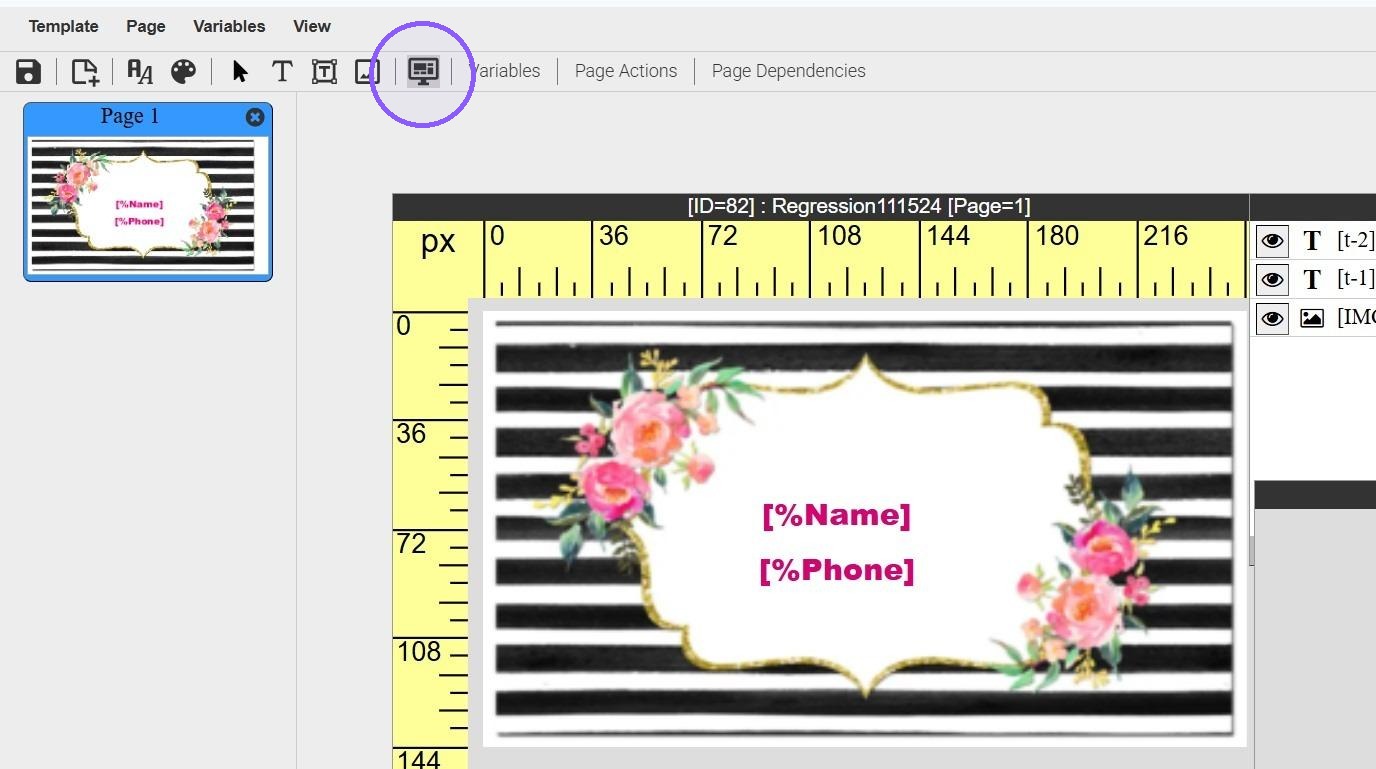
7. Preview template to verify the change has been made correctly
8. The deleted names should no longer be in the History Lookup drop down