DBC: Distributor Administration - Companies
OVERVIEW
The Company Administration area serves as the central hub for configuring and managing all aspects of a company within the platform. The settings and permissions found here determine how each company is structured, presented, and operated across the site.
Within this area, administrators can manage the following:
- Set the company's site URL and establish the foundational settings that define how the site is accessed and identified. Upload a company logo to ensure consistent branding throughout the site.
- Configure the email information used for site communications, including sender details and notification settings.
- Upload and manage media files that can be used across the site, such as images and other assets.
- Define and control what users and groups are able to access and perform within the site.
- Configure retail-specific options to tailor the site's behavior to your company's needs.
- Set up and manage users who require access to the site, including assigning appropriate roles and permissions.
Together, these settings provide administrators with full control over how a company is configured and how its site operates.
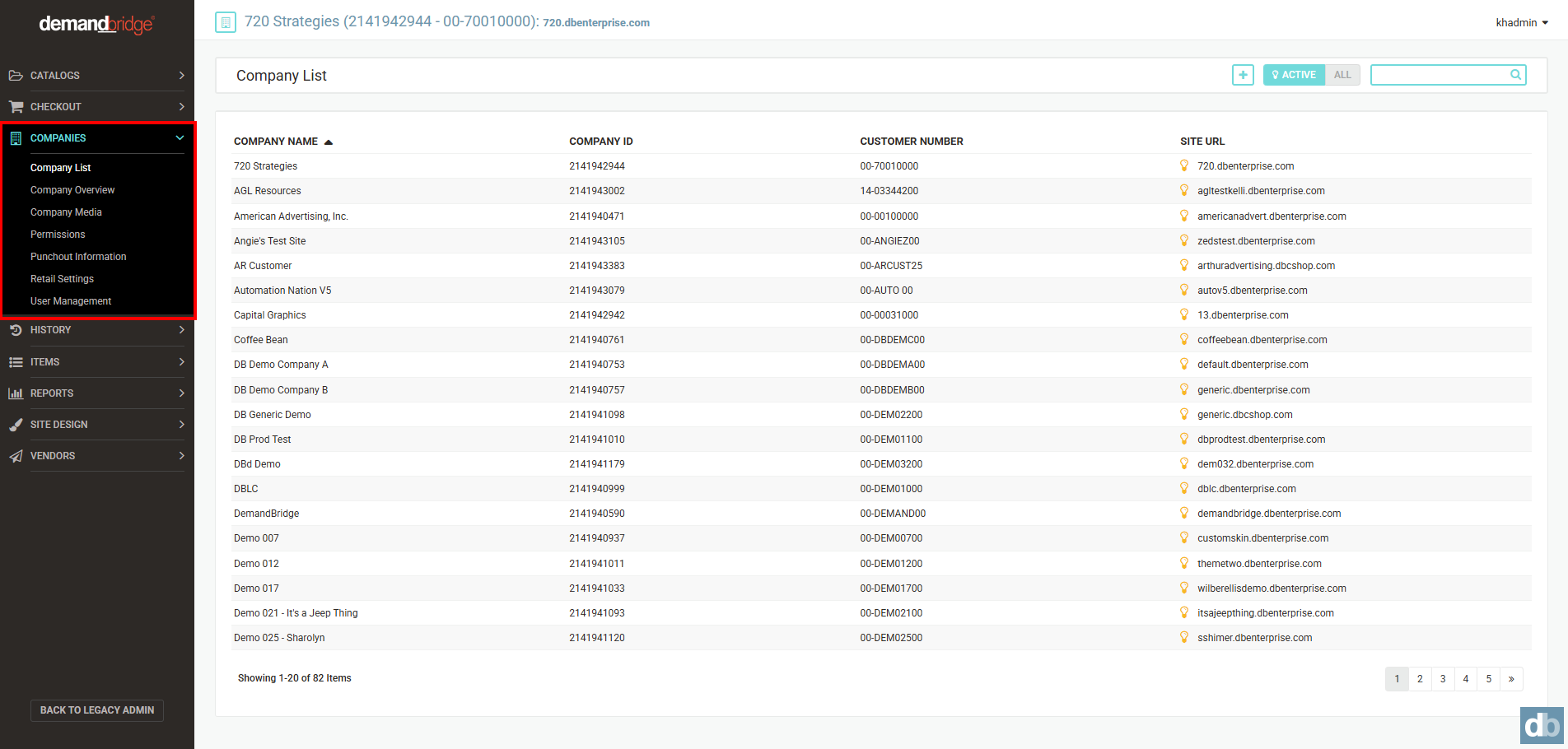
The company permissions consist of:
- Company List
- Company Overview
- Company Media
- Permissions
- Punchout Information
- Retail Settings
- User Management